When comparing Dell Storage disk types and performance, the biggest mistake is evaluating every drive only by capacity or cost per TB. The short answer is this: in the March 18, 2026 context, low-latency production workloads usually belong on NVMe-based flash, while capacity-dense environments may benefit more from QLC-based flash or HDD-oriented platforms. This guide is written for teams that want to align Dell Storage media choices with actual workload behavior.
This guide is especially for:
- storage and virtualization administrators
- datacenter planning teams
- IT teams dealing with storage bottlenecks
- organizations comparing storage architectures before a new investment
Quick Summary
- In Dell Storage, media selection also means choosing the right platform family.
- PowerStore is centered on an all-NVMe architecture, while PowerVault ME5 still covers all-flash, hybrid, and HDD-only scenarios.
- NVMe TLC SSD is the balanced default for most enterprise production workloads.
- SCM-backed designs make sense when latency sensitivity is extremely high.
- QLC-based NVMe improves capacity economics, but sustained write-heavy hot tiers should be planned more carefully.
- HDD-backed designs still make sense for capacity, backup, and colder workloads.
Table of Contents
- What Do Dell Storage Disk Types Really Mean?
- Which Dell Platform Split Matters on March 18, 2026?
- How Should NVMe SSD, QLC, SCM, and HDD Be Compared?
- Which Disk Type Fits Which Workload?
- What Selection Mistakes Happen Most Often?
- Pre-Purchase Checklist
- Frequently Asked Questions
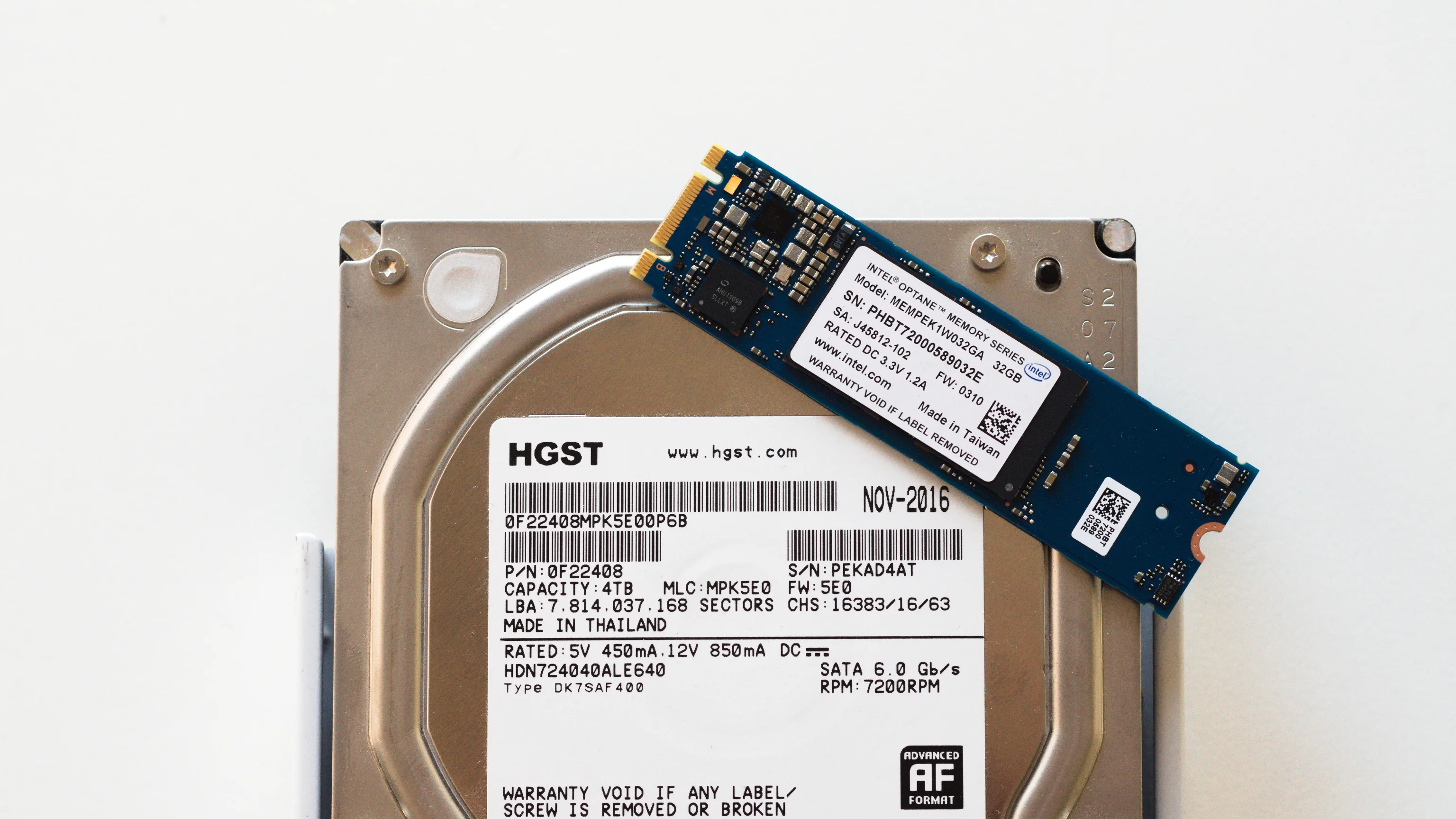
Image: Wikimedia Commons - Last and next-generation storage media.
What Do Dell Storage Disk Types Really Mean?
In the Dell Storage world, “disk type” is not just about physical media. It also affects the platform class running on top of that media. In practice, the common categories are:
- NVMe TLC SSD
- QLC-based NVMe SSD
- SCM-backed ultra-low-latency media
- more traditional SAS SSD or HDD-centric tiers
The critical point is this: not every “flash” label behaves the same way under production pressure. Random-write intensity, compression and dedupe behavior, capacity pressure, and growth patterns all change the right answer.
Which Dell Platform Split Matters on March 18, 2026?
As of March 18, 2026, the most important official Dell product split looks like this:
- PowerStore is centered on an all-flash, all-NVMe architecture.
- Models such as PowerStore 3200Q position QLC-based NVMe drives for capacity-efficient flash use cases.
- Dell’s PowerStore best-practices guide explicitly notes that some models support SCM, while the broader PowerStore line is primarily built around TLC NVMe SSDs.
- PowerVault ME5 remains a more flexible family that can be deployed in all-flash, hybrid, or HDD-only styles.
That means “which disk is fastest?” is not enough on its own. The better question is: which Dell storage family, with which media class, should carry which workload behavior?
How Should NVMe SSD, QLC, SCM, and HDD Be Compared?
1. NVMe TLC SSD
This is the balanced default for many enterprise production environments.
- low latency
- high parallelism
- strong fit for virtualization, databases, and mixed workloads
- the main baseline for modern all-flash designs
PowerStore positioning keeps this class at the center for environments that care about steady low latency and high performance.
2. QLC-based NVMe SSD
QLC-based media matters when flash capacity density becomes a priority.
- better capacity economics on the flash side
- a good fit for colder or warmer data tiers
- more careful planning required for sustained heavy-write pressure
That last point is an engineering inference based on Dell’s product positioning and the underlying media characteristics. In other words, QLC is not “bad,” but it should not be treated as the default hot-tier choice without workload validation.
3. SCM-backed media
SCM support matters when latency sensitivity is unusually high.
- extremely low latency expectations
- useful for metadata-heavy behavior
- premium cost profile
Dell’s PowerStore best-practices documentation explicitly states that some PowerStore models can use SCM. That makes SCM a targeted premium option, not a universal default.
4. HDD and classic hybrid media
HDD-backed or hybrid designs are still relevant in the right places.
- capacity-dense backup pools
- file archives
- secondary-copy or colder data tiers
- cost-constrained environments with limited IOPS needs
The fact that PowerVault ME5 supports hybrid and HDD-only deployment styles is a clear sign that this layer still has a valid role.
Which Disk Type Fits Which Workload?
A practical decision model looks like this:
- Dense virtualization and critical production databases: NVMe TLC SSD
- Special ultra-low-latency tiers: SCM-backed architecture
- Capacity-heavy but still flash-oriented environments: QLC-based NVMe
- Backup, archive, colder data: hybrid or HDD-weighted design
The mistake to avoid is forcing every workload into one media class. The efficient model is to tier workloads by temperature and latency sensitivity.
Related content:
What Selection Mistakes Happen Most Often?
Choosing only by raw capacity
A “most TB wins” approach ignores random IO behavior and latency goals.
Treating QLC as the default for every flash workload
QLC is strongest when capacity economics matter. Assuming it is always the right answer for heavy-write production can become expensive later.
Treating HDD as obsolete everywhere
For backup, archive, and colder data, HDD still has a real economic role.
Separating platform choice from media choice
PowerStore’s all-NVMe design and PowerVault ME5’s hybrid flexibility should not be evaluated with the exact same purchasing logic.
Pre-Purchase Checklist
- Workloads were separated into hot, warm, and cold tiers
- Latency and IOPS goals were not confused with raw capacity
- TLC, QLC, and SCM needs were evaluated separately for flash
- Backup and archive tiers were considered independently
- Storage platform family and media class were chosen together
- Growth cost and three-year capacity projections were validated
Next Step with Leon-X
On the Dell Storage side, choosing the right media is not just a hardware order. It is a decision about capacity planning, performance targets, and workload classification. Leon-X helps teams evaluate platform and media-layer choices together so they avoid unnecessary cost and future bottlenecks.
Related pages:
Frequently Asked Questions
What is the fastest Dell Storage media option?
In general, the lowest-latency class sits in SCM-backed or very high-performance NVMe flash tiers, but the real answer depends on workload behavior.
Are QLC drives bad?
No. They can be an excellent fit when flash capacity density matters. The risk comes from using them blindly for hot, sustained write-heavy workloads.
Should HDD be abandoned completely?
No. In backup, archive, and colder-data layers, HDD can still be economically sensible.
Do PowerStore and PowerVault follow the same media-selection logic?
No. PowerStore is much more clearly aligned with all-NVMe performance design, while PowerVault ME5 keeps hybrid and HDD-only flexibility in scope.
How should the final decision be made?
Define workload temperature, latency goals, growth cost, and protection policy first. Then choose the media class.
Conclusion
Dell Storage disk types and performance comparison cannot be reduced to “which disk is fastest.” In the March 18, 2026 context, the right answer comes from reading platform family, media class, workload temperature, and growth economics together. NVMe TLC SSD remains the balanced center for many production environments, QLC improves flash capacity economics, SCM enables special low-latency tiers, and HDD still delivers value in the right colder layers.