Dell PowerStore replication is often reduced to “send the data to a second site,” but the correct architectural reading requires looking at asynchronous, synchronous, and metro modes together with RPO, failover, reprotect, and resource-type limits. The short answer is this: PowerStore replication operates through a replication rule inside a protection policy; asynchronous mode transfers changes within a defined RPO window, synchronous mode targets zero RPO, and metro creates an active/active bidirectional design across two systems. This guide is written for teams that want to understand PowerStore replication as a business continuity design, not just a GUI workflow.
This guide is especially useful for:
- storage teams operating PowerStore across two sites
- system administrators translating business RPO targets into technical rules
- architecture teams trying to separate block and file replication behavior
- organizations that want to formalize planned failover and reprotect procedures
Quick Summary
- According to Dell, a replication rule defines the remote target system, the replication type, and where needed the
RPO. - Asynchronous replication is supported for volumes, volume groups,
NAS servers, andvirtual volumes. - Synchronous replication is supported for volumes, volume groups, thin clones, block snapshots, and
NAS servers. - When synchronous replication is selected,
RPOand alert threshold are set to0and cannot be modified. - Metro protection provides bidirectional synchronous
active/activereplication across two PowerStore systems and is typically positioned up to96 kmor60 milesapart. - Planned failover synchronizes data first to avoid data loss; unplanned failover is initiated from the destination system and requires
reprotectwhen normal direction is restored.
Table of Contents
- What Is PowerStore Replication?
- How Do Replication Rules and Protection Policies Work?
- What Is the Difference Between Asynchronous, Synchronous, and Metro?
- How Does Replication Change by Resource Type?
- How Should Failover, Unplanned Failover, and Reprotect Be Read?
- What Mistakes Happen Most Often?
- Related Content
- Checklist
- Next Step with Leon-X
- Frequently Asked Questions
- Sources
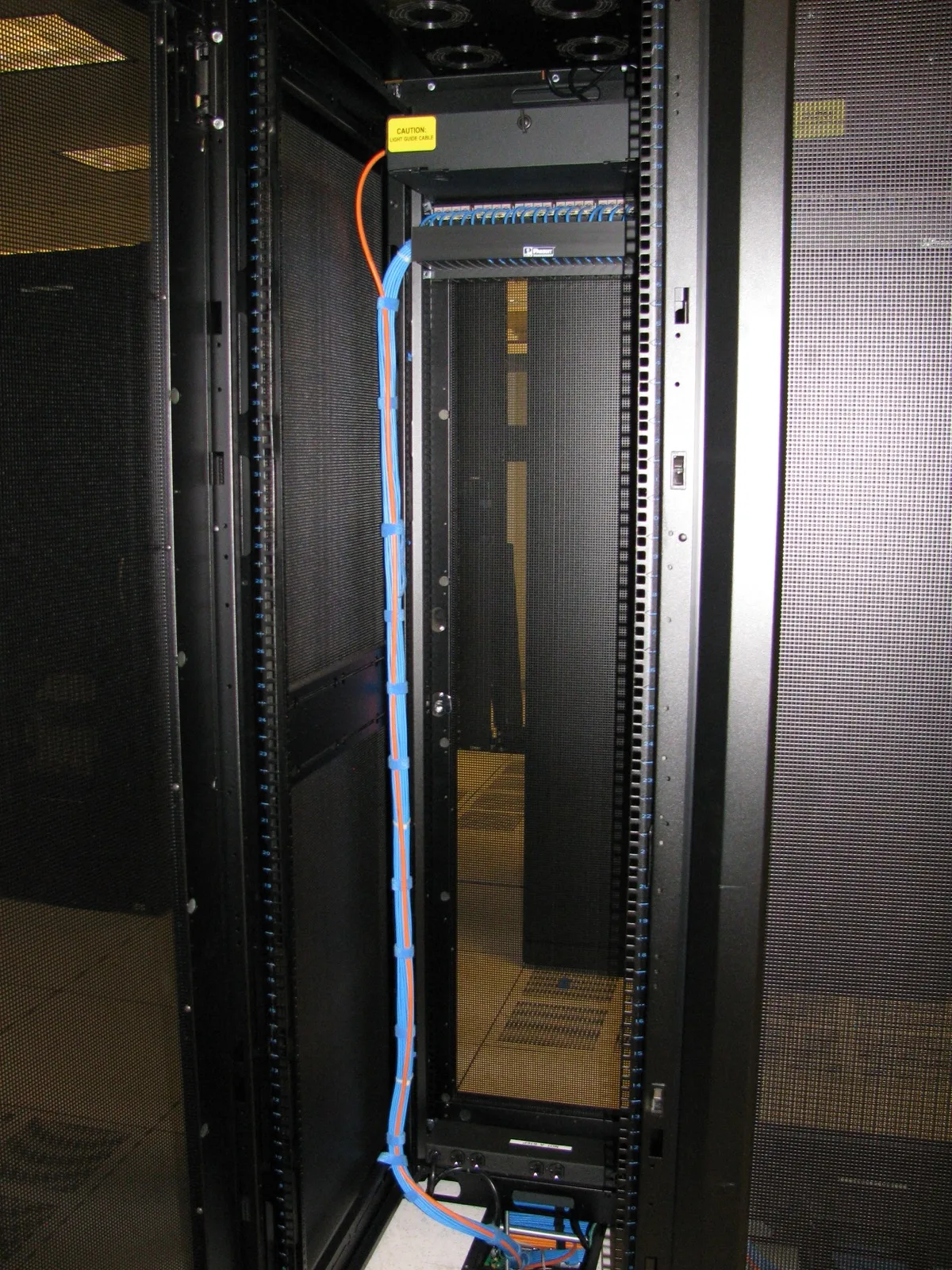
Image: Wikimedia Commons - Cabinet Network Rear Close.
What Is PowerStore Replication?
PowerStore replication is the process of copying data from a source PowerStore system to a second PowerStore system to support availability and disaster recovery goals. But it should not be read only as “data copy.” Dell’s documentation frames replication through these building blocks:
- remote system connection
- replication rule
- protection policy
- replication session
- failover and reprotect workflow
That means replication design is not decided simply because a second array exists. The real questions are: which resource type is being protected, how much data loss is acceptable, who initiates failover, and how normal direction is restored afterward?
How Do Replication Rules and Protection Policies Work?
According to Dell’s Replication rules and Create a replication rule documentation, a replication rule:
- selects the remote target system
- defines the replication type
- sets
RPOand alert threshold for asynchronous mode
If synchronous replication is selected, RPO and alert threshold are automatically set to 0 and cannot be changed. That is directly tied to the zero-data-loss design goal.
The rule is then added to a protection policy, and once that policy is assigned to a storage resource, a replication session is created. Dell also documents an important restriction: you cannot simply change a protection policy to another replication rule that uses a different remote system. If the remote target changes, the old policy must be removed and a new one assigned.
This maps directly to Hardware & Software Services, especially NAS / SAN Storage Installation and Configuration, because weak target design or inconsistent policy structure makes failover operations brittle when they matter most.
What Is the Difference Between Asynchronous, Synchronous, and Metro?
Asynchronous replication
According to Dell’s documentation, asynchronous replication:
- moves updates to the target system according to the defined
RPO - supports volumes, volume groups,
NAS servers, andvirtual volumes - can be synchronized automatically or manually
This mode accepts some level of data-loss tolerance in exchange for more flexibility around distance and latency.
Synchronous replication
Dell states that synchronous replication:
- writes changes to the destination immediately
- targets
zero RPO - supports volumes, volume groups, thin clones, block snapshots, and
NAS servers
This minimizes data loss, but distance and latency between the two sites can directly affect performance behavior.
Metro protection
Dell defines metro as bidirectional synchronous active/active replication between two PowerStore systems. The same documentation says a metro volume is typically deployed across two data centers up to 96 km or 60 miles apart. Hosts see the two physical copies as a single volume with multiple paths.
That difference matters: metro is not just “faster synchronous replication.” It also changes host exposure and access behavior. For that reason, metro should not be evaluated with the same decision model as a standard synchronous replication session.
How Does Replication Change by Resource Type?
PowerStore replication does not behave identically for every resource type.
On the asynchronous side, Dell supports:
- volumes
- volume groups
NAS servers- virtual volumes
On the synchronous side, Dell adds:
- thin clones
- block snapshots
Metro also has its own constraints. According to Dell’s Configure a metro volume documentation:
- a volume that already has a protection policy with a replication rule cannot be configured as metro
- a volume that is a member of a volume group cannot be configured as metro
- read-only policy resources, migrated/imported resources, and certain destination remnants are also excluded
This is why snapshot and replication design must be read together. If you want metro on one side and rule-based replication or snapshot workflow on the other, policy combinations must be planned from the beginning.
This also matters for Storage Capacity Planning and Performance Optimization, because resource type, RPO goal, and access pattern shape operational behavior just as much as raw capacity.
How Should Failover, Unplanned Failover, and Reprotect Be Read?
Dell’s Failover, Planned failover, and Unplanned failover documentation gives a clear operational model.
Planned failover
Planned failover:
- is initiated by the user
- synchronizes source and destination first
- is designed to avoid data loss
Dell explicitly says that application and host I/O should be stopped before planned failover begins. After failover, the session becomes inactive, and reprotect is required to reestablish normal direction. Auto-reprotect can also be selected.
Unplanned failover
Unplanned failover:
- is initiated from the destination system
- is used after source failure or production access loss
- can use the latest copy or a selected snapshot as its data source
Dell also notes that as of PowerStore 4.3, file synchronous replication uses metro for auto-failover, and if a witness service is configured, auto-failover is available for all file synchronous replication sessions.
Reprotect
After failover, data flow must be synchronized in the reverse direction so that the new source becomes the normal production origin. This is not just a cleanup step; it is the required mechanism for bringing replication back to a healthy normal state.
What Mistakes Happen Most Often?
Confusing replication rules with protection policies
The rule defines the parameters; the policy defines how those parameters are applied to a resource.
Treating asynchronous vs. synchronous as only a speed difference
The real difference is about data-loss tolerance, latency exposure, and recovery design.
Treating metro like a normal synchronous session
Metro changes host visibility and access behavior because it is active/active.
Skipping I/O shutdown before planned failover
Dell lists that as an explicit operational requirement.
Leaving reprotect out of the runbook
Without reprotect, the environment can remain in a temporary failover state far longer than intended.
Ignoring resource-type support differences
Virtual volumes, thin clones, block snapshots, and NAS servers are not supported identically across every replication mode.
Related Content
- How Dell PowerStore Snapshots Work
- What Is Dell PowerStore Controller Architecture?
- Dell PowerStore Volume Not Visible Problem
- Storage Disaster Recovery for KVKK
Checklist
- the correct remote system and replication type were selected in the replication rule
- if asynchronous,
RPOand alert threshold were defined according to business need - for synchronous or metro, latency and distance impact were validated
- resource-type support was confirmed for the selected replication mode
- the I/O shutdown procedure was documented before planned failover
- the
reprotectworkflow was included in the operational runbook
Next Step with Leon-X
Dell PowerStore replication is not just about sending data to a second site; it requires the right rule, the right resource type, the right RPO target, and the right failover discipline. Leon-X supports this through Hardware & Software Services, especially NAS / SAN Storage Installation and Configuration and Storage Capacity Planning and Performance Optimization, where PowerStore replication design is evaluated through business continuity goals, capacity planning, and host access behavior together. To review your current environment or request a proposal, continue through the Contact page.
Relevant pages:
- Hardware & Software Services
- NAS / SAN Storage Installation and Configuration
- Storage Capacity Planning and Performance Optimization
- Contact
Frequently Asked Questions
Which resources does PowerStore replication support?
It depends on the mode. Asynchronous mode supports volumes, volume groups, NAS servers, and virtual volumes. Synchronous mode adds thin clones and block snapshots.
Why is synchronous replication described as RPO 0?
Dell states that writes are replicated immediately and that RPO and alert threshold values are fixed at 0.
Is metro the same as synchronous replication?
No. Metro is bidirectional active/active and creates a host-visible multi-path single-volume experience across two systems.
Why does the replication session become inactive after planned failover?
Because direction is reversed during the failover event; reprotect is then required to restore normal synchronized protection flow.
When is unplanned failover initiated?
It is initiated from the destination system when the source system fails or production access is lost.
Sources
- Dell PowerStore Protecting Your Data - Replication rules
- Dell PowerStore Protecting Your Data - Create a replication rule
- Dell PowerStore Protecting Your Data - Asynchronous replication
- Dell PowerStore Protecting Your Data - Synchronous replication
- Dell PowerStore Protecting Your Data - Metro protection
- Dell PowerStore Protecting Your Data - Configure a metro volume
- Dell PowerStore Protecting Your Data - Failover
- Dell PowerStore Protecting Your Data - Planned failover
- Dell PowerStore Protecting Your Data - Unplanned failover
- Wikimedia Commons - Cabinet Network Rear Close