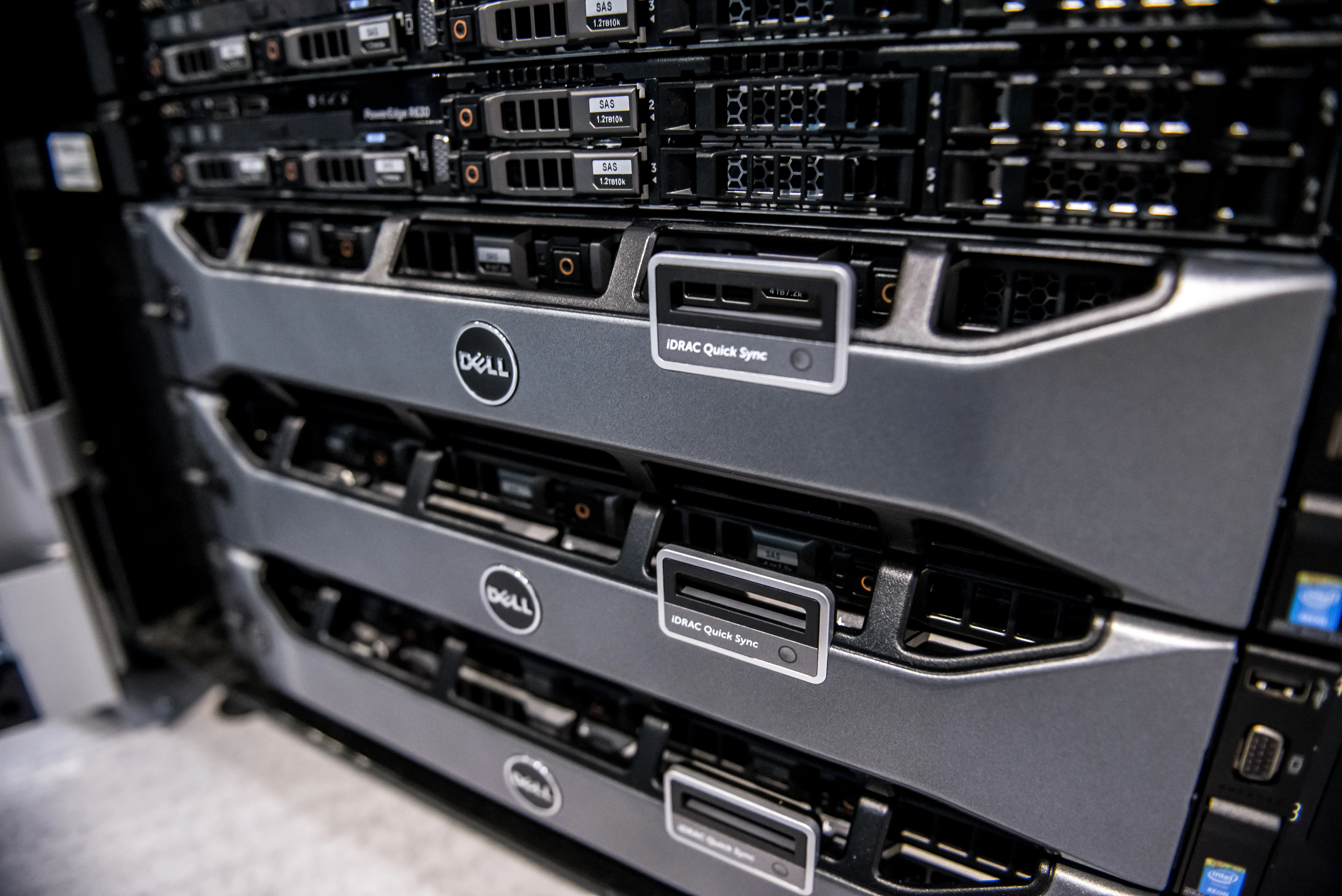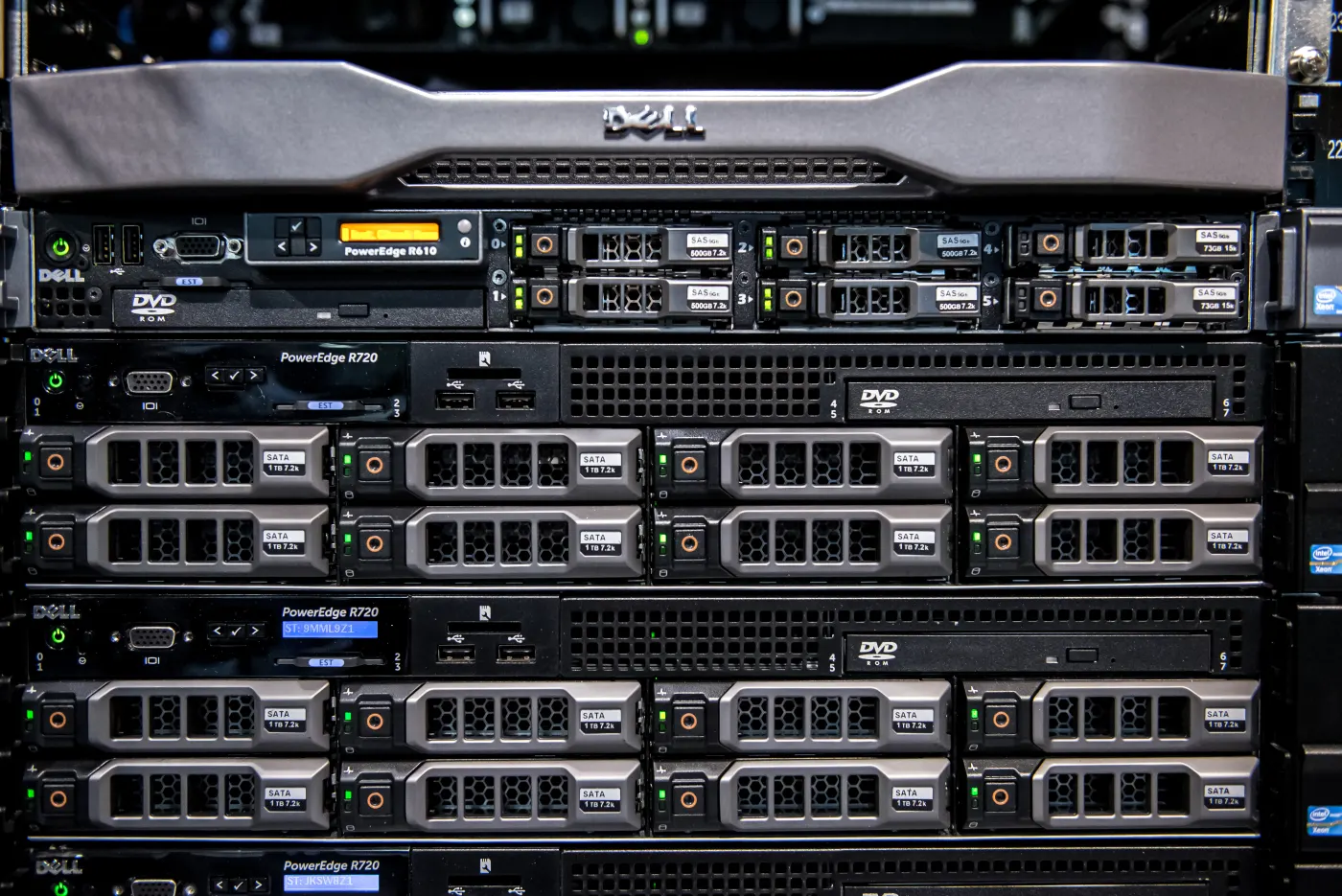
The Personal Data Protection Law No. 6698 (KVKK) imposes serious obligations on all data controllers who process and store personal data. The most critical pillar of these obligations is the "Technical Measures." In corporate data centers or system rooms, the most fundamental hardware components where personal data is hosted are servers. Therefore, businesses that want to ensure KVKK compliance must implement high-level security configurations at the server layer.
In this guide, we will discuss step-by-step how to configure Dell PowerEdge series servers, one of the most widely used server families in the corporate world, in accordance with KVKK technical measures.
KVKK Technical Measures and Server Security
All items in the KVKK Technical Measures Guide, such as authorization matrix, access logs, encryption, penetration tests, and data backup, find direct correspondence at the server layer. Dell PowerEdge servers have an advanced cyber-resilient architecture that supports these measures both in hardware and software.
When making your server KVKK compliant, there are five fundamental security layers you should focus on:
- Physical Security and Hardware Integrity: Preventing physical access to the server and monitoring hardware changes.
- Access Management and Authorization: Restricting access to server management interfaces (iDRAC) and the operating system.
- Data Encryption (Encryption at Rest): Protecting personal data on disks by encrypting it.
- Logging and Audit: Recording all critical events occurring on the server.
- Business Continuity and Backup: Recovering data in the event of data loss or a cyber attack.
Dell PowerEdge KVKK Configuration Steps
The best configuration practices you should apply to meet KVKK technical measures on your Dell PowerEdge servers are as follows:
1. Hardware and Physical Security Measures
Physical security is the first step of KVKK technical measures. Although keeping the server room locked is a general rule, measures should also be taken at the server cabinet level.
- Locking Bezel: Actively use the lockable bezel unit located on the front panel of Dell PowerEdge servers. This simple physical lock prevents disks from being removed by unauthorized persons while the server is running (hot-plug).
- Chassis Intrusion Detection: Enable sensors that automatically generate alarms on iDRAC when the server chassis cover is opened. These sensors work even when the server is turned off or during transport, recording interventions made to the hardware in the iDRAC Lifecycle logs.
2. iDRAC9 and Management Interface Security
iDRAC (Integrated Dell Remote Access Controller) is the component that allows remote management of the server and must be protected at the highest level.
- Changing Default Passwords: Be sure to change the default iDRAC password that comes during server installation with a password that complies with complex corporate password policies.
- Multi-Factor Authentication (MFA) and RBAC: Use Active Directory integration (LDAPS) for iDRAC access and apply the Role-Based Access Control (RBAC) model, which grants users only the privileges they need. If possible, MFA (Multi-Factor Authentication) should be enabled for iDRAC logins.
- System Lockdown Mode: This special security mode that comes with iDRAC9 prevents accidental or malicious changes to the server's firmware or critical configuration settings. Always keep this mode active outside of maintenance windows.
3. Disk and Data Encryption (Encryption at Rest)
Preventing data from being read in the event that disks hosting personal data are stolen or lost is one of the clearest requirements of KVKK.
- Self-Encrypting Drives (SED): Use SED disks that offer hardware encryption support on your Dell PowerEdge servers.
- PERC Hardware Encryption: Enable hardware encryption key management (Local Key Management or External KMS) on Dell PERC (PowerEdge RAID Controller) to ensure that data on disks is unreadable when removed from the server. For detailed encryption steps, you can review our How to Do Dell Server Encryption for KVKK? guide.
4. Advanced Logging and SIEM Integration
Within the scope of KVKK technical measures, access logs to personal data must be securely stored and analyzed.
- iDRAC Telemetry and Syslog: Instantly export all successful/failed login, hardware change, and configuration events occurring on iDRAC to a central Syslog or SIEM (Security Information and Event Management) system.
- Time Stamp: For the accuracy and legal validity of logs on the server, configure time synchronization through NTP (Network Time Protocol) servers without errors.
| KVKK Technical Measure | Dell PowerEdge Equivalent | Recommended Security Status |
|---|---|---|
| Authorization Matrix & RBAC | iDRAC9 Directory Services & AD Integration | Required |
| Physical Security | Locking Bezel & Chassis Intrusion Sensor | Required |
| Data Encryption | SED Disks & PERC Key Management | Critical |
| Log Management & Audit | iDRAC Syslog / Telemetry Streaming | Required |
| Penetration Test & Updates | iDRAC Firmware & BIOS Lifecycle Updates | Required |
Business Continuity and Data Backup
KVKK requires that data must not only be protected against cyber attacks but must also be accessible (business continuity) in the event of physical disasters or system failures. You should minimize hardware downtime risks by using redundant power supplies (PSUs), redundant fans, and correct RAID configurations on your Dell PowerEdge servers. In addition, it is of vital importance to regularly transfer personal data on the server to an isolated and encrypted backup unit.
Professional Installation and KVKK Integration
Configuring servers in accordance with KVKK technical measures is a complex process starting from the hardware level and extending to the operating system and application layers. An incorrectly configured hardening setting can cause performance losses in your systems or outages in business-critical services.
At Leon-X, we plan and procure the secure hardware infrastructure your business needs from end to end within the scope of Hardware and Software Solutions. We carry out all processes of deploying your servers in full compliance with KVKK and international security standards in accordance with best practice standards with our Server Installation, Configuration and Commissioning service.
Frequently Asked Questions
What is iDRAC System Lockdown Mode?
This mode prevents firmware updates, changes in BIOS settings, and PERC RAID configuration changes while the server is running. It ensures that the system remains stable and secure, preventing unauthorized interventions.
How long should we store server logs for KVKK?
Although no specific period is specified in KVKK, within the scope of sectoral standards and generally accepted best practices, it is recommended to store access logs to personal data securely and immutably for at least 2 years.
Does server encryption (SED) decrease performance?
No. Since SED disks perform encryption and decryption operations through special hardware chips on the disk, they do not put an additional load on the server processor (CPU) and do not cause performance loss.
Conclusion
Fully implementing KVKK technical measures on your Dell PowerEdge servers ensures the security of your corporate data while preventing potential legal sanctions and data leaks. With hardware Root of Trust, iDRAC9 hardening, data encryption, and proactive log monitoring steps, you can make your server infrastructure completely secure against cyber threats.
To perform a KVKK-compliant security analysis of your servers and get detailed information about our professional installation solutions, please contact us.