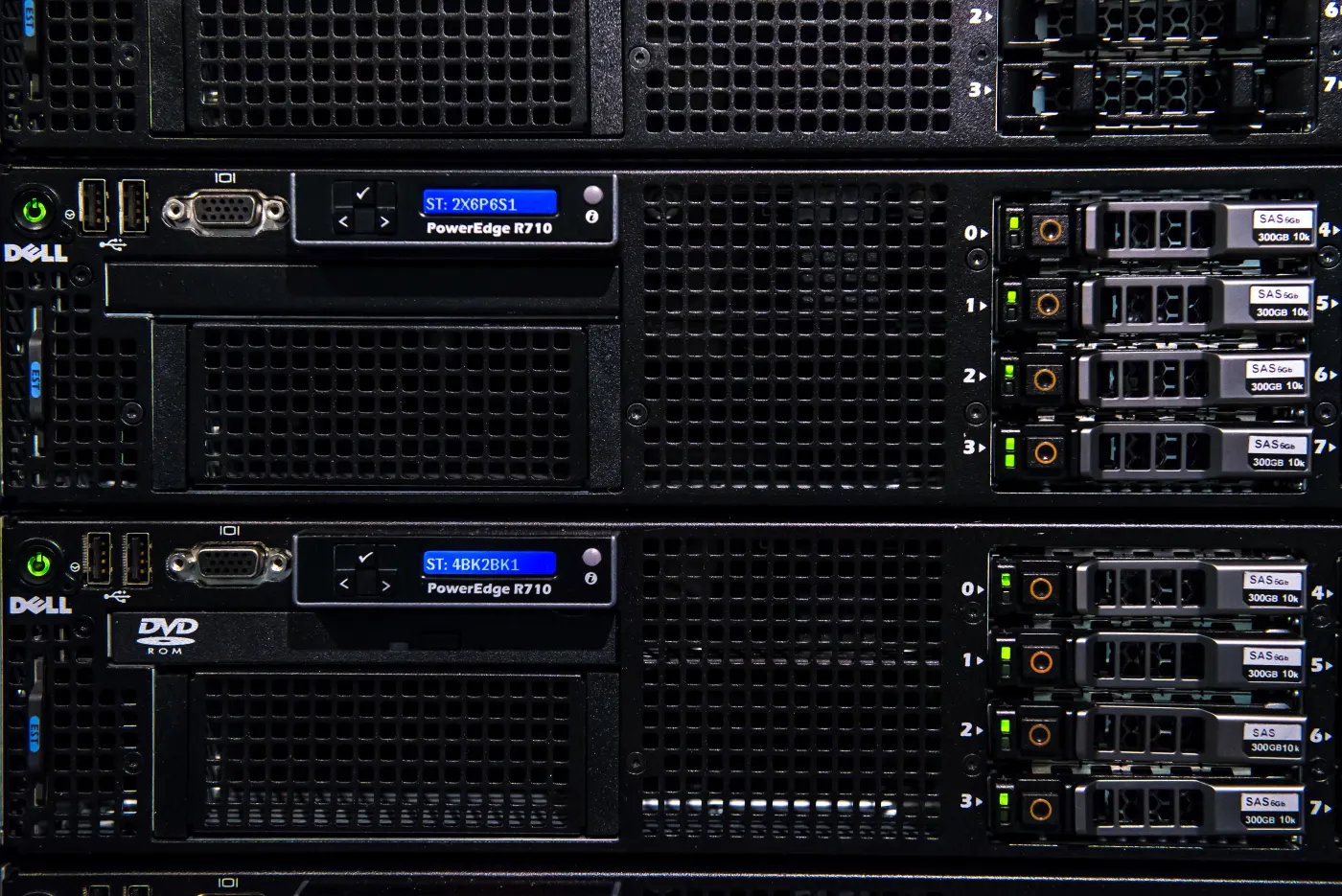
The short answer to the question of how to implement Dell server encryption for KVKK is this: in the March 16, 2026 context, enabling encryption alone is not enough. You need a layered model that combines where personal data resides, how encryption keys are governed, how TPM-backed trust is enforced, how boot integrity is protected, how the management plane is hardened, and how all of this is evidenced for audit. From the KVKK perspective, the expectation is to apply appropriate technical and administrative measures against unlawful access, disclosure, and preservation failures. In Dell environments, that expectation becomes concrete through self-encrypting drives (SED), PERC key governance, TPM, Secure Boot, hardened iDRAC access, and complementary operating-system-level encryption where needed.
This guide is especially for:
- IT and information security teams preparing for KVKK compliance
- administrators managing Dell PowerEdge infrastructure
- organizations storing personal data on physical or virtual server environments
- leaders who need defensible technical-control evidence during audits
Quick Summary
- KVKK does not require one single vendor setting; it requires risk-based, provable technical and administrative safeguards.
- In Dell servers, encryption is not one layer. Disk, controller key, TPM, Secure Boot, and management-plane security should be designed together.
- Dell PERC documentation states that the controller uses a security key to lock or unlock SED access, making key governance a core audit issue.
- Dell system security guidance recommends TPM enabled and the TPM algorithm set to
SHA-256. - Dell iDRAC documentation recommends
256-bitor higher encryption strength as the secure baseline. - The strongest model combines hardware encryption with operating-system controls, access governance, logging, and KVKK procedures.
Table of Contents
- What Does Dell Server Encryption Mean in KVKK Terms?
- Which Encryption Layers Should Be Designed Together?
- How Should the Minimum Technical Control Set Be Built on Dell Servers?
- Which Evidence Should Be Ready for a KVKK Audit?
- What Are the Most Common Mistakes?
- 30-Day Implementation Plan
- Frequently Asked Questions
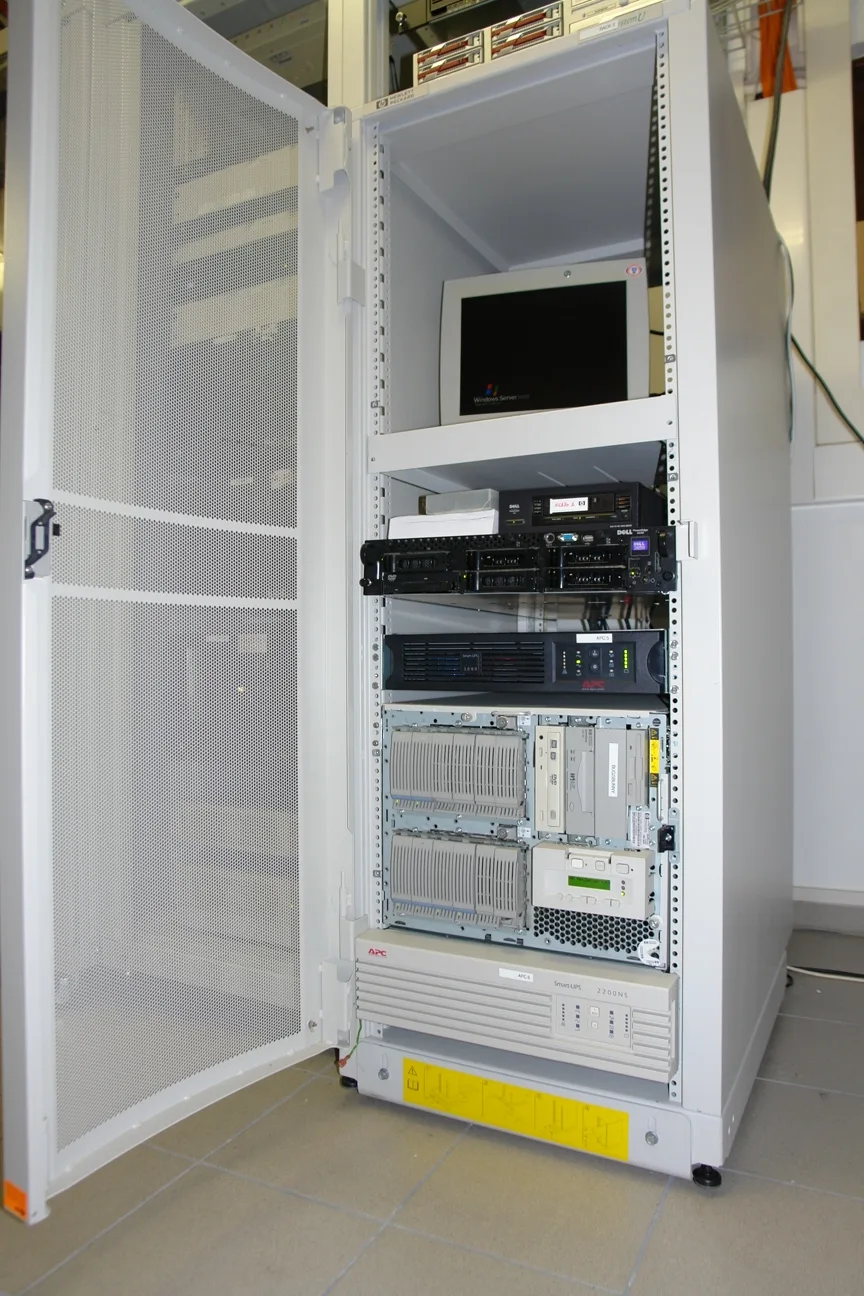
Image: Wikimedia Commons - Computer rack HP.
What Does Dell Server Encryption Mean in KVKK Terms?
From a KVKK perspective, encryption is not just a yes-or-no setting. The real question is whether your safeguards prevent unauthorized reading, copying, transport, or disclosure of personal data, especially in device-loss, disk-failure, or improper-access scenarios. In a Dell server environment, that means asking:
- which personal data sets are stored on the server?
- are they protected at disk, operating-system, database, or application level?
- who can access recovery keys or controller-level encryption keys?
- are TPM, BIOS security, and Secure Boot part of the design?
- is iDRAC and the management plane hardened separately?
- are access and key changes logged and reviewed?
KVKK therefore treats encryption as one component of a broader protection and accountability model.
Which Encryption Layers Should Be Designed Together?
The right Dell encryption strategy is not one checkbox. At minimum, four layers should be evaluated together.
1. Disk and controller layer
Where self-encrypting drives are used, protecting data at rest at disk level is a valuable first control. Dell PERC documentation explains that the controller uses the security key to lock or unlock SED access. In practice, this means:
- encryption at rest does not remove the need for key governance
- disk replacement, controller failure, and hardware migration scenarios need written procedures
- key backup and authorization records should be maintained
2. Root of trust: TPM and Secure Boot
Dell system security guidance recommends TPM Security enabled and the TPM algorithm set to SHA-256. This layer strengthens not just key protection but also the trusted boot chain. It becomes especially important on hosts or database systems carrying sensitive personal data.
3. Operating-system or application layer
Personal data should also be evaluated above the hardware layer. On Windows, BitLocker may complement disk controls. On Linux, LUKS may do the same. At the application or database layer, field-level or column-level encryption may still be necessary for higher-risk datasets. The critical decision is not to encrypt everything blindly, but to decide which data needs which layer of protection.
4. Management-plane and remote-access layer
Encrypted disks are not enough if iDRAC or remote administration remains weak. Dell iDRAC guidance recommends 256-bit or higher encryption strength for secure configuration. The management plane should also include:
- strong admin authentication
- restricted access from management networks only
- removal of default or overprivileged accounts
- certificate and protocol hardening
How Should the Minimum Technical Control Set Be Built on Dell Servers?
An effective minimum control set for KVKK-aligned Dell encryption should include the following:
1. Data classification and scope mapping
Start by identifying which Dell servers, virtual machines, or databases actually store personal data. Make encryption decisions around data risk, not around hardware ownership alone.
2. Standardized SED or disk encryption policy
Avoid ad hoc choices across the environment. Define:
- which systems require SED by default
- where OS-level encryption must supplement hardware controls
- who creates, stores, rotates, and revokes keys
3. TPM and Secure Boot validation
TPM disabled or inconsistently configured systems weaken the encryption chain. Build TPM and Secure Boot checks into your BIOS governance checklist.
4. Key and access governance
This is where many programs fail. Controller keys, recovery secrets, BIOS passwords, or KMS access should never live informally with a few admins. The minimum standard should include:
- named accounts
- separation of duties
- approved access requests
- key rotation records
- same-day revocation for offboarded staff
5. Logging and incident visibility
Even if encryption is enabled, the control story is weak if key changes, failed access attempts, BIOS security changes, or iDRAC admin activity are not centrally visible. Logs should feed a SIEM or equivalent monitoring platform.
Which Evidence Should Be Ready for a KVKK Audit?
Screenshots alone are weak evidence. A stronger audit package includes:
- inventory of Dell servers storing personal data
- matrix showing which encryption method protects which system
- TPM, Secure Boot, and iDRAC configuration evidence
- SED or disk-key management procedure
- access approvals and key ownership records
- log retention and alerting samples
- maintenance, disk-failure, and RMA data-protection procedures
This helps demonstrate not just that encryption exists, but that it is governed and operational.
What Are the Most Common Mistakes?
The most common mistakes are:
- enabling disk encryption while leaving the management plane weak
- managing SED keys through shared administrator access
- skipping TPM and Secure Boot
- failing to evaluate whether application-level encryption is still required
- having no written procedure for disk replacement or service return scenarios
- collecting logs without reviewing key-related events
The assumption that “the disks are encrypted, so KVKK is covered” is incomplete. KVKK also requires access governance and defensible evidence.
30-Day Implementation Plan
Days 1-7
- identify Dell servers storing personal data
- verify the current state of disk encryption, TPM, and Secure Boot
- document key owners and access rights
Days 8-15
- define the SED or OS-level encryption standard
- harden iDRAC and management-network access
- close TPM and Secure Boot gaps on high-risk systems
Days 16-23
- formalize the key management procedure
- connect logs and alerts to central monitoring
- document KVKK handling for maintenance and disk failure scenarios
Days 24-30
- complete the access review
- assemble the audit evidence set
- decide where application-level encryption is still required for higher-risk datasets
Related Content
- Cyber Security Consultancy: 2026 Checklist for SMEs
- Dell Server SSH Security for ISO 27001 Compliance
- Active Directory Security and Privileged Access Management Guide
Next Step with Leon-X
If you want to implement Dell server encryption in a KVKK-aligned way, the issue is not disk encryption alone. It also includes trust anchors, key governance, management-plane hardening, and audit evidence. Leon-X helps organizations combine technical control design and compliance readiness in one operating model.
Related pages:
Frequently Asked Questions
Is disk encryption alone enough for KVKK?
No. Disk encryption is a strong technical measure, but it is not sufficient on its own without access governance, key control, TPM, Secure Boot, and log visibility.
Is SED mandatory on Dell servers for KVKK?
There is no single mandatory vendor-specific method for every organization. However, on higher-risk systems storing personal data, SED or an equally strong disk-encryption approach provides a major advantage.
Why are TPM and Secure Boot important?
Because encryption should protect not only the stored data but also the trusted boot chain. If TPM or Secure Boot is disabled, the assurance level drops.
Why is iDRAC hardening relevant to KVKK?
Because a weak management plane undermines the overall protection model. Management-access security is part of the chain that protects personal data in practice.
Conclusion
The right answer to how to implement Dell server encryption for KVKK is not to enable a single feature. In the March 16, 2026 context, the strongest model combines disk encryption, controller key governance, TPM, Secure Boot, management-plane hardening, and central log visibility in one layered architecture. That approach improves personal-data protection and produces defensible evidence for audit.