When Dell server SSH security is evaluated through the ISO 27001 lens, the goal is not simply to disable or enable SSH. The goal is to make remote administrative access risk-based, traceable, and auditable. The short answer is this: in the March 15, 2026 context, if you want ISO 27001-aligned SSH access for Dell servers, first separate iDRAC access from operating-system-level SSH access. Then standardize named accounts, least privilege, key management, cryptography policy, network restrictions, and logging together. This guide is written for teams that want an audit-ready SSH security model without damaging operational efficiency.
This guide is especially for:
- information security managers
- infrastructure and systems teams
- IT leaders preparing for ISO 27001 audits
- operations teams managing Dell PowerEdge and iDRAC
Quick Summary
- ISO 27001 does not prescribe one vendor-specific SSH command set; it expects risk-based and provable access control.
- In Dell environments, iDRAC SSH and operating-system SSH should be treated as separate risk surfaces.
- The core controls are named accounts, privilege restriction, SSH key governance, strong cryptography, network segmentation, and log review.
- If SSH is not operationally required, it should be disabled; if it is required, it should be restricted through a bastion or management network.
- Auditors do not look only for configuration screenshots; they also expect approval, periodic review, and event evidence.
- The strongest approach combines cybersecurity assessment, access policy, and technical hardening in one program.
Table of Contents
- What Does Dell Server SSH Security Mean in ISO 27001 Terms?
- Which SSH Surfaces Should Be Separated First?
- How Should the Minimum Control Set Be Built?
- Which Records Should Be Kept for Audit Evidence?
- What Are the Most Common Mistakes?
- 30-Day Implementation Plan
- Frequently Asked Questions
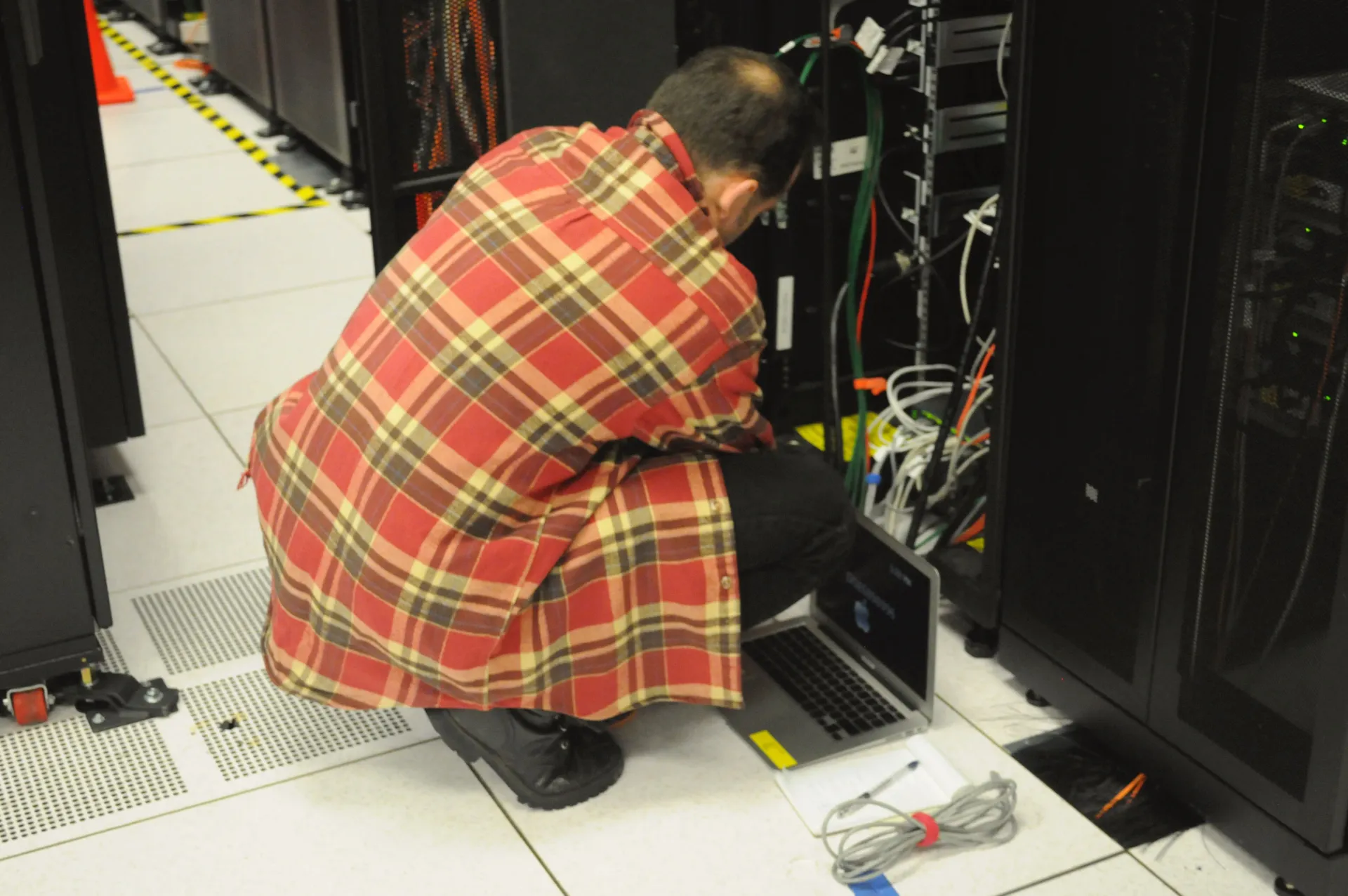
Image: Wikimedia Commons - Technician with laptop working on server rack at NERSC.
What Does Dell Server SSH Security Mean in ISO 27001 Terms?
From an ISO 27001 perspective, this is not a simple “SSH open equals non-compliant” question. The standard expects access to critical systems and information to be granted only to the right people, for the right reason, and in a traceable way. In a Dell server environment, SSH security is therefore evaluated with questions such as:
- Who truly needs SSH access?
- Is access happening through iDRAC or the operating system?
- Are accounts personal, or are shared accounts still in use?
- Is password-based access still dominant when stronger methods are possible?
- Are sessions and admin actions logged?
- Are access rights reviewed periodically?
In short, ISO 27001 compliance is not about removing SSH entirely. It is about removing uncontrolled remote access.
Which SSH Surfaces Should Be Separated First?
One of the most common mistakes in Dell environments is treating all SSH access as one control domain. In practice, there are at least two separate surfaces:
- iDRAC or management-plane SSH
- Operating system or hypervisor SSH
Dell documentation shows that iDRAC Secure Shell access can be used for management functions, that SSH keys can be uploaded, and that cryptography options can be narrowed. That makes iDRAC a distinct management plane. In an ISO 27001 assessment, it should have its own risk statement, authorization logic, and log review path.
The practical split is:
- iDRAC SSH should be limited to infrastructure administrators and a management network
- operating-system SSH should stay open only when there is a justified operational need
- the same person should not hold unrestricted privilege across both layers without control rationale
How Should the Minimum Control Set Be Built?
The minimum SSH control set that supports both operations and audit readiness should include the following elements:
1. Named accounts and role separation
Shared admin-style accounts should be replaced with assigned user accounts. Dell’s broader PowerEdge security guidance emphasizes role-based access and stronger identity assurance. That means your access model should clearly show who can reach which management surface and why.
2. SSH key and authentication discipline
Dell documentation explicitly describes uploading SSH keys through the web interface. That matters because it reduces password dependency for recurring administrative access. In practice:
- keys should be personal, not shared
- ownership must be documented
- offboarded staff keys should be removed immediately
- key rotation and approval should be recorded
3. Cryptography hardening
Being able to narrow SSH cryptography settings in iDRAC is a major advantage. ISO 27001 does not tell you to use one exact cipher suite, but it does expect risk to be reduced. Weak or unnecessary options should therefore be removed and replaced with the security team’s approved profile.
4. Network restriction and bastion approach
SSH should not be reachable from the internet or broad user networks. The stronger pattern is:
- access only through a management VLAN or jump host
- source IP restrictions
- VPN requirement where appropriate
- alerting for unusual connection attempts
5. Logging and review discipline
Successful and failed logins, privilege changes, and configuration actions should be logged. One of the most common audit failures is not missing logs, but having logs that no one reviews systematically.
Which Records Should Be Kept for Audit Evidence?
In ISO 27001 audits, configuration evidence alone is rarely enough. The following records materially strengthen the control story:
- SSH access matrix
- iDRAC and operating-system access approvals
- key upload, removal, and rotation records
- periodic access review evidence
- log retention and alerting samples
- incident tickets related to unauthorized or failed access
These records help answer not only “was the control designed?” but also “is it actually operating?”
What Are the Most Common Mistakes?
The most common mistakes are:
- making SSH decisions without documented risk analysis
- mixing iDRAC and operating-system access under one vague policy
- keeping shared administrator accounts
- failing to track ownership of uploaded keys
- leaving cryptography at default settings
- collecting logs without reviewing them
The idea that “it is only on the internal network, so it is safe” is usually weak in audit terms. Internal access also needs role, segment, and log controls.
30-Day Implementation Plan
Days 1-7
- inventory iDRAC SSH and OS SSH access
- classify current access by operational justification
- identify all shared accounts
Days 8-15
- move to named accounts
- disable unnecessary SSH paths
- enforce network restrictions and management VLAN rules
Days 16-23
- roll out an SSH key policy
- standardize a stronger cryptography profile
- connect logs and alerts to central monitoring
Days 24-30
- complete the access review
- document the ISO 27001 evidence set
- centralize exception and approval records
Related Content
- Cyber Security Consultancy: 2026 Checklist for SMEs
- Active Directory Security and Privileged Access Management Guide
- Email Security and Microsoft 365 Hardening Guide
Next Step with Leon-X
If you want to align Dell server SSH security with ISO 27001, the issue is bigger than configuration alone. It also involves access governance, evidence readiness, and periodic review. Leon-X helps organizations close these control gaps by combining technical hardening with audit preparation in one delivery model.
Related pages:
Frequently Asked Questions
Does ISO 27001 require SSH to be disabled completely?
No. The standard is risk-based. If SSH is needed, it should remain controlled, restricted, and logged.
Can iDRAC SSH and operating-system SSH be managed under one policy?
They can be governed under one framework, but they should not be treated as the same risk surface. iDRAC is a management plane; OS SSH is a separate operational layer.
Is SSH key usage mandatory instead of passwords?
There is no single mandatory method for every environment, but personal SSH keys and stronger authentication materially reduce risk for sensitive administrative access.
What is the most common audit weakness?
The most common weakness is not simply that SSH is enabled, but that teams cannot prove who had access, why they had it, when it was reviewed, and how events were monitored.
Conclusion
Dell Server SSH security for ISO 27001 compliance is not one hardening checkbox. In the March 15, 2026 context, the strongest approach is to separate iDRAC and operating-system SSH surfaces, standardize named accounts and key governance, enforce stronger cryptography and network restrictions, and operate the whole model with evidence-ready review and logging.