Designing VMware disaster recovery for KVKK is not just about copying a few virtual machines to a secondary site. A defensible model prioritizes workloads containing personal data, defines acceptable data loss clearly, builds site pairing correctly, documents recovery order, and validates the plan through regular test failovers. The short answer is this: a strong VMware disaster recovery model for KVKK runs RPO, RTO, replication, recovery planning, testing, and access control within the same governance chain.
This guide is especially useful for:
- VMware and vSphere administrators
- IT and security teams responsible for KVKK compliance
- business continuity and disaster recovery planning teams
- managers who need audit-defensible recovery evidence
Quick Summary
- KVKK’s data security model does not focus only on access control. It also treats backup, continuity, audit, and regular review as part of the technical control set.
- Broadcom KB
396746clearly describessite pairingbetween protected and recovery sites in a VMware Live Recovery environment. - Broadcom KB
317497shows that5 minute RPOcan be used in vSphere Replication under specific storage conditions and that low-RPO design must be evaluated with scale limits in mind. - Broadcom KB
435061explains that within a single recovery plan, failover order is not controlled per protection group but by VM-levelPriority Groupsand dependencies. - Broadcom KB
334941shows that running actual DR without first testing the recovery plan carries failure risk, which is why test failover is an operational requirement. - From a KVKK perspective, a stronger model combines replication for fast recovery with backup for more reliable restore options.
Table of Contents
- What Does VMware Disaster Recovery Cover Under KVKK?
- How Should RPO, RTO, and Workload Priority Be Defined?
- How Should Site Pairing and the Replication Layer Be Built?
- Why Are Recovery Priority and Test Failover Critical?
- What Are the Most Common Mistakes?
- Related Content
- Checklist
- Next Step with Leon-X
- Frequently Asked Questions
- Sources
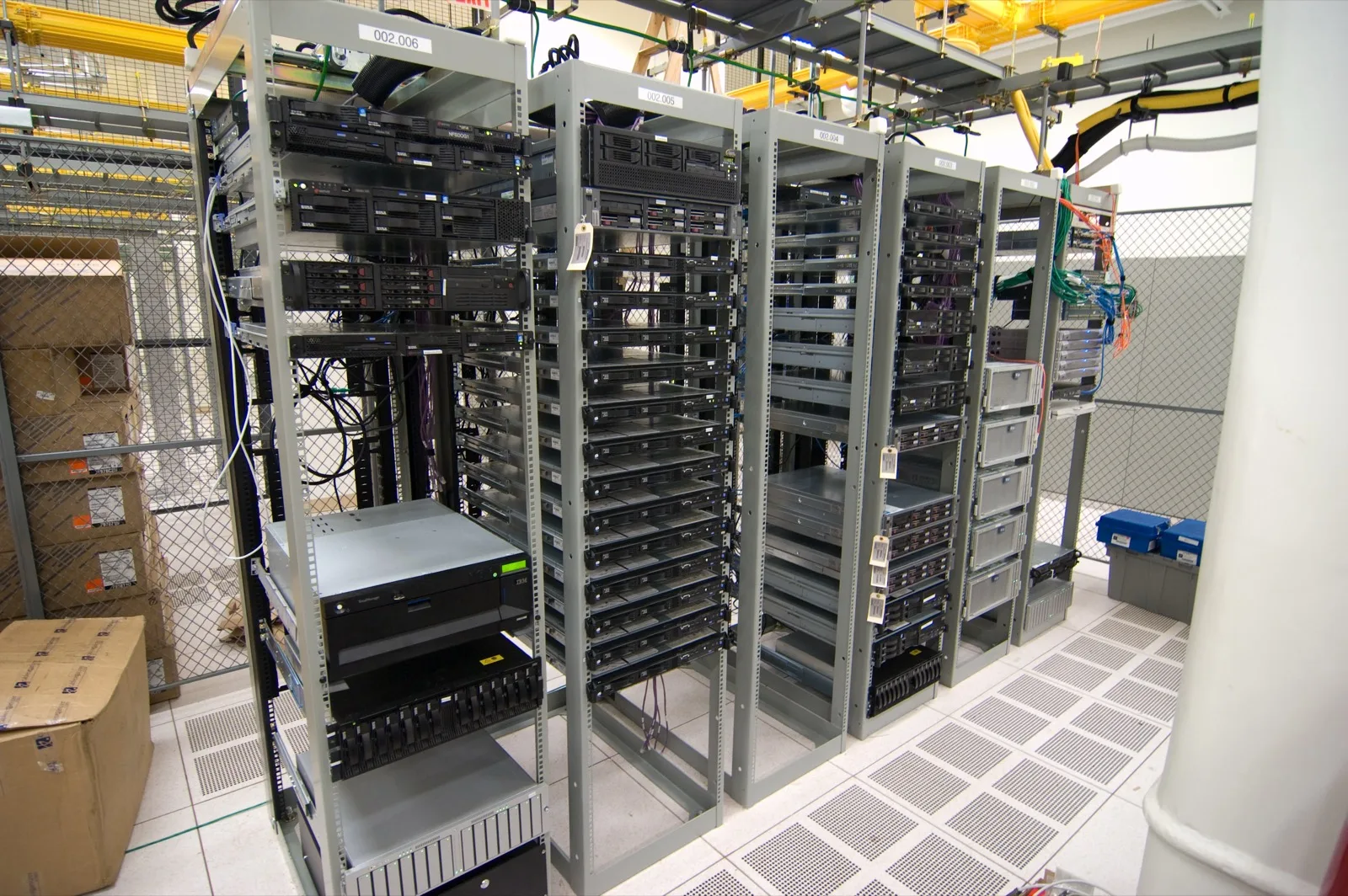
Image: Wikimedia Commons - Half filled server racks.
What Does VMware Disaster Recovery Cover Under KVKK?
From a KVKK perspective, disaster recovery is not only about bringing systems back online. It is about restoring personal data within the correct scope, preserving integrity, and avoiding unauthorized access during recovery. The DR design therefore needs to answer:
- which virtual machines are critical from a personal-data perspective
- how quickly each workload must return
- how much data loss is acceptable
- who is allowed to trigger recovery
- how data integrity is verified after restore
Because KVKK emphasizes audit and appropriate technical-organizational safeguards, VMware disaster recovery should be treated as a control design, not merely as product deployment.
That is why Hardware & Software Services matter on the technical side, while Disaster Recovery Strategy Design matters on the planning side.
How Should RPO, RTO, and Workload Priority Be Defined?
Why is RPO not only a technical setting?
Broadcom KB 317497 states that 5 minute RPO support in vSphere Replication is available under certain conditions and that low-RPO design must be considered together with the number of protected VMs. That means:
- not every VM should necessarily use the same RPO target
- low RPO requires more operational discipline and resources
- highly sensitive workloads containing personal data should be treated differently from lower-priority systems
How should RTO be considered?
For KVKK, the discussion is not only about data loss but also about accessibility and continuity. That means the recovery order for:
- identity services
- databases
- application layers
- vCenter and management services
should be explicitly documented.
Why does prioritization create evidence?
During audit, teams should be able to explain why one VM group is recovered before another based on business impact and data criticality. That makes the DR model more defensible.
How Should Site Pairing and the Replication Layer Be Built?
Site pairing is the foundational step
Broadcom KB 396746 explains clearly that VMware Live Recovery connects protected and recovery sites through site pairing. Without correct pairing, replication and recovery-plan layers will not behave reliably.
In practice, the model should include:
- separation between protected and recovery vCenter roles
- correct service selection during pairing
- validated identity and certificate trust
- documented replication targets
Replication is not DR by itself
Replication is the data-movement layer, not the full plan. RPO violations, compatibility issues, and target datastore problems all show that replication can fail or degrade. That is why the replication layer should always be paired with:
- backup policy
- recovery runbook
- test scenario
- periodic review
This is where Backup, Monitoring, Reporting and Restore Management becomes directly relevant. On the virtualization side, Enterprise Virtualization Platforms Sales and Licensing supports platform consistency.
Why Are Recovery Priority and Test Failover Critical?
How does recovery priority actually work?
Broadcom KB 435061 explains that when multiple protection groups exist inside a single recovery plan, failover order is not controlled by protection-group boundaries. It is controlled by VM Priority Groups and dependency configuration inside the recovery plan.
That detail matters because many teams assume “group A first, group B second” is enough. In reality, the actual startup sequence is driven by VM-level priority and dependency logic.
A defensible DR plan therefore needs to define:
- the first critical service group to recover
- dependent application chains
- network and DNS preparation order
- the failback approach
Why is test failover mandatory?
Broadcom KB 334941 shows that running real DR without first testing the recovery plan introduces failure risk. For KVKK, that matters because an untested plan can put accessibility and data integrity at risk during a real incident.
A stronger model includes:
- a regular test-failover schedule
- corrective actions documented after testing
- archived results for both test and actual recovery events
- application-level validation for critical VM groups
What Are the Most Common Mistakes?
Assigning the same RPO to every VM
Treating critical and non-critical workloads identically creates unnecessary load and weak prioritization.
Assuming backup is unnecessary if replication exists
Replication helps with fast recovery, but it can also replicate corrupted or encrypted data. Backup remains necessary.
Treating protection-group order as the real startup sequence
Broadcom makes clear that actual startup behavior is priority- and dependency-driven.
Skipping test failover
A plan that works in diagrams may still fail because of network, dependency, or sequencing issues.
Leaving DR authority unclear
If the organization has not defined who can trigger DR and who approves recovery, both operations and audit posture weaken.
Related Content
- How to Set Up VMware Disaster Recovery: Step-by-Step Guide
- Storage Disaster Recovery Guide for KVKK
- How to Implement VMware Logging for KVKK?
- VMware KVKK Technical Measures Guide
Checklist
- VMware workloads containing personal data were classified by criticality
-
RPOandRTOtargets were documented for each critical VM group - protected and recovery site pairing was validated
- replication, backup, and restore roles were separated
- recovery-plan priority and dependency behavior was tested
- a regular test failover schedule and result archive were created
- DR initiation and approval authority were documented
- the recovery evidence set for audit is ready
Next Step with Leon-X
VMware disaster recovery for KVKK is not only about enabling replication. It is about delivering orderly recovery, low data loss, tested failover, and defensible evidence for workloads containing personal data. Leon-X supports the technical layer through Hardware & Software Services, especially Backup, Monitoring, Reporting and Restore Management and Enterprise Virtualization Platforms Sales and Licensing. On the planning side, Disaster Recovery Strategy Design helps define runbooks and recovery priorities. To review your environment or request a proposal, continue through the Contact page.
Relevant pages:
- Hardware & Software Services
- Backup, Monitoring, Reporting and Restore Management
- Disaster Recovery Strategy Design
- Contact
Frequently Asked Questions
Is VMware disaster recovery for KVKK different from ordinary VMware DR?
Yes. In the KVKK context, personal-data integrity, access control, and audit evidence need to be designed more explicitly.
Is replication enough by itself?
No. Replication is an important DR layer, but without backup, testing, and approval flow it is not enough by itself.
Is test failover really mandatory?
Yes. As Broadcom’s own material shows, an untested recovery plan can fail during a real incident.
How should recovery priority be determined?
Application dependencies, identity services, data layers, and business-impact analysis should be evaluated together.
Sources
- KVKK - Personal Data Security Guide (Technical and Administrative Measures)
- KVKK - Obligations Concerning Data Security
- Broadcom KB 396746 - How to connect the VMware Live Recovery Instances between Protected and Recovery Sites
- Broadcom KB 317497 - Operational Limits for vSphere Replication 8.x
- Broadcom KB 435061 - Configuring recovery priority for multiple protection groups within a single recovery plan
- Broadcom KB 334941 - Running SRM Planned/Test Failover fails
- Wikimedia Commons - Half filled server racks