The biggest mistake in a VMware KVKK technical measures guide is treating virtualization as a pure efficiency layer and leaving personal data protection obligations only to the guest operating system. In reality, vCenter, ESXi, virtual networks, virtual disks, and management identities can all sit directly inside the personal-data processing chain. In short: for KVKK, a secure VMware environment requires access control, logging, encryption, network isolation, backup, and auditable administration to be designed together.
This guide is especially useful for:
- VMware and vSphere administrators
- IT and information security teams responsible for KVKK compliance
- organizations building technical control baselines for virtualization
- managers who need an audit-defensible control model
Quick Summary
- KVKK expects data controllers to implement technical and administrative safeguards together to maintain an appropriate security level.
- The KVKK security guidance explicitly treats authorization, logging, updated software, encryption, network controls, and access governance as part of the technical-measures set.
- Broadcom KB
425190clearly states that with Lockdown Mode enabled, direct ESXi host access is blocked for all users except explicitly configured Exception Users. - Broadcom KB
426739shows that toggling SSH on ESXi requires theSecurity profile and firewallprivilege, which supports a least-privilege model. - Broadcom KB
396471explains that vSphere Native Key Provider must be configured before VM encryption workflows can be used, which makes key management part of the control set. - Broadcom’s ESXi password-policy guidance provides a strong example configuration using
14characters and all four character classes.
Table of Contents
- What Do KVKK Technical Measures Mean for VMware?
- How Should Access Control and Authorization Be Designed?
- Why Are Logging and Monitoring Critical?
- How Should Encryption, Backup, and Network Isolation Be Managed?
- Checklist
- Frequently Asked Questions
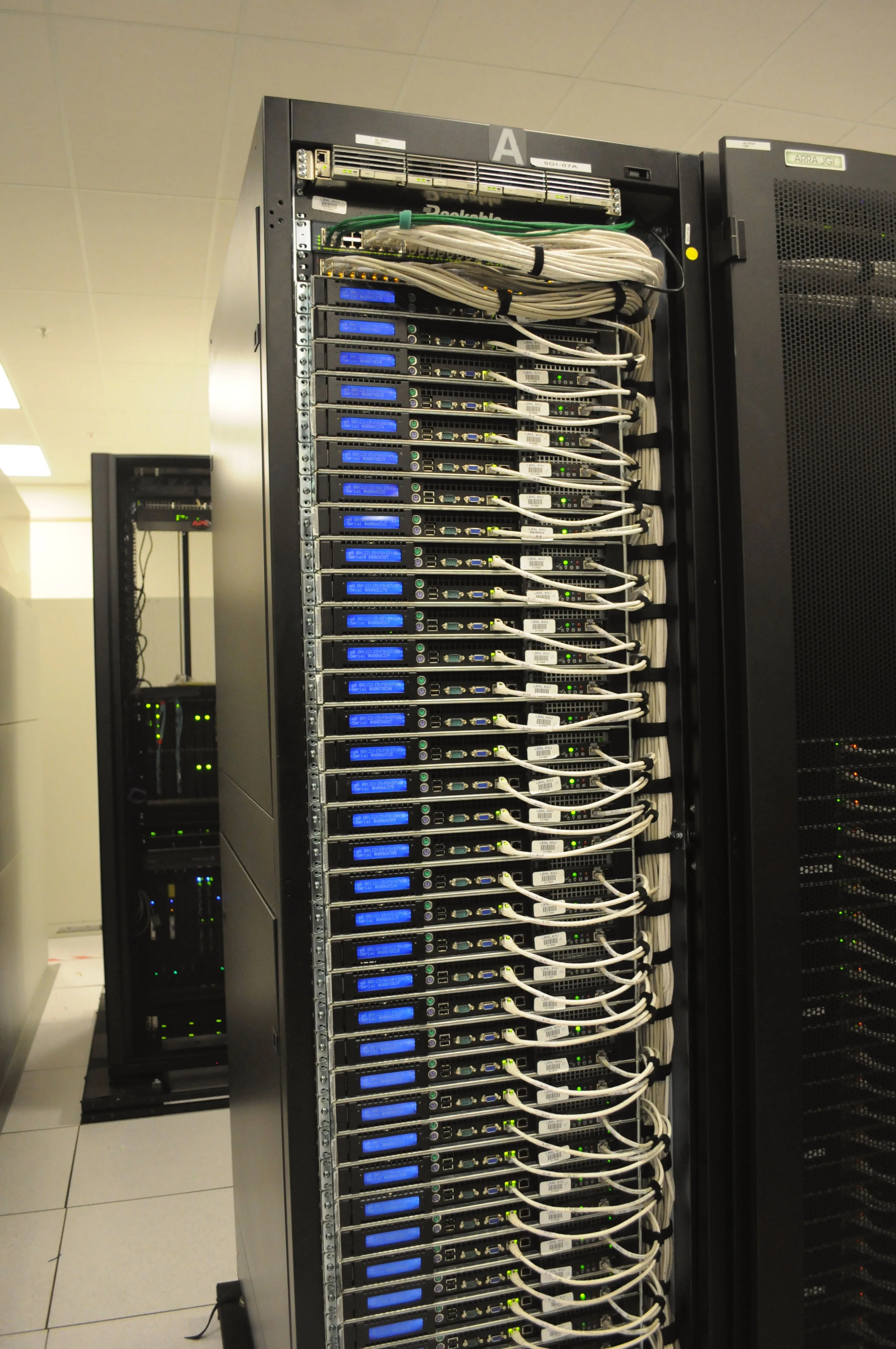
Image: Wikimedia Commons - Rear of rack at NERSC data center.
What Do KVKK Technical Measures Mean for VMware?
When the KVKK security guidance and data-security obligations are read together, the logic is clear: every technology layer that processes, stores, or exposes personal data must be protected through risk-based controls. In VMware environments, that usually includes:
- vCenter administrative access
- ESXi host security
- virtual machine disks and snapshot chains
- virtual network segments
- log and alarm systems
- backup and restore workflows
That is why “the application is secure, VMware is only infrastructure” is not a strong compliance argument. If access control or logging is weak at the virtualization layer, the personal-data security chain is weak as well.
How Should Access Control and Authorization Be Designed?
KVKK guidance highlights role matrices, user-account governance, and access logs as core safeguards. In VMware, that means more than simply reducing the number of admin accounts.
1. Lockdown Mode and direct host access
Broadcom KB 425190 states that when Lockdown Mode is enabled, direct authentication to the ESXi host is disabled and only Exception Users can retain access. From a KVKK standpoint, this matters because:
- direct host access is narrowed
- administration becomes more centralized through vCenter
- service-account exceptions can be reviewed explicitly
2. Role-based privilege assignment
Broadcom KB 426739 shows that SSH service control should not be available to every administrative account. Only roles with the correct privilege should be able to change that state. This supports a more defensible access model under KVKK.
Practical rules include:
- use named accounts
- reduce root or full-admin usage to exceptions
- assign privileges by role
- treat shell and service control as separate authorities
3. Review permission inheritance conflicts
Broadcom KB 427552 explains that an explicit restrictive permission at a lower object level can override broader higher-level access. This means VMware authorization models need periodic review, not one-time configuration.
4. Strong password policy
Broadcom KB 412881 describes a strong ESXi password example using 14 characters and all four character classes. For KVKK, password discipline remains a foundational access-control measure.
Why Are Logging and Monitoring Critical?
KVKK guidance and enforcement summaries treat weak review of access logs and security alerts as a concrete risk signal. In VMware, logging should include:
- vCenter tasks and events
- ESXi host logs
- authentication and authorization failures
- network and security alert correlation
Generating logs is not enough. A stronger operating model answers:
- who accessed which object
- under what privilege
- which event created an alert
- who reviewed and closed the event
This is why VMware logs should be forwarded to a SIEM or central log platform and supported by a review workflow, not just long-term retention.
How Should Encryption, Backup, and Network Isolation Be Managed?
Encryption
Broadcom KB 396471 states that encryption functions cannot be used before a vSphere Native Key Provider is configured. That makes key-management design part of the technical-measures baseline.
From a KVKK perspective, this means:
- encryption is not only about disks
- key lifecycle and backup matter
- access to encryption policy changes must be restricted
Backup
Backups are not just operational recovery assets; they are also part of personal-data protection. But if backups are unencrypted, untested, or broadly accessible, they create new risk instead of reducing it.
Network isolation
KVKK guidance treats network security as part of the technical control set. In VMware, that means clearly separating:
- management traffic
- production traffic
- backup traffic
- replication traffic
- test and lab segments
Leaving management traffic in the same broad segment as user-facing workloads creates unnecessary exposure and weakens the overall control posture.
Related Content
- VMware ESXi Hardening Guide ISO 27001 Compliance
- ISO 27001 VMware Backup Requirements
- VMware Datastore Encryption ISO 27001 Compliance
Checklist
- A named-account-based role matrix was defined for vCenter and ESXi
- Lockdown Mode and Exception Users were reviewed
- SSH and shell access were restricted to necessary roles
- ESXi password policy and account lockout behavior were evaluated
- Centralized log collection and review workflow were established
- Native Key Provider and encryption policy were documented
- Management, production, backup, and replication networks were segmented
- Backup and restore validation were added to the operating plan
Next Step with Leon-X
A VMware KVKK technical-measures model is not a checklist of isolated security settings. It requires access, logs, encryption, networks, and backups to work as one control system. Leon-X helps organizations design VMware technical safeguards together with the evidence model needed for internal review and external audit.
Relevant pages:
- Business Management Services
- Cybersecurity Assessment Service
- Enterprise Virtualization Platforms Sales and Licensing
- Contact
Frequently Asked Questions
Are controls inside the virtual machine enough for KVKK?
No. KVKK also requires the virtualization layer itself to be governed, including vCenter, ESXi, network segmentation, logging, and backup processes.
Why is Lockdown Mode important for KVKK?
It narrows direct host access and makes administration more centralized, reviewable, and controlled.
Why is logging so critical on the VMware layer?
Because without access records and event history, technical measures cannot be demonstrated or reviewed effectively.
Is disk encryption alone enough?
No. Key lifecycle, provider continuity, and privilege governance are part of the encryption control model as well.
Why should KVKK measures be planned specifically for VMware?
Because even if the application processes the personal data, access, mobility, copying, backup, and administration often pass through the virtualization layer.
Sources
- KVKK - Personal Data Security Guide (Technical and Administrative Measures)
- KVKK - Data Security Obligations
- KVKK - Recommended Technical and Administrative Measures for User Security
- Broadcom KB 425190 - Managing Exception Users in ESXi Lockdown Mode
- Broadcom KB 426739 - Privilege required to enable SSH on hosts
- Broadcom KB 412881 - ESXi Password Policy & Account Lockout
- Broadcom KB 396471 - Configure vSphere Native Key Provider
- Broadcom KB 427552 - Explicit child permissions can override higher-level access
- Wikimedia Commons - Rear of rack at NERSC data center