Setting up VMware replication is not only about copying a virtual machine to a secondary site. The real issue is defining which workloads replicate to which target, under what RPO, and within which operating model. The short answer is this: in the February 24, 2025 context, a strong VMware replication setup requires validating source and target site readiness, confirming network and storage access, selecting an RPO that matches workload criticality, monitoring initial sync behavior, and following installation with structured testing. This guide is written for teams that want a more controlled vSphere Replication rollout.
This article is especially for:
- VMware administrators
- systems teams building disaster recovery foundations
- IT managers preparing a secondary site
- organizations enabling replication for the first time
Quick Summary
- Replication setup is as much about prerequisites as it is about tooling.
- Source and target site design must be ready before job creation.
- RPO should be selected together with workload criticality and network capacity.
- Installation should not be considered complete until initial sync is validated.
- Post-setup testing and operational ownership must be defined.
- That is why a replication setup guide is not just a sequence of clicks, but also a verification framework.
Table of Contents
- What Should Be Prepared Before Setup?
- How Should Source and Target Sites Be Prepared?
- How Should RPO Be Chosen in Replication Policy?
- How Should Initial Sync Be Managed?
- What Should Be Checked After Setup?
- A Practical 15-Minute Replication Health Check
- Frequently Asked Questions

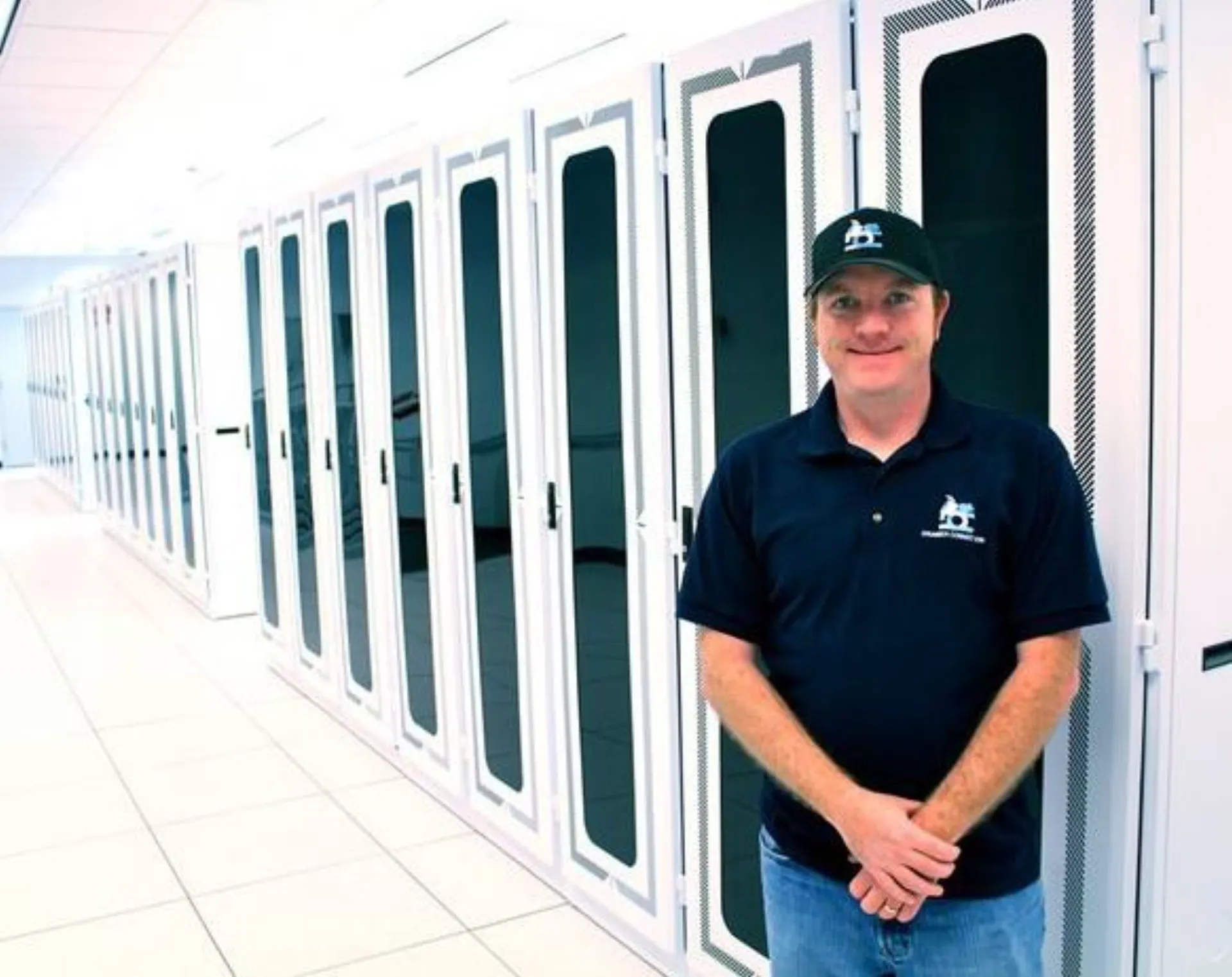
Image: Wikimedia Commons - Dattacenter.
What Should Be Prepared Before Setup?
The most important part of replication setup happens before the wizard. In practice, many failed rollouts are caused by missing prerequisites rather than product issues.
Teams should confirm:
- whether source and target vCenter or host access is ready
- whether target datastore capacity is sufficient
- whether network connectivity can carry replication traffic
- whether the selected VMs are truly part of the critical workload scope
- whether the chosen RPO matches business need
Without these checks, a setup may look technically correct but perform poorly in operations.
How Should Source and Target Sites Be Prepared?
VMware’s official vSphere Replication approach centers on moving data regularly from a source site to a target site. The key is not only having a secondary location, but also knowing which resources will replicate first and where recovery should land.
A practical sequence is:
- Identify which VMs should replicate from the source site.
- Validate datastore and compute access on the target site.
- Confirm that required network paths are open.
- Define the correct target placement per VM.
The target site should be treated as a controlled recovery surface, not just an empty resource pool.
How Should RPO Be Chosen in Replication Policy?
RPO is one of the most important design decisions in replication setup because it defines both acceptable data loss and operational load. VMware’s own material also places low-RPO design at the center of the value proposition.
RPO selection should balance:
- more frequent replication for critical workloads
- wider intervals for lower-priority workloads
- fit with network and storage capacity
- the operational team’s monitoring capability
The most common mistake is assigning the same RPO to every VM. A healthier approach is to use workload tiers.
How Should Initial Sync Be Managed?
Initial sync is the most visible stage of the setup, but often one of the least monitored. In reality, the duration of the first copy, its network impact, and the pressure it creates on the target side all reveal whether the design is realistic.
During this stage, teams should watch:
- whether the first copy takes longer than expected
- whether the target datastore is under unexpected pressure
- whether production traffic is affected
- whether job status and progress are being tracked properly
Setup should not be considered complete until initial sync finishes as expected.
What Should Be Checked After Setup?
Once replication jobs are enabled, the real quality check begins. In operations, what matters is not only an “enabled” state, but whether the replication model remains healthy and usable.
After setup, teams should review:
- whether jobs run consistently
- whether the correct target datastore and configuration are used
- whether point-in-time instances are configured where needed
- whether there are delay or failure alerts
- whether the replicated VMs are in the right place inside the DR sequence
Skipping this stage often leads to technically completed but operationally weak setups.
A Practical 15-Minute Replication Health Check
To review the setup quickly:
- List the currently replicated VMs.
- Check target datastore and RPO per VM.
- Review recent job status and error history.
- Confirm initial sync completion.
- Verify alignment between replication and DR startup order.
- Note whether failover testing has an active schedule.
Even this short review can surface the most critical post-installation gaps.
Related Content
Next Step with Leon-X
When replication is deployed correctly, organizations gain more than a copied workload. They gain measurable recovery readiness. Leon-X helps teams evaluate replication scope, RPO design, target site readiness, and testing flow together across VMware environments.
Related pages:
Frequently Asked Questions
What is the first step in VMware replication setup?
The first step is validating source and target site readiness and clearly identifying which VMs should replicate.
Why is RPO such a critical setup decision?
Because it directly defines acceptable data loss and the resulting network and storage load.
Why should initial sync be monitored separately?
Because the first copy reveals capacity, timing, and performance impact early.
If replication is enabled, is the job finished?
No. Job health, testing, and DR-plan alignment should still be verified.
Are point-in-time instances required in every setup?
No. They should be used based on workload need, not by default in every environment.
Conclusion
VMware replication setup is not just a short wizard flow. In the February 24, 2025 context, the better approach is to complete site readiness, choose the right RPO, monitor initial sync, and keep validating job health after the rollout.