Dell PowerStore snapshots are often understood only as “take a quick point-in-time copy,” but the real design depends on reading protection policies, snapshot rules, thin clones, restore behavior, and secure snapshots together. The short answer is this: a PowerStore snapshot is a point-in-time local protection layer for volumes, volume groups, virtual machines, or file systems; on the block side, host access usually requires a thin clone, while file snapshots can be exposed directly for read-only access or cloned for read-write use. This guide is written for teams that want to understand PowerStore snapshots as an operational design, not just a UI button.
This guide is especially useful for:
- storage teams running block and file workloads on PowerStore
- system administrators building protection plans around snapshot policies
- infrastructure teams using thin clones for test, rollback, and fast recovery
- organizations that want to bring secure snapshot retention into business continuity planning
Quick Summary
- Dell documentation says PowerStore can create local snapshots for volumes, volume groups, virtual machines, and file systems.
- A protection policy can include
1replication rule,1remote backup rule, and up to4snapshot rules. - Snapshot rules can define day, frequency or time-of-day, retention period, and optionally secure snapshot behavior.
- Dell does not support mapping block snapshots directly to hosts; thin clones should be created for host access.
- File snapshots can be exported directly for read-only access; read-write use typically requires a thin clone.
- Dell explicitly requires applications to be shut down and the relevant volume or file system to be taken offline before a restore operation.
Table of Contents
- What Is a PowerStore Snapshot?
- How Do Protection Policies and Snapshot Rules Work?
- What Is the Difference Between Block and File Snapshots?
- Why Are Thin Clones Part of Snapshot Design?
- How Should Secure Snapshots and Restore Be Read?
- What Mistakes Happen Most Often?
- Related Content
- Checklist
- Next Step with Leon-X
- Frequently Asked Questions
- Sources
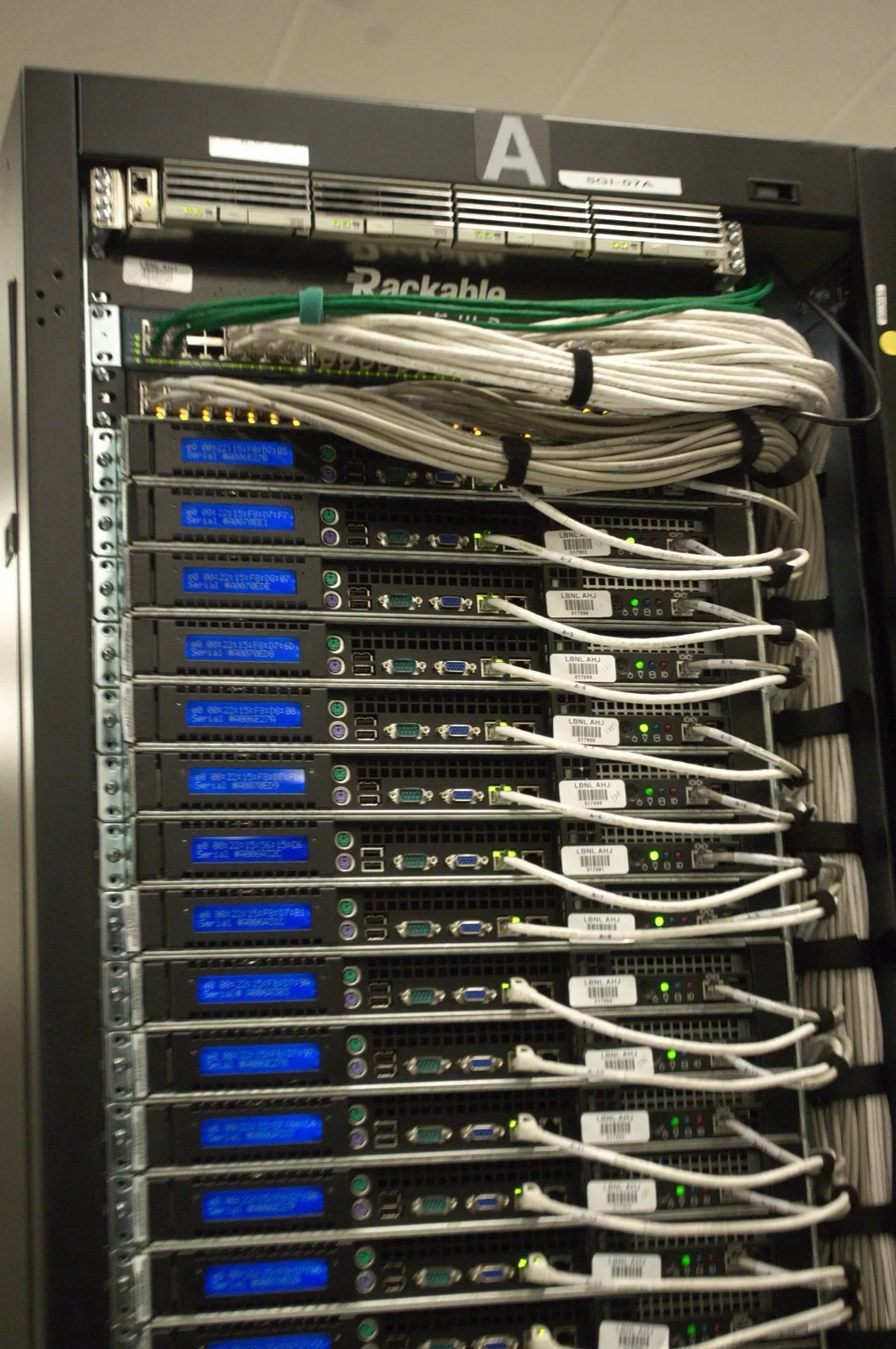
Image: Wikimedia Commons - Rear of rack at NERSC data center - closeup.
What Is a PowerStore Snapshot?
According to Dell’s Data protection documentation, local protection is provided by creating point-in-time copies of volumes, volume groups, virtual machines, or file systems on the PowerStore system. That definition matters because a snapshot is not a full copy or a classic backup; it is a local protection layer that preserves a moment in time for later rollback, restore, or reuse.
That makes snapshots useful for:
- creating a rollback point before maintenance
- protecting data before application changes
- short-term test or validation work
- feeding later clone or restore operations
But it is incorrect to treat snapshots as the same thing as backup. Dell clearly positions local protection, remote protection, and remote backup as separate layers.
How Do Protection Policies and Snapshot Rules Work?
In PowerStore snapshot design, the most important architectural concept is the protection policy. Dell’s Protection policies documentation states that a policy can include:
1replication rule1remote backup rule- up to
4snapshot rules
That means snapshot strategy should be managed through repeatable workload-level rules, not just ad hoc manual copies.
According to Dell’s Create a snapshot rule documentation, a snapshot rule can define:
- the days on which the snapshot runs
- a fixed interval or time of day
- the retention period
- the secure snapshot option
- the file snapshot access type
This maps directly to Hardware & Software Services, especially NAS / SAN Storage Installation and Configuration, because weak retention logic or inconsistent rule design can make the entire protection model operationally fragile.
What Is the Difference Between Block and File Snapshots?
Even though block and file snapshots may look similar in the UI, their operational behavior is different.
According to Dell’s Assign a protection policy documentation:
- on the block side, snapshot, replication, and remote backup rules can be assigned to volumes and volume groups
- on the file side, local protection is handled at the
file systemlevel with snapshots, while remote protection is handled at theNAS serverlevel with replication
That distinction matters. The same documentation also states:
- if a policy is assigned to a file system, it must include a snapshot rule
- if a policy is assigned to a NAS server, it must include a replication rule
- snapshot rules on NAS server assignments may be ignored
There is also an important metro-volume nuance. Dell says only snapshot-rule policies can be assigned to metro volumes; a protection policy that includes a replication rule cannot be assigned to a metro volume.
Why Are Thin Clones Part of Snapshot Design?
One of the most commonly missed ideas in PowerStore snapshot design is the relationship between snapshots and thin clones.
Dell’s Using clones to access read-only snapshots from hosts documentation says:
- mapping block snapshots directly to hosts is not supported
- if host access is required, a thin clone of the snapshot should be created and mapped
So on the block side, a snapshot is usually not a direct host-facing object. It is more often a source for restore or clone operations.
According to Dell’s Thin clones documentation, a thin clone:
- is a read-write copy of a volume, volume group, or snapshot
- is
space-efficientbecause it shares blocks with the parent object - gives immediate access to the source data present at clone creation time
- remains usable even if the original parent snapshot is later deleted
This is extremely valuable for test, validation, and rapid recovery workflows. It also becomes easier to govern when paired with Storage Capacity Planning and Performance Optimization, where clone chains and capacity impact can be modeled together.
How Should Secure Snapshots and Restore Be Read?
Secure snapshots should be treated as a separate design decision in PowerStore.
According to Dell’s current Secure snapshots documentation, secure snapshots:
- cannot be deleted before their expiration time
- add protection against accidental or malicious deletion
- are supported for block snapshots and file system snapshots
That makes them relevant in ransomware-oriented recovery planning, but they also need careful retention design so they do not create unnecessary operational pressure.
For restore operations, Dell gives two direct requirements:
- before restoring a volume or volume group, applications must be shut down and the volume must be taken offline on the host
- before restoring a file system, applications must be shut down and the file system must be taken offline on the hosts
The restore workflow also offers the option to create a backup snapshot before the restore, which is a sensible safety layer when rolling data back.
What Mistakes Happen Most Often?
Treating snapshots as the same thing as backup
Snapshots are fast and local; they are not the same as backup or remote protection.
Relying only on manual snapshots instead of protection policies
At scale, scheduling, retention, and operational consistency should be rule-based.
Trying to map a block snapshot directly to a host
Dell does not support that workflow. A thin clone should be used instead.
Treating file and block snapshot behavior as identical
File snapshot access types and NAS/file system policy assignment rules introduce different logic.
Restoring without shutting the application down
Dell explicitly frames this as a data integrity risk.
Ignoring metro-volume or vVol nuances
Protection policy behavior is not identical across every resource type, especially for metro volumes and vVol-based virtual machines.
Related Content
- What Is Dell PowerStore Controller Architecture?
- Dell PowerStore Volume Not Visible Problem
- Dell PowerStore Drive Types and Tiering Structure
- Dell Storage Backup Requirements for KVKK
Checklist
- the distinction between snapshot, replication, and remote backup was defined in the protection policy
- frequency, time, and retention targets were set for the snapshot rule
- a thin-clone workflow was planned where block snapshot host access is needed
- file snapshot access type was evaluated separately
- secure snapshot retention impact was reviewed
- application shutdown and offline restore procedures were documented
Next Step with Leon-X
Dell PowerStore snapshot design is not just about deciding how many snapshots to keep; it includes protection policy structure, thin-clone workflow, restore discipline, and secure-retention decisions. Leon-X supports this through Hardware & Software Services, especially NAS / SAN Storage Installation and Configuration and Storage Capacity Planning and Performance Optimization, where PowerStore snapshot design is evaluated alongside workload profile, capacity, and recovery objectives. To review your environment or request a proposal, continue through the Contact page.
Relevant pages:
- Hardware & Software Services
- NAS / SAN Storage Installation and Configuration
- Storage Capacity Planning and Performance Optimization
- Contact
Frequently Asked Questions
What resources can PowerStore snapshot locally?
Dell states that volumes, volume groups, virtual machines, and file systems can all use local snapshots.
How many snapshot rules can a protection policy include?
Up to 4 snapshot rules.
Can a block snapshot be mapped directly to a host?
No. Dell says block snapshots should be exposed through thin clones instead.
Can a secure snapshot be deleted manually?
No. It cannot be removed before its expiration time.
Why must the volume or file system be taken offline before restore?
Dell defines that as a requirement to prevent data integrity issues.
Sources
- Dell PowerStore Protecting Your Data - Data protection
- Dell PowerStore Protecting Your Data - Protection policies
- Dell PowerStore Protecting Your Data - Create a snapshot rule
- Dell PowerStore Protecting Your Data - Using clones to access read-only snapshots from hosts
- Dell PowerStore Protecting Your Data - Secure snapshots
- Dell PowerStore Protecting Your Data - Restore a volume or volume group from a snapshot
- Dell PowerStore Protecting Your Data - Assign a protection policy
- Dell PowerStore Configuring Volumes - Thin clones
- Wikimedia Commons - Rear of rack at NERSC data center - closeup