What is Dell PowerEdge Server in Ankara? Detailed Architecture Guide (2026)
A common question for companies growing in production, logistics, professional services and e-commerce in Ankara is this: Which architectural decisions are really critical in the new generation server investment? This guide answers the question "What is a Dell PowerEdge Server?" in a technical yet actionable framework. Our target audience; IT managers, systems experts, purchasing teams and technical decision makers.
Short Answer
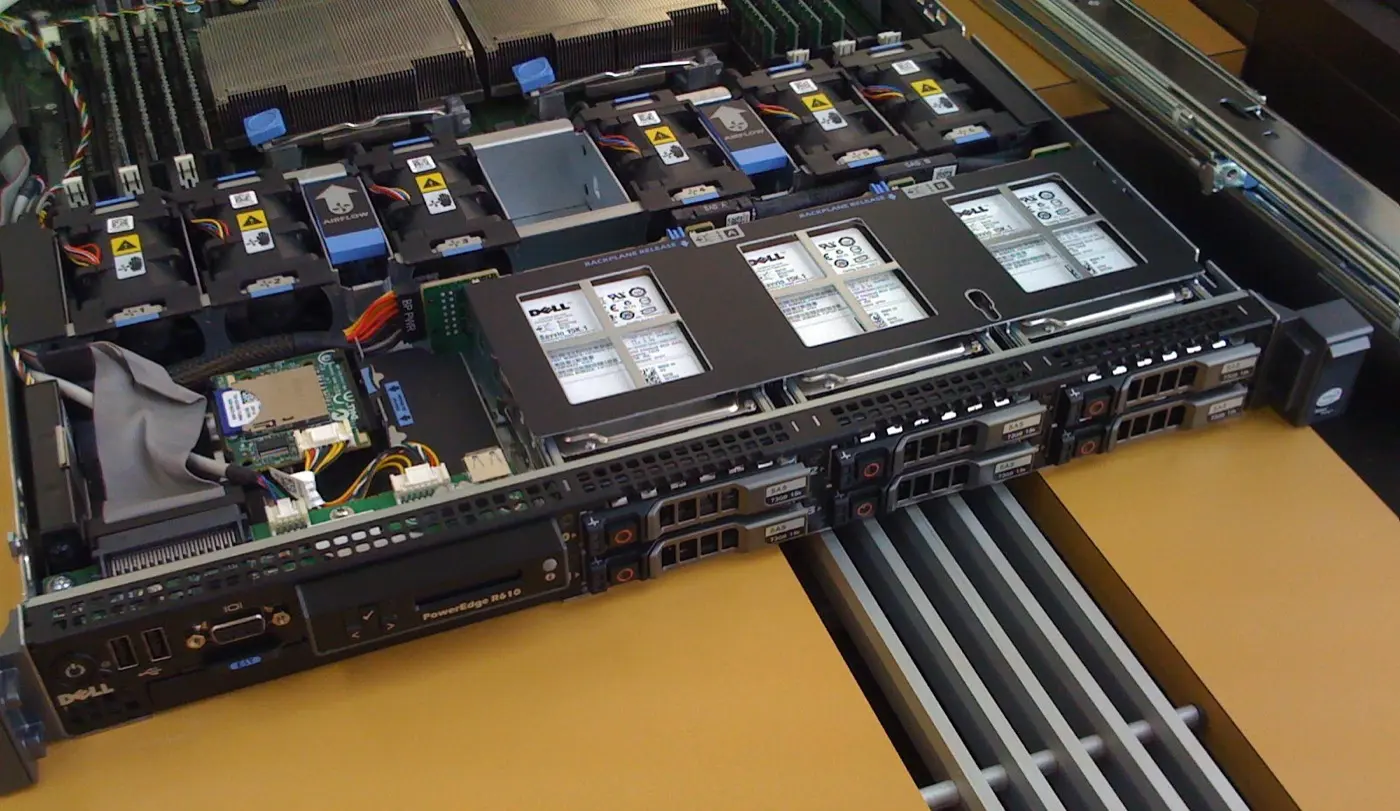
Dell PowerEdge is designed for enterprise workloads; It is a server family that aims to optimize the compute, memory, storage, network, management and security layers together. In the right design, it is not just about choosing a model; processor-memory ratio, NVMe density, PCIe expansion plan, remote management (iDRAC), central lifecycle management (OpenManage) and firmware trust chain.
Brief Summary
- According to the Dell PowerEdge R760 technical guide, the system supports up to 2 4th Generation Intel Xeon Scalable processors and up to 56 cores configurations per processor.
- The same source states speeds up to 4800 MT/s with support for up to 32 DDR5 DIMM and 8 TB capacity at the memory layer.
- On the storage side, there is configuration information for the R760 on the front for a 24 x 2.5" SAS/SATA/NVMe option and up to 368.64 TB in total.
- On the I/O side, the technical manual describes scenarios for up to 8 PCIe Gen5 x16** expansion lane combinations.
- Dell iDRAC9 telemetry information states that iDRAC works 1:1 with the server, that visibility is possible for up to 8000+ servers with OpenManage Enterprise and 25,000 devices with CloudIQ integration.
- According to Uptime Institute 2024 data, 70% of organizations experiencing outages report the outage cost as more than USD 100,000, while 16% report the cost of outages as more than USD 1 million. Therefore, the architectural decision is not only a performance decision, but also a business continuity decision.
Contents
- What is Dell PowerEdge Server?
- 6 Layers of PowerEdge Architecture
- R760 Reference Architecture: Reading by Numbers
- Real Constraints Affecting Design Decisions in Ankara
- Sample Sizing Approach
- Copiable Technical Assessment Checklist
- Where to Start with Leon-X?
- Frequently Asked Questions
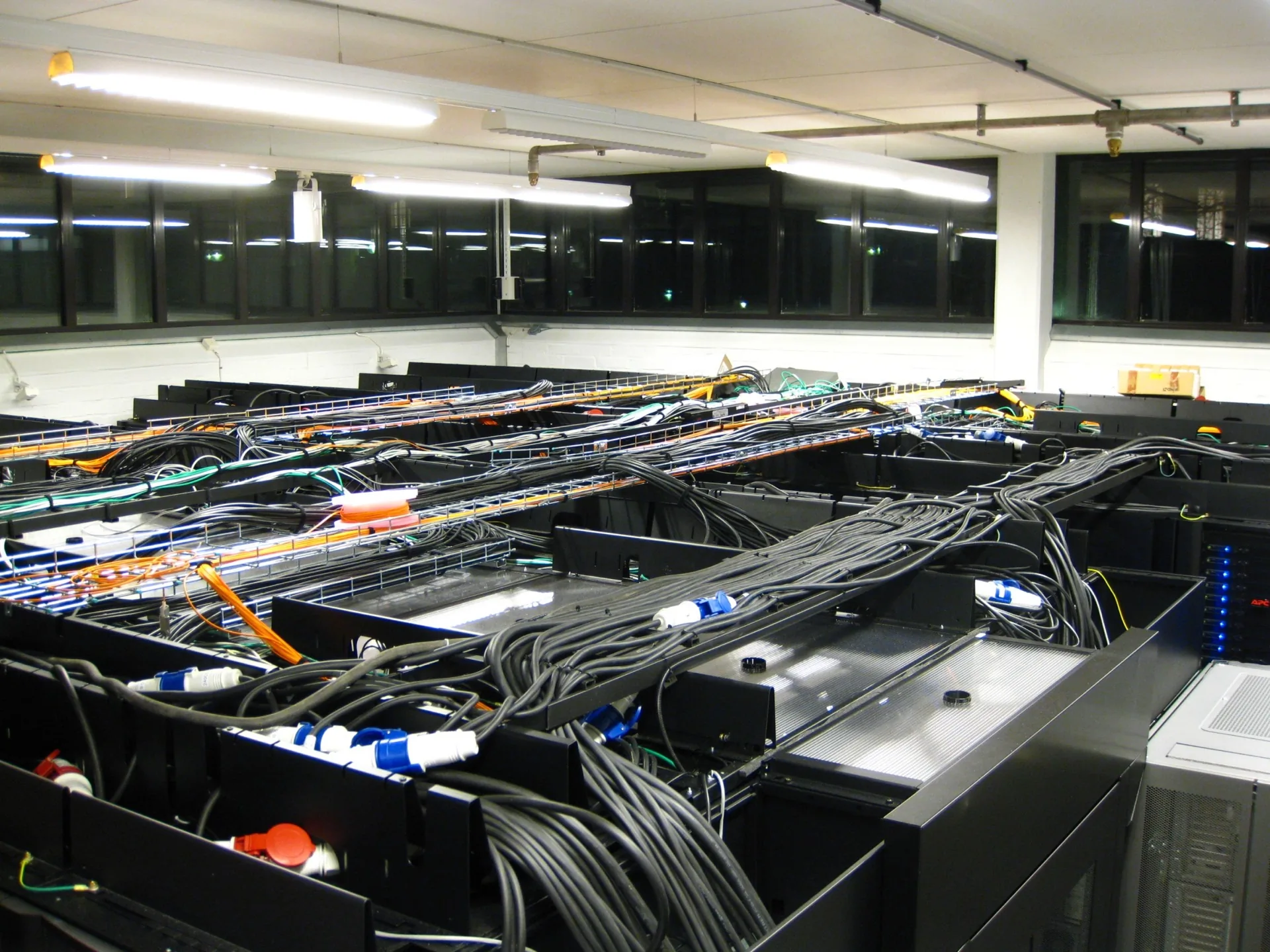
Image: Wikimedia Commons - PDC server room (CC BY-SA 3.0).
What is Dell PowerEdge Server?
PowerEdge is Dell's enterprise server family offered in rack, tower and modular form factors. In practice, it is necessary to think of this family not as a “single device” but as a set of platforms that can be scaled according to different workloads:
- General purpose enterprise workloads: ERP, file/application services, database.
- Virtualization and consolidation: More workloads with fewer physical servers.
- High I/O and NVMe density: Analytics, log processing, data platforms.
- Remote office/field scenarios: Centralized monitoring + minimal on-site intervention.
The most common mistake made on the technical purchasing side is to decide based on "model + CPU" and leave the architecture incomplete. However, for permanent success, these questions must be answered together:
- Is the kernel or memory the bottleneck?
- Is the workload latency-oriented or throughput-oriented?
- What is the NVMe/Tiering need?
- Will the initial investment or the 3-year TCO be optimized?
- With what level of automation will the operations team manage this?
6 Layers of PowerEdge Architecture
1) Compute Layer (CPU topology)
At the compute layer, not only the number of cores but also NUMA behavior, licensing impact and workload character are important. Especially in database and intensive virtualization, “more cores” does not always mean the best result. The wrong CPU profile may increase licensing costs and not increase performance as much as expected.
2) Memory Layer (capacity + speed balance)
There are two risks when making memory plans on the PowerEdge side:
- Undercapacity: Host swap and latency increase
- Unbalanced channel layout: Theoretical speed cannot be seen in the field
In the R760 example, although the DDR5 side offers a high ceiling, the return on investment decreases if the correct DIMM distribution is not made. It should not be forgotten that the architectural decision includes "settlement geometry" as much as "total GB".
3) Storage Layer (SAS/SATA/NVMe and data classes)
What makes good architecture at the storage layer is data classification, not “fastest disk”:
- Hot data: low latency (NVMe)
- Medium reach: balanced cost
- Archive/cold data: capacity focused
If incorrect layering is done, the backup window will be longer, the restoration time will increase, and momentary bottlenecks will appear on the application side.
4) I/O and Expansion Layer (PCIe and network plan)
The I/O side is considered last in most projects, but it has the most expensive payback. If NIC, HBA, GPU, DPU, or additional controller plans are not made from the beginning, subsequent growth steps will create unnecessary downtime.
5) Management Layer (iDRAC + OpenManage)
This is the most critical part that creates the corporate difference. The power of PowerEdge is not just in hardware, but in lifecycle management:
- out-of-band remote management with iDRAC
- Multi-server centralized operation with OpenManage Enterprise
- Firmware/configuration standardization
The main lever that reduces the cost of operation in the field is the central management discipline as the number of devices increases.
6) Layer of Security and Durability
In hardware security, the firmware chain is a matter not only for the security team but also for business continuity. Among the prominent topics in Dell's cyber-resilient approach are silicon root of trust, boot-time signature verification and lockdown mechanisms. In line with NIST SP 800-193, the “protect-detect-recover” cycle is becoming a standard.
R760 Reference Architecture: Reading by Numbers
The table below translates the data from Dell's R760 whitepaper into "purchase decision" language.
| Architectural Area | Technical Reference | Decision Impact |
|---|---|---|
| Processor | Up to 2 4th Gen Intel Xeon, up to 56 cores per processor | Consolidation and licensing plans should be made together |
| Memory | 32 DDR5 DIMMs, up to 8 TB capacity, up to 4800 MT/s speed | VM density and database behavior are directly affected |
| Pre-Storage | Up to 24 x 2.5" drives, up to 368.64 TB | NVMe + capacity tiering must be designed correctly |
| Expansion | Up to 8 PCIe Gen5 x16 | Future network/HBA/GPU needs should be designed first |
| Life Cycle | iDRAC + OpenManage Enterprise | Field intervention and operation costs are reduced |
Additional technical note: The Dell KB information specifies certain firmware prerequisites (e.g. iDRAC and BIOS minimum versions) for moving to Intel 5th Gen Xeon support on the R760. This indicates that a "firmware readiness" check is required before upgrading in the production environment.
Real Constraints Affecting Design Decisions in Ankara
The three most common practical constraints in architectural projects in Ankara are:
- Mixed workload: ERP + file + reporting + security logs on the same infrastructure.
- Team capacity: There is a strong infrastructure, but the central operation discipline is weak.
- Budget structure: Initial investment-focused decision trumps lifecycle cost.
Therefore, a good PowerEdge project depends on the question "which model?" It should clarify not only the question but also the following headings:
- 12-24 month growth scenario
- Backup/restore RPO-RTO expectation
- Network backbone compatibility (10/25/40/100G plans)
- Maintenance window and outage tolerance
- Internal team or managed operations model?
Uptime Institute data makes clear why disruption costs should be on the table at the management level. Server architecture is not a technical choice, but a financial risk management decision.
Sample Sizing Approach
The mini framework below is a rapid architectural assessment template for a medium-sized institution in Ankara.
A) Workload Classification
- Class-1 critical: ERP, finance, identity services
- Class-2 operational: file, intranet, reporting
- Class-3 environmental: logging, testing, ancillary services
B) Resource Profiling
- vCPU peak and average
- RAM working set
- IOPS and latency expectation
- Network traffic east-west / north-south
C) Architectural Decision Matrix
| Question | Low Density | Medium Density | High Density |
|---|---|---|---|
| CPU strategy | single host optimization | balanced 2 socket | consolidation focused |
| memory strategy | capacity priority | capacity + speed balance | channel and NUMA optimization |
| Storage | SAS/SATA weight | hybrid layer | NVMe weight |
| Operation | basic iDRAC | OME central visibility | OME + automation + standard profile |
D) Pre-Launch Technical Gates
- Is the firmware compatibility matrix OK?
- Is the iDRAC access and role model ready?
- Is there a configuration backup and rollback plan?
- Was the restoration time target achieved in the DR test?
Copiable Technical Assessment Checklist
- Workload classes and priority matrix have been extracted.
- CPU/memory/storage bottleneck measured separately.
- NVMe/SAS tiering policy has been written down.
- The PCIe expansion plan was defined from day one.
- clarified iDRAC access model (role, MFA, network segment).
- OpenManage Enterprise inventory standard created.
- Firmware release policy and maintenance schedule published.
- Secure boot/lockdown policies tested.
- Backup + restore verified in real scenario.
- Outage impact and business continuity metrics reported to management.
Where to Start with Leon-X?
If your goal is not a “one-time purchase” but sustainable infrastructure, the starting point is clear:
- Existing infrastructure and workload discovery
- Comparison of architectural alternatives (performance + TCO)
- Co-design of rollout and operations model
Related pages:
Frequently Asked Questions
What is the main difference between a Dell PowerEdge and a “white box” server?
The main difference is not only the hardware components but also the management and lifecycle layer. Centralized operation, firmware standardization and a more predictable support model are achieved with iDRAC/OpenManage.
The most critical decision in PowerEdge architecture is CPU or memory?
It depends on the workload. In virtualization and data-intensive applications, memory placement and capacity can be as critical as CPU, or even more critical in some scenarios. Architectural decisions should not be made based on a single metric.
Is it a good strategy to start with a single server and then grow?
Yes, but only if the expansion plan has been drawn from the beginning. Growth will be expensive if PCIe, storage slots, network capacity, and operating model are not planned in advance.
Do iDRAC and OpenManage really make an operational difference?
Yes. Especially in organizations with multiple locations or limited field staff, remote management and central visibility seriously reduce response time and operation costs.
Conclusion
The correct answer to the question What is Dell PowerEdge Server? is not just the model name; It is an architectural design adapted to the performance, continuity and operation goals of the institution. The safest approach for institutions in Ankara; is to handle technical capacity, management discipline and security chain in the same project.
For a PowerEdge architecture evaluation specific to your organization, you can contact.
Resources
- Dell - PowerEdge R760 Technical Guidebook (Rev. A00)
- Dell - Everything you need to know about iDRAC data telemetry streaming
- Dell - OpenManage Enterprise with CloudIQ overview
- Dell InfoHub - Cyber Resilient Architecture (Silicon root of trust, SCV, lockdown)
- Dell KB - PowerEdge R760/R760xa CPU support and required BIOS/iDRAC versions
- Uptime Institute - Annual outage analysis 2024
- NIST - SP 800-193 Platform Firmware Resiliency Guidelines
- Wikimedia Commons - PDC server room (image source)