For infrastructure teams in Ankara, one question comes up repeatedly: what does VMware Lifecycle Manager actually solve in day-to-day operations?
Short answer: vSphere Lifecycle Manager (vLCM) centralizes ESXi host lifecycle operations and helps teams standardize patching, upgrades, firmware, and driver alignment across clusters.
Quick Summary
- Broadcom TechDocs describes vLCM as a centralized and simplified lifecycle service for ESXi hosts.
- The vLCM image model follows a desired-state approach and improves host consistency inside a cluster.
- The image stack can include 4 layers: ESXi base image, vendor add-on, firmware and drivers add-on, and independent components.
- Broadcom documentation defines staging as a step that reduces host time spent in maintenance mode.
- The same docs highlight SHA-256 hash validation and signature checks in the remediation flow.
- As of March 2, 2026, ESXi patch listings show 8.0 Update 3i among the top entries, and its release note states February 24, 2026 with build 25205845.
Table of Contents
- What Is VMware Lifecycle Manager?
- Image vs Baseline
- Enterprise Update Workflow
- Staging and Maintenance Window Control
- Five Common Mistakes in Production
- Copy-Paste vLCM Checklist
- Frequently Asked Questions

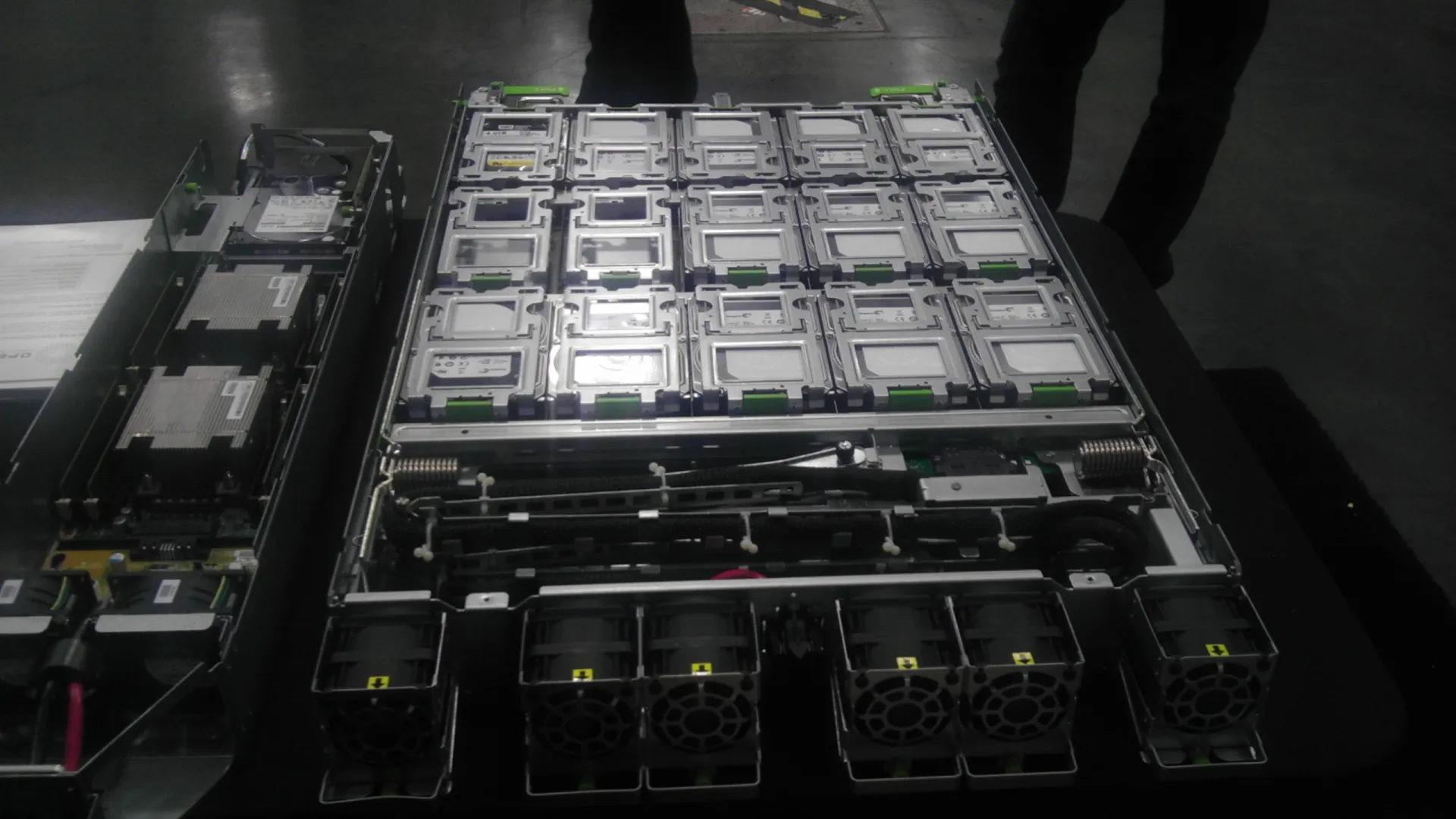
Image source: Wikimedia Commons - NOIRLab HQ Server Racks (CC BY 4.0).
What Is VMware Lifecycle Manager?
vLCM is a service running inside vCenter Server to manage ESXi lifecycle operations from a central control plane. Instead of updating hosts one by one with ad-hoc logic, teams can define a cluster target and enforce compliance.
Operationally, this delivers three benefits:
- Better version consistency across cluster nodes
- Lower dependence on individual operator habits
- Clearer auditability for change management
Image vs Baseline
vLCM supports both baseline and image approaches. In modern enterprise environments, the image model is typically the stronger long-term option because it aligns with desired-state operations.
Image model
An image defines the target software state for all hosts in a cluster. vLCM can evaluate compliance against that target and remediate drift.
The image can include:
- ESXi base image
- Vendor add-on
- Firmware and drivers add-on
- Independent components
This is especially important for firmware and driver governance, where partial updates often cause instability.
Baseline model
Baseline workflows remain relevant in transitional environments. But for large clusters and repeatable governance, image-driven desired state generally offers a cleaner operational contract.
Enterprise Update Workflow
This is a low-risk model for production environments.
1) Lock the target state
- Target ESXi release and build
- Cluster scope and update waves
- Maintenance and rollback windows
2) Build and review the image
Define and validate image components before any production action.
3) Run compliance and risk checks
- Hardware and vendor package compatibility
- Drift analysis by host
- Critical workload impact review
4) Stage first
Use staging to preload required artifacts and reduce live maintenance duration.
5) Remediate and validate
- Execute wave-based remediation
- Confirm host compliance
- Validate VM placement, storage paths, network, and management access
Staging and Maintenance Window Control
Broadcom documentation explicitly states that staging reduces the time ESXi hosts spend in maintenance mode by downloading update components in advance.
Sample operating targets:
| Metric | Target Range |
|---|---|
| Maintenance per host | 20-45 minutes |
| Critical service validation | 10-15 minutes |
| Wave size | 1-3 hosts |
| Rollback decision threshold | First 5-10 minutes |
Five Common Mistakes in Production
1) Updating ESXi only
Ignoring firmware and drivers can still result in post-update instability.
2) Skipping pilot validation
Always run a pilot cluster or low-risk wave before critical production.
3) Skipping staging
Direct remediation without staging can inflate maintenance windows.
4) Weak rollback criteria
If rollback triggers are unclear, incident decisions become inconsistent.
5) Minimal post-checks
A successful host boot is not enough. Validate workloads, storage, networking, and alarms.
Copy-Paste vLCM Checklist
- Target ESXi release and image profile are defined.
- Vendor add-on and firmware-driver alignment is validated.
- Pilot run is completed.
- Staging is done before the live window.
- Remediation wave plan is approved.
- Rollback criteria and owners are documented.
- Post-update tests are completed and archived.
Where to Start with Leon-X
For teams in Ankara, the most effective first step is to build a single lifecycle runbook that includes image design, maintenance governance, validation, and rollback logic.
Related pages:
Frequently Asked Questions
Is vLCM the same as legacy Update Manager?
Not exactly. vLCM includes legacy patching capabilities but extends them with cluster image and desired-state operations.
Can updates be done without vLCM?
Yes, with methods like ESXCLI. For multi-host enterprise clusters, centralized lifecycle control is usually more consistent and auditable.
Can a cluster move back from image mode to baseline mode?
Broadcom docs note that switching to image mode is effectively a one-way model for that cluster. Plan transitions carefully.
Why does release-note tracking matter in 2026?
Patch cadence inside major versions remains active. The February 24, 2026 U3i release line is a concrete example. Always verify release context before each change window.
Conclusion
VMware Lifecycle Manager is not just a patching utility. It is an enterprise operations standard for predictable ESXi lifecycle control. When image design, staging, and post-check discipline are applied together, updates become repeatable and significantly safer.
For a tailored vLCM rollout and governance plan, you can contact our team.
Sources
- Broadcom TechDocs - What is vSphere Lifecycle Manager
- Broadcom TechDocs - vSphere Lifecycle Manager Baselines and Images
- Broadcom TechDocs - ESXi Update and Patch Release Notes
- Broadcom TechDocs - VMware ESXi 8.0 Update 3i Release Notes
- VMware Cloud Foundation Blog - What's New in VMware vSphere 8 Update 3?
- Wikimedia Commons - NOIRLab HQ Server Racks (image source, CC BY 4.0)