A Dell PowerStore volume not visible issue does not usually mean that the volume was never created. More often, the volume exists on PowerStore, appears to be mapped, but ESXi, Linux, or the consuming application cannot discover the new LUN. The short answer is this: first confirm that the volume is mapped to the correct host or host group, that the LUN ID is inside the host scan range, that initiator identity matches the PowerStore host object, that the protocol is correct, and that host-side rescan and multipath visibility are working.
This guide is especially for:
- Dell PowerStore administrators
- VMware ESXi and storage operations teams
- infrastructure teams troubleshooting LUN, datastore, or volume visibility
- IT leaders standardizing host mapping and SAN/NVMe-oF operations
Quick Summary
- Dell KB
000199943explains that PowerStore automatic LUN ID assignment can exceed the host scan range, making newly mapped volumes invisible to the host. - According to that KB, the default ESXi
Disk.MaxLUNvalue is1024, allowing discovery of LUN IDs0-1023; PowerStore can support a0-16383range. - Dell’s VSI KB states that PowerStore does not allow mapping a volume to a single host that is already part of a host group unless the mapping aligns with the host group.
- In direct-attached Fibre Channel scenarios, WWNs can be visible in PowerStore Manager while volumes are still not detected on the ESXi host side.
- For vVols, even IQN case mismatch can make the datastore inaccessible by affecting protocol endpoint discovery.
Table of Contents
- What Does Dell PowerStore Volume Not Visible Really Mean?
- What Should You Check in the First 10 Minutes?
- Why Are LUN IDs and Host Scan Limits Critical?
- How Do You Separate Host Group and Mapping Mistakes?
- What Should You Check for FC, iSCSI, NVMe, and vVols?
- What Are the Most Common Mistakes?
- Related Articles
- Checklist
- Next Step with Leon-X
- Frequently Asked Questions
- Sources
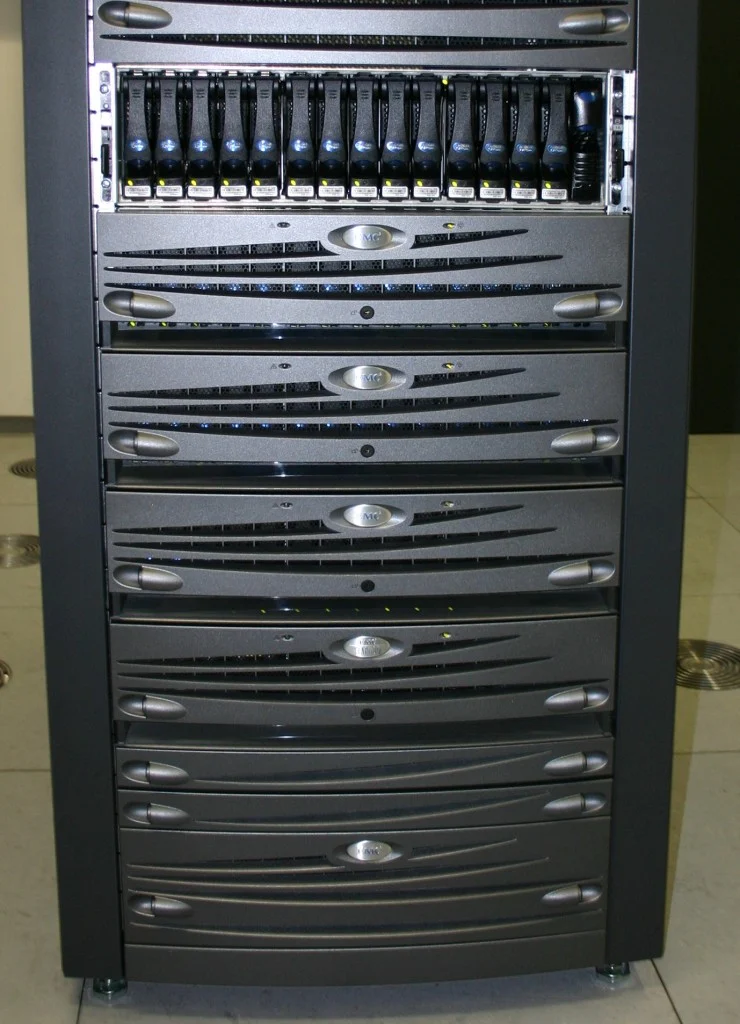
Image: Wikimedia Commons - EMC Clariion CX500.
What Does Dell PowerStore Volume Not Visible Really Mean?
This issue usually comes from one of three layers:
- the volume exists on PowerStore, but host mapping is missing or wrong
- mapping looks correct, but the LUN ID is outside the host scan range
- host-side initiator, protocol, rescan, or multipath discovery is incomplete
So you should not assume the problem is solved just because the volume exists in PowerStore Manager. Storage visibility depends on the array and host agreeing on identity, protocol, and discovery behavior.
What Should You Check in the First 10 Minutes?
1. Is the volume mapped to the correct host?
Review the Host Mappings area for the volume. Dell’s vCenter expansion visibility KB also points to the HOST MAPPINGS tab and the Logical Unit Number column in PowerStore Manager as a direct verification point.
2. Does the host object match the right initiator?
For iSCSI, check IQN. For Fibre Channel, check WWPN. For NVMe, check NQN. These identifiers must be associated with the correct host object.
3. Is the LUN ID inside the host scan range?
Dell KB 000199943 explains that a newly assigned LUN can remain invisible if its LUN ID is higher than what the host scans. On ESXi, this is directly tied to Disk.MaxLUN.
4. Was host rescan and multipath validation completed?
After storage-side mapping, the host still needs adapter rescan, device rescan, and path validation. If one cluster host sees the volume and another does not, compare initiator and path behavior before blaming the array.
Why Are LUN IDs and Host Scan Limits Critical?
PowerStore can assign LUN IDs automatically when mapping a volume. Dell’s KB explains that PowerStore Manager UI, REST API, and PSTCLI may return the next higher available LUN ID. If automation repeatedly maps and unmaps volumes, the assigned value may eventually rise above what the host is configured to scan.
For ESXi, the key numbers are:
Disk.MaxLUNdefault value can be1024- that default allows discovery of LUN IDs
0-1023 - PowerStore can support LUN IDs up to
0-16383
The practical result is simple: the mapping may be present on PowerStore, but the host may never scan that LUN ID. After confirming mapping, the next question should be: which LUN ID was assigned?
How Do You Separate Host Group and Mapping Mistakes?
Host groups are common and valid in PowerStore environments, but the mapping model must be consistent.
Dell’s VSI KB explains an important rule: PowerStore does not allow mapping a volume to one individual host when that host is already part of a host group; the mapping must be aligned with the host group. This is especially important for vSphere clusters and automation tools.
Practical validation flow:
- check whether the host is standalone or a host group member
- confirm whether the volume was mapped to the host or the host group
- verify LUN ID consistency across all cluster hosts
- if one host sees the volume and another does not, compare initiator and path differences
This is where Hardware & Software Services, especially NAS / SAN Storage Installation and Configuration, helps standardize the mapping model. For performance and host impact, Storage Capacity Planning and Performance Optimization should be evaluated in the same workflow.
What Should You Check for FC, iSCSI, NVMe, and vVols?
Fibre Channel
Dell’s PowerStoreOS 2.0 KB describes a direct-attached FC case where WWNs are correctly recognized in PowerStore Manager and volumes can be mapped, but ESXi hosts still do not detect them. That means the root cause may involve driver and protocol behavior, not only zoning or mapping.
iSCSI
For iSCSI, check IQN matching, discovery portal configuration, CHAP if used, and rescan behavior. A stale or wrong host object can make the mapping appear correct while the intended host sees nothing.
NVMe / NVMe-FC
For NVMe environments, validate NQN, host type, namespace visibility, and vSphere host recognition behavior. Dell’s PowerStore NVMe-FC visibility notes show that management-plane display differences can be misread during troubleshooting.
vVols
Dell KB 000205541 explains that a vVol datastore can become inaccessible if the ESXi host IQN uses uppercase and does not match PowerStore as expected. In vVol cases, protocol endpoints and identity matching matter as much as the volume itself.
What Are the Most Common Mistakes?
Treating volume creation as enough
Creating a volume and making it visible to the host are different steps. Mapping, LUN ID, initiator identity, and host rescan all need to complete.
Not checking LUN ID
If automation repeatedly maps and unmaps volumes, LUN ID values can become higher than expected. A host may not scan that range by default.
Ignoring host group rules
Trying to map a volume to a single host inside a host group can create visibility and consistency problems.
Mixing protocol assumptions
FC, iSCSI, NVMe, and vVols do not follow one identical troubleshooting flow. Their initiator and discovery logic differs.
Asking for support before defining the scope
“The volume is not visible” is not enough. Host type, protocol, LUN ID, cluster model, and mapping design should be captured first. For assessment or proposal work, use the Contact page.
Related Articles
- Dell Storage Multipath Not Working
- What Is Dell Storage NVMe-oF? Guide
- Dell PowerStore High Latency Problem
- What Is Dell PowerStore Controller Architecture?
Checklist
- the PowerStore volume is mapped to the correct host or host group
- the LUN ID is inside the host scan range
- for ESXi,
Disk.MaxLUNand rescan behavior were checked - iSCSI IQN, FC WWPN, or NVMe NQN is tied to the correct host object
- LUN ID and visibility are consistent across host group members
- multipath/path state and datastore/device visibility were validated on the host side
Next Step with Leon-X
A Dell PowerStore volume not visible issue is usually not one storage alarm. It is a host mapping, LUN ID, protocol discovery, and multipath chain problem. Leon-X reviews PowerStore visibility issues through Hardware & Software Services, especially NAS / SAN Storage Installation and Configuration and Storage Capacity Planning and Performance Optimization, so host and storage layers are diagnosed together. To assess your environment or request a proposal, use the Contact page.
Frequently Asked Questions
Why is a mapped PowerStore volume not visible on the host?
Common reasons include LUN ID outside the host scan range, wrong host or host group mapping, missing rescan, initiator mismatch, or protocol-specific discovery issues.
What ESXi value is especially important?
Dell’s KB notes that Disk.MaxLUN may default to 1024, which limits the LUN IDs the host scans.
Is it correct to map a volume to one host inside a host group?
Usually no. Dell’s KB states that mapping should align with the host group rather than only one member.
Should vVol visibility be checked like a classic LUN?
No. vVol troubleshooting must also include protocol endpoint and IQN/NQN identity matching.
Sources
- Dell PowerStore: Volumes Mapped Through REST API By an Application Are Not Visible on the host
- Dell PowerStoreOS 2.0: ESXi hosts do not detect direct attached fibre channel volumes
- Dell PowerStore: VSI creates datastore but no volume or error seen in vSphere HTML client
- Dell PowerStore: Block Volume not listed for expansion in vCenter
- Dell PowerStore: Inaccessible vVol datastore if the IQN of the ESXi host uses uppercase
- Wikimedia Commons - EMC Clariion CX500