Designing VMware backup for ISO 27001 is not just about picking a backup product or scheduling daily jobs. A stronger model defines which VMware components must be protected, how often recoverable copies are produced, how restores are verified, and where snapshot-based workflows stop being acceptable. The short answer is this: from an ISO 27001 perspective, VMware backup requirements should be evaluated not only by whether backups exist, but by whether integrity, availability, recoverability, and auditability can be demonstrated.
This guide is especially useful for:
- VMware and vSphere administrators
- information security and compliance teams
- backup, DR, and business continuity teams
- IT managers preparing for ISO 27001 audits
Quick Summary
- ISO/IEC 27001 defines a risk-based ISMS framework, while ISO/IEC 27002 provides practical control guidance.
- Broadcom clearly distinguishes between file-based backup and image-based backup for vCenter Server.
- If CBT becomes inconsistent after powered-on disk expansion, backup chains can look successful while restores become unreliable.
- Snapshot creation and consolidation can introduce roughly
30 secondsof stun in some environments, and longer in heavier I/O scenarios. - Backup assurance in vSphere should not stop at “job successful”; it should include repeatable restore validation.
- Snapshots are not a backup strategy on their own, and Broadcom states that explicitly.
Table of Contents
- What Does VMware Backup Mean in ISO 27001 Terms?
- Which VMware Components Should Be Protected?
- What Is the Difference Between Snapshot, Backup, and Restore?
- What Are the Most Critical Backup Risks in VMware Environments?
- How Should the ISO 27001 Evidence Set Be Designed?
- Checklist
- Frequently Asked Questions
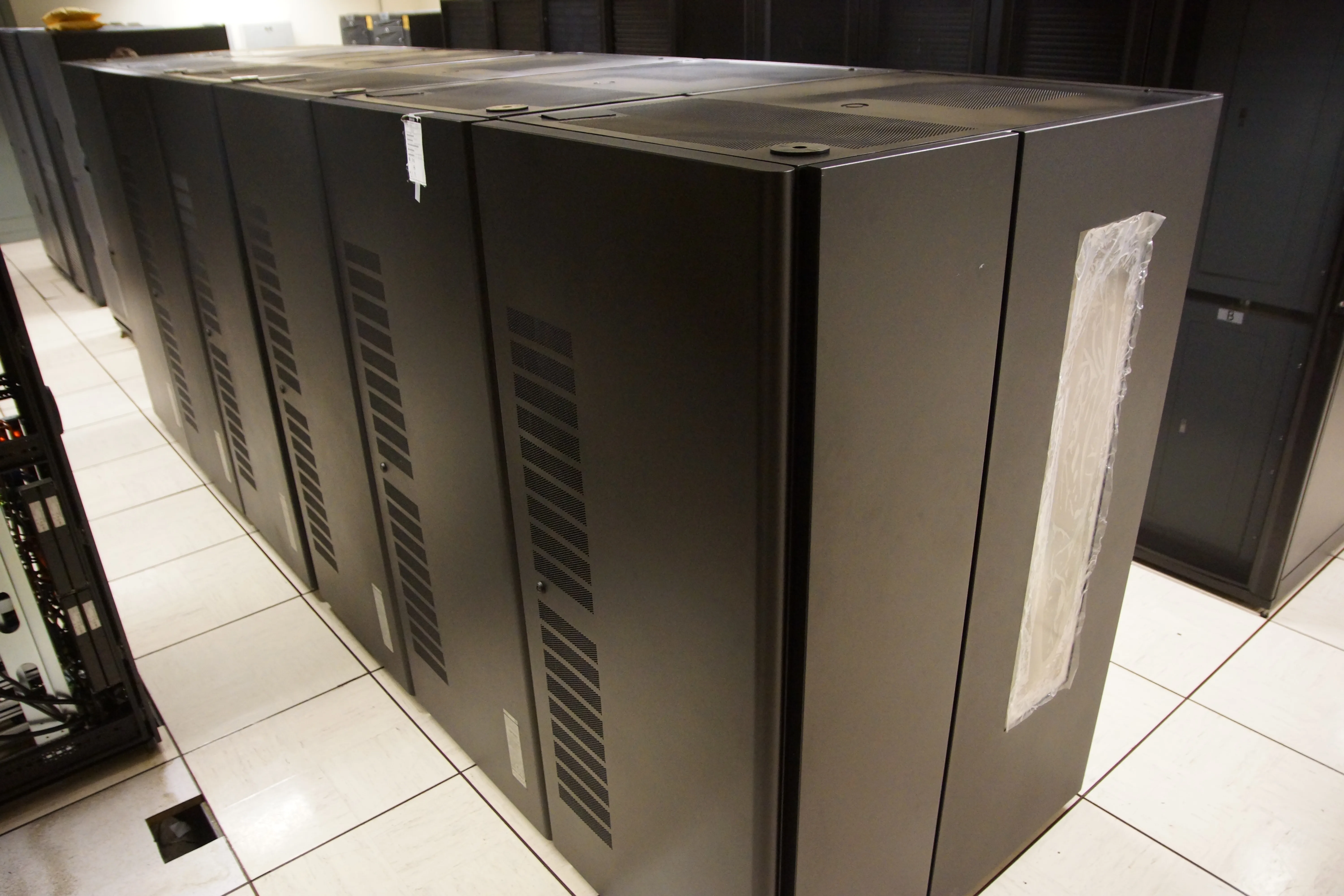
Image: Wikimedia Commons - IBM TS3500 tape library overhead.
What Does VMware Backup Mean in ISO 27001 Terms?
The official ISO/IEC 27001 description makes it clear that the standard is about a risk-based information security management system. ISO/IEC 27002 complements that with practical control guidance. For VMware, this means backup is not just a technical job schedule. It is a control design that answers:
- which data and management components are critical
- what data loss is acceptable
- what downtime is acceptable
- whether recovery actually works
- who performs restore testing and how often
- which records can be shown during an audit
A stronger ISO 27001-oriented VMware backup model therefore includes:
- policy and scope definition
- technical backup workflows
- restore testing
- retention rules
- roles and responsibilities
- revalidation after change
Which VMware Components Should Be Protected?
In enterprise environments, backup scope should not stop at virtual machines.
1. vCenter Server
Broadcom’s official backup and restore overview clearly separates file-based backup and image-based backup for vCenter Server. This matters because many teams assume VM-level backup is enough. In reality, when the management plane is damaged:
- inventory can be lost
- roles and permissions can be affected
- alarm, event, and task history can be disrupted
- backup-platform integrations can break
That is why vCenter file-based backup should be treated as its own control requirement.
2. Production virtual machines
VM protection should not be defined as “back up all VMs the same way.” A better classification is:
- business-critical production VMs
- lower-criticality application VMs
- high-I/O or database-heavy VMs
- appliance workloads with special operational constraints
Without that classification, applying the same RPO and RTO to everything is both expensive and weak.
3. Configuration and dependency layers
Backup design should also consider:
- encryption, key, and certificate dependencies
- backup software dependence on CBT
- storage policy and datastore dependencies
- replication and DR topology
What Is the Difference Between Snapshot, Backup, and Restore?
One of the most common mistakes is treating a snapshot as a backup. Broadcom’s guidance is explicit: a snapshot is not a backup strategy.
Snapshot:
- is useful for short-term rollback or operational safety
- remains dependent on the same infrastructure
- creates capacity and performance pressure when retained too long
- does not replace backup
Backup:
- creates an independent recovery copy
- belongs to a retention, protection, and restore chain
- should be defensible during an audit
Restore validation:
- proves not that a backup exists, but that recovery works
- is one of the most overlooked but most important control elements
What Are the Most Critical Backup Risks in VMware Environments?
1. CBT inconsistency
Broadcom KB 313039 explains that in vSphere 8.0 U2, Changed Block Tracking can become inconsistent after powered-on disk expansion, leading to incorrect backups and corrupt restores. This matters because jobs may still appear successful while recovery reliability is broken.
Key points include:
- the issue can be triggered after powered-on disk growth
- it can affect all major datastore types
- the fix is in
8.0 U2bor later - future backups may require CBT reset or an active full backup
2. Snapshot stun and production impact
Broadcom KB 320319 and related snapshot guidance show that backup-driven snapshot consolidation can introduce noticeable stun, especially with NFS or high-I/O workloads. In some situations:
- a VM can become unresponsive for about
30 seconds - higher I/O can make the impact worse
- poor scheduling can turn backup into an application problem
So under ISO 27001, backup requirements should assess not only success rates, but also operational side effects.
3. Ignoring vCenter backup
Broadcom’s official overview 318731 stresses that vCenter backup options should be treated separately. If the management plane is not protected independently, recovery time can still become unacceptable even if VM backups exist.
4. Treating snapshots as durable backups
Broadcom also states that snapshots should not be treated as a backup strategy. For critical workloads and appliances, relying on snapshots as long-term protection is a weak design choice.
Related Content
- ISO 27001 için VMware Monitoring Nasıl Yapılır?
- VMware Backup Nasıl Yapılır?
- VMware Disaster Recovery Nasıl Kurulur?
How Should the ISO 27001 Evidence Set Be Designed?
Having backups is not enough for audit readiness. A stronger evidence set includes:
- an approved backup policy
- a scope list covering vCenter, critical VMs, and special appliances
- an RPO and RTO table
- job success reports
- periodic restore test records
- exception handling records such as CBT reset or active full backup
- retention and deletion policies
- a responsibility matrix
The following artifacts usually make the strongest audit evidence:
- restore test results across the last
12 months - at least
1verified vCenter restore workflow - regular full backup or immutable copy policy for critical systems
- validation records after major change
Checklist
- Define file-based backup workflow for vCenter Server
- Write separate RPO and RTO targets for critical VM classes
- Document the distinction between snapshot and backup
- Create a restore test schedule
- Add version and post-resize verification steps for CBT-based backup tools
- Reassess backup windows for high-I/O systems
- Define the audit evidence and reporting set
Next Step with Leon-X
Designing VMware backup for ISO 27001 is not just about planning backup jobs. It is about managing recoverability, the management plane, and production impact together. Leon-X helps you design backup architecture, restore validation, and audit evidence sets together so the result is actually defensible.
Relevant pages:
- Hardware & Software Services
- Backup, Monitoring, Reporting and Restore Management
- Enterprise Virtualization Platforms Sales and Licensing
- Contact
Frequently Asked Questions
Is taking snapshots enough to satisfy ISO 27001 backup expectations?
No. Snapshots can be useful for short operational rollback, but Broadcom clearly states that they are not a backup strategy on their own.
Are VM backups enough without backing up vCenter?
In most enterprise environments, no. The management plane needs its own recovery plan.
Why do CBT-based environments need extra attention?
Because specific version and powered-on resize scenarios can make CBT inconsistent and reduce restore reliability.
How often should restore testing be performed?
That depends on business risk and workload criticality, but relying only on job-success reports is not enough. Periodic restore testing should be treated as mandatory.
Can the backup window affect performance?
Yes. Snapshot creation and consolidation can create stun and visible application impact, especially in high-I/O systems.
Conclusion
ISO 27001 VMware backup requirements go far beyond selecting backup software. A stronger model includes protection for vCenter, restore testing, awareness of snapshot limits, control of CBT-related risks, and an evidence chain that stands up in audit. That turns backup from a process that merely appears to work into a control that is demonstrably recoverable and defensible.
Sources
- ISO/IEC 27001:2022 - Information security management systems
- ISO/IEC 27002:2022 - Information security controls
- Overview of backup and restore options in vCenter Server
- Changed Block Tracking (CBT) is inconsistent after resizing VM disk in vSphere 8.0 U2
- High Stun time observed in snapshot consolidation
- Understanding snapshots and AutoProtect in VMware Fusion
- SC 27 Journal 2022 update discussing ISO/IEC 27002:2022 control context for information backup
- Wikimedia Commons - IBM TS3500 tape library overhead