VMware vSAN Health Error means that at least one layer of the vSAN cluster is outside the expected state across capacity, network, disks, HCL, object health, performance service, or vSAN Health service collection. It does not always mean data loss, but it does mean that the cluster has moved away from the expected resilience, compliance, or observability baseline. The short answer is this: first identify the exact vSAN Health category, then validate host, disk group, network, HCL, resync, object compliance, and the vCenter-side vmware-vsan-health service together.
This guide is especially useful for:
- virtualization teams operating VMware vSAN clusters
- storage, network, and data center operations teams
- system administrators who need clean health before maintenance windows
- organizations separating HCL, firmware, disk, and network-related vSAN Health errors
Quick Summary
- Broadcom KB
326438groups vSAN Health Service checks into categories such as capacity, cluster, data, hardware compatibility, network, physical disk, and proactive tests. VMware vSAN Health Erroris not a single issue. The failed yellow or red test family must be identified first.- If the vSAN Health service cannot start or the UI cannot display health data, the issue may be in the vCenter service layer rather than the data layer.
- HCL, SCSI controller, firmware, driver, and physical NIC checks can block maintenance or vLCM remediation.
- Network health should be separated into small ping, large ping, MTU, connectivity, partition, and latency checks.
- Safe remediation means documenting validation, logs, resync impact, and maintenance-mode risk instead of simply silencing the alert.
Contents
- What Does vSAN Health Error Mean?
- What Should Be Checked in the First 10 Minutes?
- Is the vSAN Health Service Running?
- How Are Disk, HCL, and Firmware Errors Separated?
- How Should Network Health Error Be Investigated?
- When Do Resync and Object Compliance Become Critical?
- Prevention Plan
- Related Content
- Checklist
- Next Step with Leon-X
- FAQ
- Sources
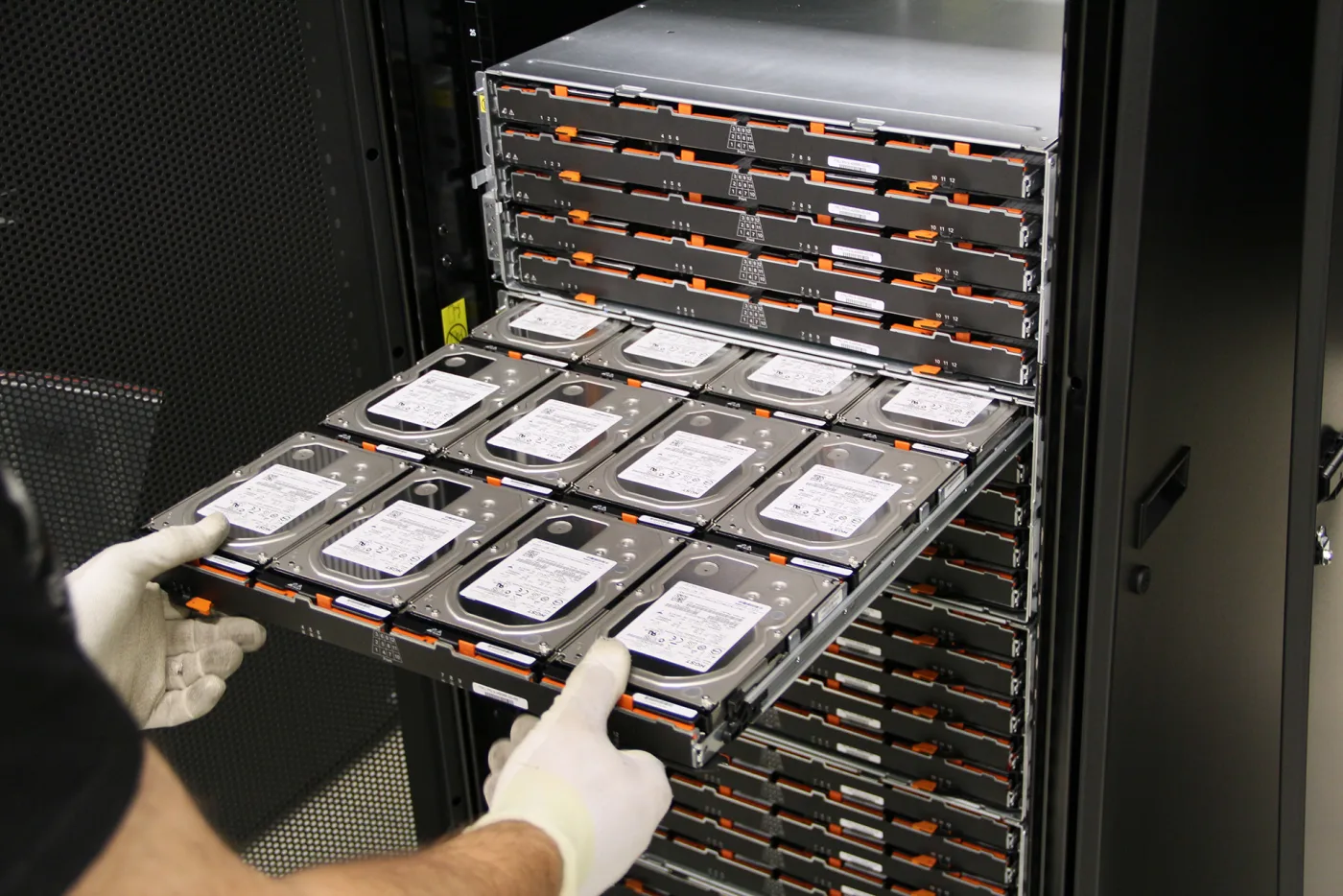
Image: Wikimedia Commons - IBM System Storage DCS3700, j_cadmus, CC BY 2.0. Optimized to WebP.
What Does vSAN Health Error Mean?
vSAN Health Error means that at least one vSAN health test did not return the expected result. The alert can represent a real data availability risk, a maintenance readiness problem, or a failure in the service layer that collects and displays health information.
Broadcom KB 326438 groups vSAN Health Service checks into these main families:
| Health family | Typical issue | First separation |
|---|---|---|
| Capacity Utilization | low free space, approaching limits | capacity and component count |
| Cluster | disk format, configuration consistency, time sync | host-to-host parity |
| Data | object health, object format | policy and availability |
| Hardware Compatibility | controller, firmware, disk, NIC | HCL and driver alignment |
| Network | MTU, connectivity, partition, latency | VMkernel and physical network |
| Physical Disk | disk health, congestion, metadata | cache/capacity device impact |
| Performance Service | stats collection, performance object | metric visibility |
That is why How to Fix VMware vSAN Cluster Degraded focuses more on resilience degradation, while this guide focuses on separating vSAN Health Error by category and responding safely.
What Should Be Checked in the First 10 Minutes?
The first response should not be silencing the alarm or immediately placing a host into maintenance mode. A safer starting order is:
- In vSphere Client, go to
Cluster > Monitor > vSAN > Skyline Healthand record the exact yellow or red test name. - Separate whether the alert belongs to capacity, network, physical disk, hardware compatibility, data, or service health.
- Check whether vLCM remediation, firmware updates, host reboots, disk changes, network changes, or certificate changes occurred in the last
24 hours. - Review resyncing components and estimated completion behavior.
- Validate object compliance for critical VMs separately.
- Check vSAN Health service status and related vCenter logs.
- Identify whether the issue affects one host, the whole cluster, or a specific disk group.
This workflow relates directly to virtualization and storage operations under Hardware & Software Services. Storage Capacity Planning and Performance Optimization is especially relevant because vSAN health signals should be reviewed together with capacity, performance, and maintenance standards.
Is the vSAN Health Service Running?
In some situations, the problem is not the vSAN data layer but the vSAN Health service running on vCenter. Broadcom KB 433327 summarizes several cases where the vSAN Health service fails to start and identifies the logs that distinguish each condition.
Check these items:
service-control --status vmware-vsan-health- service logs under
/var/log/vmware/vsan-health/ - recent vCenter upgrade or certificate change history
- errors in
envoy,vpxd-svcs,vpostgres, andvsanvcmgmtdlogs - whether vSAN views disappear completely from vSphere Client
If the Health service is not starting, the cluster might look unhealthy because health collection is broken, not because the data layer is actually degraded. That distinction is important before maintenance windows; the service layer should be separated before host or disk actions are taken.
How Are Disk, HCL, and Firmware Errors Separated?
A significant portion of vSAN Health Error alerts comes from hardware compatibility or physical disk checks. Broadcom KB 404723 shows that ESXi upgrade pre-check or remediation can fail because of a vSAN health alert such as SCSI controller is VMware certified.
For disk and HCL checks, separate these questions:
- Is the SCSI controller listed in the vSAN HCL?
- Are controller firmware and driver versions in a supported combination?
- Are there SMART, wear, latency, or congestion signals on cache or capacity devices?
- Is the disk group layout expected?
- Are vSAN and non-vSAN disks sharing the same storage controller?
- Has the alert been verified, or is it stale HCL data or a temporary health result?
The operational lesson from the Broadcom article is clear: an alert should be silenced only after compatibility is positively verified. "Silence Alert" is not a fix; it is an operational step after evidence exists.
This topic should be read together with How Do VMware vSAN Disk Groups Work?, VMware vSAN Architecture Deep Dive, and What Is VMware Storage Policy?.
How Should Network Health Error Be Investigated?
vSAN network errors can look like storage problems, but the root cause may live in VMkernel, MTU, VLAN, physical NICs, drivers, or switching. Broadcom KB 326438 lists network health checks for small ping, large ping, MTU, connectivity, unexpected members, partition, and latency.
Network separation questions:
- Does every host have a vSAN-enabled VMkernel adapter?
- Are vSAN VMkernel IPs on the correct VLAN?
- Does small ping work while large ping or MTU check fails?
- Is there a vSAN cluster partition warning?
- Are physical NIC link speed, error rate, or driver/firmware warnings present?
- In RDMA/RoCE designs, are NICs correctly certified?
vSAN network health should also be monitored operationally through Network Monitoring and Management. Many issues that appear to be storage alerts are actually caused by packet loss, MTU mismatch, or latency. For background, see How VMware Networking Works and How to Configure VMware VLANs.
When Do Resync and Object Compliance Become Critical?
If vSAN Health Error appears together with resync or object compliance alerts, remediation should be planned more carefully. Placing a host into maintenance mode, replacing a disk, or making additional network changes can increase pressure on an already recovering cluster.
Critical signals include:
- resync queue does not decrease for a long period
- object compliance is broken for critical VMs
- free capacity is low
- more than one host or disk group is affected
- maintenance mode looks risky even with
Ensure Accessibility - performance graphs show high latency during resync
The goal is not to clear the alarm quickly. The goal is to restore health without reducing data resilience further. VMware vSAN Performance Optimization Guide helps interpret resync, network, and workload pressure together.
Prevention Plan
Days 1-7: Visibility
- Export a vSAN Health category report.
- Group recurring health alerts from the last
30 days. - Retain vCenter
vmware-vsan-healthservice logs and ESXi host logs. - Sample object compliance for the most critical VMs.
Days 8-20: Standardization
- Update HCL, firmware, driver, and controller standards.
- Document vSAN network VLAN, MTU, NIC teaming, and switch trunk standards.
- Align capacity thresholds and resync alert thresholds with operations.
- Add vSAN Health pre-checks to the maintenance-mode procedure.
Days 21-30: Test and evidence
- Retain Proactive VM Creation Test and Network Performance Test results.
- Compare vSAN Health before and after maintenance.
- Assign root cause and action owners for recurring alerts.
- Prepare a Broadcom support bundle when needed.
Broadcom KB 327035 explains how to collect vSAN support logs and upload them to Broadcom VCF Support. For critical events, a screenshot is not enough; a log set and timeline should also be prepared.
Related Content
- How to Fix VMware vSAN Cluster Degraded
- VMware vSAN Performance Optimization Guide
- How Do VMware vSAN Disk Groups Work?
- VMware vSAN Architecture Deep Dive
- VMware vSAN vs Traditional SAN Comparison
- What Is VMware Storage Policy?
Checklist
- Exact yellow or red health test name was recorded
- Alert was separated into capacity, cluster, data, HCL, network, physical disk, or service category
- vCenter
vmware-vsan-healthservice status was checked - Disk group, cache device, and capacity device health were reviewed
- HCL, firmware, and driver combination was validated
- vSAN VMkernel, VLAN, MTU, and physical NIC state were checked
- Resyncing components and object compliance were reviewed
- vSAN Health pre-check was taken before maintenance or remediation
- If an alert was silenced, verification evidence was retained
- Support bundle and incident timeline were prepared
Next Step with Leon-X
VMware vSAN Health Error should be treated as a combined health signal across storage, network, firmware, policy, and vCenter service layers. Leon-X connects vSAN health findings to a durable operations standard through Hardware & Software Services, especially Storage Capacity Planning and Performance Optimization, NAS / SAN Storage Installation and Configuration, and Enterprise Virtualization Platforms Sales and Licensing.
For network visibility, Network Monitoring and Management under Business Management Services is also a supporting layer. To review your current vSAN cluster or request a proposal, continue through the Contact page.
Related pages:
- Hardware & Software Services
- Storage Capacity Planning and Performance Optimization
- NAS / SAN Storage Installation and Configuration
- Network Monitoring and Management
- Contact
FAQ
Does VMware vSAN Health Error mean data loss?
Not always. Some health errors are related to compatibility, service, network, or HCL checks. However, if object health or resync warnings are also present, data resilience may be affected.
Can a vSAN Health alert be silenced?
Yes, but only after validation. For HCL or firmware-related warnings, silencing the alert does not fix the root cause; it only removes a verified exception from the active alert list.
What should be done if the vSAN Health service is not running?
First check the vmware-vsan-health service state and related vCenter logs. If the service cannot start, separate the vCenter service layer before changing hosts or disks.
Can a network issue appear as a storage problem?
Yes. MTU mismatch, packet loss, partition, or latency can surface as vSAN data or cluster health errors.
What is the most important pre-maintenance check?
Before maintenance, review vSAN Health, resyncing components, object compliance, free capacity, and the intended host maintenance mode option together.
Sources
- Broadcom KB 326438 - vSAN Health Service Check Information
- Broadcom KB 433327 - vSAN health service fails to start on vCenter Server
- Broadcom KB 404723 - ESXi upgrade pre-check fails due to degraded vSAN health
- Broadcom KB 327035 - How to collect vSAN support logs and upload to Broadcom VCF Support
- Broadcom Developer - vSAN Management API
- Wikimedia Commons - IBM System Storage DCS3700