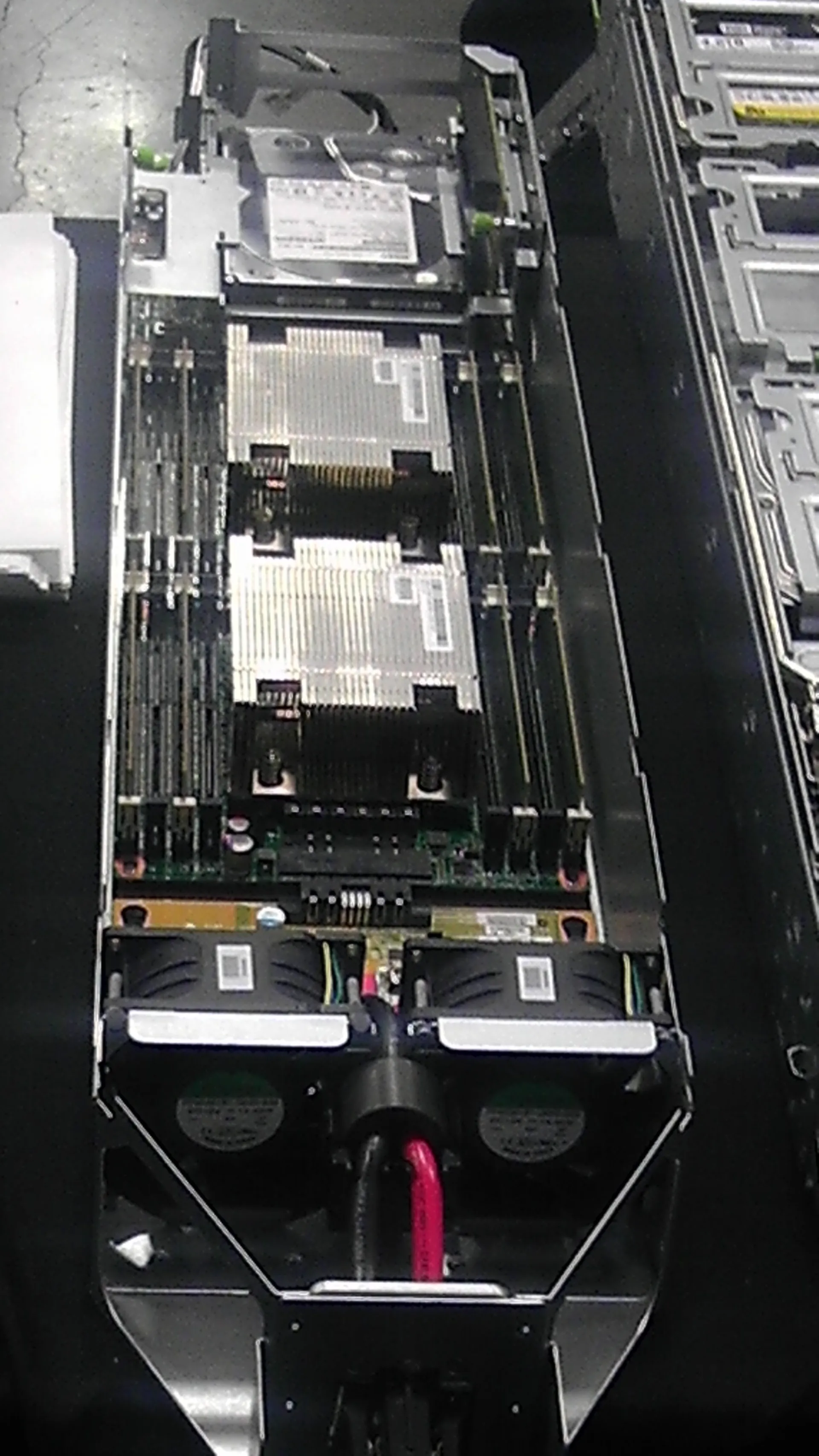
A VMware ESXi boot failure means the host cannot load the hypervisor correctly and the outage affects the boot chain itself. The short answer is this: in the May 5, 2025 context, the safest way to solve this problem is to verify boot order, boot-device accessibility, firmware behavior, and recent changes first, then separate storage, boot-media, and host configuration issues in a controlled order. This guide is written for teams that want a safer response flow when ESXi fails during boot.
This guide is especially for:
- VMware administrators
- datacenter operations teams
- hardware and systems specialists
- IT teams facing host startup problems
Quick Summary
- Boot failure happens earlier than management connectivity problems.
- First verify boot media, firmware layer, and recent changes.
- BIOS/UEFI changes, boot-device failure, and firmware mismatch are common causes.
- Blind reinstall or media wipe can destroy useful evidence.
- After recovery, boot design and media resilience should still be reviewed.
- That is why the right approach is controlled boot-chain analysis, not panic rebuild.
Table of Contents
- What Does ESXi Boot Failure Actually Mean?
- What Should Be Checked in the First 10 Minutes?
- What Are the Most Common Causes?
- When Should Reboot, Recovery, or Reinstallation Be Considered?
- How Do You Prevent It from Happening Again?
- Quick Response Checklist
- Frequently Asked Questions
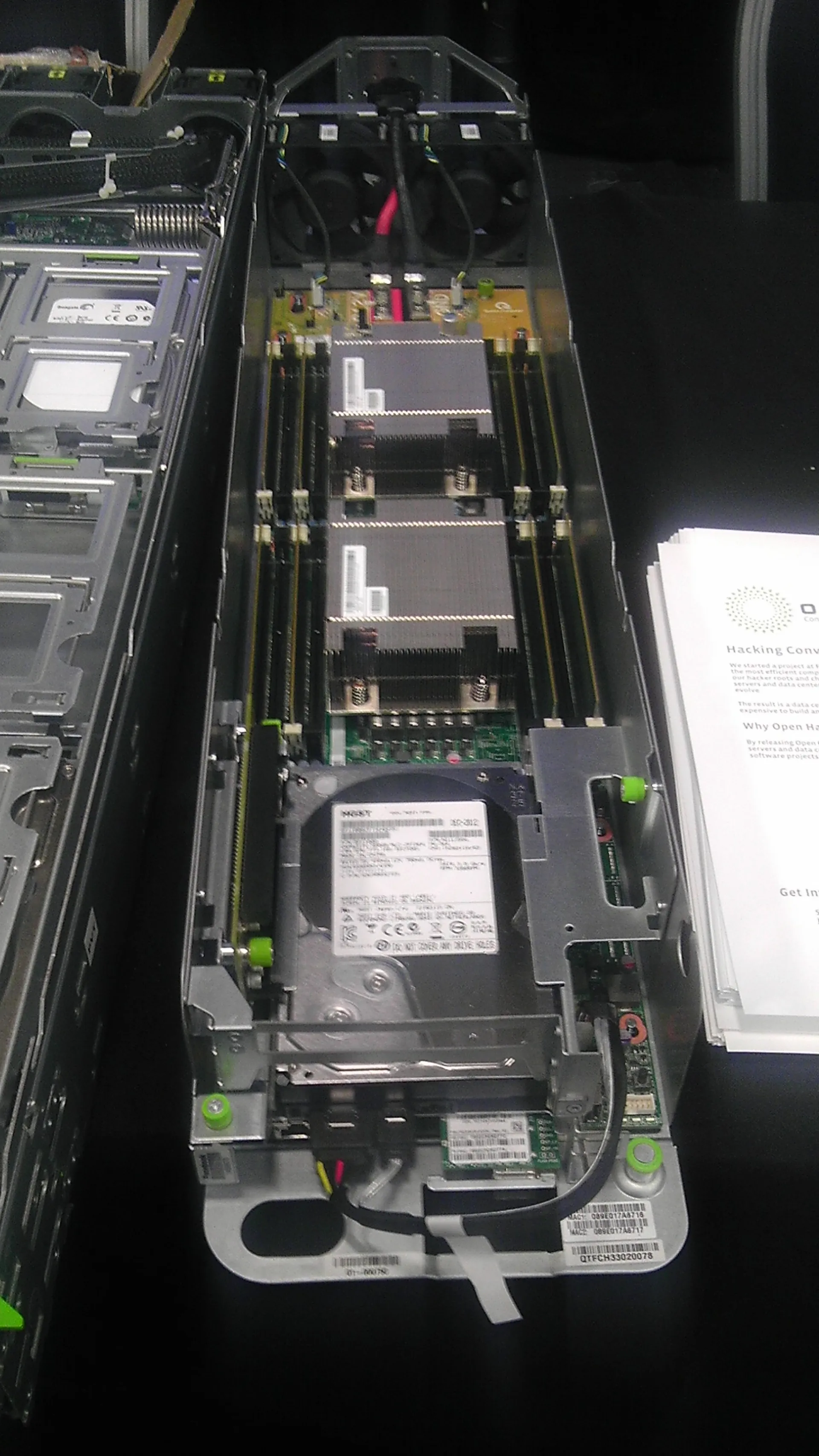
Image: Wikimedia Commons - Open Compute Server Front.
What Does ESXi Boot Failure Actually Mean?
This event means the host cannot complete the boot chain required to start the ESXi hypervisor. It is commonly tied to one of these layers:
- boot-device access problem
- BIOS / UEFI order or configuration issue
- firmware mismatch after updates
- corrupted boot partition or media
- physical SD, BOSS, USB, or disk failure
Unlike management-plane problems, this issue affects the host before ESXi is even fully available.
What Should Be Checked in the First 10 Minutes?
The first goal is to determine whether this is caused by boot media, firmware behavior, or a recent change. A safer early flow is:
- Capture the exact console or boot-screen message.
- Verify the correct boot device is still selected in BIOS / UEFI.
- Check whether firmware, BIOS, patch, or hardware changed recently.
- Review the health and accessibility of the boot device.
- Check whether related storage or boot-mirror alarms exist.
This early separation reduces the risk of unnecessary reinstall and data loss.
What Are the Most Common Causes?
The most common causes behind ESXi boot failure are:
- failed boot device
- BIOS / UEFI boot order change
- firmware and boot-media mismatch
- corrupted boot partition
- failed or incomplete patch/update
- physical controller or hardware fault
These issues are often more common in long-running environments using fragile boot media.
When Should Reboot, Recovery, or Reinstallation Be Considered?
Reinstallation should not be the first reflex in every boot-failure event. The better sequence is to collect evidence first, then decide on the least destructive recovery path.
A safer approach is:
- capture screen messages and evidence
- verify boot device and firmware state
- review recent changes
- evaluate recovery or vendor diagnostic options when available
A riskier approach is:
- starting reinstall before understanding the cause
- wiping the current boot media without inspection
- rebuilding the host before evaluating configuration and storage implications
The goal is to restore service without losing preventable evidence or configuration context.
How Do You Prevent It from Happening Again?
Permanent correction requires a broader review of:
- boot media resilience
- firmware and driver alignment
- BIOS / UEFI standardization
- update and rollback discipline
- hardware health monitoring
- more durable or redundant boot design
Repeated boot-failure events usually point to weak media strategy or uncontrolled change flow.
Quick Response Checklist
- Capture the boot-screen message and error details.
- Verify BIOS / UEFI boot order.
- Check boot-device health.
- Review recent firmware, patch, and hardware changes.
- Evaluate controlled recovery options if available.
- Revisit boot architecture after the incident is resolved.
Related Content
Next Step with Leon-X
In ESXi boot-failure incidents, the goal is not only to bring the host back, but to design a boot path that will not fail the same way again. Leon-X helps teams build stronger VMware environments by reviewing boot media choices, firmware standards, host health visibility, and change-management discipline together.
Related pages:
Frequently Asked Questions
What does ESXi boot failure mean?
It means the host cannot complete the hypervisor boot chain successfully.
What should be done first?
Capture the screen message and verify the boot media and firmware layer.
Should ESXi be reinstalled immediately?
Not always. First analyze media health, boot order, and recent changes.
What is the most common cause?
Boot-device failure, firmware mismatch, and boot-order changes are common causes.
How do I reduce repeat risk?
Use more resilient boot design, tighter firmware standards, and controlled update discipline.
Conclusion
A VMware ESXi boot failure points to a break in the most fundamental host startup layer. In the May 5, 2025 context, the strongest response is to preserve the evidence, verify the boot media and firmware layer, avoid blind reinstall actions, and resolve the issue at root-cause level.