A VMware ESXi host PSOD, or Purple Screen of Death, means the host has encountered a critical kernel-level failure and can no longer continue normal operation. The short answer is this: in the April 28, 2025 context, the first objective after PSOD is not random restart, but preserving the screen details, understanding workload impact, and separating hardware, driver, firmware, or kernel-level root causes before action. This guide is written for teams that want to handle ESXi PSOD incidents in a more controlled and safer way.
This guide is especially for:
- VMware administrators
- datacenter and systems operations teams
- hardware and infrastructure specialists
- IT teams dealing with critical host failure
Quick Summary
- PSOD is more serious than a normal connectivity issue.
- First preserve the screen details before they are lost.
- Hardware, drivers, firmware, and kernel incompatibilities are common causes.
- Immediate random reboot can destroy useful evidence.
- Other hosts in the same cluster may also need risk review.
- That is why the right approach is controlled incident management, not panic.
Table of Contents
- What Is ESXi PSOD and What Does It Mean?
- What Should Be Done in the First 10 Minutes?
- What Are the Most Common Causes?
- When Should Reboot Be Considered?
- How Do You Prevent It from Repeating?
- Quick Response Checklist
- Frequently Asked Questions

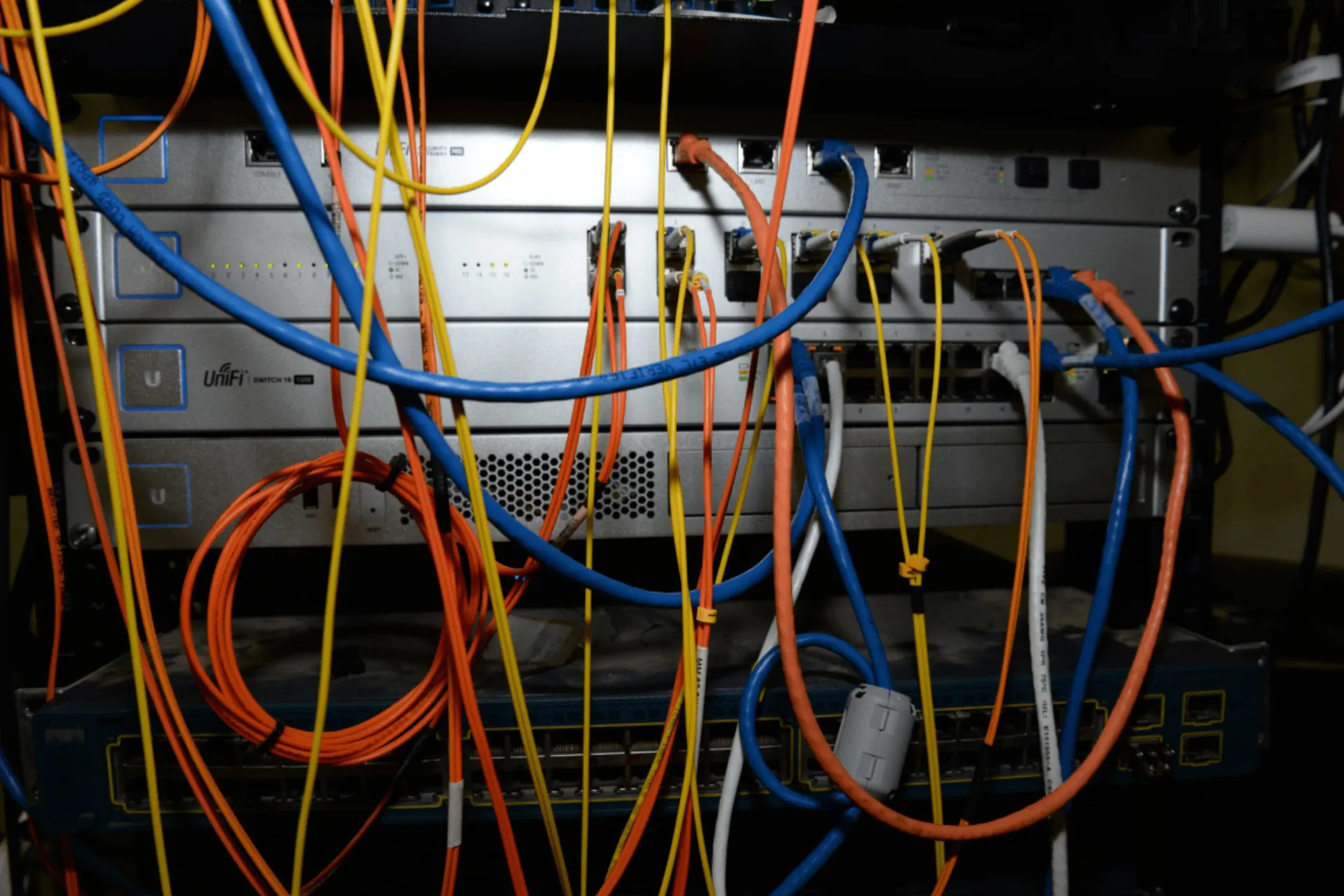
Image: Wikimedia Commons - Data Center 3 (UNC).
What Is ESXi PSOD and What Does It Mean?
PSOD means the ESXi hypervisor has encountered a critical kernel-level error and stopped safely. This is commonly associated with one of these layers:
- hardware fault
- driver or firmware incompatibility
- critical memory or CPU issue
- storage or HBA-related behavior
- unexpected kernel exception
This is very different from a simple management connectivity event because the hypervisor core itself is affected.
What Should Be Done in the First 10 Minutes?
The biggest early mistake in a PSOD event is losing the error details. A safer first response is:
- Capture the PSOD screen, exception number, and referenced module.
- Determine workload and cluster impact from the affected host.
- Confirm HA behavior and virtual machine restart effects.
- Review whether other hosts with the same hardware or driver profile may also be at risk.
- Preserve out-of-band hardware logs and event records.
These early steps make root-cause analysis possible and reduce repeat risk.
What Are the Most Common Causes?
The most common causes behind ESXi PSOD events are:
- driver and firmware mismatch
- physical memory or CPU failure
- unsupported hardware combinations
- storage or HBA driver issues
- network driver bugs
- less commonly, intense kernel-level I/O stress
Recent firmware, driver, or host patch changes are often important clues.
When Should Reboot Be Considered?
After a PSOD, the host usually does need to be brought back, but preserving the diagnostic evidence comes first. A safer decision flow asks:
- has the error screen and log data been captured
- can the cluster absorb workload impact
- are other hosts with the same image at similar risk
- have hardware event logs been reviewed
The riskier alternative is immediate reboot before collecting evidence and losing the best clue to the root cause.
How Do You Prevent It from Repeating?
Permanent correction requires more than bringing the host back online. Teams should systematically review:
- vendor compatibility and HCL alignment
- firmware and driver version matching
- hardware health records
- memory and CPU fault history
- storage and network adapter behavior
- recent change history
Repeated PSOD events usually point to either compatibility failure or underlying hardware health issues.
Quick Response Checklist
- Capture the PSOD screen and referenced module details.
- Assess workload impact and HA behavior.
- Collect out-of-band hardware logs and event history.
- Check recent firmware, driver, and patch changes.
- Review similarly profiled hosts for related risk.
- Ensure diagnostic evidence is preserved before reboot.
Related Content
Next Step with Leon-X
In PSOD incidents, the order of response matters more than simply bringing the host back online. Leon-X helps teams build more resilient VMware platforms by reviewing host health data, firmware and driver alignment, cluster behavior, and operational evidence together.
Related pages:
Frequently Asked Questions
What does ESXi PSOD mean?
It means the hypervisor kernel stopped because of a critical fault.
What should be done first?
Capture the screen details and referenced module before they are lost.
Should the host be rebooted immediately?
Not always. Preserve evidence and assess impact first.
What is the most common cause of PSOD?
Driver, firmware, and hardware compatibility issues are common causes.
How is repeat risk reduced?
By reviewing HCL alignment, firmware and driver matching, and hardware health records together.
Conclusion
A VMware ESXi host PSOD event is more serious than a normal access problem and usually points to deeper host-level failure. In the April 28, 2025 context, the best response is to preserve the error evidence, manage the immediate impact, analyze compatibility and hardware layers, and review whether similar risk exists on other hosts.