Installing VMware ESXi is the first step in turning a physical server into an enterprise virtualization host. In simple terms, the process is: select the correct ESXi ISO, prepare boot media, choose the right system disk, complete the installer flow, and configure the management network after first boot. This guide is written for systems administrators and technical teams who want a clean first-time ESXi deployment.
Quick Summary
- In the August 4, 2025 context, Broadcom KB 316595 shows ESXi 8.0 Update 3g with date July 29, 2025 and build 24859861 as one of the current visible ESXi 8 lines.
- The official 3g release note lists 629 MB for the ISO image and 1020.3 MB for the offline bundle; both deployment paths require a host reboot.
- Broadcom KB 313156 states that ESXi 8.0 needs at least 32 GB of persistent boot storage and that the boot device must not be shared across hosts.
- The same KB notes that non-USB boot devices smaller than 8 GB can create problems for future major upgrades.
- Broadcom KB 372207 explains that if the local boot device is larger than 142 GB, leftover space can be formatted as a VMFS datastore, and
systemMediaSizeincludes 32 GB, 64 GB, and 128 GB-based options. - Broadcom's March 4, 2025 advisory VMSA-2025-0004 reported critical ESXi issues in the 7.1-9.3 CVSS range, so patch level should be checked immediately after installation.
Table of Contents
- What Should You Prepare Before Installation?
- Which ESXi Version Is Correct for August 4, 2025?
- Boot Media and Disk Design
- Step-by-Step VMware ESXi Installation
- 30-Minute Post-Install Checklist
- Security and Patch Notes
- Frequently Asked Questions
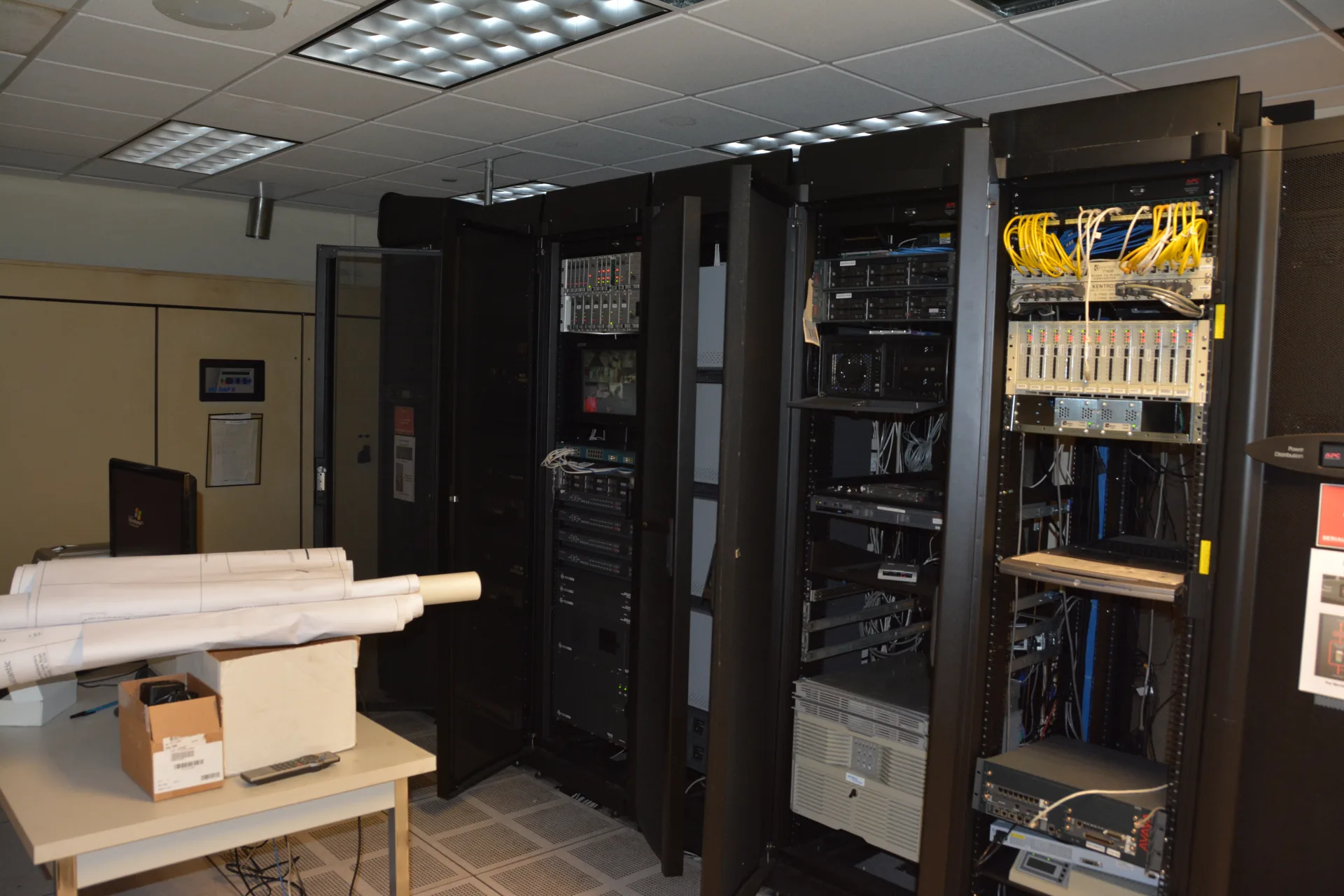
Image: Wikimedia Commons - Data Center (CC BY 2.0).
What Should You Prepare Before Installation?
Starting an ESXi installation is not just about downloading an ISO file. A stable rollout requires that you define:
- The target physical host
- Management IP, subnet, gateway, and DNS values
- Hostname standard
- Root password policy
- Installation media method such as USB, virtual media, or remote management console
- Storage choice: system disk only, local datastore, or shared storage
This guide is meant for teams that want fewer surprises during first deployment. For organizations in Ankara running branch or central office hosts, the networking plan and naming standard should be documented before the installer is launched.
Which ESXi Version Is Correct for August 4, 2025?
The first important decision is selecting the right ISO. When Broadcom KB 316595 and the 3g release note are read together, one of the current visible choices in the August 4, 2025 context is:
- Release name: ESXi 8.0 Update 3g
- Release date: July 29, 2025
- Build: 24859861
- ISO filename:
VMware-VMvisor-Installer-8.0U3g-24859861.x86_64.iso - ISO size: 629 MB
- Offline bundle:
VMware-ESXi-8.0U3g-24859861-depot.zip - Offline bundle size: 1020.3 MB
- Host reboot required: Yes
- Virtual machine migration or shutdown required: Yes
For a fresh deployment, the practical choice is usually the ISO image. The offline bundle is more relevant for patching and lifecycle operations after the host already exists.
Boot Media and Disk Design
Boot media is one of the most overlooked parts of an ESXi rollout. Broadcom KB 313156 states that:
- ESXi 8.0 requires at least 32 GB of persistent boot storage
- The storage can be HDD, SSD, or NVMe
- The boot device must not be shared across ESXi hosts
- Non-USB boot devices smaller than 8 GB can block future major upgrades
Broadcom KB 372207 adds useful disk planning details:
- If the local boot device is larger than 142 GB, leftover space can become a VMFS datastore
systemMediaSize=minis about 32 GBsystemMediaSize=smallis about 64 GBsystemMediaSize=defaultis about 128 GB- Systems with 1 TB of memory are explicitly paired with at least 64 GB of system storage in the KB guidance
In other words, ESXi should not be treated as something you can just drop onto the smallest disk you have. That creates avoidable upgrade and operational debt later.
Step-by-Step VMware ESXi Installation
1. Download the Correct ISO
Start with the ISO that matches the intended deployment date context. For this guide, the reference build is ESXi 8.0 Update 3g / Build 24859861. Before writing the media, verify that the file really matches the intended build.
2. Prepare the Installation Media
You can use USB media, iDRAC/iLO virtual media, or a remote KVM mount workflow. The point is to make the host boot into the ESXi installer cleanly.
3. Boot the Server into the Installer
Once the host starts from the installer media, the typical flow is:
- Accept the license and usage screens
- Select the installation target disk
- Confirm the keyboard layout
- Set the root password
- Complete the installation and reboot
The most important decision here is not to choose the wrong disk. If the server contains both a system disk and production storage, confirm the target carefully before continuing.
4. Configure Basic Settings Through the First-Boot Console
After installation, ESXi reboots into its initial management screen. At minimum, complete:
- Management network configuration
- Static IP
- Subnet mask
- Default gateway
- DNS servers
- Hostname
- Management VLAN if required
If networking is wrong at this stage, the host may be installed but still be effectively unusable for operations.
5. Validate the Web Interface and Network Reachability
After management IP settings are applied:
- Test browser access to the management IP
- Validate ping and DNS resolution
- Confirm the hostname resolves correctly
- Document expected certificate behavior
If initial validation fails, reviewing management network settings is usually the fastest correction path.
30-Minute Post-Install Checklist
- Management IP, gateway, and DNS settings are tested
- The installed build is verified
- Time, NTP, and timezone standards are defined
- Storage devices and datastore visibility are checked
- Root access and password policy are documented
- The first patch window and maintenance path are noted
Security and Patch Notes
Installation is only the beginning. Broadcom's vSphere Security documentation highlights:
- UEFI Secure Boot
- Trusted Platform Module (TPM)
- Lockdown Mode
- vSphere Trust Authority
- Virtual Trusted Platform Module (vTPM)
- TLS protocol configuration
One of the most important post-install facts is Broadcom advisory VMSA-2025-0004, published on March 4, 2025. The advisory:
- Lists ESXi issues in the 7.1-9.3 CVSS range
- Notes "in the wild" exploitation for some CVEs
- Reinforces the need to verify patch level immediately after a fresh deployment
A clean installation is not enough on its own. Before production use, patch level, security controls, and access policy should be reviewed together.
Next Step with Leon-X
After the host is installed, the next correct step is to turn it into an operating standard by defining vCenter integration, network segmentation, backup, and patch cadence together. That is how a single-host rollout becomes sustainable infrastructure.
Related pages:
Frequently Asked Questions
What is the minimum disk requirement for VMware ESXi installation?
According to Broadcom KB 313156, ESXi 8.0 needs at least 32 GB of persistent boot storage, and that boot device must not be shared across hosts.
What is the difference between the ISO and the offline bundle?
The ISO is usually used for fresh installs. The offline bundle is more commonly used for patching and lifecycle operations. In the 3g release note, the ISO is 629 MB and the offline bundle is 1020.3 MB.
Which settings should be configured immediately after ESXi installation?
The first priorities are management network, static IP, DNS, hostname, and VLAN if required. After that, access testing, time/NTP, and security validation should follow.
Is a local datastore created automatically?
Broadcom KB 372207 says that if the ESXi boot device is local storage and larger than 142 GB, leftover space can be formatted as a VMFS datastore. That should be planned intentionally, not discovered by accident.
Conclusion
Installing VMware ESXi is not just about booting from an ISO. It is the combination of correct build selection, correct boot media, correct disk design, correct networking, and disciplined post-install security and patch validation. In the August 4, 2025 context, a safe baseline is the ESXi 8.0 Update 3g / Build 24859861 line shown in Broadcom sources, together with the related boot-storage and security guidance.
If you need an ESXi rollout, vCenter integration, or first-stage operating model tailored to your organization, you can contact Leon-X.
Sources
- Broadcom TechDocs - ESXi Installation and Setup
- Broadcom TechDocs - VMware ESXi 8.0 Update 3g Release Notes
- Broadcom TechDocs - vSphere Security
- Broadcom KB 316595 - Build numbers and versions of VMware ESXi/ESX
- Broadcom KB 313156 - Guidance on minimum boot device size requirements
- Broadcom KB 372207 - Creation of local datastore post installation/reinstallation in ESXi
- Broadcom Security Advisory VMSA-2025-0004
- Wikimedia Commons - Data Center