VMware ESXi is a bare-metal enterprise hypervisor that abstracts CPU, memory, storage, and networking so multiple VMs run on one host. This guide covers installation, security, and patch planning with 2026 release references (ESXi 8.0 U3k, build 25595708).
Quick Summary
- In the current Broadcom TechDocs release line, VMware ESXi 8.0 Update 3k is listed as build 25595708, published on July 29, 2026.
- The previous line is 8.0 Update 3i (February 24, 2026, ISO build 25205845); the installer ISO build may differ from
vmware -von a running host after patching — verify via host CLI. - The same release note lists 630 MB for the ISO image and 979 MB for the offline bundle; both deployment paths require a host reboot.
- According to Broadcom KB guidance, ESXi 8.0 needs at least 32 GB of persistent boot storage, and that boot device must not be shared between ESXi hosts.
- Another Broadcom KB explains that if the local boot device is larger than 142 GB, leftover capacity can be formatted as a VMFS datastore, and
systemMediaSizesupports 32 GB, 64 GB, and 128 GB sizing profiles. - The vSphere Security documentation highlights UEFI Secure Boot, TPM, Lockdown Mode, vSphere Trust Authority, vTPM, VM Encryption, and TLS protocol management as core ESXi security topics.
- Broadcom's March 4, 2025 advisory VMSA-2025-0004 disclosed critical ESXi vulnerabilities in the 7.1-9.3 CVSS range, with "in the wild" exploitation noted for some CVEs. Patch discipline is still non-negotiable.
Table of Contents
- What Is VMware ESXi?
- How Does VMware ESXi Work?
- The Difference Between ESXi, vSphere, and vCenter
- 2026 Technical Requirements Before Installation
- Why ESXi Security Needs Separate Attention
- Performance and Operational Monitoring
- 2026 Release and Patch Notes
- Frequently Asked Questions
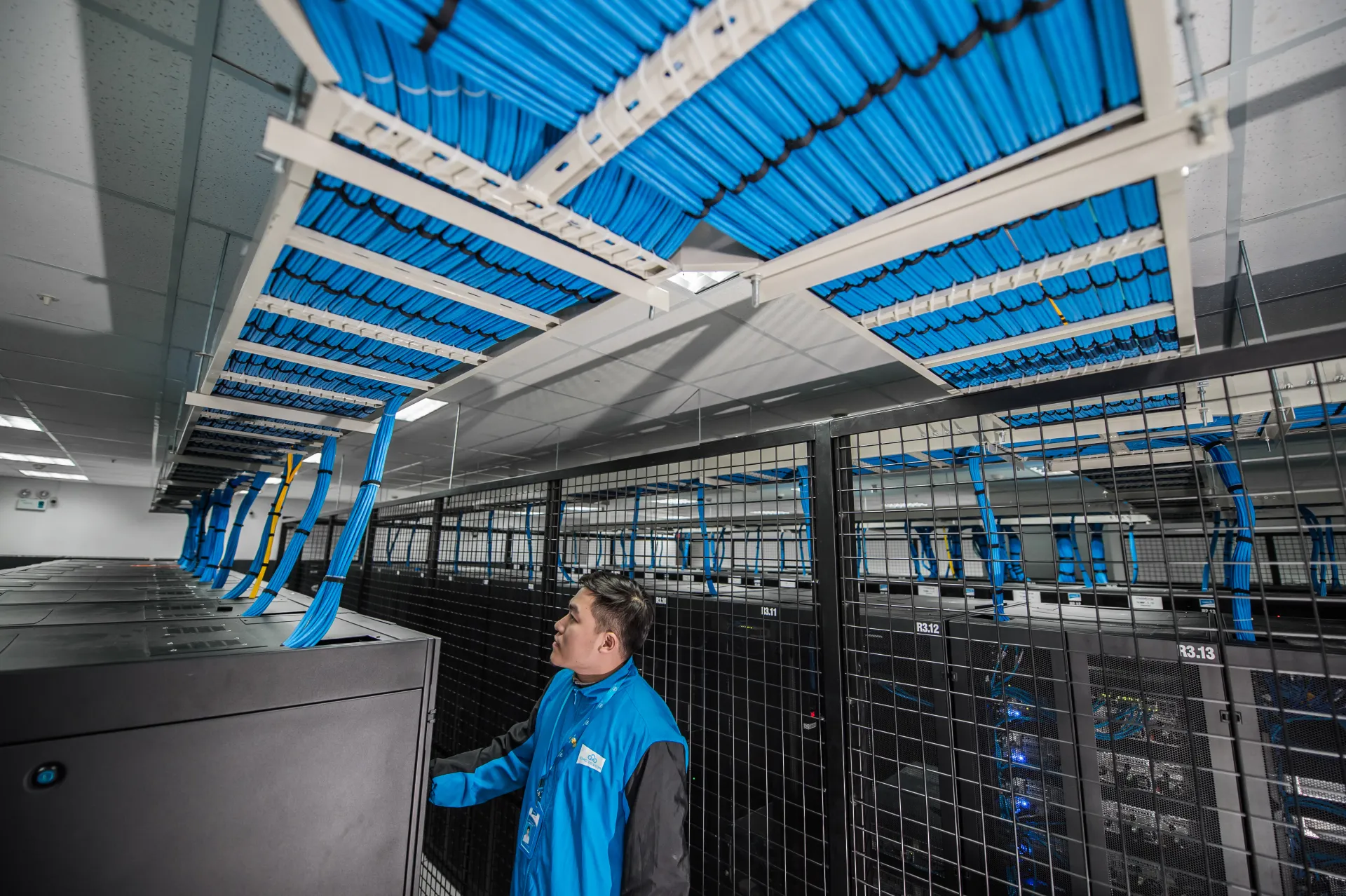
Image: Wikimedia Commons - Data Center của CMC Telecom (1).
What Is VMware ESXi?
VMware ESXi is the host layer of the VMware vSphere platform. It installs directly on server hardware and runs virtual machines without relying on a general-purpose operating system underneath. VMware's official "About ESXi" page describes ESXi as a bare-metal hypervisor installed directly on the physical server, and Broadcom's installation documentation is structured around that host-first model.
In practical terms, ESXi provides:
- Resource abstraction across CPU, memory, storage, and networking
- Isolation between workloads running on the same physical host
- Portable virtual hardware for virtual machines
- A foundation for centralized operations when combined with vCenter
That is the most accurate enterprise answer to "What is VMware ESXi?": it is the execution layer on which virtual machines run, and it is the core building block of a vSphere environment.
How Does VMware ESXi Work?
You only need to understand three layers to understand how ESXi works.
1. It Abstracts Physical Resources
ESXi directly manages physical CPU cores, memory, disks, and network interfaces. Virtual machines do not see those raw devices. They see virtual CPUs, virtual memory, virtual disks, and virtual network adapters exposed by the host. That abstraction is what allows different operating systems and workloads to coexist on the same server.
2. It Assigns Isolated Runtime Space to Each VM
When a VM powers on, ESXi presents virtual hardware to that guest and allocates host resources based on policy. If you configure reservations, limits, or shares, critical applications can receive more predictable performance. This is what turns one physical server into a multi-workload platform.
3. It Becomes an Operations Platform with Upper-Layer Tools
At the single-host level, ESXi Host Client is enough for basic administration. But once you need clusters, HA, DRS, centralized identity, lifecycle operations, or richer alarms, vCenter becomes necessary. ESXi can run alone, but enterprise environments usually treat it as part of a broader operating model.
The Difference Between ESXi, vSphere, and vCenter
These terms are often mixed up:
| Component | Role | What It Does |
|---|---|---|
| ESXi | Host hypervisor | Runs virtual machines on physical servers |
| vCenter Server | Central management layer | Manages multiple hosts, clusters, permissions, alarms, and lifecycle |
| vSphere | Platform umbrella | Refers to the full platform including ESXi, vCenter, and related services |
Short version:
- ESXi = execution layer
- vCenter = management layer
- vSphere = the full platform
This distinction matters in architecture, licensing, operations, and growth planning.
2026 Technical Requirements Before Installation
Broadcom documentation makes one point very clear: storage sizing for the boot and system area is not a minor detail.
Boot Device Size
Broadcom KB 313156 states that:
- ESXi 8.0 requires at least 32 GB of persistent boot storage
- That storage can be HDD, SSD, or NVMe
- The boot device must not be shared between ESXi hosts
- Non-USB boot devices smaller than 8 GB can block future major upgrades
That matters because a host that installs today but cannot be upgraded later becomes operational debt.
System Media Sizing
Broadcom KB 372207 documents the following systemMediaSize profiles:
min: 32 GBsmall: 64 GB for servers with at least 512 GB RAMdefault: 128 GBmax: consume all available capacity
The same KB explicitly says that a system with 1 TB of memory must use at least 64 GB for system storage. It also notes that if the local boot device is larger than 142 GB, the remaining space can be formatted as a VMFS datastore. That can be useful in branch, edge, and smaller on-prem environments.
Installation Decisions to Make Early
Before rollout, answer these questions:
- How many VMs should each host support?
- Will you rely on local datastore or attach shared storage?
- Is this a single-host deployment or a future cluster?
- Will vCenter be introduced on day one?
- How will patching and firmware consistency be maintained over the first 12 months?
Why ESXi Security Needs Separate Attention
ESXi is not just the thing that runs VMs. It is part of your attack surface, so host security must be designed deliberately.
Broadcom's vSphere Security documentation highlights:
- UEFI Secure Boot
- Trusted Platform Module (TPM)
- Lockdown Mode
- vSphere Trust Authority
- Virtual TPM (vTPM)
- VM Encryption
- TLS protocol management
In practice, these controls help you:
- Reduce the chance of untrusted host components loading at boot
- Tighten and audit administrative access
- Extend a stronger trust model to sensitive workloads
- Produce defensible evidence for audits and compliance reviews
For institutions in Ankara working under procurement, legal, manufacturing, or regulated sector requirements, ESXi security should never be treated as an afterthought.
Performance and Operational Monitoring
Once ESXi is installed, visibility becomes the real differentiator. Broadcom's monitoring documentation highlights:
- Performance Charts for CPU, memory, storage, and other resources
- Events, Alerts, and Alarms for threshold-based notifications and actions
- Host Health views for rapid identification of unhealthy hosts
- System Log Files for troubleshooting and root-cause analysis
- resxtop / esxtop for detailed command-line performance inspection
Without these tools, an ESXi environment is only "running." It is not truly operated. Enterprise teams need them to:
- Detect capacity bottlenecks early
- Separate CPU, memory, storage, and network issues
- Validate performance after maintenance windows and reboots
- Move from reactive firefighting to proactive operations
2026 Release and Patch Notes
As of September 9, 2026, the latest ESXi 8 release line in official Broadcom sources is VMware ESXi 8.0 Update 3k. The release note lists:
- Release date: July 29, 2026
- Build: 25595708
- Installer ISO filename:
VMware-VMvisor-Installer-8.0U3k-25595708.x86_64.iso - Offline bundle:
VMware-ESXi-8.0U3k-25595708-depot.zip - Host reboot required: Yes
- Virtual machine migration or shutdown required: Yes
Build verification note: The installer ISO build may differ from vmware -v or vSphere Client on a running host (especially after offline bundle patching). Use host CLI output for operational verification. The previous current line is 8.0 Update 3i (February 24, 2026, ISO build 25205845).
The release note also says this release contains bug fixes documented in the Resolved Issues section. ESXi patching is about stability and risk reduction, not just features.
The clearest official reminder is Broadcom advisory VMSA-2025-0004, published on March 4, 2025. It disclosed critical ESXi vulnerabilities with 7.1-9.3 CVSS scores. Broadcom also noted "in the wild" exploitation for CVE-2025-22224 and CVE-2025-22225. For the 8.0 line, the response matrix lists ESXi80U3d-24585383 as the fixed version.
The conclusion is straightforward: standing up ESXi is not a one-time project. Patch management is part of the platform design.
Quick Checklist
- Boot storage is sized at 32 GB minimum and uses persistent media
- The decision between local datastore and shared storage is documented
- Secure Boot, TPM, and administrative access policies are defined
- Monitoring, alarms, and logging are planned before go-live
- The first patch window and rollback path are documented
- The need for vCenter has been assessed beyond the first host
Next Step with Leon-X
For teams in Ankara, the most effective ESXi rollout starts with workload classification and risk mapping, then turns host sizing, storage, networking, and security into one architecture document. That is how an environment becomes maintainable instead of merely installed.
Related pages:
Frequently Asked Questions
Is VMware ESXi the same as VMware vSphere?
No. ESXi is the host hypervisor. vSphere is the broader platform that includes ESXi, vCenter, and related enterprise services.
Can ESXi run without vCenter?
Yes. Single-host or small environments can operate that way. But clusters, HA, DRS, centralized permissions, and advanced lifecycle management usually require vCenter.
Why does boot device sizing matter so much for ESXi?
Because Broadcom KB guidance explicitly shows that undersized boot media can block future major upgrades. A host that works today but cannot be upgraded tomorrow creates avoidable operational risk.
Which metrics should an ESXi team watch first?
Start with CPU pressure, memory pressure, datastore latency, host health events, and critical alarm thresholds. Without those signals, it is much harder to isolate the real source of a performance issue.
Conclusion
VMware ESXi is the core layer that turns a physical server into a multi-workload virtualization platform. Boot architecture, host security, monitoring, and patch discipline matter as much as installation. As of September 9, 2026, the current line is ESXi 8.0 U3k (build 25595708); successful environments are defined by operational standards, not install speed.
If you need an ESXi, vCenter, and storage design tailored to your organization, you can contact Leon-X.
Sources
- VMware - About ESXi
- Broadcom TechDocs - ESXi Installation and Setup
- Broadcom TechDocs - vSphere Security
- Broadcom TechDocs - vSphere Monitoring and Performance
- Broadcom TechDocs - VMware ESXi 8.0 Update 3i Release Notes
- Broadcom TechDocs - VMware ESXi 8.0 Update 3k Release Notes
- Broadcom KB 316595 - Build numbers and versions of VMware ESXi/ESX
- Broadcom KB 313156 - Guidance on minimum boot device size requirements
- Broadcom KB 372207 - Creation of local datastore post installation/reinstallation in ESXi
- Broadcom Security Advisory VMSA-2025-0004
- Wikimedia Commons - Data Center (image source, CC BY 2.0)