VMware HA (High Availability) is the continuity layer that restarts virtual machines on alternate hosts after host-level failures. For production systems, it is one of the core controls to reduce single-host dependency risk.
Short answer: vSphere HA monitors ESXi hosts inside a cluster and automatically restarts impacted VMs on healthy hosts when a host failure is detected.
Quick Summary
- TechDocs defines vSphere HA as a clustered availability mechanism that monitors hosts and restarts VMs after host failures.
- When HA is enabled, one host is elected as primary and monitors protected VMs and secondary hosts.
- Failure classification uses both network and datastore heartbeating.
- HA admission control reserves failover capacity using three models:
- Cluster resource percentage
- Slot policy
- Dedicated failover hosts
- Documentation notes that HA admission control requires at least 3 hosts in the cluster.
- VM Monitoring can restart VMs when VMware Tools heartbeats are missing; the default I/O evaluation window is 120 seconds (
das.iostatsinterval). - For datastore heartbeating,
das.heartbeatdsperhostdefaults to 2 and supports up to 5.
Table of Contents
- What Is VMware HA
- How vSphere HA Works
- Why Admission Control Matters
- VM and Application Monitoring
- Datastore Heartbeating Details
- vSphere HA vs vCenter HA
- Operational Checklist
- Frequently Asked Questions

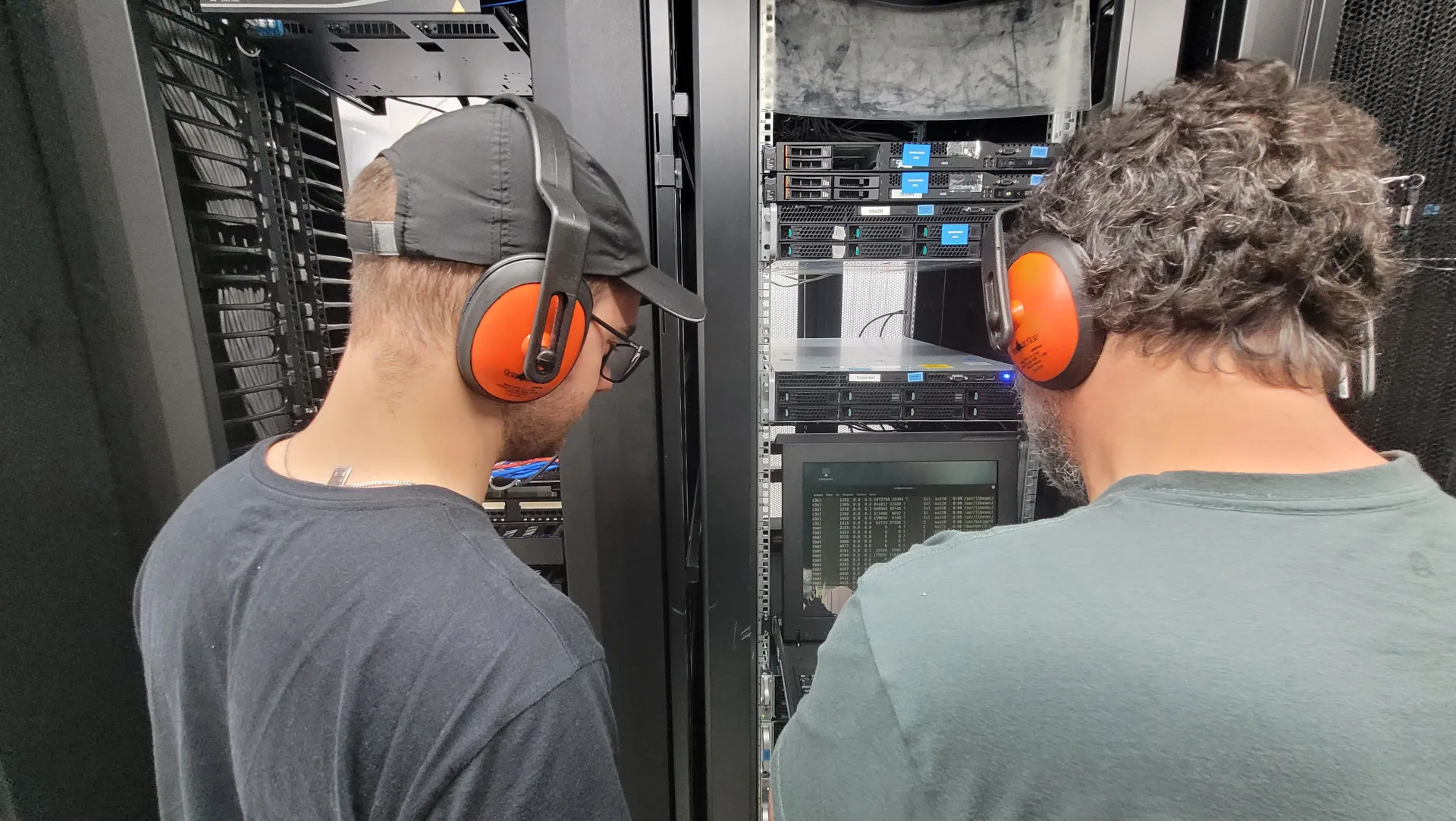
Image: Wikimedia Commons - Data Center của CMC Telecom.
What Is VMware HA
VMware HA protects workloads against host outages by orchestrating automated VM restart on remaining hosts in the cluster.
It is designed for recovery after failure, not for planned balancing. That is why HA is usually combined with vMotion and DRS in mature environments.
How vSphere HA Works
Core flow from official documentation:
- A primary host is elected in the HA cluster.
- The primary host monitors protected VMs and secondary hosts.
- It differentiates failure modes (host failure, partition, isolation) using heartbeat signals.
- If host failure is confirmed, impacted VMs are restarted on alternate hosts.
The key value is not only restart automation, but accurate failure-type detection before action.
Why Admission Control Matters
If admission control is not configured correctly, HA can be enabled but still fail to restart workloads during real incidents.
vSphere HA provides three failover-capacity policy models:
- Cluster resource percentage
- Slot policy
- Dedicated failover hosts
In many enterprise setups, percentage-based policies are easier to operate, but final policy must match cluster topology and workload patterns.
VM and Application Monitoring
HA can also react to VM-level non-responsiveness:
- VM Monitoring: uses VMware Tools heartbeats plus I/O activity checks.
- Application Monitoring: uses application heartbeats through supported integration.
If heartbeats are missing, the service checks I/O activity in the previous 120 seconds by default and can trigger VM reset when needed. Sensitivity can be tuned per operational needs.
Datastore Heartbeating Details
When primary cannot reach a secondary host over management network, datastore heartbeating helps distinguish true failure from partition/isolation.
Important operational notes:
- vCenter selects heartbeat datastores to maximize host accessibility.
das.heartbeatdsperhostdefault is 2 and maximum valid value is 5..vSphere-HAdirectory stores HA metadata and should not be modified manually.- vSAN datastore cannot serve as heartbeat datastore.
vSphere HA vs vCenter HA
These are different controls:
- vSphere HA: protects VM workloads from host failures.
- vCenter HA: protects the vCenter Server control plane with active-passive architecture.
One is workload continuity, the other is management plane continuity.
Operational Checklist
- Admission control policy mapped to cluster capacity model.
- Host isolation response and VM restart priority reviewed.
- VM monitoring sensitivity profiled by workload criticality.
- Heartbeat datastore path diversity validated.
- Failure drills (host down / network partition) scheduled and tested.
Frequently Asked Questions
Does HA replace vMotion?
No. vMotion is for planned live migration; HA is for recovery after host failures.
Can I disable admission control?
Temporarily yes, but keeping it disabled reduces restart assurance during real failures.
What is the practical minimum host count?
TechDocs notes at least three hosts for HA admission control usage; 3+ is generally safer for production continuity.
What matters most in multi-site operations?
Documented runbooks for restart priorities, failover capacity, and isolation response so distributed teams execute consistently.
Conclusion
VMware HA is highly effective when admission control, monitoring, and heartbeating are treated as one operating model. Without that alignment, HA often appears enabled but underperforms during incidents.
For environment-specific HA architecture planning, you can contact our team.
Sources
- Broadcom TechDocs - vSphere Availability
- Broadcom TechDocs - Creating and Using vSphere HA Clusters
- Broadcom TechDocs - How vSphere HA Works
- Broadcom TechDocs - vSphere HA Admission Control
- Broadcom TechDocs - VM and Application Monitoring
- Broadcom TechDocs - Datastore Heartbeating
- Broadcom TechDocs - vCenter High Availability
- Wikimedia Commons - NOIRLab HQ Server Racks (6V6A0402-CC)