A VMware vCenter Login Failed issue means the authentication flow is not completing successfully and the vSphere Client or API cannot establish a valid session. The short answer is this: in the June 16, 2025 context, the safest way to solve it is to separate local SSO failures from domain-backed login failures first, then validate time sync, account lockout state, SSO services, and certificate health in order. This guide is written for teams that want a controlled troubleshooting path for repeated vCenter login failures.
This guide is especially for:
- VMware administrators
- systems and identity teams
- virtualization operations teams
- IT teams locked out of vCenter access
Quick Summary
vCenter login failedis often more than a wrong password.- Common causes include account lockout, SSO or STS service problems, time drift, certificate issues, and identity-source failures.
- First determine which user type is affected.
- Looking only at the UI error is not enough; the authentication backend must be checked.
- STS or certificate problems can block logins even when other services appear healthy.
- That is why the login flow should be analyzed across user type, time, service, and certificate layers together.
Table of Contents
- What Does vCenter Login Failed Mean?
- What Should Be Checked in the First 10 Minutes?
- What Are the Most Common Causes?
- Which Interventions Are More Risky?
- How Do You Prevent Repeat Failures?
- Quick Response Checklist
- Frequently Asked Questions

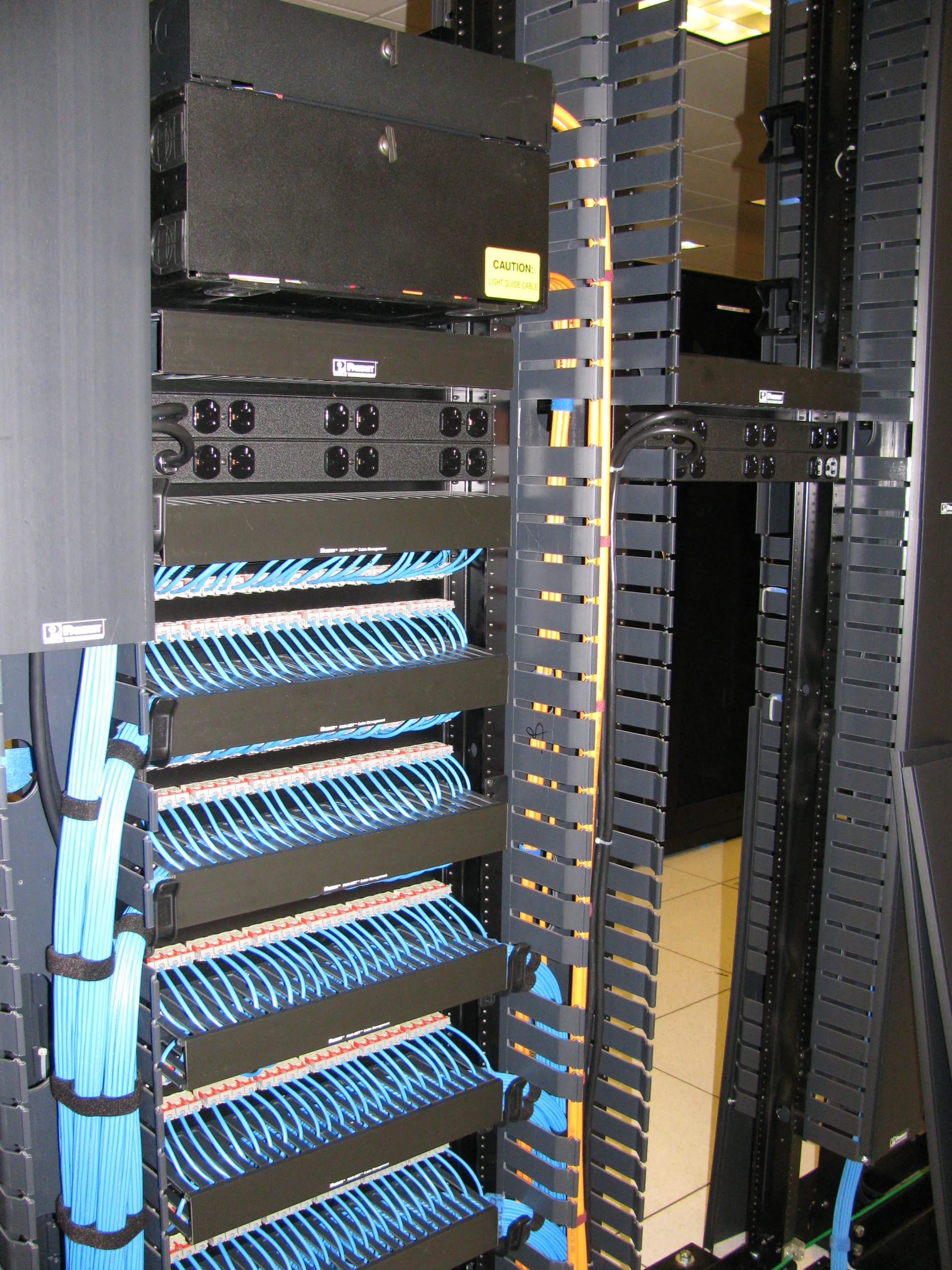
Image: Wikimedia Commons - Network Aisle Rear.
What Does vCenter Login Failed Mean?
This means the login chain inside vCenter Server is failing at either authentication or authorization. As a result, you may see:
- login errors in the vSphere Client
- failure even with a known-correct password
- domain users failing while local users still work
- token or SSO-layer interruption
- the same failure pattern in API or automation sessions
The symptom can look similar while different internal layers are affected.
What Should Be Checked in the First 10 Minutes?
The early goal is to separate user-scope failure from platform-scope failure. A useful order is:
- Determine whether the issue affects all users or only one identity source.
- Test login behavior with a local SSO account separately.
- Check VCSA time sync and NTP status.
- Review STS and related authentication services.
- Inspect certificate health, account lockout state, and directory connectivity.
This first split helps avoid unnecessary password-reset loops.
What Are the Most Common Causes?
The most common causes behind VMware vCenter Login Failed are:
- wrong password or account lockout
- STS certificate or token-service problems
- VCSA time drift or NTP mismatch
- Active Directory or LDAP identity-source connectivity issues
- certificate chain or trust problems
- broken authentication services after patch failure
Broadcom documentation explicitly notes that STS certificate issues can break the vCenter login flow and that expiration checks are critical. Time drift and identity-source issues can also directly cause SSO-side login failure.
Which Interventions Are More Risky?
A safer approach is:
- separating affected user types first
- comparing local SSO behavior against domain-backed login behavior
- validating STS, certificate, and time health early
- reviewing shared authentication errors in logs
A riskier approach is:
- changing user passwords repeatedly without investigating the root cause
- modifying directory settings before checking certificate or SSO state
- restarting services randomly while time sync is still broken
- making deep authentication changes without a backup or rollback plan
The goal is to restore access without introducing a larger authentication outage.
How Do You Prevent Repeat Failures?
Permanent prevention usually requires review of:
- SSO and STS health checks
- NTP standards and time-sync monitoring
- identity-source visibility
- account lockout policy and operational runbooks
- certificate lifecycle tracking
- post-patch authentication smoke tests
Repeated login failures usually indicate the authentication chain is not being monitored with enough discipline.
Quick Response Checklist
- Define the affected user type.
- Test local SSO login behavior.
- Check NTP and system time drift.
- Review STS and authentication service state.
- Validate certificate and identity-source health.
- Update the authentication runbook after recovery.
Related Content
Next Step with Leon-X
The permanent fix for vCenter login failures is not just unlocking a user account. Leon-X helps teams improve VMware management-layer access by reviewing SSO, certificates, service health, and operational standards together.
Related pages:
Frequently Asked Questions
What does vCenter login failed mean?
It means the login session cannot complete because the authentication or authorization chain is failing.
What is the most common cause?
Account lockout, STS certificate problems, time drift, and identity-source issues are among the most common causes.
Why can local users work while domain users fail?
That usually points to an issue with the identity source, directory integration, or related trust path.
Can time drift really break login?
Yes. Token and certificate validation depend on consistent time, so drift can directly cause failed login attempts.
What prevents repeat incidents?
SSO and STS health checks, NTP monitoring, certificate lifecycle management, and post-patch login validation.
Conclusion
A VMware vCenter Login Failed issue usually means more than a simple password mistake. In the June 16, 2025 context, the strongest approach is to separate affected user types, validate NTP and STS health early, and then inspect certificates and identity-source behavior in a controlled troubleshooting flow.