A VMware vMotion failed error means a live migration could not complete because the environment did not satisfy one or more networking, compatibility, or VM-specific requirements. The short answer is this: in the June 30, 2025 context, the safest way to solve it is to separate network-access problems from CPU/EVC problems first, then validate port group accessibility, vMotion VMkernel design, and VM-specific CPU settings in order. This guide is written for teams that want a safer diagnosis path for repeated vMotion failures.
This guide is especially for:
- VMware administrators
- virtualization and systems teams
- network teams
- cluster operations teams
Quick Summary
vMotion faileddoes not point to a single root cause.- The most common causes are inaccessible port groups, VMkernel network problems, IP conflicts, CPU/EVC mismatch, and host configuration drift.
- First determine whether the problem happens during pre-check or during the live migration itself.
- Migrations between Standard Switch and Distributed Switch environments need special network alignment.
- On the CPU side, non-EVC clusters or CPUID masking can stop migration.
- That is why the right sequence is network validation first, then host compatibility, then VM-specific settings.
Table of Contents
- What Does a vMotion Failed Error Mean?
- What Should Be Checked in the First 10 Minutes?
- What Are the Most Common Causes?
- Which Interventions Are More Risky?
- How Do You Prevent Repeat Failures?
- Quick Response Checklist
- Frequently Asked Questions
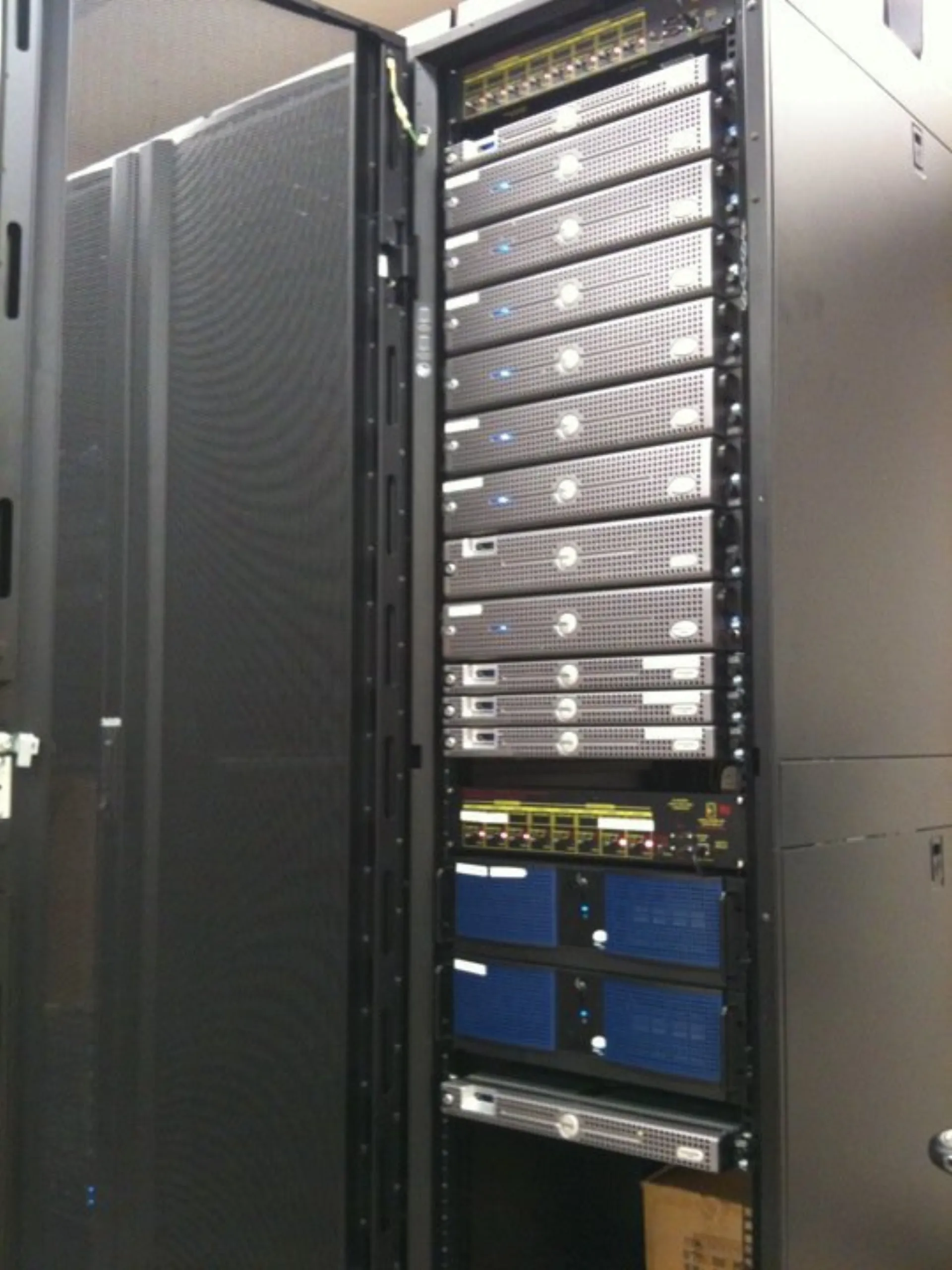
Image: Wikimedia Commons - New Rack.
What Does a vMotion Failed Error Mean?
This error means the migration validator or the ESXi migration engine decided that one or more requirements were not met. Most cases fall into one of these groups:
- the destination host cannot provide the required network
- the vMotion VMkernel interfaces are not aligned on the same logical network
- the VM's connected port group is not reachable on the destination
- CPU features or EVC mode are incompatible
- the VM carries special hardware or CPUID settings that block migration
The visible symptom looks similar, but the real fix depends on which class of failure you are dealing with.
What Should Be Checked in the First 10 Minutes?
The first goal is to separate the problem domain. A useful order is:
- Determine whether the message is a pre-check failure or a runtime migration failure.
- Verify that the VM's connected port group is reachable on the destination host or cluster.
- Confirm that the vMotion VMkernel interfaces are on the same logical network and use unique IP addresses.
- Review cluster EVC, BIOS virtualization settings, and host CPU alignment.
- Check whether the VM has CPUID masks, nested virtualization, or other special compatibility settings.
This early split helps avoid unnecessary hardware or network changes.
What Are the Most Common Causes?
The most common causes behind VMware vMotion failed are:
- inaccessible destination port group or wrong VLAN
- bad mapping between Standard Switch and Distributed Switch networking
- IP conflict on the vMotion VMkernel network
- different VMkernel port group labels across hosts
- CPU mismatch caused by non-EVC design or disabled VT features
- CPUID masks or incompatible VM hardware settings
Broadcom documentation shows that migration can fail during pre-check when the destination compute resource cannot satisfy the VM's network requirement. A separate Broadcom article shows that even when ICMP tests pass, an IP conflict on the vMotion network can still break the TCP handshake used for migration. CPU-side failures can also come from non-EVC clusters, VT differences, or stale CPUID masks.
Which Interventions Are More Risky?
A safer approach is:
- classifying the error before making changes
- comparing port group and VLAN accessibility on source and destination
- checking vMotion VMkernel IP uniqueness
- aligning EVC and BIOS-level virtualization features across hosts
A riskier approach is:
- simply retrying the migration without reading the failure class
- remapping the VM to a random target port group
- changing CPUID constraints before checking EVC and host design
- making unplanned changes to management and vMotion networks
The goal is to restore successful migration without creating a second incident.
How Do You Prevent Repeat Failures?
Permanent prevention usually requires review of:
- IP planning and conflict checks for the vMotion VMkernel network
- port group naming and VLAN standards
- cluster-wide EVC and BIOS consistency
- host profile or configuration parity
- disciplined mapping between Standard Switch and Distributed Switch environments
- review of VM-specific advanced CPU settings
Repeated vMotion failures usually point to a lack of standardization somewhere in the cluster design.
Quick Response Checklist
- Separate pre-check failures from runtime failures.
- Verify destination accessibility for the VM's port group.
- Check vMotion VMkernel connectivity and IP uniqueness.
- Compare EVC, VT, and BIOS alignment across all hosts.
- Review CPUID masks or special CPU settings on the VM.
- Close the incident with standardization and documentation actions.
Related Content
Next Step with Leon-X
The permanent fix for repeated vMotion failures is not just clicking Retry. Leon-X helps teams stabilize VMware clusters by reviewing migration networking, host alignment, and operational standards together.
Related pages:
Frequently Asked Questions
What does a VMware vMotion failed error mean?
It means the live migration could not complete because of a networking, compatibility, or VM-specific problem.
What is the most common cause?
Inaccessible port groups, wrong VLANs, VMkernel networking issues, and CPU/EVC mismatch are among the most common causes.
Why can vMotion fail even if ping works?
Because ICMP success alone is not enough; Broadcom documents cases where IP conflicts still break the TCP-based vMotion handshake.
Does CPU mismatch always mean different processors?
No. The same CPU model can still fail migration if the cluster is non-EVC, VT is disabled on one host, or BIOS settings differ.
What prevents repeat incidents?
Consistent vMotion network design, port group standards, EVC alignment, and host configuration parity.
Conclusion
A VMware vMotion failed error is usually the result of a mismatch between network accessibility and host compatibility requirements. In the June 30, 2025 context, the strongest approach is to validate destination network access, vMotion VMkernel design, IP uniqueness, CPU/EVC alignment, and VM-specific settings in one structured troubleshooting flow.
Sources
- Broadcom Knowledge Base - vMotion network interface differs warning
- Broadcom Knowledge Base - VM vMotion is failing despite confirmed ICMP connectivity
- Broadcom Knowledge Base - Network interface uses inaccessible network during vMotion
- Broadcom Knowledge Base - CPU mismatch error while performing vMotion
- Broadcom Knowledge Base - Virtual machine migration fails due to EVC mode mismatch