VMware vSAN disk groups are the basic structures that determine how storage devices inside a host are organized and presented into the vSAN storage layer. The short answer is this: in the December 29, 2025 context, understanding vSAN disk groups correctly means looking beyond “how many disks are there?” and focusing on how cache and capacity roles are combined, what a disk-group failure really affects, and how host-level grouping shapes overall cluster behavior. This guide is written for teams that want a clearer design view of disk groups in vSAN.
Quick Summary
- In Broadcom’s vSAN terminology, the disk group is one of the fundamental building blocks of the storage design.
- In a vSAN disk-group model, cache and capacity do not play the same role; each layer has a distinct purpose.
- Disk-group design affects not only raw capacity but also performance behavior and failure impact.
- Adding disks casually does not create a balanced or predictable vSAN design.
- Disk-group planning influences cluster-level risk, not only host-level layout.
- That is why disk-group design is part of architecture, not a post-deployment tuning detail.
Table of Contents
- What Exactly Is a vSAN Disk Group?
- Why Are Cache and Capacity Separate Layers?
- How Is a Disk Group Positioned Inside a Host?
- What Does a Disk Group Failure Affect?
- How Does Disk-Group Design Affect Capacity and Performance?
- What Are Disk Group Best Practices?
- First 15-Minute Checklist
- Frequently Asked Questions

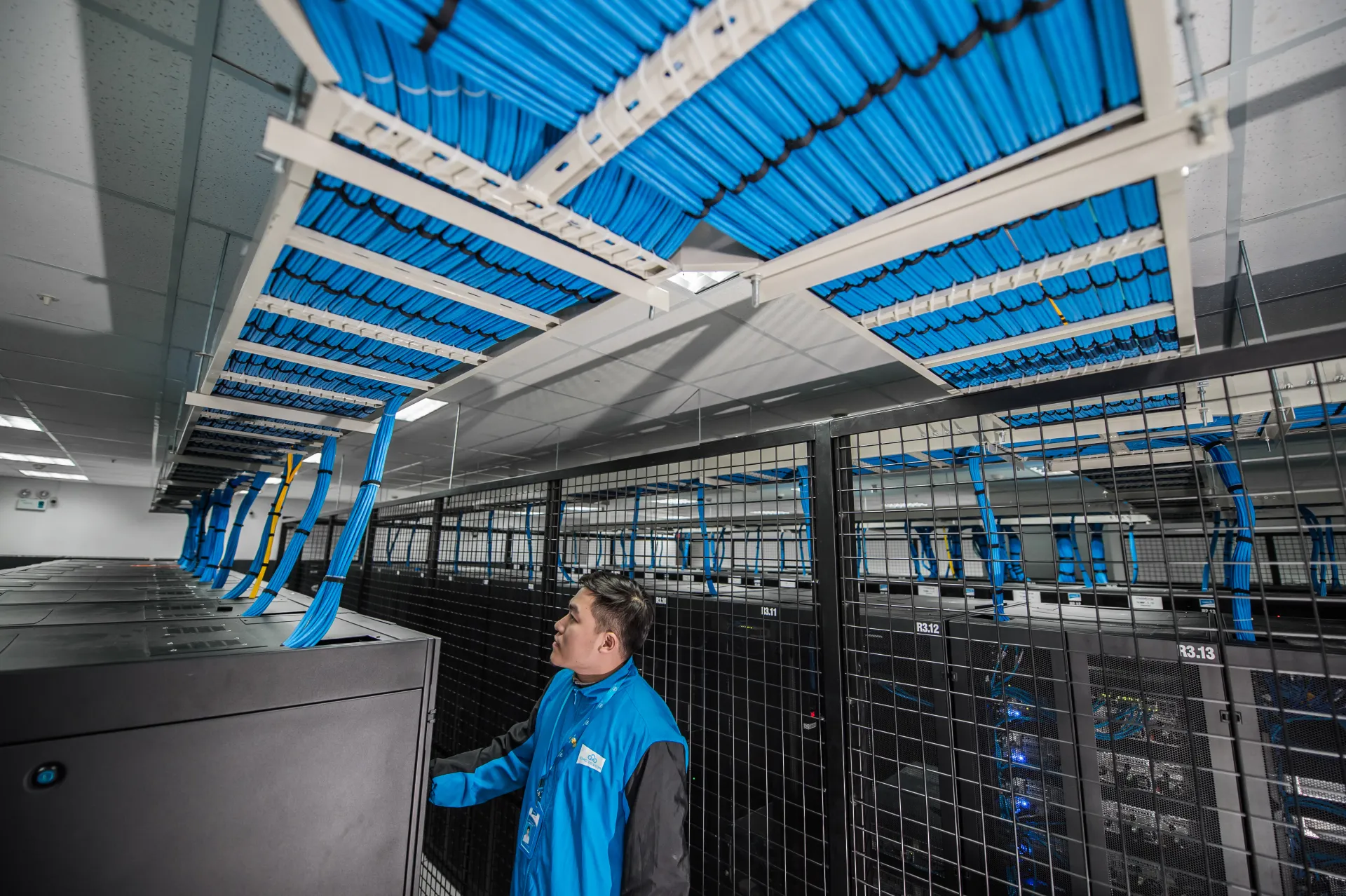
Image: Wikimedia Commons - Rechenzentrum Detail Colocation Farbe orange auf blau ändern.
What Exactly Is a vSAN Disk Group?
A vSAN disk group is the structure that organizes host-local disks into the vSAN storage layer. In the simplest sense, it defines how vSAN will treat storage devices inside a host.
That matters because:
- vSAN is not reasoned about as isolated disks alone
- host-level storage behavior is shaped through the disk-group model
- cluster-level outcomes are heavily influenced by host-level organization
A disk group is a lower-layer building block, but its effect reaches the whole cluster.
Why Are Cache and Capacity Separate Layers?
In the vSAN disk-group model, cache and capacity do not mean the same thing. This is not just a naming difference; it shapes storage behavior.
A practical reading is:
- the cache layer serves a different access and processing role
- the capacity layer carries the main storage footprint
That is why one common design mistake is treating every device as just part of one raw TB total. In vSAN, behavior depends on role separation, not only on aggregate size.
How Is a Disk Group Positioned Inside a Host?
Disk-group design is about how storage devices are assembled inside a host. The goal is not only to make one host work, but to ensure that host-to-host behavior across the cluster remains predictable.
Teams should ask:
- are hosts built around a similar disk-group logic
- is the distribution unbalanced across hosts
- are test and production workloads resting on the same physical assumptions
The answers directly influence both cluster-level risk and capacity behavior.
What Does a Disk Group Failure Affect?
A disk-group failure should not be read simply as “one disk failed.” A disk group is a logical storage construct inside the host, so its failure impact can be broader.
Possible effects include:
- changes in visible capacity
- impact on object placement
- unexpected performance behavior
That is why teams should model disk-group risk as storage-behavior risk, not only as a device-count event.
How Does Disk-Group Design Affect Capacity and Performance?
Disk-group design influences capacity and performance at the same time. That is because:
- the cache/capacity split shapes behavior
- host-level distribution influences balance
- policy interacts with physical layout
So if teams talk only about raw disk totals, they lose meaningful architectural context. And if they talk only about “faster disks,” they still miss the larger design question.
The better question is this: how do disk-group design, policy, and workload class behave together?
What Are Disk Group Best Practices?
1. Do Not Treat Disk Groups as a Late Detail
Disk-group design belongs early in the vSAN architecture discussion. It is not a post-deployment cleanup task.
2. Keep Logical Balance Across Hosts
If one host follows one disk-group logic and another host follows a different one, predictability suffers.
3. Do Not Read Capacity Without Reading Cache Role
Raw device totals and real behavior are not the same thing. The cache role needs separate attention.
4. Do Not Model Failure Only at the Single-Disk Level
Disk-group impact can extend beyond a single-device mental model. Failure analysis should reflect that.
5. Think About Policy Together with Disk Groups
In vSAN, physical layout and policy behavior belong in the same design conversation. Splitting them too far apart weakens the design.
First 15-Minute Checklist
- The team understands disk-group impact at both host and cluster level
- Cache and capacity roles were documented clearly
- Host-to-host disk-group balance was reviewed
- Failure analysis was expanded beyond single-disk thinking
- Capacity planning moved beyond raw device totals
- The relationship between policy and physical layout was reviewed
- Test workloads validated expected behavior
Next Step with Leon-X
Designing vSAN disk groups correctly makes later capacity, performance, and failure behavior much more predictable. Leon-X helps teams clarify host-level disk-group design, storage-policy alignment, and cluster growth decisions together.
Related pages:
- Hardware & Software Sales
- Managed Services
- Contact
- What Is VMware vSAN?
- VMware vSAN Architecture Deep Dive
Frequently Asked Questions
What is a VMware vSAN disk group?
A disk group is the structure that defines how disks inside a host are organized into the vSAN storage layer.
Why should cache and capacity be treated separately?
Because they do not serve the same function in vSAN, and storage behavior depends on that separation.
Why does a disk-group failure matter so much?
Because its impact is broader than a single-disk event and can affect host-level storage behavior more widely.
Does disk-group design affect performance?
Yes. It shapes not only capacity behavior but also placement and performance behavior.
Should disk-group design be handled only after setup?
No. It should be handled early as part of vSAN architecture.
Conclusion
VMware vSAN disk groups form the host-level building blocks of vSAN storage behavior. In the December 29, 2025 context, the right approach is to treat disk-group decisions not as simple capacity math but as a design issue involving cache-capacity role separation, failure impact, policy interaction, and host-to-host balance.