VMware vSAN setup is the process of turning eligible storage resources inside an ESXi cluster into a shared software-defined storage layer. The short answer is this: in the December 15, 2025 context, a safe vSAN setup starts with cluster, host, and network preparation; then continues with enabling vSAN at the cluster level, claiming the right disks, defining an initial storage-policy approach, and validating health before production use. This guide gives infrastructure teams a practical starting sequence for that work.
Quick Summary
- Broadcom vSphere API references list VSAN as one of the core datastore types.
- Broadcom’s vSAN Glossary defines the vSAN datastore as a shared storage layer tied to cluster resources.
- vSAN setup is not just about adding disks; cluster design, networking, and policy thinking must be considered together.
- Success is not only “the datastore is visible.” Success also means health, placement, and policy behavior work as expected.
- After enabling vSAN, disk claiming, usable-capacity expectations, and test workload placement should all be verified before production rollout.
- Because vSAN is hyperconverged, the setup decision is also an architecture decision.
Table of Contents
- What Should Be Prepared Before Setup?
- How Do You Set Up VMware vSAN?
- Disk Claiming and Capacity Logic
- Why Should Storage Policy Be Considered on Day One?
- How Should the First Health Checks Be Done?
- Most Common vSAN Setup Mistakes
- First 15-Minute Checklist
- Frequently Asked Questions

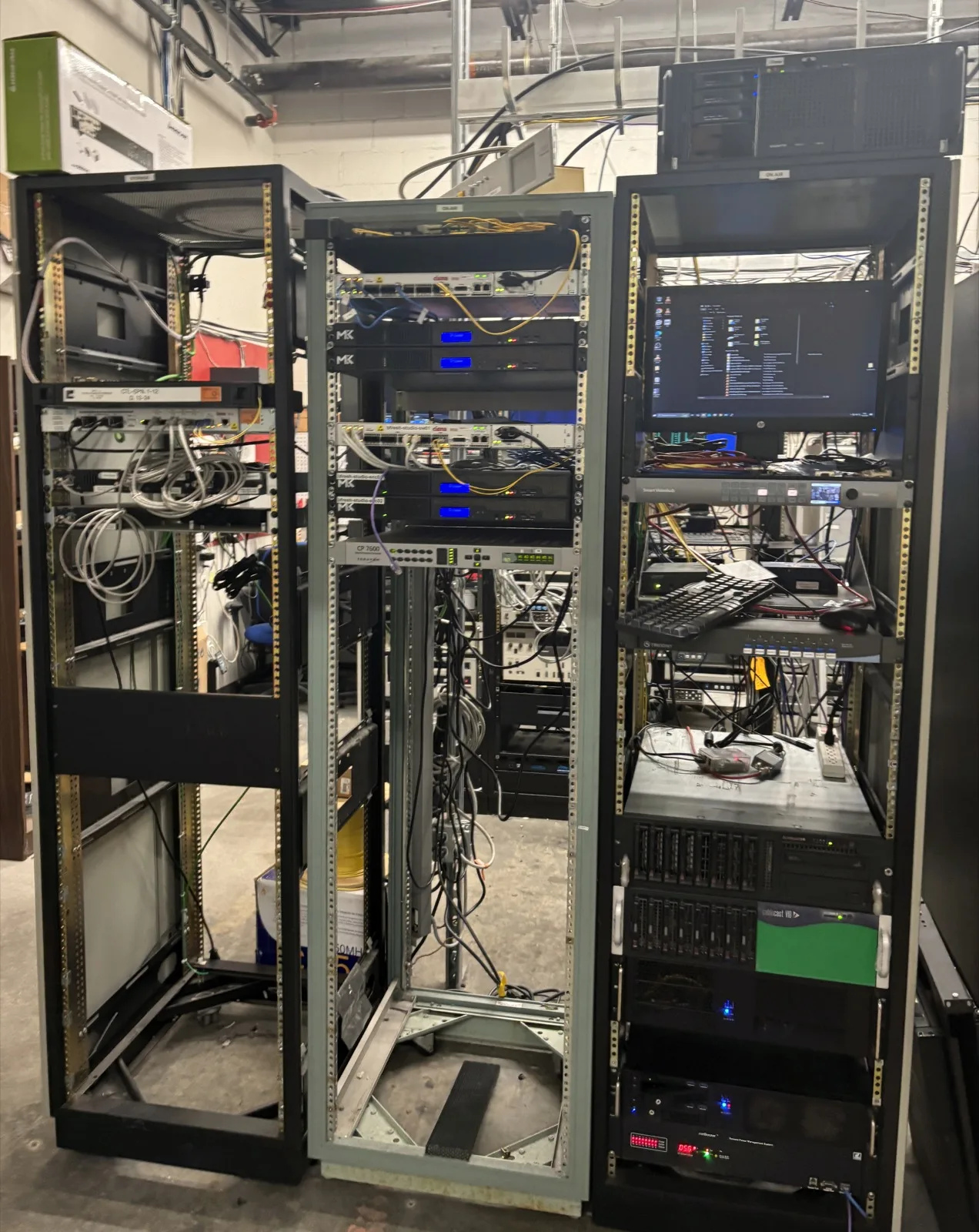
Image: Wikimedia Commons - SAGE computer room.
What Should Be Prepared Before Setup?
Because vSAN changes storage behavior inside the cluster, preparation is critical. Before starting, the team should have a clear answer for:
- which hosts will participate in the vSAN cluster
- what network standard will carry storage traffic
- whether hosts, disks, and drivers sit on a compatible line
- what the expected capacity and resilience model should be
- how test and production storage policies will differ
The main mistake at this stage is treating vSAN as nothing more than “make a datastore from disks.” It affects storage, cluster design, and operations together.
How Do You Set Up VMware vSAN?
1. Complete Cluster Preparation
The first step is verifying that the ESXi hosts intended for vSAN are already healthy as a cluster. If host onboarding, management access, or base networking is unstable, enabling vSAN only increases the blast radius.
Minimum expectations before setup:
- every host is visible under vCenter
- management access is stable
- cluster membership is clear
- the hardware line is consistent
2. Define the vSAN Network Model
vSAN storage traffic depends directly on the cluster network. That means storage network paths, VLAN standards, and general connectivity assumptions must be clear before vSAN is enabled.
In practice, the team should know:
- which vmkernel approach will carry vSAN traffic
- whether host-to-host storage traffic follows one standard
- whether the network design matches the intended performance and availability profile
In vSAN environments, weak networking affects not only performance but also health behavior.
3. Enable vSAN on the Cluster
Once the cluster is ready, vSAN is enabled at the cluster level. The point is to make eligible storage resources available under the vSAN datastore model.
The correct question here is not only “is vSAN turned on?” but “after it was turned on, did the cluster actually move into the expected storage model?” Datastore visibility, capacity view, and health state should be evaluated together.
4. Claim the Right Disks
vSAN depends on the right storage resources being claimed intentionally. Claiming is not only about gaining capacity; it defines how the cluster storage layer is formed.
Teams should check:
- which disks are truly intended for vSAN
- whether test and production disks are being mixed unintentionally
- whether there is a sensible distribution across hosts
If claiming is handled casually, unexpected capacity and performance behavior can follow.
Disk Claiming and Capacity Logic
One of the most common setup mistakes is misunderstanding capacity. Raw disk totals and actually usable capacity are not the same thing.
That is because:
- the resilience model affects usable capacity
- cluster storage behavior is not driven by disk count alone
- test and production policies can produce different outcomes
At first setup, the right question is not only “how many TB do I see?” but also “how much capacity is really usable under the policy model I intend to run?”
Why Should Storage Policy Be Considered on Day One?
In vSAN, storage policy is not a feature to remember later. It is part of the operating model from the beginning. How workloads are protected and placed depends on policy thinking.
A practical early split is:
- a simpler approach for test workloads
- a more controlled protection approach for critical workloads
If policy is ignored during setup, teams usually end up treating all workloads under one storage assumption. That distorts both risk and capacity expectations.
Related guides:
How Should the First Health Checks Be Done?
After setup, the first checkpoint is not only that the datastore appears. At minimum, teams should review:
- cluster health
- disk and capacity visibility
- test-VM placement
- policy application behavior
- host consistency across the cluster
If a test workload does not land with the expected policy behavior, then a “successful-looking” setup is still incomplete.
Most Common vSAN Setup Mistakes
Treating vSAN Like a Separate Storage Platform
vSAN setup cannot be separated from cluster architecture. Compute and storage operate closer together.
Treating Network Design as Secondary
Because storage traffic depends directly on the cluster network, weak network planning distorts vSAN behavior.
Leaving Policy Thinking Until After Setup
That delays the real capacity and protection discussion and creates wrong assumptions early.
Moving to Production Without a Test Workload
If the datastore is visible but a real workload was never validated, the setup should not be considered complete.
First 15-Minute Checklist
- Cluster and host readiness for vSAN were validated
- The network standard and storage traffic path were defined
- vSAN was enabled at the cluster level
- The correct disks were claimed intentionally
- Raw capacity was separated from policy-adjusted usable capacity
- An initial storage-policy model was defined
- A test workload validated health and placement behavior
Next Step with Leon-X
When implemented correctly, vSAN can deliver a strong and manageable shared-storage model for hyperconverged infrastructure. Leon-X helps teams define vSAN cluster preparation, policy design, health validation, and production rollout standards together.
Related pages:
Frequently Asked Questions
What is the first critical step in VMware vSAN setup?
The first critical step is validating that the cluster and network design are actually ready for vSAN before enabling the feature.
Can we move to production as soon as vSAN is enabled?
No. Initial health, capacity visibility, and test workload validation should be completed first.
Why does disk claiming matter so much?
Because it decides which resources become part of the vSAN storage layer, directly shaping capacity and behavior.
Should storage policy be considered only after setup?
No. In vSAN, policy thinking belongs from day one because it changes protection and usable-capacity expectations.
Is vSAN right for every cluster?
No. vSAN assumes a hyperconverged operating model and only makes sense when cluster, network, and operational standards support that model.
Conclusion
VMware vSAN setup is not just turning on a feature in a cluster. Cluster preparation, network standards, disk claiming, policy, and health validation all have to be established together. In the December 15, 2025 context, the safe approach is to treat vSAN as an architectural decision first and only then move toward production with test-backed validation.