When Dell Storage multipath is not working, the problem is usually not a single storage failure. It is more often a combination of incorrect MPIO policy, incomplete host-side configuration, wrong ALUA behavior, a broken multipath.conf, missing path claims, or loss of balanced controller access. The short answer is this: if multipath is not behaving correctly in a Dell storage environment, you should first verify how many paths the host actually sees, whether the path policy is correct, whether controller access is balanced, and whether the operating system is placing the devices into the proper multipath layer.
This guide is for:
- system and virtualization teams running workloads on Dell storage
- IT managers troubleshooting PowerStore, PowerVault, or similar Dell storage environments
- infrastructure teams that need to check Linux, Windows, and ESXi host connectivity together
- organizations that want to validate controller failover without losing storage access
Key Takeaways
- Dell PowerVault ME5 documentation explicitly lists
32 Gb Fibre Channel,25 GbE iSCSI, and10GBase-Thost connectivity options, so the transport type is the first thing to separate during multipath troubleshooting. - Dell recommends using
multipath -tandmultipath -lon Linux hosts to validate the active DM Multipath configuration and visible storage devices. - Dell PowerVault ME4/ME5 guidance shows that
Round Robin (VMware)is a critical ESXi setting in supported multi-path scenarios. - A Dell KB example shows
8 paths, with2 paths per controllerand4 per volume, on a correctly configured ESXi environment. - Dell PowerStore KB articles show that incorrect host-side MPIO or a malformed
multipath.confcan push I/O onto a single node or break path switching during import operations. - The reliable model is to validate path count, policy, zoning/VLAN, ALUA behavior, and host-side multipath services together.
Table of Contents
- What Does Dell Storage Multipath Not Working Really Mean?
- What Should You Check in the First 10 Minutes?
- What Should Be Verified on Linux, Windows, and ESXi?
- Which Dell-Specific Multipath Scenarios Matter Most?
- What Are the Most Common Mistakes?
- Related Articles
- Checklist
- Next Step with Leon-X
- Frequently Asked Questions
- Sources
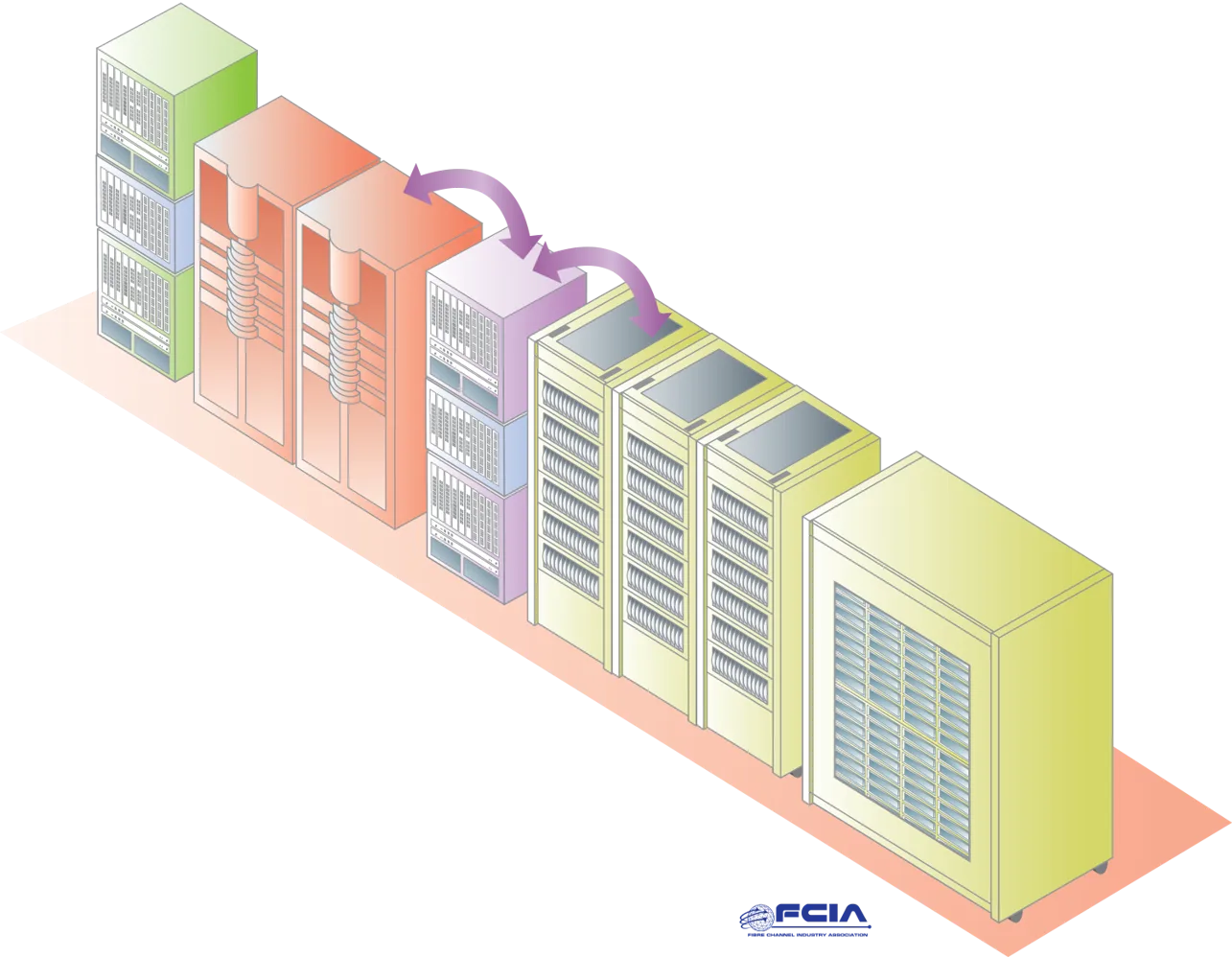
Image: Wikimedia Commons - Fibre Channel Storage Area Network.
What Does Dell Storage Multipath Not Working Really Mean?
This is not one specific error string. In practice, it usually describes one of these states:
- the host sees the storage volume, but only one path is active
- controller failover breaks path redundancy
- volumes appear as non-redundant
- Linux does not group the devices under
multipathdas expected - ESXi sees paths, but the policy is wrong and load balancing is ineffective
- PowerStore host I/O flows through a single node
That is why the first troubleshooting distinction should be:
- are paths missing entirely
- are paths present but not shown as redundant
- are paths present but the wrong policy is preventing expected behavior
- is the system showing a warning during failover even though access is still healthy
Dell’s own KB examples show that, with correct MPIO configuration, controller reboots may produce UI warnings without causing real host-side connectivity loss. So not every “multipath is broken” report means there is an actual outage.
What Should You Check in the First 10 Minutes?
1. How many paths are really visible?
Start by comparing the intended design to the real host view:
- is the storage dual-controller
- does the host reach each controller through at least
1or2paths - does the FC, iSCSI, or SAS topology match the design
In Dell’s ME5 KB example, ESXi can show 8 paths, with 2 paths per controller and 4 paths per volume. If your host shows only 1 path or only one controller, the problem is physical or topological before it is logical.
2. Is the path policy correct?
For ESXi, Dell PowerVault guidance explicitly recommends Round Robin (VMware) in supported multi-path conditions. If the policy is wrong, paths may exist but still behave incorrectly.
On Linux, the Dell ME5 deployment guide recommends validating the configuration with multipath -t and the active Dell devices with multipath -l. Those two commands often provide the fastest usable evidence in early diagnosis.
3. Is the problem on the host side or the storage side?
Use this first-pass matrix:
| Symptom | First layer to inspect | Likely cause |
|---|---|---|
| Only one path visible | HBA/NIC, zoning, VLAN, cabling | physical path loss |
| Paths visible but not active/optimized | ALUA / policy | wrong host-side setting |
| Linux devices appear fragmented | multipath.conf, multipathd | blacklist or service problem |
| Alerts appear after controller reboot but access survives | UI / monitoring behavior | redundant warning without real outage |
| PowerStore shows single-node I/O | host MPIO configuration | incomplete host-side multipath |
What Should Be Verified on Linux, Windows, and ESXi?
Linux
Dell’s ME5 deployment guide describes a basic validation sequence:
multipath -t- copy or review the config template in
/etc systemctl enable multipathdsystemctl start multipathdmultipathmultipath -l
The point is simple: installing a package is not the same as having a working multipath stack. If the service is not active, the kernel driver is not loaded, or local disks are captured incorrectly, storage devices may not be handled the way you expect.
Dell PowerStore KB articles also show that editing multipath.conf incorrectly, especially around blacklist handling, can break path switching or import behavior.
Windows
Dell PowerVault guidance treats Windows MPIO as an explicit configuration step. A volume being visible in Windows does not automatically mean MPIO is complete.
The minimum Windows checks are:
- is the MPIO feature enabled
- are Dell volumes claimed by MPIO
- does controller/path loss preserve I/O continuity
- is a redundant alert being confused with a real outage
ESXi
Dell documentation gives a clear flow for ESXi:
- rescan storage devices
- verify path visibility
- apply
Round Robin (VMware)where Dell recommends it
For ME5 SAS connectivity, Dell also makes an important distinction: if the host has only one SAS HBA with a single path to each controller, the default Most Recently Used behavior may remain acceptable; if the host has 2 SAS HBAs and multiple valid paths, Dell recommends switching to Round Robin. Missing that distinction often creates cases described as “multipath not working” when the real issue is simply the wrong path policy.
Which Dell-Specific Multipath Scenarios Matter Most?
PowerStore host traffic falls onto a single node
Dell KB 000220440 documents cases where missing host-side MPIO causes I/O to flow through a single node. That can look like a storage fault, even though the real cause is host-side multipath configuration.
multipath.conf is edited incorrectly
PowerStore import KB articles show that an incorrect blacklist or bad parsing in multipath.conf can break path switching. That means multipath is not a “set it once and forget it” area; any manual change must be followed by device visibility checks.
Controller reboot creates misleading alerts
The Dell ME5 KB explains that with correct MPIO configuration, controller reboots may show non-redundant warnings in the UI without causing real connectivity loss. The key is to validate actual host path state before treating the alert as a live outage.
Active/Active assumptions override ALUA logic
Dell’s PowerStore performance KB warns that active/active assumptions on the host side can degrade performance when the design expects ALUA-aware behavior. In other words, “all paths active all the time” is not automatically the right interpretation for every Dell storage and host combination.
What Are the Most Common Mistakes?
Tuning before counting paths
If you change policy before verifying how many paths really exist, you risk masking the problem instead of solving it.
Treating a storage alarm as proof of a host outage
Some warnings are real availability issues; others are presentation-layer alarms. The host-side path list must decide the difference.
Letting Linux capture local disks incorrectly
The ME5 deployment guide specifically warns against allowing internal server disks to be mishandled by multipath configuration. A bad config can affect more than storage volumes.
Leaving ESXi on the wrong default policy
In scenarios where Dell explicitly recommends Round Robin, leaving the default path selection policy unchanged can create avoidable path-use and performance problems.
Assuming it is software when the design is physically incomplete
If zoning, VLANs, switch ports, HBA ports, or cables are wrong, host-side commands alone will not solve the problem.
Related Articles
- What Is Dell Storage NVMe-oF? Guide
- How Does Dell Storage High Availability Work?
- How to Fix Dell PowerStore High Latency
Checklist
- The expected total path count was validated per controller and per volume
- FC zoning, iSCSI VLANs, or SAS cabling were matched to the design
- Linux
multipathdstatus andmultipath -loutput were reviewed - Windows MPIO claim state and volume behavior were verified
- ESXi rescan and path policy were reviewed
- Dell storage alerts were separated from real host connectivity symptoms
- ALUA, Round Robin, or vendor-specific host policy expectations were confirmed
Next Step with Leon-X
Dell Storage multipath issues rarely come from one layer only. Leon-X helps teams analyze host, network, and storage behavior together under Hardware & Software Services, especially across NAS / SAN Storage Setup and Configuration and Storage Capacity Planning and Performance Optimization. To review your current environment or request a scoped proposal, use the Contact page.
Frequently Asked Questions
Where should teams look first when Dell Storage multipath is not working?
They should first verify how many paths the host actually sees. If only one path is visible, the issue is usually physical/topological or host-side configuration.
Is Round Robin always required on ESXi?
No. Dell documentation distinguishes between topologies. But in many supported FC and SAS multi-path cases, Round Robin (VMware) is the recommended policy.
What is the most critical Linux file in this problem class?
In many cases, it is multipath.conf, together with the multipathd service state. A bad blacklist or inactive service can break device handling.
Does a non-redundant alert always mean there is an outage?
No. Dell KB guidance shows cases where the UI reports redundancy warnings while host connectivity remains intact because MPIO is working correctly.
Why is this not only a storage team problem?
Because multipath behavior is the combined result of the host OS, HBA/NICs, switches, zoning/VLAN design, and storage controllers.
Sources
- Dell PowerVault ME5 Series Storage System Deployment Guide - Enable and configure DM Multipath on Linux hosts
- Dell PowerVault ME4 Series Storage System Deployment Guide - Enable multipathing on an ESXi host with FC volumes
- Dell PowerVault ME5 Series Storage System Deployment Guide - Enable multipathing on an ESXi host with SAS volumes
- PowerVault ME5: Attached hosts are reporting not redundant and not mapped
- PowerStore: Single Node Serves I/O After Node Reboots Due to Missing MPIO Configuration on Host Side
- PowerStore: "Import failed while switching path on host." Error: 0XE0310020044
- Dell PowerStore: Best Practices Guide
- Wikimedia Commons - Fibre Channel Storage Area Network