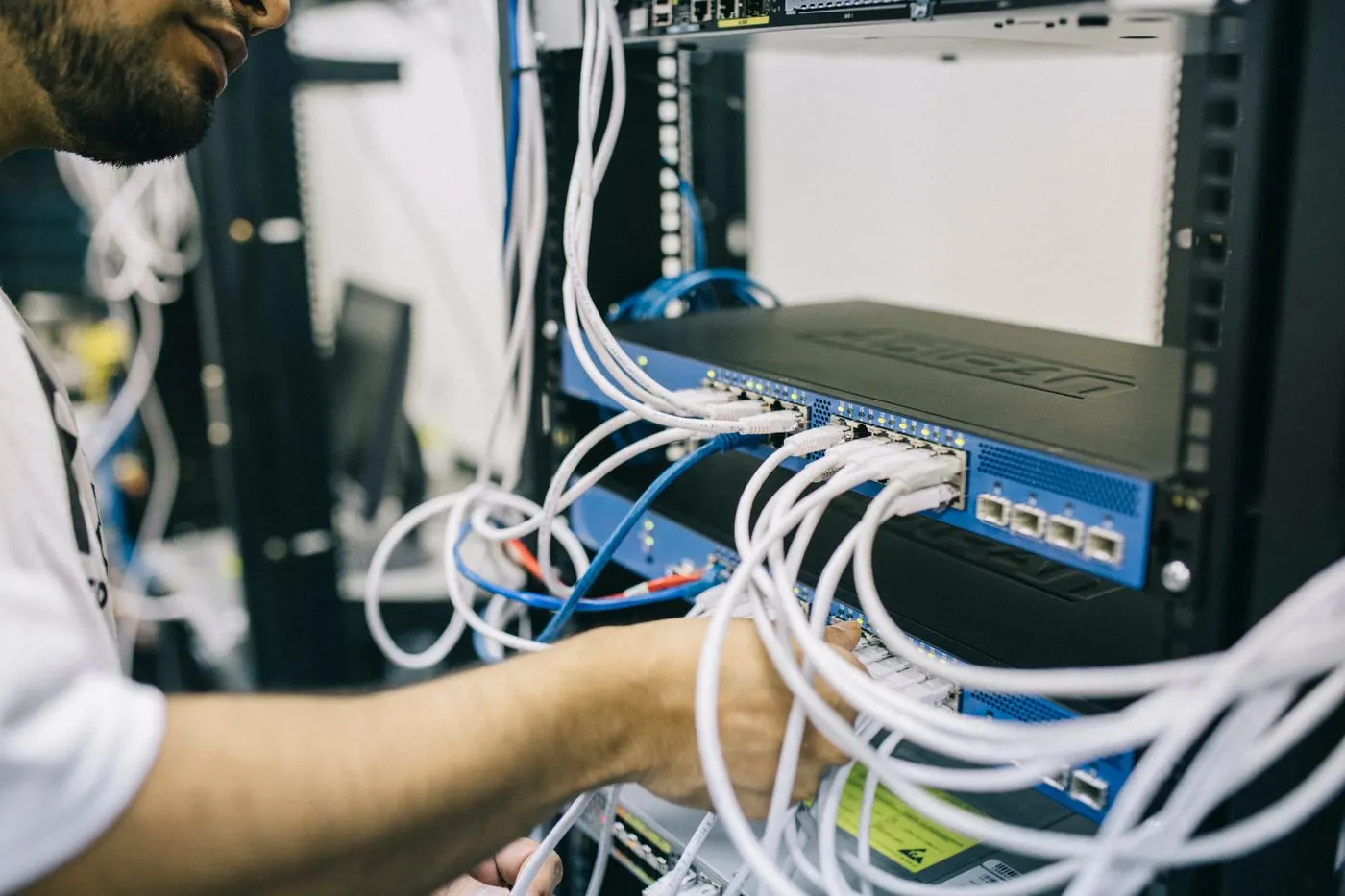
Dell storage disaster recovery for ISO 27001 does not just mean taking backups. A defensible model starts with defining RPO and RTO by business impact, separating snapshot and replication roles, assigning a remote backup target, using an isolated recovery copy where needed, and turning recovery tests into audit evidence. The short answer is this: when Dell storage disaster recovery is designed around ISO 27001's risk-based approach, both recovery quality and audit readiness improve.
This guide is especially for:
- infrastructure teams running critical workloads on Dell storage
- security and IT teams preparing for ISO 27001 audits
- administrators redesigning PowerStore and Dell data protection layers
- operations teams that need repeatable recovery testing and evidence
Quick Summary
- According to ISO,
ISO/IEC 27001:2022defines requirements for an information security management system and helps organizations manage information security risks. - Dell's PowerStore data protection documentation shows that the platform supports local protection, remote protection, and remote backup together. Snapshots, replication, and remote backup to PowerProtect DD can be organized through protection policies.
- PowerProtect Data Manager provides native integration for PowerStore and centralized orchestration.
- PowerProtect DD is the backup target layer for longer retention, deduplication, and recovery workflows.
- PowerProtect Cyber Recovery focuses on an isolated recovery vault model.
- An ISO 27001-aligned DR design needs access control, testing, retention, recovery evidence, and runbook discipline, not just extra copies.
Table of Contents
- What Does Dell Storage Disaster Recovery Mean for ISO 27001?
- How Should RPO, RTO, and Data Classification Be Defined?
- How Should Snapshots, Replication, and Isolated Recovery Copies Be Positioned?
- How Do PowerProtect and PowerStore Fit Together?
- What Are the Most Common Mistakes?
- Related Articles
- Checklist
- Next Step with Leon-X
- Frequently Asked Questions
- Sources
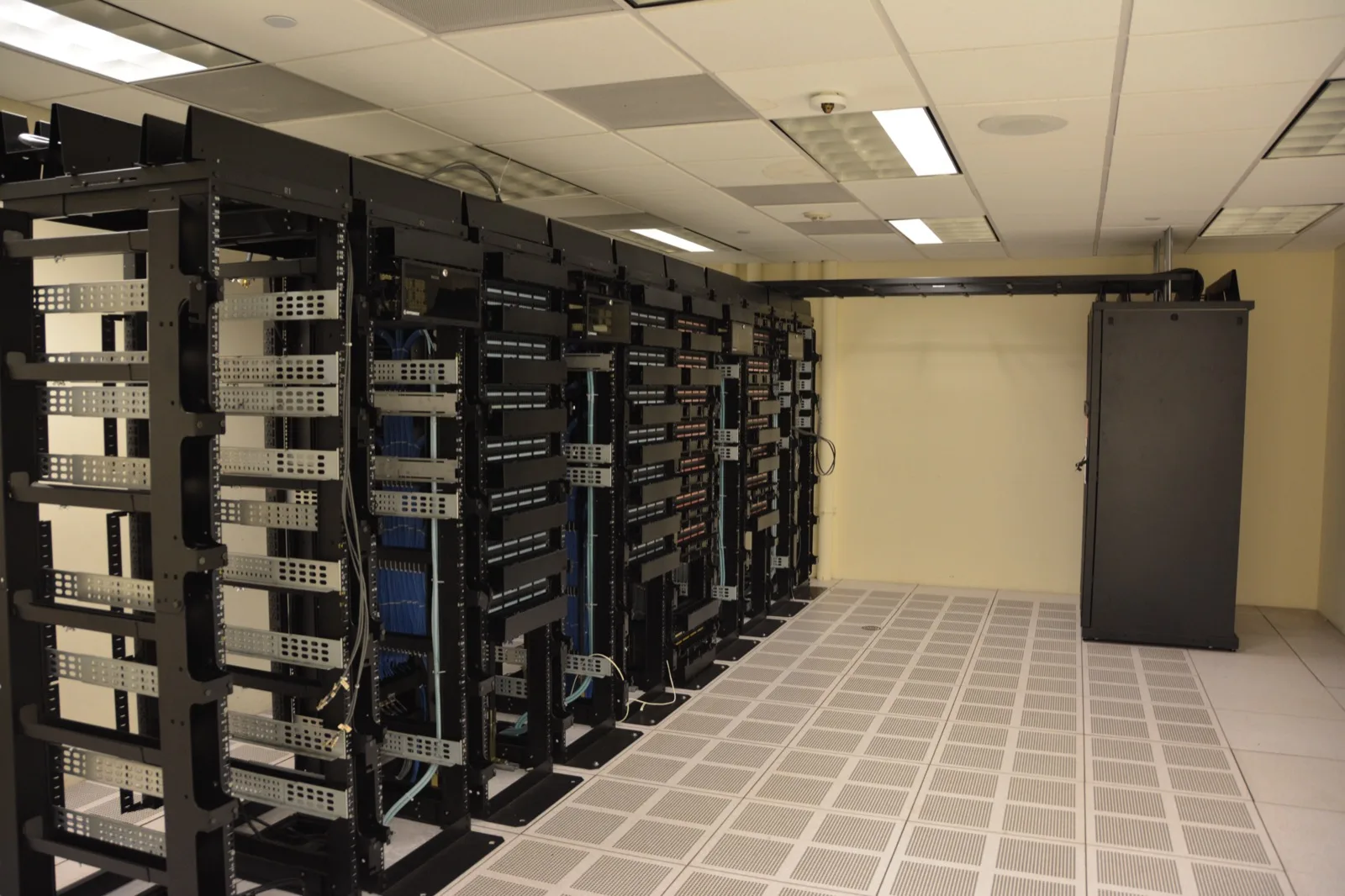
Image source: Wikimedia Commons - Datacenter Server Racks (22370909788).
What Does Dell Storage Disaster Recovery Mean for ISO 27001?
ISO/IEC 27001:2022 treats information security as a management system rather than a loose list of tools. Disaster recovery should therefore be designed as a combination of risk, ownership, controls, and evidence rather than a storage feature checklist.
On the Dell storage side, that means answering questions like:
- how much data loss is acceptable for each service
- how fast each workload must return
- which copy stays local and which must leave the primary platform
- which copy should be operationally isolated
- which tests and reports will be retained as audit evidence
That is why the technical layer should align with Hardware & Software Services, while the direct storage recovery layer aligns with Backup and Disaster Recovery Storage Solutions.
How Should RPO, RTO, and Data Classification Be Defined?
The most common DR design mistake is choosing technology before defining business impact. The correct order is the opposite. First classify the service and data, then assign the protection model.
A practical starting matrix looks like this:
Tier 1workloads: lowRPO, lowRTO, more frequent snapshots, remote replication, and recurring recovery checksTier 2workloads: mediumRPO, mediumRTO, snapshot plus scheduled remote backupTier 3workloads: looser recovery expectations with an archive-oriented model
PowerStore documentation explains that protection policies can combine snapshot, replication, and remote backup rules. That makes it easier to assign different recovery profiles to different workloads.
From an ISO 27001 perspective, the evidence should show:
- critical data classes are defined
- each class has an approved
RPOandRTO - recovery order and ownership are documented
- testing frequency and approval flow are traceable
How Should Snapshots, Replication, and Isolated Recovery Copies Be Positioned?
Why are snapshots alone not enough?
Snapshots are useful for fast rollbacks, but they still depend on the same storage platform. They help with accidental deletion, corruption, and short rollback windows, but they are not a full DR design on their own.
What problem does replication solve?
In the PowerStore protection model, remote protection sends data to a remote system, creating a second layer against site or array-level failures. This should be read together with How Dell PowerStore Replication Works.
Why does an isolated recovery copy matter?
Dell PowerProtect Cyber Recovery is built around keeping a recovery copy inside an operationally separated vault. That matters in ransomware and management-plane compromise scenarios. From an ISO 27001 perspective, the distinction is important: the goal is not only to store copies, but to preserve recoverable copies outside the blast radius.
In practice these layers should work together:
- snapshots for fast local rollback
- replication for site or array failure
- isolated recovery copies for destructive cyber events
How Do PowerProtect and PowerStore Fit Together?
PowerStore supports remote backup of volumes and volume groups directly to PowerProtect DD. Dell's own documentation describes this as part of the protection policy model. The implication is clear: storage protection and backup appliances are separate layers, but they serve the same recovery chain.
PowerProtect Data Manager adds orchestration and centralized policy management. Dell explicitly highlights native integration with PowerStore and integration with DD. A strong enterprise design usually follows this order:
- Build workload-based protection policies on PowerStore.
- Define snapshot frequency for fast local recovery.
- Define replication rules for remote recovery.
- Use PowerProtect DD for longer-term backup and recovery targets.
- Evaluate Cyber Recovery if an isolated vault model is needed.
- Test the full chain and retain evidence.
This design becomes easier to understand when read together with Storage Disaster Recovery for KVKK, Dell Storage Backup Requirements for KVKK, and How Does Dell Storage High Availability Work?.
What Are the Most Common Mistakes?
1. Treating snapshots as DR
Snapshots are useful, but they do not remove platform dependency. Real DR needs replication, backup, or both.
2. Taking backups without testing recovery
Untested backups are weak controls from both an operational and audit perspective. Dell Cyber Recovery documentation also emphasizes recovery checks.
3. Leaving privileges too broad
If backup administrators, storage administrators, and recovery operators are not separated, the recovery chain becomes difficult to defend in an audit.
4. Applying one retention rule to every data set
Uniform retention increases cost, weakens prioritization, and complicates recovery.
5. Talking about features instead of business impact
The real question is not “does the platform support snapshots?” but “which service must return within four hours and how much loss is acceptable?”
Related Articles
- Storage Disaster Recovery for KVKK
- Dell Storage Backup Requirements for KVKK
- How Does Dell Storage High Availability Work?
- How Dell PowerStore Replication Works
Checklist
- critical data and services are classified
- service-based
RPOandRTOtargets are approved - PowerStore protection policies are workload-specific
- remote backup to PowerProtect DD is verified
- replication to a remote site or array is tested
- isolated recovery copy requirements are evaluated
- access roles are separated
- recovery test outputs are stored as audit evidence
Next Step with Leon-X
Dell storage disaster recovery for ISO 27001 is not just about installing products. It is about building a recovery chain that is measurable, testable, and defensible. Leon-X handles both the technical layer through Hardware & Software Services and Backup and Disaster Recovery Storage Solutions, and the planning layer through Disaster Recovery Strategy Design. To review your current environment or request a proposal, use the Contact page.
Frequently Asked Questions
Are snapshots enough for ISO 27001?
No. Snapshots help with fast local rollback, but they do not provide full separation against site, platform, or cyber events. Replication and backup layers are also needed.
Can PowerStore and PowerProtect DD work together?
Yes. Dell's PowerStore protection documentation states that volumes and volume groups can be backed up directly to PowerProtect DD through remote backup rules.
Is Cyber Recovery mandatory in every environment?
Not in every environment. But it is a strong option where ransomware impact, isolated recovery requirements, and audit sensitivity are high.
What evidence matters in an ISO 27001 audit?
Documented RPO/RTO, protection policy records, access segregation, recovery test reports, runbook updates, and traceable retention decisions all matter.