Storage authorization is often explained in ISO 27001 audits with a simple administrator account list. That is rarely enough. The stronger question is broader: who can perform which storage management task, which host can access which volume or share, how privileged access is approved, and where the evidence is retained.
This guide is written for IT, security, and audit teams that need a practical authorization model for enterprise storage platforms such as Dell PowerStore. The goal is to move beyond a technically working storage deployment and build a control set that is defensible, traceable, and regularly reviewed for ISO 27001.
Quick Summary
- An ISO 27001 storage authorization model should be based on named accounts, role-based access, segregation of duties, regular access review, and centralized logging.
- Dell PowerStore roles such as Administrator, Security Administrator, Storage Administrator, Storage Operator, Operator, and Auditor can separate different operational responsibilities.
- Storage management access and data access are not the same control; being a PowerStore administrator should not automatically mean direct access to every application data set.
- Volume, LUN, host initiator, NAS share, and snapshot permissions must be handled as a separate authorization layer.
- Audit evidence should include approval records, role matrices, change records, offboarding evidence, audit logs, and SIEM samples, not only screenshots.
Table of Contents
- What Does Storage Authorization Prove for ISO 27001?
- How Should a Role-Based Management Model Be Built?
- How Should Host, Volume, and NAS Access Be Separated?
- How Should Service Accounts and Emergency Access Be Managed?
- How Should Logging and Audit Evidence Be Prepared?
- 90-Day Storage Access Review Plan
- Related Content
- Next Step with Leon-X
- Frequently Asked Questions
- Sources
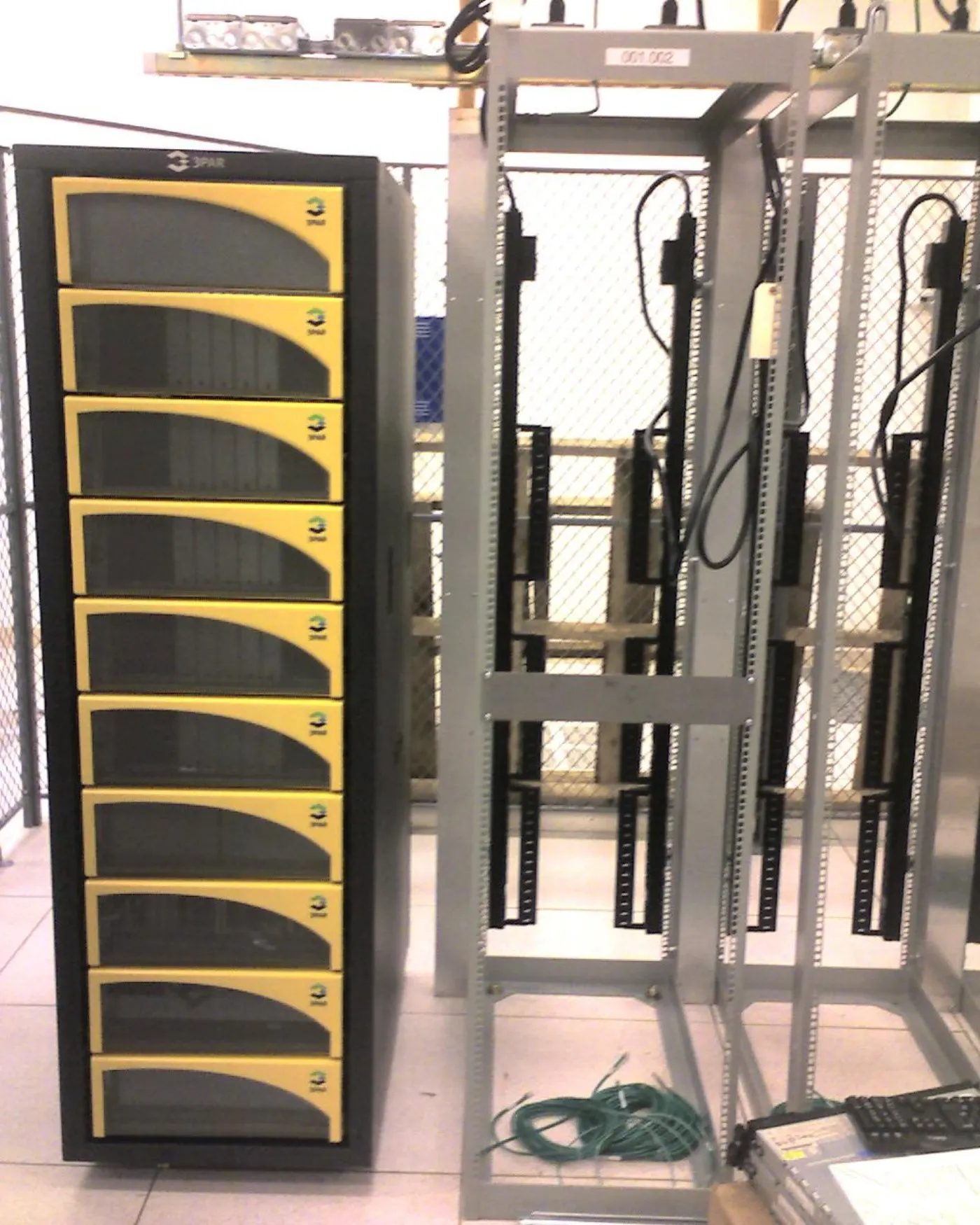
Image: Wikimedia Commons - 3PAR SAN in its natural habitat. Optimized as WebP.
What Does Storage Authorization Prove for ISO 27001?
For ISO 27001, storage authorization is not just a "who is admin?" question. The real goal is to prove that critical information is accessible only to the people, systems, and service accounts that have a business need.
Think of storage authorization across four layers:
- management access: who can administer the platform through PowerStore Manager, API, CLI, or integration accounts?
- data access: which host, cluster, VM, NAS client, or application can connect to which volume or share?
- security access: who can manage users, certificates, LDAP, logging, and security events?
- evidence access: who can inspect audit logs, access matrices, and change records?
When this separation is missing, a common weakness appears: the storage team receives broad management privileges, but the affected data classes and review cadence are unclear. That is exactly where ISO 27001 audit evidence becomes weak.
How Should a Role-Based Management Model Be Built?
Dell PowerStore documentation explains that user accounts can be created with specific roles for different management tasks. In PowerStore Manager, role-based access control separates administration duties according to responsibilities. For ISO 27001, this maps directly to segregation of duties and least privilege.
A practical starting matrix can look like this:
| Role or account type | Purpose | ISO 27001 evidence |
|---|---|---|
| Administrator | limited full-privilege platform owner or break-glass access | management approval, MFA, access justification |
| Security Administrator | users, LDAP, audit logs, and security settings | role description and security change records |
| Storage Administrator | volumes, hosts, protection policies, and storage operations | change record and work order |
| Storage Operator | daily monitoring and limited operations | role matrix and task scope |
| Operator or Auditor | read-only monitoring and evidence review | audit access and log review record |
| Service account | automation, backup, monitoring, or integration | ownership, scope, password or secret rotation |
The model is stronger when every account can be traced to a person or service. Shared accounts such as "storageadmin" may be convenient, but they create weak evidence. Even if local accounts are used, the account owner, approval date, role justification, and review period should be recorded.
If LDAP or Active Directory integration is used, group names should be explicit. Groups such as Storage-PowerStore-Admins, Storage-PowerStore-Operators, and Storage-Auditors make both administration and audit review easier.
How Should Host, Volume, and NAS Access Be Separated?
Storage authorization is not limited to management roles. For ISO 27001, the real data risk is often in host mapping, volume access, NAS share permissions, and snapshot restore scope.
For block storage, answer these questions:
- which server or cluster is attached to which volume?
- do host initiator records belong to the correct systems?
- have old multipath, WWN, or iSCSI initiator records been removed?
- has a production volume accidentally been presented to a test environment?
- can snapshot or clone operations move sensitive data into a weaker environment?
For NAS, share, export, ACL, and directory-level permissions should also be reviewed. A storage administrator may not have direct access to data content, but an incorrect export or share setting can still create exposure. That is why NAS/SAN Storage Installation and Configuration should be designed around access boundaries as well as capacity and performance.
A good practice is to approve the storage access matrix with application owners. The storage team validates the technical connection, the application owner confirms the business need, and information security verifies the risk and control fit.
How Should Service Accounts and Emergency Access Be Managed?
Service accounts are commonly missed in ISO 27001 storage audits. Backup software, monitoring tools, orchestration platforms, CMDB integrations, and SIEM connectors may operate with high privileges. Because these accounts are not tied to a person, weak ownership and rotation can create persistent risk.
For every service account, keep the following information:
- technical owner and business owner
- API, CLI, or interface where it is used
- minimum required role
- secret storage method
- rotation period
- last use date or log evidence
- deactivation procedure
Emergency access should be handled separately. If a break-glass account exists, keep it in a password vault, require MFA and access approval, and enforce password rotation plus incident notes after each use. Using that account for daily operations breaks the least privilege model.
How Should Logging and Audit Evidence Be Prepared?
Dell PowerStore remote logging documentation says audit log messages and system alert events can be sent to remote syslog targets. When centralized logging is configured with TLS and certificates, storage authorization decisions become visible in the SIEM instead of staying only in the local interface.
An ISO 27001 audit evidence folder should include:
- current storage role matrix
- user and service account list
- LDAP group membership export
- last 90-day access review record
- host-volume or share access matrix
- change records for critical privilege changes
- audit log and SIEM event samples
- offboarding evidence for departed users or decommissioned services
At this point, Hardware and Software Solutions establish the technical baseline for storage infrastructure. SIEM and Security Event Management Integration supports log correlation, while Cybersecurity Assessment Service supports control validation.
90-Day Storage Access Review Plan
Days 1-15: Inventory and scope
- list PowerStore appliances, volumes, NAS shares, hosts, and service accounts.
- separate management accounts by role.
- map critical storage resources to business owners.
Days 16-35: Authorization matrix
- define the minimum required role for each user and service account.
- reduce unnecessary Administrator privileges.
- ask application owners to validate host mapping and share/export permissions.
Days 36-60: Logs and evidence
- confirm PowerStore audit logs in SIEM or syslog.
- collect sample events for user creation, role changes, host mapping, and volume operations.
- run an offboarding test for a departed user or a changed role.
Days 61-90: Audit package
- close access review decisions through signed records or tickets.
- link exceptions to risk acceptance or remediation actions.
- assign the next review date to the calendar and control owner.
Related Content
- Dell PowerStore Encryption and ISO 27001 Alignment
- Dell Storage Disaster Recovery Setup for ISO 27001
- How Dell PowerStore Snapshots Work
- How Dell PowerStore Replication Works
Next Step with Leon-X
A storage authorization program becomes strong for ISO 27001 when platform management, host-volume access, service accounts, and audit evidence are handled in the same framework. Leon-X clarifies storage architecture and access boundaries through Hardware and Software Solutions and NAS/SAN Storage Installation and Configuration. For logging, continue with SIEM and Security Event Management Integration; for control validation, continue with Cybersecurity Assessment Service. To review your current storage authorization model or request a proposal, use the Contact page.
Related pages:
- Hardware and Software Solutions
- NAS/SAN Storage Installation and Configuration
- SIEM and Security Event Management Integration
- Cybersecurity Assessment Service
- Contact
Frequently Asked Questions
Is reducing the number of storage admins enough for ISO 27001?
No. Reducing admin count is useful, but named accounts, role justification, host-volume access, service accounts, offboarding, and log evidence must be managed together.
Why separate Security Administrator and Storage Administrator on PowerStore?
For segregation of duties. The Storage Administrator manages operational storage resources, while the Security Administrator can handle users, LDAP, audit logs, and security settings. This prevents critical changes from being concentrated in one role.
Is host mapping part of ISO 27001 access control?
Yes. Host mapping, LUN, volume, share, and export permissions directly affect data access. The data path must be audited alongside management accounts.
How often should storage access be reviewed?
The frequency depends on risk. For critical storage environments, a 90-day review supported by role-change and offboarding triggers is a defensible operating model.