A VMware All Paths Down (APD) error means an ESXi host has lost every available access path to a storage device and can no longer reach the datastore through its normal transport path. The short answer is this: in the July 14, 2025 context, the safest way to solve APD is to determine whether this is a temporary path-loss event or a more permanent storage-side condition, then investigate fabric, multipath, HBA, and storage controller behavior together. This guide is written for teams that want to control APD events before they turn into broader service impact.
This guide is especially for:
- VMware administrators
- storage and SAN teams
- datacenter operations teams
- IT teams dealing with critical datastore access loss
Quick Summary
APDmeans the host has lost every path to the storage device.- APD is not the same as
Permanent Device Loss (PDL); one is a temporary all-path loss condition, the other is a permanent device-loss scenario. - Common causes include SAN fabric faults, iSCSI network failures, multipath issues, HBA problems, or storage controller access loss.
- VM behavior during APD depends on datastore type and timeout handling.
- The issue often exists at the intersection of ESXi, networking, and storage layers.
- That is why the troubleshooting flow should read host symptoms and storage events together.
Table of Contents
- What Does an APD Error Mean?
- What Should Be Checked in the First 10 Minutes?
- What Are the Most Common Causes?
- What Is the Difference Between APD and PDL?
- Which Interventions Are More Risky?
- How Do You Prevent Repeat Incidents?
- Quick Response Checklist
- Frequently Asked Questions

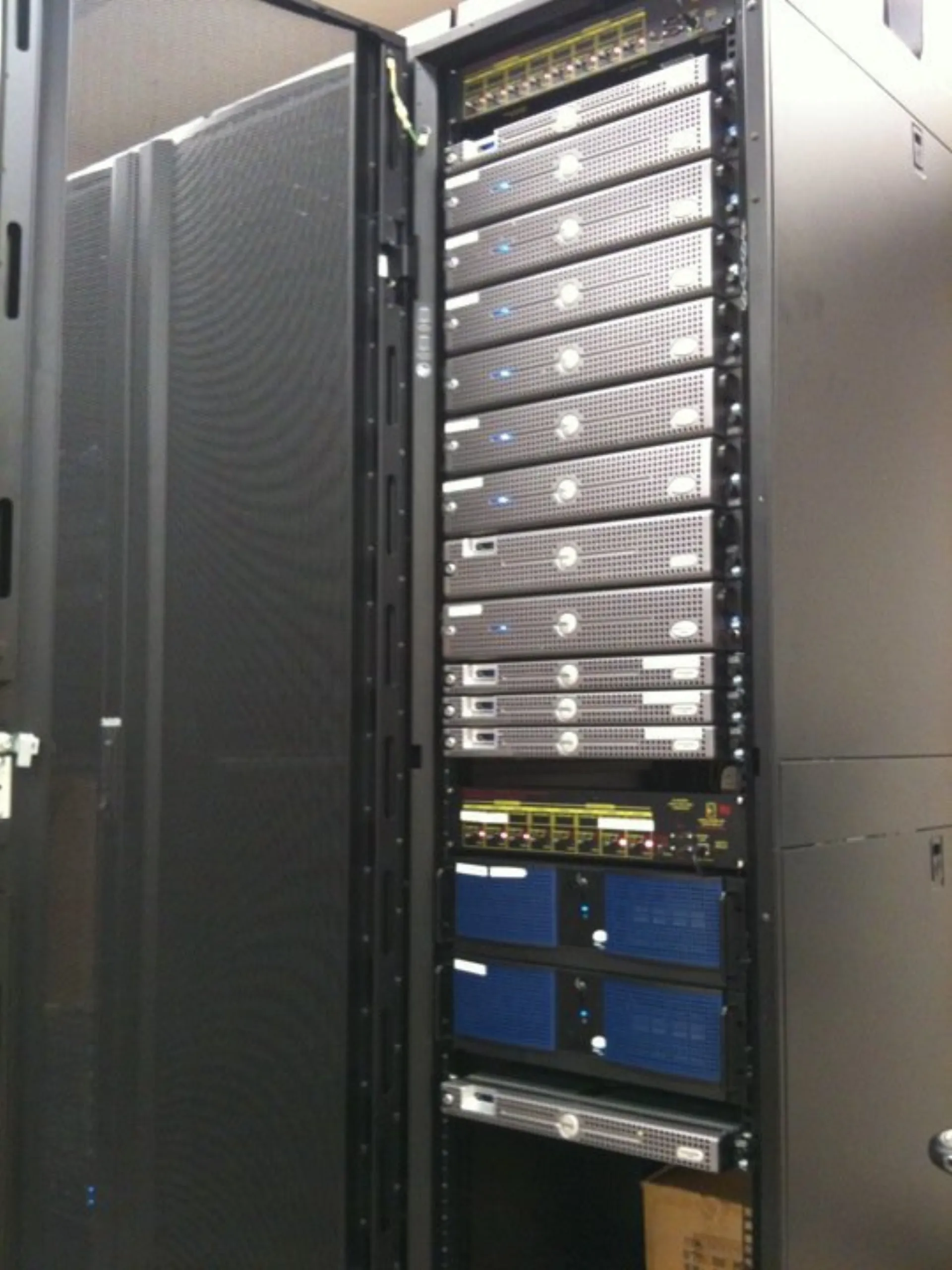
Image: Wikimedia Commons - cluttered server rack and networking equipment.
What Does an APD Error Mean?
APD means the ESXi host has lost every usable path to a storage device, but the host has not yet concluded that the device is permanently gone. In other words, it still treats the device as something that may come back.
This can lead to:
- waiting on datastore access
- I/O delay or blockage
- stalled VM operations
- storage alarms in the management layer
- delayed cluster operations or failover activity
That is why APD should be treated as a service continuity risk, not just a storage warning.
What Should Be Checked in the First 10 Minutes?
The first goal is to define the blast radius. A useful order is:
- Check whether the issue affects one host or multiple hosts.
- Identify which storage system owns the affected datastore or device.
- Based on transport type, review the related FC, iSCSI, or other network events.
- Check multipath status, HBA reachability, and path health.
- Confirm whether the storage controller, switch, or target ports show concurrent alarms.
This first split tells you whether the ESXi symptom is part of a wider storage-layer event.
What Are the Most Common Causes?
The most common causes behind VMware All Paths Down (APD) are:
- SAN switch or fabric outage
- VLAN, MTU, or uplink issue on the iSCSI network
- HBA or NIC access problem
- storage controller failover or controller reachability loss
- multipath configuration failure
- temporary connectivity break between host and target
Broadcom documentation explicitly defines APD as a condition where the host has lost all paths to the storage device but does not yet know the device is permanently unavailable. That means APD events should always be investigated with storage-side recovery possibility in mind.
What Is the Difference Between APD and PDL?
APD and PDL should not be mixed together:
APD: the host lost all paths, but the device may return.PDL: the storage side explicitly reports that the device is no longer available.
This distinction matters because the recovery path changes. APD can recover when connectivity returns. PDL often means the device presentation or storage configuration changed more permanently.
Which Interventions Are More Risky?
A safer approach is:
- defining host and datastore impact clearly
- reading storage and network events together
- validating multipath and controller state
- avoiding aggressive storage actions before confirming APD versus PDL
A riskier approach is:
- trying to remount the datastore immediately without understanding the cause
- changing LUN presentation in the storage layer without coordination
- working only on ESXi while ignoring fabric or iSCSI networking
- launching restart chains before controller or failover state is understood
The goal is to restore stable storage access without worsening path stability.
How Do You Prevent Repeat Incidents?
Permanent prevention usually requires review of:
- multipath design and path diversity
- MTU and VLAN standards in the storage network
- SAN switch and controller event visibility
- HBA or NIC firmware and driver alignment
- datastore dependency mapping
- APD/PDL alarm thresholds and runbooks
Repeated APD incidents usually point to a hidden weakness somewhere in the infrastructure chain.
Quick Response Checklist
- Define affected hosts and datastores.
- Review related fabric or storage-network events.
- Validate multipath and HBA/NIC health.
- Check for storage controller or target-port alarms.
- Confirm APD versus PDL classification.
- Close the incident with path and monitoring improvements.
Related Content
Next Step with Leon-X
In APD events, the permanent fix is not just clearing the alarm. Leon-X helps teams build a more resilient VMware storage access model by reviewing hosts, paths, networks, and storage controller behavior together.
Related pages:
Frequently Asked Questions
What does VMware APD mean?
It means the ESXi host lost every storage path to a device, but the device is not yet confirmed as permanently gone.
Is APD the same as PDL?
No. APD is a temporary all-path-loss scenario. PDL means the storage side indicates the device is permanently unavailable.
What is the most common cause?
SAN fabric faults, iSCSI network interruption, multipath issues, and controller access problems are among the most common causes.
Do VMs shut down immediately during APD?
Not always. Behavior depends on datastore type, timeout handling, and the workload's I/O state.
What prevents repeat incidents?
Better path design, network standards, firmware alignment, and storage event visibility.
Conclusion
A VMware All Paths Down (APD) error means the host-to-storage access chain has completely broken, at least temporarily. In the July 14, 2025 context, the strongest response is to define the impact quickly, separate APD from PDL, and investigate host, networking, multipath, and storage controller layers as one event.