VMware DRS (Distributed Resource Scheduler) monitors CPU and memory load across a cluster and places or moves VMs onto healthier hosts. It reduces manual capacity management as environments grow.
Short answer: DRS picks the right host at power-on; when imbalance appears, it generates recommendations or applies vMotion migrations based on the automation level.
Quick Summary
- TechDocs defines DRS clusters as shared resource groups of ESXi hosts and virtual machines under centralized scheduling logic.
- DRS operates in two major phases: initial placement and ongoing load balancing.
- Automation levels:
- Manual: placement and migration are recommendation-only.
- Partially Automated: placement is automatic, migration is recommendation-only.
- Fully Automated: placement and migration are automatic.
- Migration threshold controls which recommendation priorities are generated/applied.
- DRS Score reflects VM and cluster balance quality, and recommendations target score improvement.
- To apply migration recommendations, hosts must participate in a vMotion network.
- Since vSphere 7.0 Update 1, DRS depends on vSphere Cluster Services (vCLS) VMs availability.
Table of Contents
- What Is VMware DRS
- How DRS Works
- Automation Levels
- Migration Threshold and DRS Score
- Prerequisites and Dependencies
- Operational Checklist
- Frequently Asked Questions

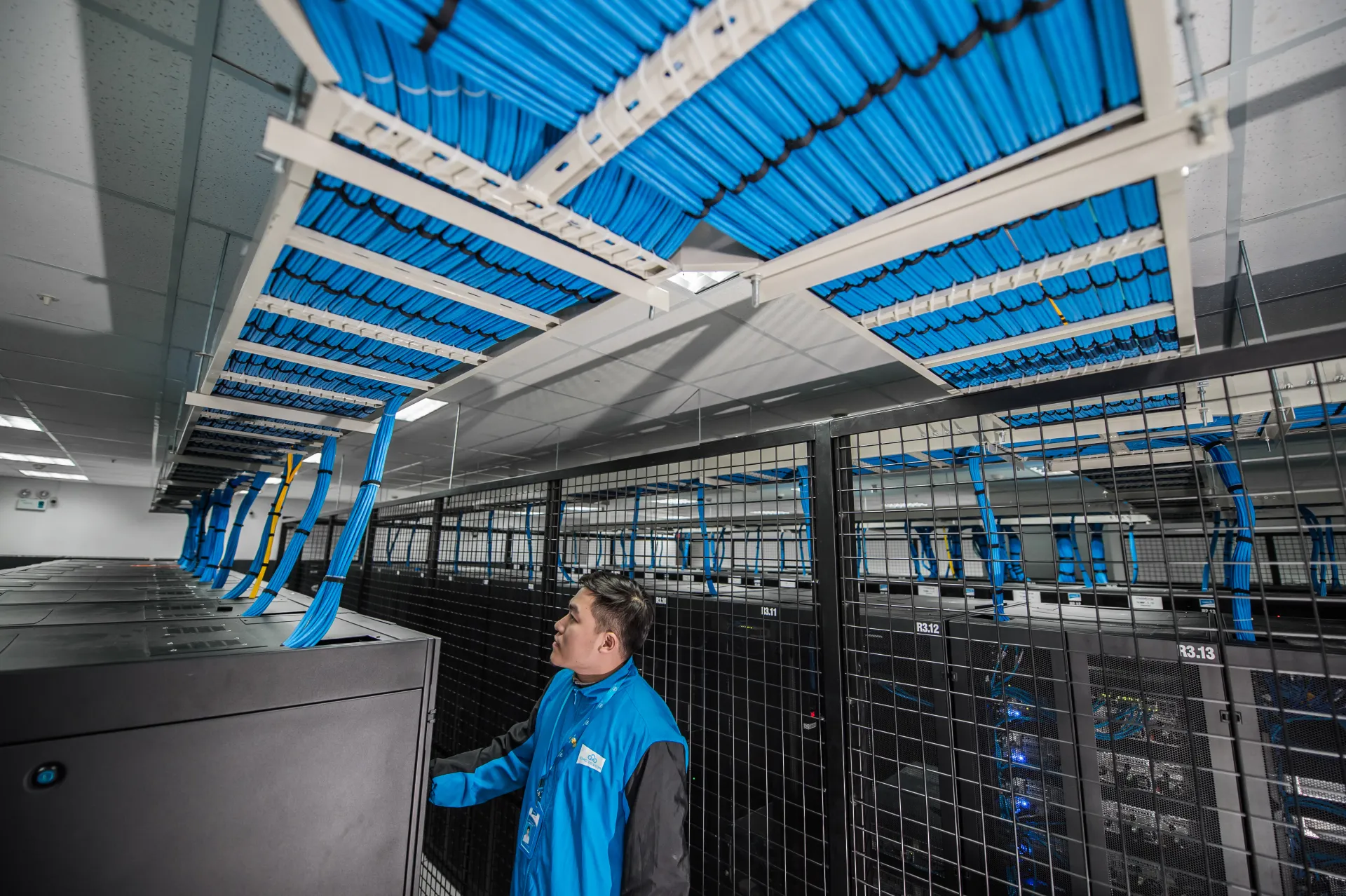
Image: Wikimedia Commons - Open Compute 1U Drive Tray Bent.
What Is VMware DRS
DRS is the cluster scheduling layer that detects resource imbalance and drives host placement decisions for better overall utilization.
In practical terms, DRS prevents overloading one host while others remain underutilized.
How DRS Works
1) Initial Placement
When a VM powers on, DRS either selects the best host automatically or provides placement recommendations, depending on policy and prerequisites.
2) Continuous Load Balancing
As workloads change, DRS monitors host/VM metrics and produces migration actions to reduce imbalance.
3) Policy and Constraint Awareness
DRS decisions consider resource pools, affinity rules, maintenance operations, and other cluster-level constraints.
Automation Levels
| Level | Initial Placement | Migration |
|---|---|---|
| Manual | Recommendation | Recommendation |
| Partially Automated | Automatic | Recommendation |
| Fully Automated | Automatic | Automatic |
Cluster defaults can be overridden per VM. If VM automation is set to Disabled, vCenter does not migrate that VM or produce migration recommendations for it.
Migration Threshold and DRS Score
Migration Threshold
The threshold determines recommendation aggressiveness. Conservative settings allow fewer actions, while higher aggressiveness enables more balancing moves.
DRS Score
DRS computes recommendations to improve VM-level and cluster-level DRS score. In operations, this is a practical health signal for balancing efficiency.
Prerequisites and Dependencies
- DRS must be enabled on the cluster to provide full scheduling benefits.
- For recommendation execution, hosts must be connected via vMotion network.
- Predictive DRS requires compatible vRealize Operations integration.
- DRS health depends on vCLS VM availability in modern vSphere versions.
In distributed environments, including teams operating across Ankara, best results come from treating DRS as an operating standard, not a simple toggle.
Operational Checklist
- Cluster automation mode selected by governance model.
- Migration threshold aligned with stability/performance goals.
- vMotion connectivity validated for all hosts.
- Critical VM overrides documented and reviewed.
- vCLS health included in routine monitoring.
Frequently Asked Questions
Is DRS the same as vMotion?
No. vMotion is the migration mechanism; DRS is the scheduling and decision engine that triggers or recommends migrations.
Is Fully Automated always the best mode?
Not always. Some teams start with Partially Automated for tighter change control and then move to full automation.
How does DRS help during maintenance mode?
It generates migration actions for evacuation, then applies or recommends them according to automation configuration.
What happens if DRS is disabled?
Proactive balancing stops, and operational teams must handle host imbalance manually.
Conclusion
VMware DRS is a core cluster service for balancing performance and operational efficiency. Real value comes from jointly managing automation policy, migration threshold, vMotion readiness, and vCLS health.
For environment-specific DRS design, you can contact our team.
Sources
- Broadcom TechDocs - vSphere Resource Management
- Broadcom TechDocs - Create a vSphere DRS Cluster
- Broadcom TechDocs - Use DRS Clusters to Manage Resources
- Broadcom TechDocs - vSphere Cluster Services (vCLS)
- Broadcom TechDocs - Fault Definitions (DRS)
- Broadcom TechDocs - DRS Troubleshooting Information
- Wikimedia Commons - NOIRLab HQ Server Racks (6V6A0375-CC)