VMware ESXi performance optimization is not just a matter of changing a few host settings. The teams that get reliable results read physical server BIOS behavior, ESXi host behavior, VM sizing, and workload latency expectations together. The short answer is this: in the February 9, 2026 context, the safest way to improve ESXi performance is to stop guessing at the bottleneck first, then work through power management, NUMA topology, rightsizing, and latency-sensitive tuning in a controlled way. This guide is written for teams that want more predictable ESXi host performance.
Quick Summary
- The official vSphere 8.0 performance guide lists UDT, vNUMA, dense mode, power management, and storage/network hardware choices as core optimization areas.
- The latency-sensitive workload guide highlights BIOS settings, correct vTopology, and advanced vSphere settings as especially important.
- ESXi performance problems often come less from one “slow host” and more from wrong VM rightsizing and poor physical power settings.
- Large VMs that cross NUMA boundaries can lose real performance even when CPU capacity looks abundant.
- If maximum performance is the goal, power-saving defaults should be reviewed carefully.
- That is why ESXi tuning is not one setting list. It is a host, VM, and workload analysis exercise.
Table of Contents
- Where Is the First ESXi Performance Mistake Usually Made?
- Why Do BIOS and Power Management Matter So Much?
- How Do NUMA and vTopology Affect Performance?
- Why Is VM Rightsizing Critical?
- Which Settings Matter Most for Latency-Sensitive Workloads?
- A Practical First 30-Minute ESXi Tuning Flow
- Frequently Asked Questions
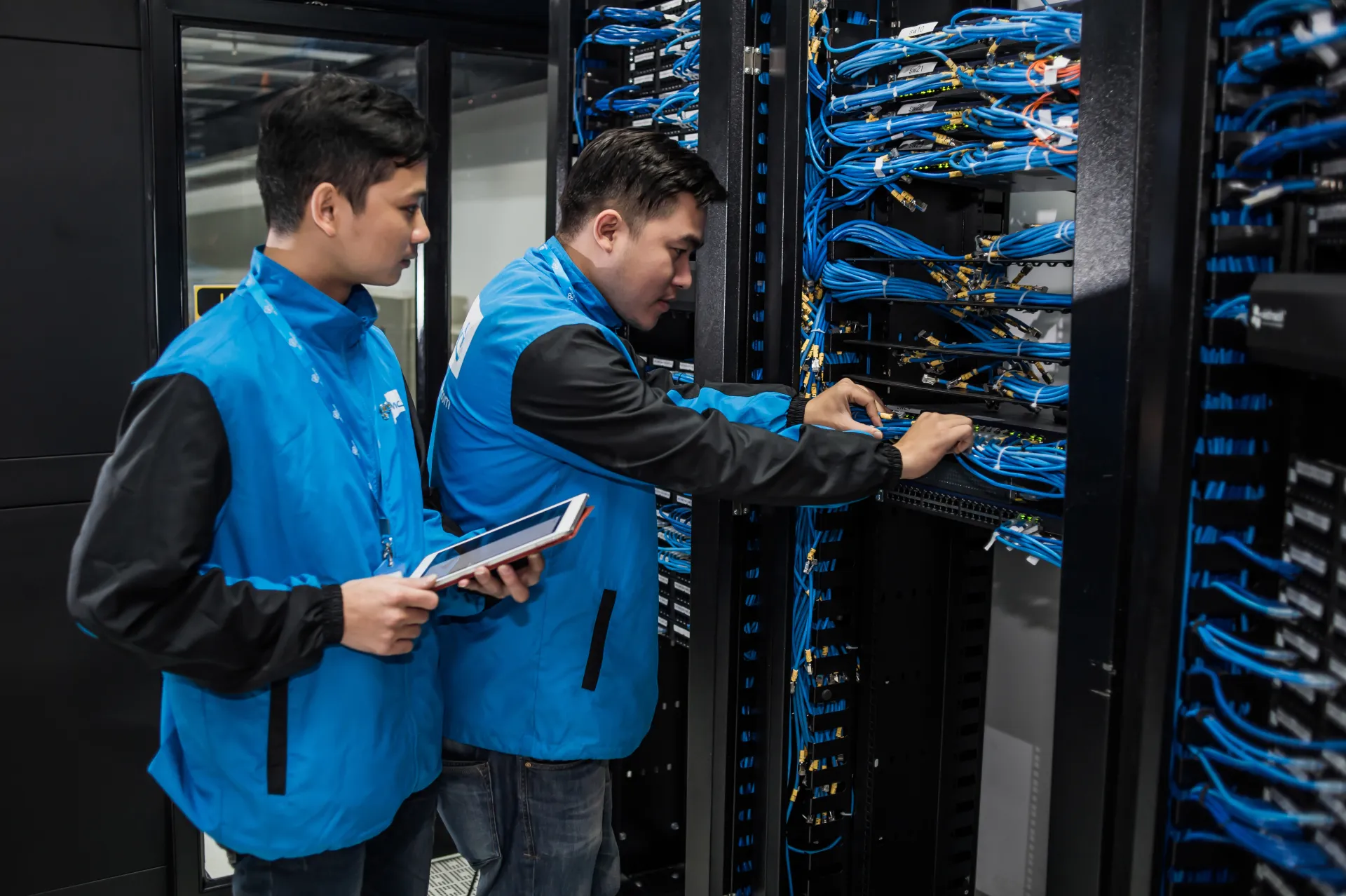
Image: Wikimedia Commons - Data Center của CMC Telecom (2).
Where Is the First ESXi Performance Mistake Usually Made?
The most common mistake is blaming the virtualization layer too early. In practice, poor ESXi performance can come from several places:
- BIOS or firmware behavior on the physical server
- host power-management choices
- incorrectly sized VMs
- vCPU placement that ignores NUMA boundaries
- external storage or network bottlenecks
That is why the first useful question is not “is ESXi slow?” but “which layer is producing the bottleneck?” The official performance material treats hardware, topology, and VM configuration together for exactly this reason.
Why Do BIOS and Power Management Matter So Much?
The official latency-sensitive tuning content explicitly calls out BIOS settings on the physical server as a direct performance factor. The reason is straightforward: even a well-configured ESXi host can show weaker latency behavior if the platform is pushed too aggressively toward power saving.
The most important review areas are:
- performance-oriented BIOS power profile
- CPU power-saving behavior
- platform settings that affect memory speed
- automatic firmware modes that conflict with workload goals
This does not mean every environment should simply choose the most aggressive performance profile. It means environments chasing high throughput or low latency should review energy-saving assumptions carefully.
How Do NUMA and vTopology Affect Performance?
The official vSphere performance guide lists virtual topology, especially vNUMA behavior, as a major optimization topic. Large VMs do not perform according to vCPU count alone. They also depend on how their topology maps to physical NUMA nodes.
When topology is wrong, teams often see:
- more remote memory access
- harder scheduling decisions for the CPU scheduler
- lower stable throughput in large VMs
- more variable latency in performance-sensitive applications
That is why “more vCPUs means more performance” is often false. For databases, real-time systems, and high-throughput applications, the relationship between virtual topology and physical host topology is critical.
Why Is VM Rightsizing Critical?
The latency-sensitive tuning guide directly highlights VM rightsizing because oversized VMs create more than just resource waste. They also add scheduling cost and topology complexity.
The practical approach is:
- size the VM to real workload demand
- do not add vCPUs only because spare capacity exists
- read CPU Ready, memory pressure, and application latency together
- re-evaluate vTopology decisions for large VMs
One of the fastest performance wins in many environments is shrinking badly oversized VMs. Poor rightsizing can make the entire platform look weaker than it really is.
Which Settings Matter Most for Latency-Sensitive Workloads?
The official tuning guide makes three areas explicit:
- physical server BIOS settings
- correct VM rightsizing and vTopology for host hardware
- advanced vSphere settings
In practice, teams optimizing for low latency usually need to focus on:
- avoiding unnecessary oversubscription
- keeping high-throughput network paths clean
- preventing heavy background work from colliding with critical workload windows
- reviewing workload placement instead of forcing everything into one large VM
The goal is not to make every setting aggressive. The goal is to create deterministic behavior for sensitive workloads.
A Practical First 30-Minute ESXi Tuning Flow
The highest-value initial review usually looks like this:
- Validate host BIOS and power-profile choices.
- Confirm firmware and BIOS levels against supported combinations.
- List the largest VMs by vCPU and memory size.
- Review NUMA and vTopology impact for those larger VMs.
- Compare CPU Ready, memory pressure, and storage/network latency in the same time window.
- Reduce avoidable host pressure for latency-sensitive workloads.
- Make advanced-setting changes only one at a time and with measurement.
The point of this sequence is to turn “tuning” into an evidence-based workflow instead of random knob turning.
Next Step with Leon-X
ESXi performance optimization is not only about applying a host-setting checklist. Leon-X helps teams read BIOS behavior, topology, VM sizing, and latency-sensitive workload patterns together so they can identify which changes will actually matter.
Related pages:
Frequently Asked Questions
Where should teams look first in ESXi performance optimization?
They should first determine whether the bottleneck is really inside ESXi or whether it begins in BIOS, VM sizing, storage, or networking.
Do power-saving settings really affect performance?
Yes. The official latency-sensitive tuning guide identifies BIOS and platform power settings as meaningful tuning areas.
Do larger VMs always perform better?
No. Oversized VMs can reduce performance because of NUMA and scheduling cost.
Why does vTopology matter?
Because if virtual CPU placement does not align well with physical NUMA layout, remote memory access and latency cost can increase.
Should advanced settings be changed immediately?
No. The safer approach is to change them one at a time and only with measurement.
Conclusion
VMware ESXi performance optimization is not just about changing a few host parameters. In the February 9, 2026 context, the strongest approach is to tune with evidence by combining BIOS review, power management, NUMA topology, VM rightsizing, and workload latency goals. The teams that improve fastest treat performance work as disciplined narrowing, not as a hunt for magic settings.