VMware NVMe datastore setup is not just about spotting a fast device and creating a datastore immediately. A clean setup starts by confirming that the device is in a supported NVMe class, is visible to ESXi in the expected way, and behaves the way your team expects after creation. The short answer is this: in the February 2, 2026 context, the safest NVMe datastore workflow is to validate device visibility, confirm support boundaries, create the VMFS6 datastore deliberately, and plan reclaim behavior from the start. This guide is written for teams that want a predictable NVMe-backed datastore rollout.
Quick Summary
- Before setup, the device must be confirmed as a supported NVMe type.
- Broadcom KB states that namespace management controller based NVMe devices are not supported as ESXi boot devices or datastores.
- Manual
esxcli storage vmfs unmapis supported for NVMe-backed VMFS6 datastores. - The same KB states that guest OS initiated UNMAP, VM initiated UNMAP, and RDM are not supported on NVMe-backed VMFS6 datastores.
- An NVMe datastore may be based on local NVMe devices or on NVMe over Fabrics visibility.
- That is why installation is only half of the work. Knowing the unsupported behaviors matters just as much.
Table of Contents
- What Should Be Checked Before Setup Starts?
- What Are the Support Boundaries for an NVMe Datastore?
- How Do You Validate the NVMe Device in ESXi?
- How Do You Create a VMFS6 NVMe Datastore?
- How Do UNMAP and Space Reclaim Work?
- Extra Notes for NVMe-oF Environments
- Frequently Asked Questions
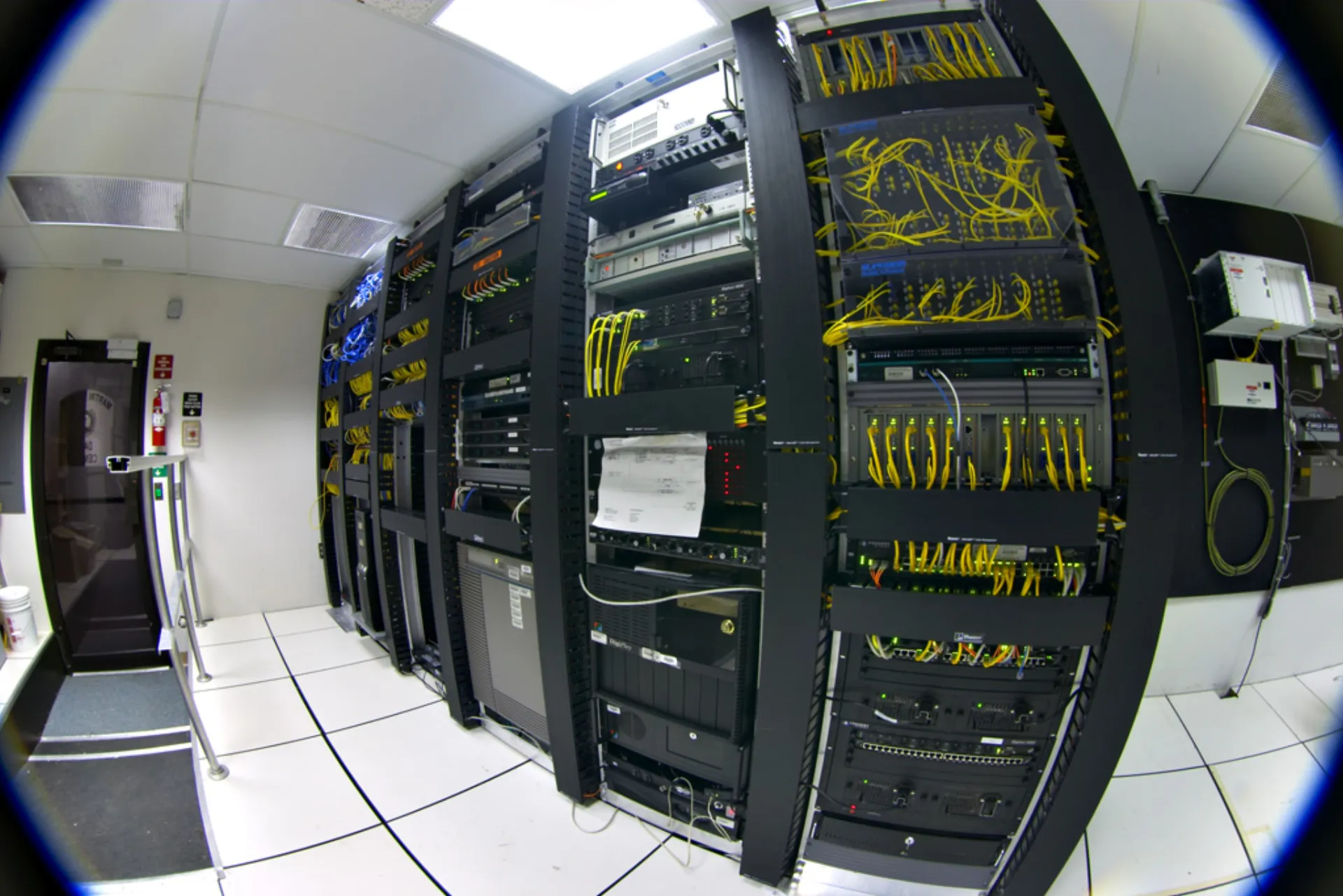
Image: Wikimedia Commons - Datacenter-telecom.
What Should Be Checked Before Setup Starts?
The first step is broader than “does the disk appear?” Teams should clarify:
- whether the device is local NVMe or NVMe over Fabrics
- whether the hardware is in a supported NVMe class for ESXi use
- whether the datastore is expected to be host-local or shared across hosts
- whether the workloads are simply VMFS6 workloads or part of a more complex storage design
The most common mistake is treating NVMe only as a speed upgrade. In practice, an NVMe datastore is also an operational design choice.
What Are the Support Boundaries for an NVMe Datastore?
Support boundaries need to be clear before the datastore is created. Broadcom KB 404598 explicitly states that namespace management controller based NVMe devices are not supported as ESXi boot devices or datastores. That is an important reminder that “NVMe” does not automatically mean “supported everywhere.”
Broadcom KB 394789 also defines specific boundaries for NVMe-backed VMFS6 datastores:
- manual
esxcli storage vmfs unmapis supported - guest OS initiated UNMAP is not supported
- VM initiated UNMAP is not supported
- RDM is not supported
That is why the setup checklist should document unsupported behavior, not only the create-datastore workflow.
How Do You Validate the NVMe Device in ESXi?
There are two practical validation paths: vSphere Client visibility and ESXi CLI validation.
vSphere Client check
The usual workflow is:
- Open the target host.
- Review the
StorageorDevicesview and confirm the NVMe device appears. - Check capacity, access state, and identifier details.
- Run a storage rescan if the device was just presented.
CLI check
For deeper validation, CLI is often cleaner:
esxcli storage core device list
esxcli nvme device list
The goal is not just to see a device name. It is to confirm that the device is presented to the expected host in a usable and supported way.
How Do You Create a VMFS6 NVMe Datastore?
Once the NVMe device is visible, the typical workflow is to create a VMFS6 datastore on top of it.
Recommended setup flow
- Run a storage rescan on the host or cluster.
- Confirm that the chosen NVMe device is not already claimed by another datastore or signature.
- In the
New Datastoreworkflow, chooseVMFS. - Select the correct NVMe device.
- Use
VMFS6as the file system. - Apply a consistent datastore naming standard.
- Verify that the resulting datastore is visible where it is expected to be visible.
One frequent mistake is assuming the job is finished as soon as the datastore is created. Real validation still requires checking host visibility, capacity reporting, and basic workload behavior.
How Do UNMAP and Space Reclaim Work?
Space reclaim is one of the most misunderstood parts of NVMe-backed VMFS6 behavior. Broadcom KB 394789 sets a clear boundary: manual esxcli storage vmfs unmap is supported, while guest OS initiated and VM initiated UNMAP are not.
That means:
- reclaim behavior should not be assumed to be automatic
- operations teams should define a manual reclaim procedure where needed
- thin provisioning interpretation should reflect that boundary
A practical approach is to treat reclaim as part of normal storage housekeeping instead of as an assumed background behavior.
Extra Notes for NVMe-oF Environments
VMware Cloud Foundation content positions NVMe over Fabrics as one of the supported modern storage models in the platform. But NVMe-oF is not the same as local NVMe:
- network design becomes much more important
- the transport path needs separate validation
- target-side and fabric-side configuration directly affect datastore visibility
That is why NVMe-oF datastore setup is not only a vSphere click path. It is a coordination exercise across storage, networking, and virtualization teams.
Next Step with Leon-X
Success in NVMe datastore setup is not only about creating the datastore. It is about understanding support boundaries, validating host visibility cleanly, and standardizing operational behavior from day one. Leon-X helps teams design NVMe datastore rollout, reclaim procedures, and VMware storage architecture with fewer surprises.
Related pages:
- Hardware & Software Sales
- Managed Services
- Contact
- What Is VMware VMFS?
- What Is a VMware NFS Datastore?
- VMware iSCSI Datastore Setup
Frequently Asked Questions
Can every NVMe disk be used for VMware NVMe datastore setup?
No. Broadcom KB states that some NVMe device classes are not supported for datastore or boot-device use. Support needs to be checked before rollout.
Is UNMAP supported on an NVMe-backed VMFS6 datastore?
Yes, manual esxcli storage vmfs unmap is supported. Guest initiated and VM initiated UNMAP are not.
Can RDM be used on an NVMe-backed VMFS6 datastore?
No. Broadcom KB 394789 explicitly states that RDM is not supported there.
Is NVMe-oF setup the same as local NVMe setup?
No. In NVMe-oF designs, network and fabric behavior become much more important, so the operating model is broader.
What should be validated first after setup?
The first checks should be datastore visibility on the intended hosts, capacity reporting, and basic read-write behavior for the target workload.
Conclusion
VMware NVMe datastore setup is not just a way to add faster storage. In the February 2, 2026 context, the stronger approach is to verify device support first, create VMFS6 deliberately, understand reclaim boundaries up front, and treat NVMe-oF as a broader design problem when it applies.