VMware resource allocation best practices are not only about entering a few numbers. The real issue is deciding which workloads should receive which CPU and memory behavior when the cluster is under pressure. The short answer is this: in the January 13, 2025 context, strong resource allocation design means thinking about reservations, shares, and limits together, avoiding unnecessary resource pool complexity, and reading usage views correctly. This guide is written for teams that want a cleaner and more predictable resource allocation model.
Quick Summary
- Resource allocation is not only about quotas. It is about priority during contention.
- Reservations, shares, and limits should be interpreted together, not in isolation.
- Unnecessary limits can create invisible performance ceilings.
- Broad but simple resource pool design is usually easier to manage than deep hierarchy.
- Broadcom KB notes that some resource pool usage views reflect reservation logic rather than actual current utilization.
- That is why resource allocation best practices are both a policy-design problem and a visibility-discipline problem.
Table of Contents
- Why Is Resource Allocation a Critical Design Decision?
- How Should Reservations, Shares, and Limits Be Used Together?
- What Are the Most Common Allocation Mistakes?
- How Do You Keep Resource Pool Design Simple?
- How Should Usage Views Be Interpreted Correctly?
- A Practical First 15-Minute Review Flow
- Frequently Asked Questions
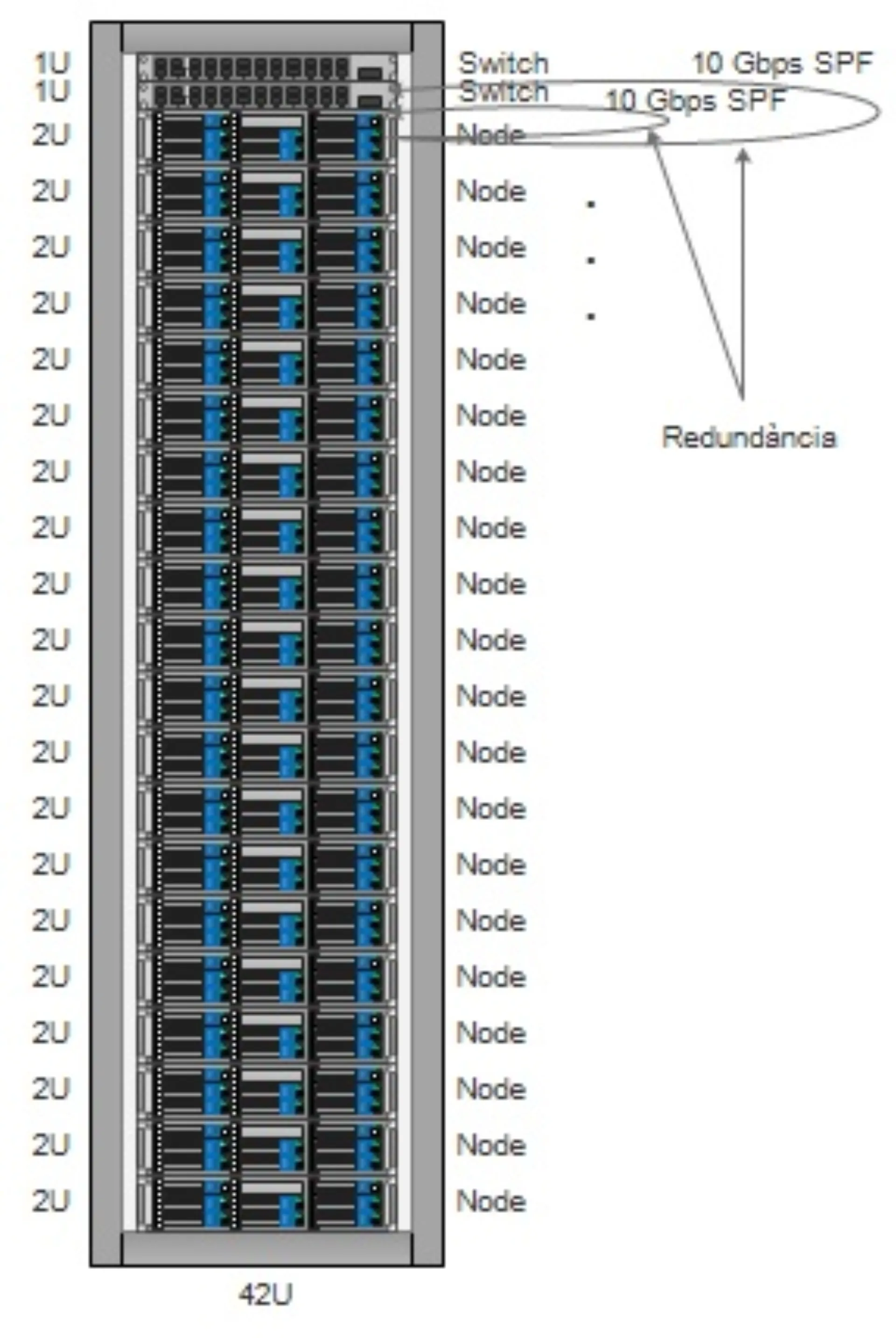
Image: Wikimedia Commons - Esquema Rack.
Why Is Resource Allocation a Critical Design Decision?
Resource allocation is not just a “how much CPU does this VM get?” question. It also answers this question:
“When the cluster is under pressure, which workload should be protected first?”
That is why allocation design becomes especially important when:
- production and test workloads share the same cluster
- multiple teams share the same infrastructure
- critical applications need minimum guarantees
- capacity contention appears under load
Weak allocation models often stay invisible while resources are abundant. They become obvious only when pressure starts.
How Should Reservations, Shares, and Limits Be Used Together?
The core rule is not to use these three settings independently from one another.
Reservation
A reservation guarantees a minimum amount of resource when needed.
Shares
Shares determine relative priority when contention happens.
Limit
A limit defines the maximum amount of resource a workload or pool may consume.
The practical best-practice approach is:
- use reservations only when a real guarantee is needed
- use shares to express relative priority
- use limits only when there is a clear and justified reason
Unnecessary limits are especially dangerous because they can create a real performance ceiling with no obvious warning.
What Are the Most Common Allocation Mistakes?
The most common mistakes include:
- assigning reservations everywhere
- setting limits without understanding why
- leaving shares effectively random
- using resource pools to solve organizational structure instead of policy
- confusing reservation views with actual utilization
All of these mistakes come from building policy through habit instead of technical intent.
How Do You Keep Resource Pool Design Simple?
Simple designs are usually easier to operate. Creating deeply nested pools for every team, project, and application often creates maintenance overhead instead of meaningful control.
A better pattern is usually:
- create separate pools only when different policy is truly needed
- keep child pool count as low as practical
- align naming with policy intent
- document reservation and limit logic clearly
The reason a resource pool should exist is resource behavior, not visual organization.
How Should Usage Views Be Interpreted Correctly?
Broadcom KB 381106 explains that CPU and memory usage values shown in some resource pool views do not always reflect actual current utilization. In many cases, they reflect reservation usage logic instead.
That means:
- seeing zero usage does not always mean nothing is consuming resources
- resource pool views should be cross-checked with
Monitor/Utilization - visibility screens should not be confused with actual runtime behavior
Misreading the screen can lead directly to bad capacity decisions.
A Practical First 15-Minute Review Flow
A quick but useful allocation review usually looks like this:
- List where reservations are configured.
- Highlight every place where limits exist.
- Define the actual business priority of critical workloads.
- Check whether shares align with those priorities.
- Compare resource pool views with
Monitor/Utilization. - Identify unnecessary child pools and unnecessary limits.
Even this short review often exposes the most important structural mistakes.
Next Step with Leon-X
When resource allocation is designed correctly, cluster behavior becomes more predictable. When it is designed poorly, capacity pressure hits critical workloads in ways that are hard to explain. Leon-X helps teams improve allocation design through better reservations, shares, limits, and simpler resource pool structures.
Related pages:
Frequently Asked Questions
What should teams understand first about VMware resource allocation best practices?
That this is not only about dividing resources. It is about deciding priority when the cluster is under pressure.
Why can limits be risky?
Because unnecessary limits can stop workloads from using resources they genuinely need.
How deep should resource pool design be?
Only as deep as real policy differences require. Unnecessary depth makes management harder.
When do shares become most important?
They matter most when workloads compete for the same resources under pressure.
Why can usage views look misleading?
Because some resource pool views reflect reservation logic rather than actual runtime utilization.
Conclusion
VMware resource allocation best practices are not about filling in numbers mechanically. In the January 13, 2025 context, the better approach is to combine reservations, shares, and limits carefully, keep pool design simple, and read visibility screens correctly before making allocation decisions.