A VMware snapshot captures a recoverable reference point for a virtual machine's disk, configuration, and optionally its memory state at a specific moment in time. The most important rule is simple: a snapshot makes rollback easier, but it is not the same as backup.
Short answer: When a snapshot is created, writes stop going directly to the base disk and are redirected into delta disks; you can later revert to that point, remove snapshots to merge changes, or run consolidate if leftover delta chains remain.
Quick Summary
- Broadcom TechDocs says a snapshot preserves the VM's state and data, and can also include memory state and power settings.
- A quiesced snapshot writes file system buffers to disk, helping produce a more consistent disk state at snapshot time.
- Broadcom KB 318825 explicitly says a snapshot is not a backup.
- The supported technical limit is 32 snapshots in a chain, but Broadcom recommends only 2 to 3 for better performance.
- The same KB recommends not keeping a single snapshot longer than 72 hours.
- Delete removes the selected snapshot; Delete All removes the entire snapshot chain and merges all delta disks.
- Consolidate is needed when delta disks remain even though Snapshot Manager no longer shows active snapshots.
- Snapshot chains are temporary operational tools, not long-term data protection objects.
Table of Contents
- What Is a VMware Snapshot
- How Snapshots Work
- Snapshot vs Backup vs Clone
- Snapshot Operations: Delete, Delete All, Revert, Consolidate
- Best Practices and Limits
- Operational Checklist
- Frequently Asked Questions
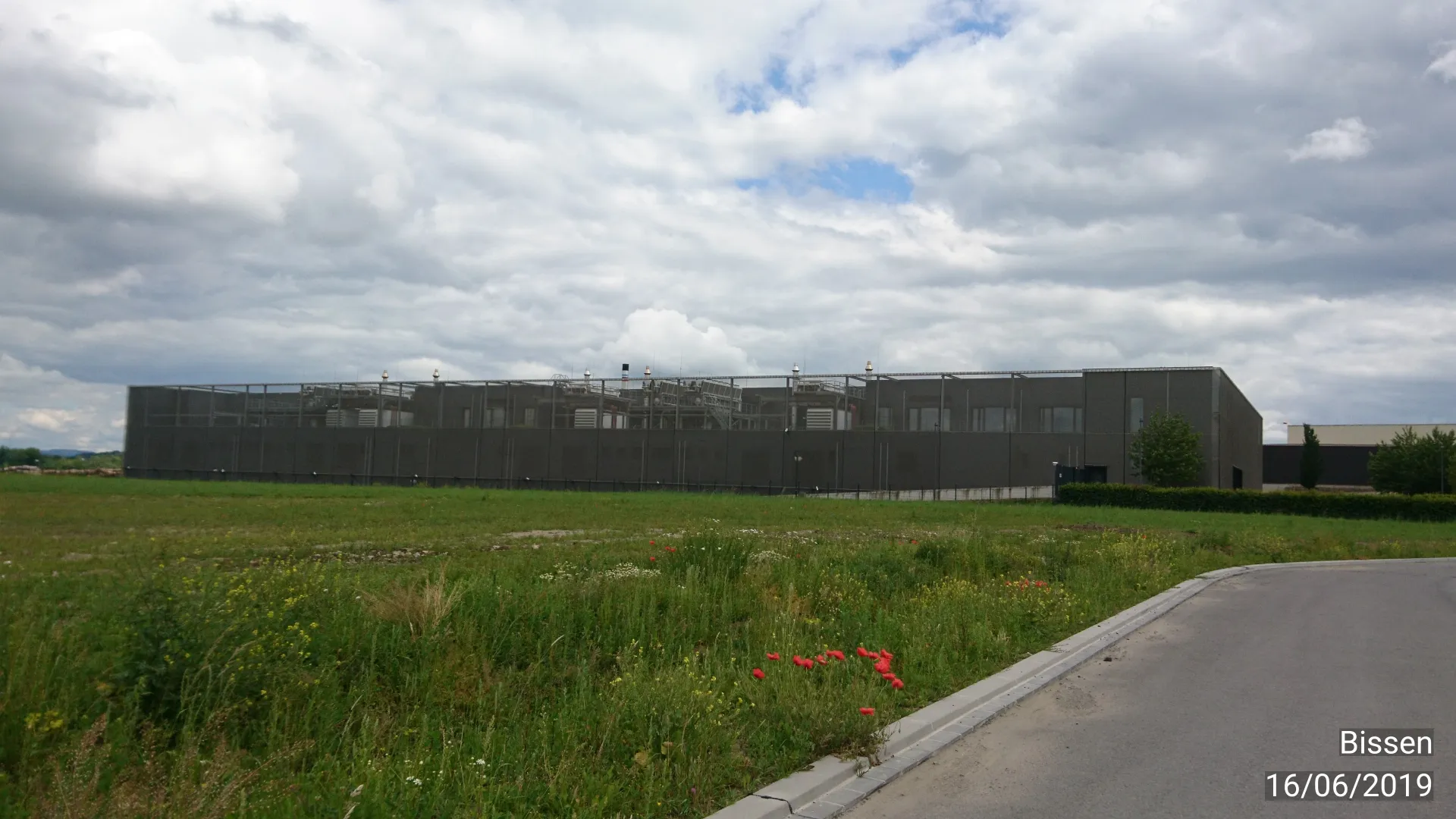
Image: Wikimedia Commons - LUX-CONNECT - Data Center - Bissen.
What Is a VMware Snapshot
A snapshot is mainly used to create a quick rollback point before making a change to a VM. It is especially useful before patching, application updates, config changes, or short-lived testing.
But snapshots are not a replacement for backup. Broadcom KB 318825 explicitly states that the snapshot file is only a change log of the original virtual disk and is not sufficient to restore a VM if the base disks are lost.
In real-world operations, including teams managing infrastructure from Ankara, one of the most common mistakes is treating snapshots like long-term protection. That is exactly where capacity and performance problems begin.
How Snapshots Work
1) The base disk remains, and new writes go to delta disks
When a snapshot is taken, the base VMDK is no longer the direct write target for new changes. Instead, changes are redirected into a delta disk chain. Broadcom KB 318825 gives a representative naming example such as virtual_machine-00000#-delta.vmdk.
2) Memory state and power state can also be included
According to Broadcom TechDocs, a snapshot preserves the VM's state and data, and may also include memory state and power settings. That means snapshots can capture more than just disk changes when needed.
3) Quiesce improves disk consistency
A quiesced snapshot flushes file system buffers to disk. Broadcom describes this as a way to improve the consistency of data on disk at the moment the snapshot is taken, which matters when application-aware consistency is important.
Snapshot vs Backup vs Clone
| Feature | Snapshot | Backup | Clone |
|---|---|---|---|
| Main goal | Short-term rollback point | Recovery after loss/disaster | Create a new VM copy |
| Disk behavior | Creates delta disk chain | Creates an independent backup copy | Creates a separate VM copy |
| Long-term retention | Not recommended | Yes | Depends on use case |
| Role in production | Temporary safety point | Primary protection method | Duplication and testing |
Snapshots should be thought of as a short-term change safety tool. Backups remain the real data protection layer.
Snapshot Operations: Delete, Delete All, Revert, Consolidate
Delete
According to Broadcom TechDocs, Delete removes the selected snapshot. If child snapshots exist, the chain remains valid and the relevant disk data is consolidated appropriately.
Delete All
Delete All removes the full snapshot chain and combines the changes from all snapshot delta disks. In multi-layer chains, this is usually the real cleanup operation.
Revert
Revert returns the VM to the nearest snapshot state. Broadcom documents this as abandoning the current state and taking the VM back to the selected snapshot reference point.
Consolidate
Broadcom KB 367536 explains that consolidation is typically needed when Snapshot Manager no longer shows active snapshots but snapshot-related delta files are still present on disk. In other words, the visible snapshot list and the actual disk chain no longer match cleanly.
Best Practices and Limits
Broadcom KB 318825 is very clear on practical rules:
- Supported technical limit: 32 snapshots
- Better operational target: 2 to 3 snapshots
- Recommended retention: no more than 72 hours
These numbers matter because deeper or older snapshot chains increase risk:
- Delta disks grow larger
- Capacity pressure increases
- I/O chains get longer
- Performance impact becomes more visible
That is why snapshots should be managed like temporary operational records with owners and expiration points, not as open-ended safety nets.
Operational Checklist
- The reason for the snapshot and rollback criteria were documented.
- The team confirmed that snapshot does not replace backup.
- Quiesce need was evaluated based on the workload type.
- Snapshot owner and deletion time were recorded.
- Old unnecessary snapshots were removed from the chain.
- If the environment exceeded the practical 2-3 snapshot range, it was re-evaluated.
- No snapshot was left in place beyond 72 hours without explicit approval.
- Consolidation was checked if Snapshot Manager and on-disk files did not match.
- Capacity and performance were reviewed after snapshot cleanup.
Frequently Asked Questions
Can a snapshot replace backup?
No. Broadcom KB 318825 explicitly says it cannot. A snapshot does not create a complete recoverable replacement for the base virtual disk.
Why can snapshots hurt performance?
Because new writes are redirected into delta disk chains. As the chain grows, storage overhead and I/O complexity can increase.
How long should a snapshot be kept?
Broadcom recommends not keeping a single snapshot longer than 72 hours. Beyond that point, the risk profile becomes harder to justify.
What is the difference between Delete and Delete All?
Delete works on one snapshot. Delete All removes the full snapshot chain and merges all delta changes back through the chain.
When is consolidate required?
When snapshot-related delta disks still exist even though Snapshot Manager no longer shows active snapshots. Broadcom KB 367536 describes this as a common consolidation scenario.
Conclusion
VMware snapshots are powerful rollback tools, but only when used as short-lived, controlled operational checkpoints. The correct model is to keep them few, keep them brief, never confuse them with backup, and regularly verify whether cleanup or consolidation is needed.
Related reading:
- What Is VMware vCenter and What Does It Do?
- What Is VMware vMotion and How Does It Work?
- What Is VMware Fault Tolerance?
For snapshot, backup, and rollback policy design, you can contact our team.
Sources
- Broadcom TechDocs - What are Virtual Machine Snapshots
- Broadcom TechDocs - What is Quiesced Snapshot
- Broadcom TechDocs - Revert a Virtual Machine Snapshot
- Broadcom TechDocs - Remove Snapshots
- Broadcom KB 318825 - Best practices for using VMware snapshots in the vSphere environment
- Broadcom KB 367536 - Overview of virtual machine snapshots in vSphere
- Wikimedia Commons - Data Center