VMware Fault Tolerance (FT) keeps a second live copy of a VM on another ESXi host so a host failure does not wait for a reboot-based recovery. HA protects the cluster broadly; FT targets near-zero interruption for a small set of critical workloads.
Short answer: When FT is enabled, VMware creates a Primary and Secondary VM; the Secondary runs in vLockstep and takes over from the exact execution point if the Primary host fails.
Quick Summary
- Broadcom documents FT as a protection model designed for no data loss and no noticeable service interruption during host failure.
- The Primary and Secondary VMs process the same instruction stream using vLockstep.
- Typical synchronization delay between the two copies is less than 1 millisecond.
- vCenter does not need to be online for FT failover to occur.
- Broadcom guidance says the server CPU should support SMP-FT and the system should provide at least 6 total CPU threads.
- Broadcom KB 301553 documents vSphere 7.x and 8.x single-VM FT sizing limits of 2 vCPUs or 8 vCPUs, depending on license level.
- CPU hot add, memory hot add, Namespace-enabled VMs, and active snapshots / linked-clone disks can block FT.
- If the FT network breaks, the Primary VM can enter a temporary stun; Broadcom KB 377099 notes a maximum configurable wait of 8 seconds.
Table of Contents
- What Is VMware Fault Tolerance
- How VMware FT Works
- How FT Differs from HA
- Prerequisites, Limits, and Incompatible Features
- Performance and Network Design
- Operational Checklist
- Frequently Asked Questions

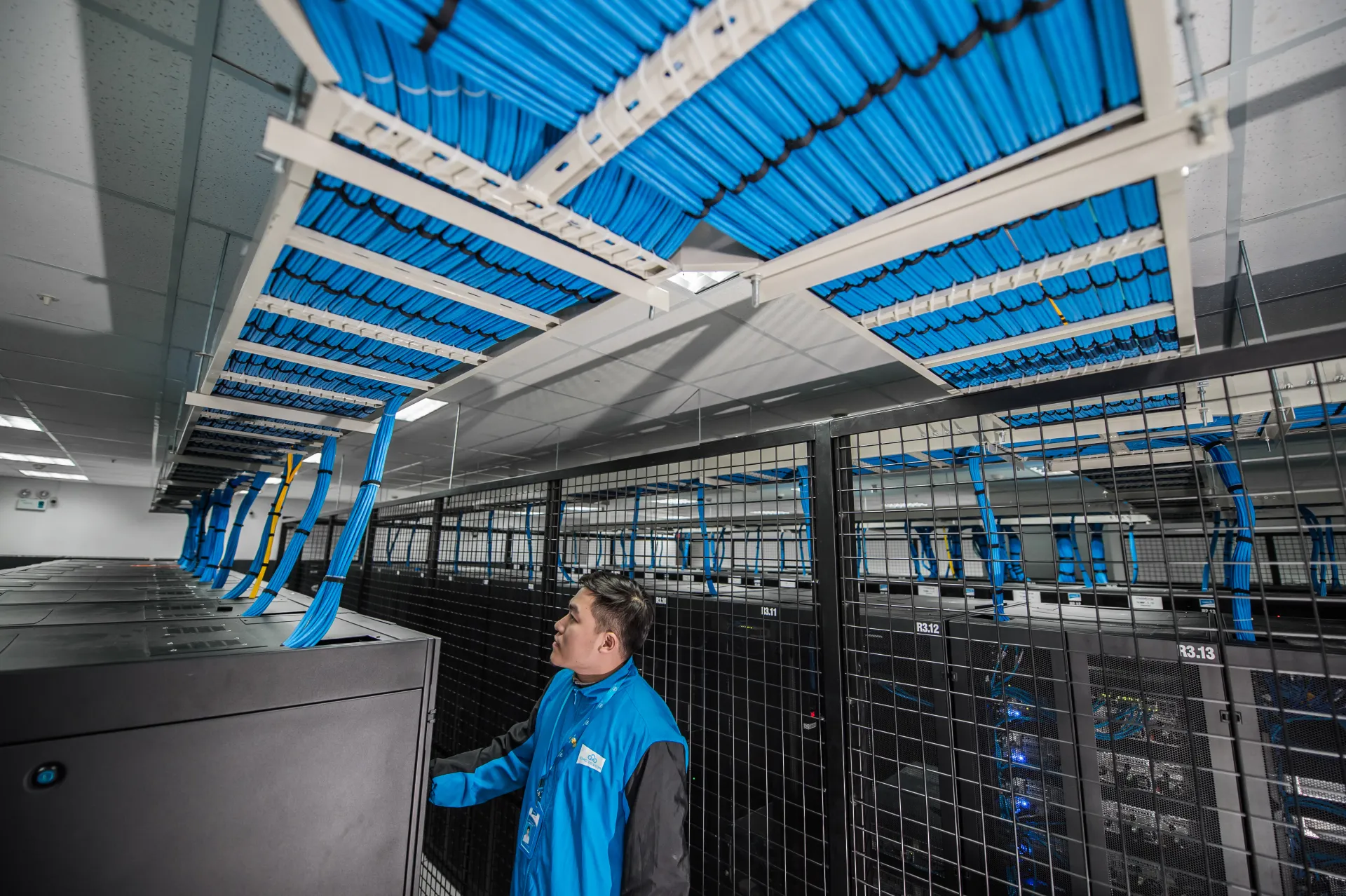
Image source: Wikimedia Commons - OneX Data Center, CC BY-SA 4.0.
What Is VMware Fault Tolerance
Fault Tolerance is designed for workloads where even a short restart window is unacceptable. Instead of waiting for a failed VM to be restarted elsewhere, FT keeps another live execution copy ready on a different host.
In practice, FT creates a Secondary VM for the protected workload. The Primary handles production traffic, while the Secondary mirrors execution state so that it can immediately continue processing if the Primary host is lost.
For distributed operations teams, including organizations managing critical workloads from Ankara, FT is usually applied to a small number of truly critical VMs rather than an entire environment.
How VMware FT Works
1) VMware creates a Primary and Secondary pair
Once FT is enabled, the platform creates a second running copy of the VM on another host. That Secondary VM exists specifically to take over execution without a restart sequence when the Primary host fails.
2) vLockstep and FT logging keep state aligned
According to Broadcom KB 307309, the Primary and Secondary operate in vLockstep, processing the same instruction flow. State information is synchronized through the FT logging network. The documented typical delay of under 1 ms shows why network quality matters so much for FT.
3) Failover is dynamic rather than reboot-based
When the Primary host fails, the Secondary continues from the exact point where the Primary stopped. Broadcom describes this as a dynamic failover rather than a restart flow. After that event, VMware HA restores redundancy by creating a new Secondary VM on another host.
4) FT is not fully dependent on vCenter runtime
Broadcom's FT FAQ states that vCenter does not need to stay online for failover to happen. Even with vCenter offline, Primary-to-Secondary failover can still occur, and a new Secondary can still be spawned.
How FT Differs from HA
| Capability | VMware FT | VMware HA |
|---|---|---|
| Protection model | Live secondary copy | Restart after host failure |
| Outage profile | Aims for near-zero interruption | Outage depends on restart time |
| Typical scope | Small set of critical VMs | Broad cluster-wide protection |
| Operational cost | Higher design sensitivity | Simpler default availability layer |
FT and HA are complementary rather than competing features. FT provides continuity for the most critical workloads, while HA restores redundancy after failover and protects the rest of the cluster.
Prerequisites, Limits, and Incompatible Features
CPU and platform readiness
Broadcom KB 334895 emphasizes that FT depends on CPU support. The article points to several practical checks:
- The CPU should be marked as Supports SMP-FT.
- The system should provide at least 6 total CPU threads.
- Broadcom references Intel Sandy Bridge or newer and AMD Bulldozer or newer as the baseline processor families for SMP-FT guidance.
That means FT planning should start with the VMware Compatibility Guide, not with the VM wizard.
License and vCPU limits
Broadcom KB 301553 documents the following single-VM FT limits for vSphere 7.x and 8.x:
- vSphere Standard / Enterprise: up to 2 vCPUs
- vSphere Enterprise Plus: up to 8 vCPUs
These limits directly affect VM sizing strategy, especially for management appliances and business-critical application VMs.
Features that can block FT
Broadcom KBs repeatedly highlight several common incompatibilities:
- CPU hot add / memory hot add
- Namespace-enabled VMs
- Active snapshots, linked-clone disks, or unconsolidated delta disks
FT enablement should therefore include VM configuration review, not just host compatibility checks.
Performance and Network Design
Broadcom KB 307309 states that performance overhead is expected with FT because the system continuously pauses the VM many times per second to synchronize state between Primary and Secondary copies. For performance-sensitive workloads, pre-production testing is not optional.
Broadcom KB 377099 adds two practical recommendations:
- If all compatibility checks pass but performance is still poor, test by reducing vCPU sizing from 8 to 4 or from 4 to 2.
- If the FT network is interrupted, the Primary VM may stop responding temporarily; the documented wait can extend to a configurable maximum of 8 seconds.
Network design also matters when using multiple FT VMkernel NICs. Broadcom KB 415828 explains that each FT VMkernel interface should use a different subnet. Using multiple FT VMkernel NICs on the same subnet can break Primary/Secondary communication.
Operational Checklist
- CPU family verified in the VMware Compatibility Guide with Supports SMP-FT capability.
- Host resources checked for at least 6 CPU threads and sufficient capacity.
- Protected VM vCPU sizing reviewed against both license limits and real workload demand.
- CPU hot add and memory hot add disabled where needed.
- No active snapshots, linked-clone state, or pending consolidation on the VM.
- Namespace configuration confirmed to be absent for the protected VM.
- FT logging VMkernel design reviewed; if multiple NICs are used, each has its own subnet.
- A production-like Test Failover run was completed and documented.
Frequently Asked Questions
Can FT and HA work together?
Yes. FT provides immediate takeover by the Secondary VM, while HA recreates redundancy afterward by spawning a new Secondary VM.
Does every VM need FT?
No. FT is usually reserved for a small number of workloads where even a short reboot window is unacceptable. HA remains the broader default protection mechanism.
What is the safest way to test FT?
Broadcom KB 302196 recommends using the built-in Test Failover function from vCenter. Random network interruptions or ambiguous failure simulations can produce unpredictable results.
Does FT still work if vCenter is offline?
Yes. Broadcom KB 307309 states that failover can still occur even when vCenter is unavailable.
What happens if the FT network has a problem?
If Primary and Secondary communication is interrupted, the Primary VM can enter a temporary stun. Depending on how the condition resolves, synchronization may be canceled or failover behavior may be triggered.
Conclusion
VMware Fault Tolerance is a higher-tier availability feature built for workloads that must continue running during host failure rather than reboot afterward. The real value comes from disciplined scoping, CPU compatibility validation, clean VM configuration, and careful FT network design.
Related reading:
- What Is VMware HA (High Availability)?
- What Is VMware vMotion and How Does It Work?
- What Is VMware DRS and How Does It Work?
For environment-specific FT planning or virtualization design review, you can contact our team.
Sources
- Broadcom KB 307309 - FAQ: VMware Fault Tolerance
- Broadcom KB 334895 - VMware vSphere Fault Tolerance
- Broadcom KB 301553 - CPU hot plug is not supported when enabling FT
- Broadcom KB 419953 - Fault Tolerance is not supported for VMs with Namespace enabled
- Broadcom KB 420352 - The virtual machine has virtual disk in linked-clone mode
- Broadcom KB 377099 - After enabling FT, performance or hung issues reported
- Broadcom KB 302196 - Fault Tolerance failure scenarios
- Broadcom KB 415828 - FT primary VM hangs due to multiple VMkernel NICs on the same subnet
- Broadcom TechDocs - Fault Tolerance Requirements, Limits, and Licensing
- Wikimedia Commons - OneX Data Center