VMware VLAN configuration is the main way to separate virtual machine and ESXi service traffic logically while still using the same physical uplinks. The short answer is this: choose the right switch model, define the correct VLAN ID on the relevant port group or distributed port group, align physical switch trunk or access behavior, and keep management, VM, vMotion, and storage traffic clearly segmented. This guide is written for the October 20, 2025 context.
Quick Summary
- Broadcom KB 311057 defines standard port group VLAN behavior clearly: 0 means no VLAN tagging, 1-4094 means standard VLAN tagging, and 4095 means all VLANs are passed to the guest OS.
- Broadcom TechDocs describes the three main VMware VLAN models as External Switch Tagging (EST), Virtual Switch Tagging (VST), and Virtual Guest Tagging (VGT).
- Broadcom KB 376245 shows that if physical uplinks are trunks, the Management Network port group may require the correct VLAN ID to preserve connectivity.
- Broadcom KB 425702 says static and non-ephemeral distributed portgroups are managed by vCenter and cannot be edited directly from ESXi host direct access.
- Broadcom KB 406133 says LLDP visibility exists only on distributed switch uplinks, which matters during VLAN and uplink troubleshooting.
- Official Broadcom troubleshooting content around “VM traffic is not passing” cases shows that wrong VLAN IDs, missing trunk configuration, or bad port group mapping are common causes.
- In the October 20, 2025 context, Broadcom KB 326316 lists vCenter Server 8.0 Update 3g / 8.0.3.00600 / Build 24853646 as one visible current vCenter 8 baseline.
Table of Contents
- What Is the Core VMware VLAN Model?
- Which vCenter Baseline Makes Sense on October 20, 2025?
- What Do VLAN ID 0, 1-4094, and 4095 Mean?
- What Is the Difference Between VST, VGT, and EST?
- How Do You Configure VLANs in VMware?
- What Should You Watch on Distributed Switches?
- Most Common VLAN Mistakes
- Initial Checklist
- Frequently Asked Questions
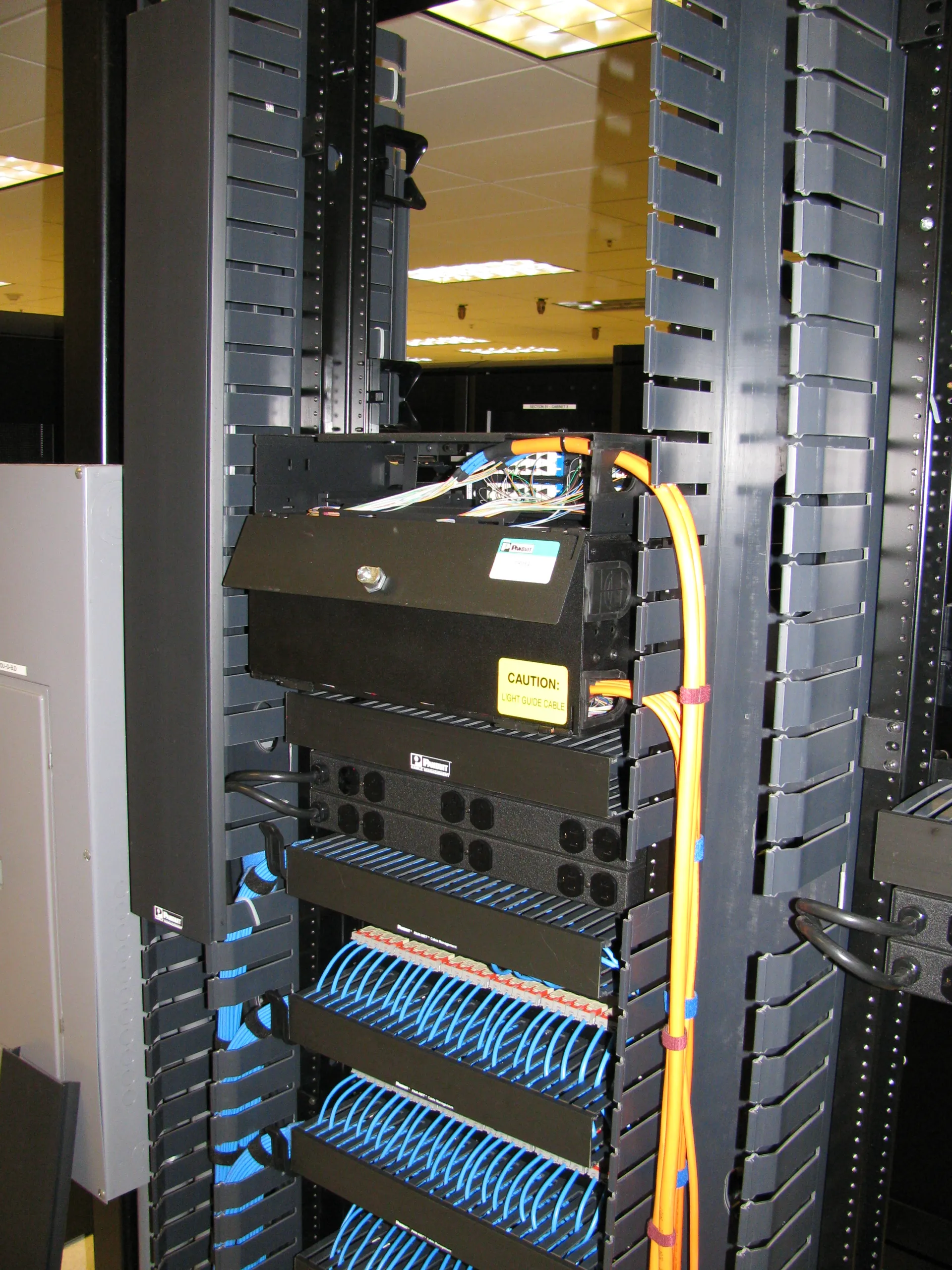
Image: Wikimedia Commons - Network Cat6 Fiber Patch Rear 3.
What Is the Core VMware VLAN Model?
VLANs separate different network segments logically over the same physical uplinks. In VMware, this is usually done by assigning VLAN policy at the port group or distributed port group layer.
This matters because it lets you separate:
- management traffic
- VM user traffic
- vMotion traffic
- storage traffic
without needing a completely separate physical adapter set for every flow.
Without VLAN separation, everything shares the same flat network plane, which quickly becomes weak from both a security and operations perspective.
Which vCenter Baseline Makes Sense on October 20, 2025?
The vCenter baseline matters especially when distributed switches and distributed port group behavior are part of the design. According to Broadcom KB 326316, one visible vCenter 8 line in the October 20, 2025 context is:
- Product: vCenter Server 8.0 Update 3g
- Version: 8.0.3.00600
- Release date: 2025-07-29
- Build: 24853646
This guide uses vCenter Server 8.0 Update 3g / Build 24853646 as the operational baseline.
What Do VLAN ID 0, 1-4094, and 4095 Mean?
Broadcom KB 311057 defines the behavior clearly:
- VLAN ID 0: no VLAN tagging
- VLAN ID 1-4094: standard VLAN tagging
- VLAN ID 4095: all VLANs are passed through to the guest OS
The critical point is that 4095 is not the default choice for ordinary production VM networks. It is a special-case setting.
In most production environments, the cleaner model is:
- assign an explicit VLAN ID per traffic type
- define it clearly on the port group
- verify the required trunk behavior on the physical switch
What Is the Difference Between VST, VGT, and EST?
Broadcom TechDocs describes three main models:
External Switch Tagging (EST)
VLAN separation is handled by the physical switch. VMware does not add the VLAN tag.
Virtual Switch Tagging (VST)
This is the most common model. The VLAN tag is applied at the virtual switch or port group layer.
Virtual Guest Tagging (VGT)
The guest operating system itself handles VLAN tagging. In these cases, 4095-style behavior becomes relevant and the design needs more care.
In most enterprise VMware environments, VST is the normal choice.
How Do You Configure VLANs in VMware?
1. Define Traffic Roles First
Before touching settings, define which VLAN is for:
- management
- production VM traffic
- test or development traffic
- vMotion
- storage
Many VLAN problems come from unclear role separation rather than missing commands.
2. Create the Right Port Group or Distributed Port Group
If you use a standard switch, create the relevant port group. If you use a distributed switch, create the appropriate distributed port group.
3. Set the Correct VLAN ID
Broadcom KB 311057 makes the behavior of the entered value explicit. For most production VM networks, use a real VLAN ID in the 1-4094 range.
4. Do Not Forget the Physical Switch Side
Defining a VLAN in VMware is not enough by itself. The physical uplink must still be correct:
- is it an access port?
- is it a trunk port?
- is the VLAN allowed across the trunk?
5. Be Careful with Management Network
Broadcom KB 376245 shows that if the uplinks are trunks, the Management Network on a standard switch may need the correct VLAN ID or host reachability can break.
What Should You Watch on Distributed Switches?
According to Broadcom KB 425702, static and non-ephemeral distributed portgroups are controlled by vCenter. That means:
- if vCenter is down or inaccessible, your management path may be constrained
- you need to know where changes are supposed to be made
- you should not assume every setting is editable from direct host access
Broadcom KB 406133 adds another practical difference: LLDP visibility exists on distributed switch uplinks, not on standard switches. That makes distributed switch troubleshooting more informative in some physical uplink cases.
Most Common VLAN Mistakes
Entering the wrong VLAN ID
This is the classic issue. The port group may look correct, but traffic does not pass.
Forgetting trunk configuration on the physical side
Even if VMware is configured correctly, the traffic still fails if the physical uplink is not carrying the VLAN.
Changing management VLAN without a safe plan
As Broadcom KB 376245 shows, the wrong management VLAN on a trunked uplink can break host access.
Using 4095 unnecessarily
4095 is a special behavior, not a generic default for regular VM networks.
Forgetting distributed port group management limits
Broadcom KB 425702 clearly says some distributed port group types are not meant to be modified directly from host access.
Initial Checklist
- Traffic roles were clearly defined
- A correct port group exists for each traffic type
- VLAN ID values were verified
- Physical trunk or access behavior was aligned with VMware settings
- A rollback plan exists for management VLAN changes
- The switch model choice is clear
- A CDP or LLDP troubleshooting method was chosen if needed
- Validation will be done with a test VM or a safe maintenance window
Next Step with Leon-X
VMware VLAN design is not just about typing a tag number. It needs to be considered together with management access, security segmentation, storage performance, and live-migration traffic. Leon-X helps teams build production-grade VLAN plans, uplink separation, and port group standards.
Related pages:
- Hardware & Software Sales
- Managed Services
- Contact
- How Does VMware Network Architecture Work?
- VMware Standard Switch vs Distributed Switch Comparison
Frequently Asked Questions
What does VLAN ID 0 mean in VMware?
Broadcom KB 311057 says VLAN ID 0 means no VLAN tagging is applied.
When should VLAN ID 4095 be used?
It is for special cases where all VLANs need to be passed through to the guest OS. It should not be treated as the default for normal VM traffic.
Which VLAN model is most common in VMware?
In most enterprise environments, Virtual Switch Tagging (VST) is the standard approach.
Why might a distributed port group not be editable from host direct access?
Broadcom KB 425702 says static and non-ephemeral distributed port groups are managed by vCenter.
Why are management VLAN changes risky?
Because, as Broadcom KB 376245 shows, the wrong VLAN on a trunked management uplink can break host connectivity.
Conclusion
The core of VMware VLAN configuration is to separate traffic roles clearly, understand VLAN ID behavior correctly, and align VMware port group settings with the physical switch design. In the October 20, 2025 context, the safest approach is to use VST in most normal cases, handle management VLAN changes carefully, and reserve special settings like 4095 only for cases that truly need them.
Sources
- Broadcom KB 311057: Configuring VLAN on a vSwitch standard portgroup
- Broadcom TechDocs: vSphere Networking and VLAN Concepts
- Broadcom KB 376245: Moving host from DVS to standard switch using ESXi CLI commands
- Broadcom KB 425702: Unable to edit distributed portgroup for a VM's network adaptor in ESXi host direct Access
- Broadcom KB 406133: LLDP not supported on vSphere standard switches
- Broadcom KB 326316: VMware vCenter Server versions and build numbers