The short answer to how to configure a Dell PowerEdge server in an ISO 27001-aligned way is this: in the March 21, 2026 context, the goal is not just to turn on a few security settings, but to operate the server in a risk-based, access-controlled, traceable, and audit-defensible way. ISO/IEC 27001 treats information security as an ISMS and puts risk management at the center. On the Dell side, that becomes concrete through iDRAC access control, Secure Boot, TPM, firmware integrity, System Lockdown, and centralized logging. This guide is written for teams that want to make PowerEdge environments more audit-ready.
This guide is especially useful for:
- information security managers
- systems and infrastructure teams
- IT leaders preparing for ISO 27001
- operations teams managing Dell PowerEdge and iDRAC
Quick Summary
- ISO 27001 is not a single device setting. It expects a risk-based information security management approach.
- In PowerEdge environments, the first critical distinction is separating the operating system from the iDRAC management plane.
- The minimum control set usually includes role-based access, network restriction, strong authentication, Secure Boot, TPM, firmware integrity, and log visibility.
- Dell iDRAC documentation explicitly supports controls such as SSH cryptography configuration, public key authentication, VLAN use, IP blocking/filtering, and System Lockdown.
- Audits do not stop at screenshots. They ask who had access, what changed, and when the control set was reviewed.
- The strongest outcome comes from handling technical hardening and compliance readiness as one project.
Table of Contents
- What Does ISO 27001-Aligned PowerEdge Configuration Mean?
- Which Security Layers Should Be Separated First?
- What Is the Minimum Hardening Set for PowerEdge?
- What Audit Evidence Should Be Ready?
- What Configuration Mistakes Happen Most Often?
- 30-Day Implementation Plan
- Frequently Asked Questions
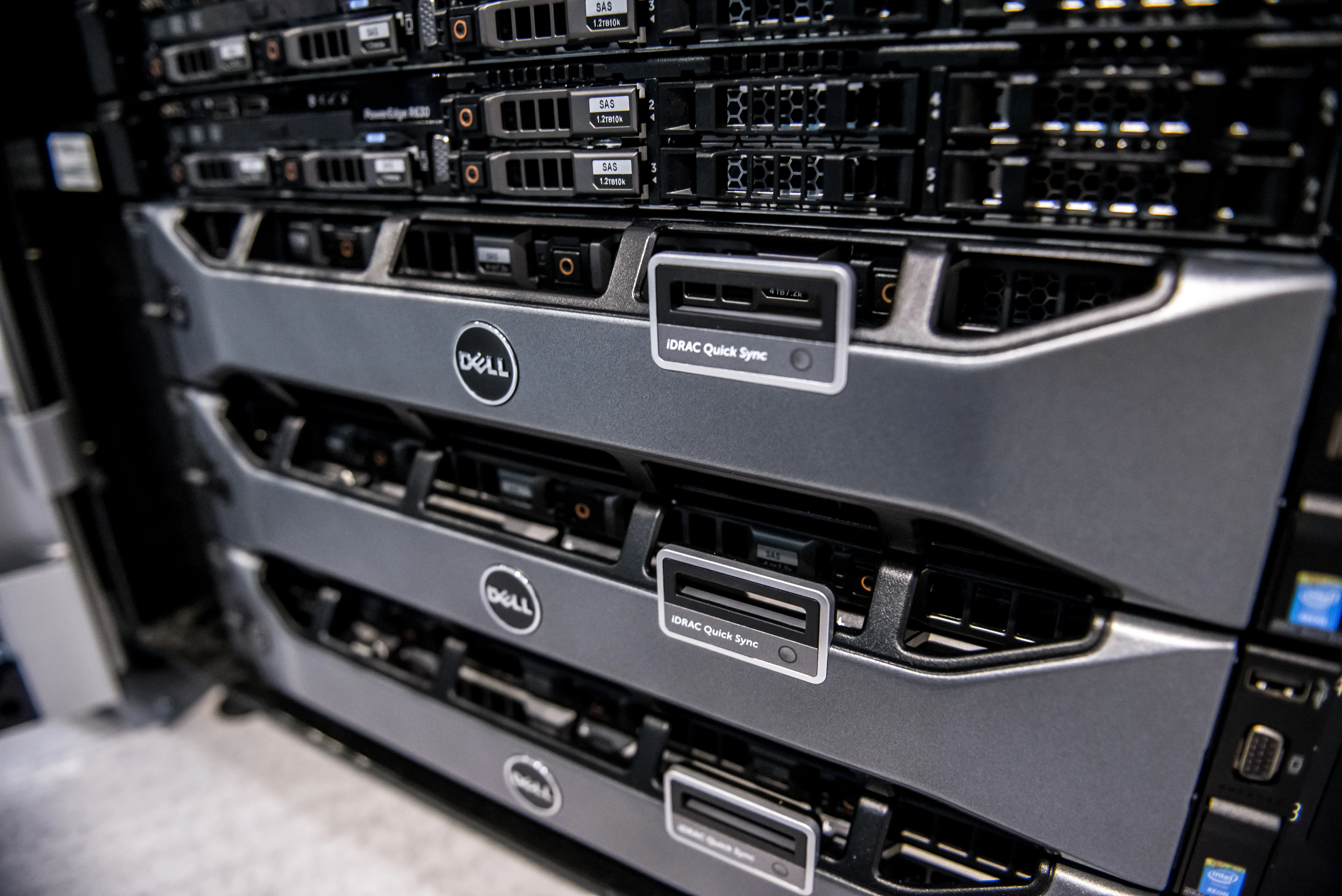
Image: Wikimedia Commons - Dell PowerEdge servers.
What Does ISO 27001-Aligned PowerEdge Configuration Mean?
ISO/IEC 27001 defines requirements for an information security management system and centers risk management, continual improvement, and an organization-wide control model. That means aligning a PowerEdge server with ISO 27001 is broader than asking which checkbox to enable. The real questions are:
- what critical data does this server handle?
- who has management access?
- is the secure boot and integrity chain active?
- are configuration changes monitored?
- can the organization produce defensible audit evidence?
In short, ISO 27001-aligned PowerEdge configuration means combining hardware hardening with access governance and operational evidence.
Which Security Layers Should Be Separated First?
One of the most common mistakes in PowerEdge environments is treating every security setting as one undifferentiated block. In practice, there are at least four layers.
1. The iDRAC management plane
iDRAC is a separate management surface, independent of the operating system. Dell’s iDRAC security guidance includes public key authentication, IP blocking, IP range filtering, VLAN usage, and System Lockdown as distinct controls. This layer needs its own access model.
2. BIOS/UEFI and the secure-boot chain
Secure Boot and TPM are not just “boot settings.” They influence the trust anchor and system integrity of the server. In ISO 27001 terms, they are relevant to preventing unauthorized or unexpected changes.
3. The operating system and service layer
Local admin rights, SSH/RDP exposure, agents, and application services form the next control boundary. An ISO-aligned configuration requires least privilege and logging at the OS layer too.
4. Logging, evidence, and review
A control may exist technically, but if there is no logging, no access review, or no documented exceptions, audit quality remains weak. ISO 27001 evaluates operating discipline as much as the technical setting itself.
What Is the Minimum Hardening Set for PowerEdge?
In practice, a defensible minimum set usually includes the following.
1. Separate management access
Keep iDRAC off broad user networks and make it reachable only through a management VLAN, jump host, or VPN where possible. Dell’s VLAN, IP blocking, and IP range filtering options are especially useful here.
2. Use strong authentication and named accounts
Avoid shared administrator accounts. Public key authentication, directory-backed identity, and role-based account separation should be part of the model. Every critical management action should be attributable to a person.
3. Standardize Secure Boot and TPM
Secure boot, firmware integrity, and the trust anchor should be reviewed as one baseline. Mixed BIOS security profiles across the fleet create both audit and operational weakness.
4. Use System Lockdown
Dell documents System Lockdown Mode as a protection against unwanted configuration change. For production servers, it is a meaningful control for reducing unplanned change.
5. Tighten protocol and encryption posture
If SSH or the web management interface remains enabled, weak protocols, broad network reach, and unnecessary services should be removed. Management-plane defaults should not be accepted blindly.
6. Build centralized log visibility
Failed logins, privilege changes, firmware updates, lockdown changes, and critical security-setting modifications should be collected centrally. Logs without alerting still leave the control chain incomplete.
What Audit Evidence Should Be Ready?
In an ISO 27001 audit, screenshots are rarely enough on their own. The following evidence is much stronger:
- PowerEdge server inventory and critical-system classification
- iDRAC access matrix and named-account records
- Secure Boot, TPM, and BIOS security baseline outputs
- System Lockdown procedure and exception records
- firmware change and approval records
- centralized logging examples and alert scenarios
- periodic access-review records
This is how a team moves from “the setting exists” to “the control is operating.”
What Configuration Mistakes Happen Most Often?
Leaving iDRAC broadly reachable because it is “internal”
“It’s only on the internal network” is not a sufficient control model from an ISO 27001 perspective. Management segmentation, source restriction, and identity hardening still matter.
Managing iDRAC and OS access with the same account logic
The management plane and the operating system are not the same risk surface. They need separate roles and separate review routines.
Leaving Secure Boot or TPM inconsistent
If some systems are hardened and others are not, the fleet becomes harder to govern and harder to defend during audit.
Collecting logs but never reviewing them
ISO 27001 alignment depends on review and incident handling, not just raw retention.
30-Day Implementation Plan
Days 1-7
- inventory PowerEdge systems and classify critical servers
- map iDRAC exposure and access paths
- validate current Secure Boot, TPM, and management-network posture
Days 8-15
- move to named accounts
- enforce public key, directory authentication, and network restriction
- disable unnecessary services and protocols
Days 16-23
- apply a Lockdown approach on production systems
- standardize BIOS/UEFI security profiles
- validate centralized logging and alert flow
Days 24-30
- complete access review
- document the audit evidence package
- formalize exception, maintenance, and firmware-change process
Related Content
- Dell Server SSH Security and ISO 27001 Alignment Guide
- How to Implement Dell Server Encryption for KVKK
- Cybersecurity Consulting: 2026 Checklist for SMBs
Next Step with Leon-X
If you want to align a PowerEdge environment with ISO 27001, the issue is not only BIOS or iDRAC settings. It also includes access governance, a hardening baseline, log visibility, and audit evidence. Leon-X helps organizations combine technical rollout and audit preparation in the same work plan so PowerEdge security gaps close faster.
Related pages:
- Hardware and Software Services
- Server Installation, Configuration and Commissioning
- Cybersecurity Assessment Service
- Contact
Frequently Asked Questions
Which settings matter most first for ISO 27001 on PowerEdge?
The usual first priorities are management-plane access, Secure Boot and TPM status, strong authentication, logging visibility, and change control.
Is System Lockdown really necessary?
There is no single universal answer for every server, but in production environments it is a strong control for reducing unauthorized or unplanned change.
Should iDRAC and OS access be managed under the same standard?
They can live under one policy umbrella, but they should not be treated as the same risk surface. Separate roles and separate review are better practice.
What is the most common audit gap?
The most common gap is not missing settings. It is the inability to prove who had access, when controls were reviewed, and how logs were actually monitored.
Conclusion
The right answer to how to configure a Dell PowerEdge server for ISO 27001 alignment is not to enable a handful of security features. As of March 21, 2026, the strongest model brings iDRAC access control, Secure Boot, TPM, System Lockdown, strong authentication, and centralized logging into one operating pattern. That makes the PowerEdge environment not only more secure, but also more audit-ready.