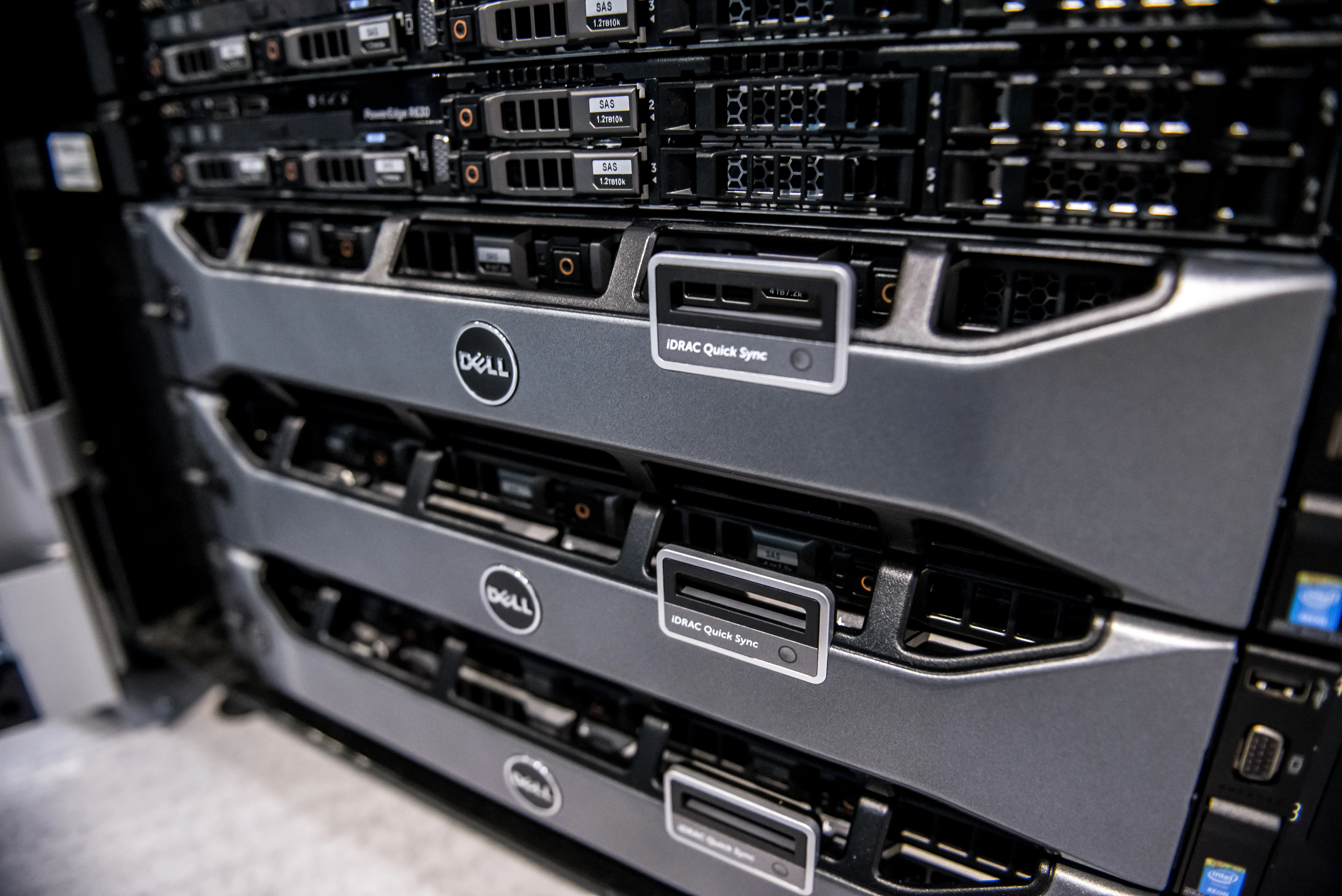
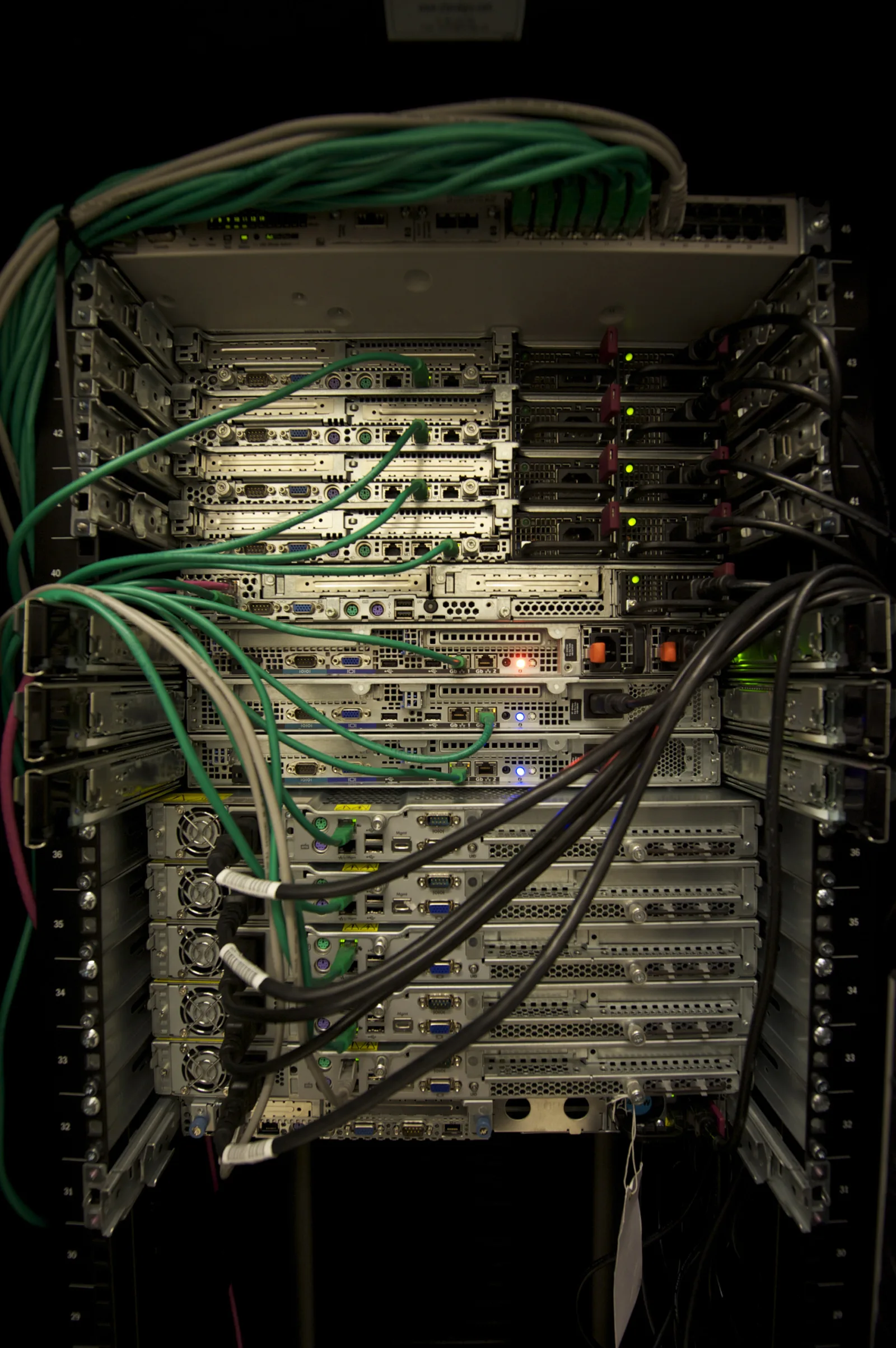
Dell PowerEdge audit log ISO 27001 alignment is not just about generating records. It is about making those records defensible for access control, change tracking, centralized retention, and audit evidence. The short answer is this: in the March 23, 2026 context, an ISO 27001-oriented PowerEdge audit logging model should use iDRAC Lifecycle Log categories deliberately, protect centralized log transfer with TLS where possible, maintain exportable records in OpenManage Enterprise or SIEM, and separate access with named-account discipline. This guide is written for teams that want PowerEdge audit logging to support both operations and formal audit readiness.
This guide is especially useful for:
- IT and security leaders preparing for ISO 27001
- system teams managing Dell PowerEdge and iDRAC
- organizations that must demonstrate configuration change and access evidence in audit
- infrastructure teams building SIEM, centralized logging, or security event workflows
Quick Summary
- For ISO 27001, audit logs are not just error records. They are evidence of access, change, and security-relevant activity.
- Dell Lifecycle Controller documentation exposes categories such as audit, configuration, storage, updates, and system health.
- For some tasks initiated through RACADM CLI or the iDRAC web interface, the log description can include the user, interface, and source IP.
- iDRAC supports remote syslog and, in newer security guidance, TLS-protected secure remote syslog.
- OpenManage Enterprise can display and export audit and hardware log data to CSV.
- The most common mistake is generating logs without building retention, review, alerting, and access separation around them.
Table of Contents
- What Does PowerEdge Audit Logging Mean for ISO 27001?
- Which Events Should Be Tracked in PowerEdge Audit Logs?
- How Do You Build a Defensible Audit Log Architecture?
- What Evidence Set Is Expected in Audit?
- What Audit Logging Mistakes Happen Most Often?
- Checklist
- Frequently Asked Questions
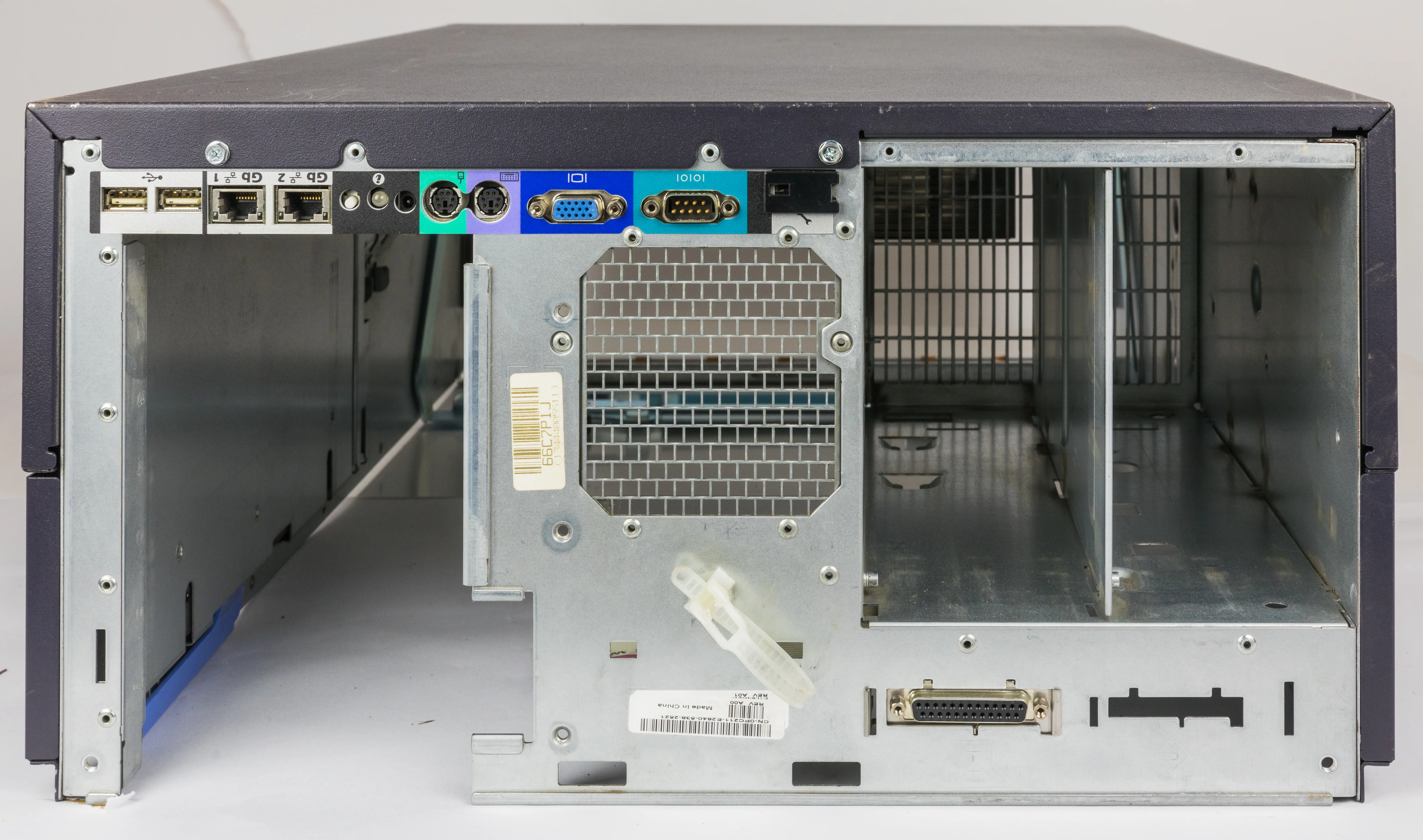
Image: Wikimedia Commons - Dell PowerEdge 2800.
What Does PowerEdge Audit Logging Mean for ISO 27001?
ISO/IEC 27001 expects a risk-based control and traceability model inside the information security management system. Because of that, the PowerEdge audit log question is broader than “is logging enabled on the server?” The real questions are:
- who accessed which management plane?
- what configuration change happened and when?
- are critical records retained centrally?
- who can view and export the logs?
- can the full event chain be shown during audit?
Audit-log discipline on PowerEdge matters especially around iDRAC and Lifecycle Controller. A management-plane change is not only an operational action by an administrator. It is also a security-relevant event with audit value.
Which Events Should Be Tracked in PowerEdge Audit Logs?
Dell Lifecycle Controller guidance explicitly supports category-based filtering in the lifecycle log history. For ISO 27001, these categories are especially important.
1. Audit events
These include user login, licensing, intrusion-related, or administrative oversight records. Access evidence and failed authentication patterns are particularly important here.
2. Configuration events
Changes to BIOS, firmware, management interfaces, or hardware profile are among the most important records in audit. If you need defensible change-management evidence, configuration events must be tracked separately.
3. Update events
Firmware and driver updates or rollbacks matter directly for hardening and vulnerability management. You should be able to show whether an update happened, who initiated it, and when it happened.
4. System health and storage events
Hardware failures, disk-related events, PSU problems, and storage-component changes are not purely operational. In some audits they also support continuity and incident-response evidence.
5. User, interface, and source IP context
Dell documentation notes that when certain configuration jobs are initiated through RACADM CLI or the iDRAC web interface, the lifecycle log description can show the user, the interface used, and the source IP. That materially improves audit quality.
How Do You Build a Defensible Audit Log Architecture?
In practice, a strong PowerEdge audit-log architecture includes the following layers:
1. Treat iDRAC and Lifecycle Log as a primary source
Do not treat management-plane visibility as interchangeable with operating-system logging. In ISO 27001 audit, OS logs alone are not enough for iDRAC access or firmware change evidence.
2. Enable centralized log transfer
iDRAC supports remote syslog. Newer security guidance also documents secure remote syslog with TLS. Instead of relying on cleartext UDP where avoidable, prefer encrypted transfer.
3. Build a second visibility layer in OpenManage Enterprise or SIEM
OpenManage Enterprise can display, filter, and export audit and hardware log data to CSV. That is useful for presenting event history consistently in audit. The stronger model is to combine it with SIEM correlation and alerting.
4. Enforce named accounts and role separation
Audit logs become much more useful when access can be tied to a real person or clearly defined service account. Shared admin accounts reduce audit value and complicate attribution.
5. Standardize time synchronization
If NTP is inconsistent, logs may still exist but incident analysis becomes weaker. iDRAC, the operating system, SIEM, and OpenManage Enterprise should align to the same trusted time source.
6. Define alerting and review cycles
Retention alone is not enough. Create alerting or periodic review for:
- repeated failed login attempts
- privilege changes
- policy or configuration changes
- firmware rollback or unexpected update activity
- critical hardware alarms followed by response actions
What Evidence Set Is Expected in Audit?
Screenshots alone are usually weak evidence in ISO 27001 audit. A stronger PowerEdge audit-log evidence set includes:
- PowerEdge inventory and critical-system classification
- iDRAC access matrix and named-account inventory
- log retention and access-control procedure
- remote syslog or secure remote syslog configuration evidence
- sample events in OpenManage Enterprise or SIEM
- change records for configuration and update events
- monthly or periodic log-review records
This combines technical control evidence with governance evidence.
Related Content
- How to Configure a Dell PowerEdge Server for ISO 27001 Alignment?
- Dell Server Logging Requirements for KVKK
- Dell Server SSH Security and ISO 27001 Alignment Guide
What Audit Logging Mistakes Happen Most Often?
Keeping audit logs only on the device
Local-only records can be lost after device failure, mistaken intervention, or unauthorized deletion. A non-centralized record chain is weaker.
Treating audit logs as identical to system logs
Application and OS logs are necessary, but management-plane logs from iDRAC must be handled as a separate evidence layer.
Using shared administrator accounts
If the same generic admin account is shared by multiple people, audit attribution becomes weaker.
Assuming export alone is enough
CSV export is useful, but it is not a complete control. Alerting, review, and retention design still matter.
Leaving retention undefined
Infinite retention is not always the right answer. Compliance, operations, and data-minimization requirements should be balanced deliberately.
Checklist
- iDRAC audit, configuration, update, and storage categories were reviewed
- remote syslog or secure remote syslog configuration was validated
- named-account and role separation were implemented
- OpenManage Enterprise or SIEM export and correlation were verified
- NTP and timestamp consistency were confirmed
- retention and access procedures were documented
- monthly log-review process was defined
Next Step with Leon-X
Dell PowerEdge audit log ISO 27001 alignment is not just about opening log screens. It is about bringing management access, centralized records, event correlation, and audit evidence into one defensible model. Leon-X helps organizations design PowerEdge audit logging around both operational visibility and ISO 27001 readiness.
Related pages:
- Hardware and Software Services
- SIEM and Security Incident Management Integration
- Cybersecurity Assessment Service
- Contact
Frequently Asked Questions
Are PowerEdge audit logs the same as Windows or Linux logs?
No. OS logs are necessary, but iDRAC and Lifecycle Controller management logs form a different layer of evidence.
What is the most important data inside audit logs for ISO 27001?
User identity, action, timestamp, source interface, source IP, and change context are among the most valuable fields.
Is secure remote syslog really necessary?
The exact requirement depends on the environment, but encrypted transport is generally stronger than cleartext UDP for integrity and network security.
Is OpenManage Enterprise enough by itself?
It is useful for visibility and export. For stronger detection, correlation, and alerting, it is better paired with SIEM.
Conclusion
Dell PowerEdge audit log ISO 27001 alignment is not about showing a few logging screens. As of March 23, 2026, the stronger model combines iDRAC Lifecycle Log categories, secure remote syslog, exportable audit records, named-account discipline, and centralized correlation in one control structure. That makes the PowerEdge environment not only more observable, but also much more defensible in audit.