How to configure Dell iDRAC security for ISO 27001 has a short answer: the goal is not simply to harden an admin password. The goal is to treat the management plane as a separate risk surface, limit access, track changes, and produce defensible audit evidence. In practice, the right model is to isolate iDRAC access on a dedicated management network, use named accounts, apply stronger SSH and web security profiles, centralize lifecycle logs and remote syslog, and reduce unplanned changes on production systems.
This guide is especially for:
- information security managers
- system teams managing Dell PowerEdge and iDRAC
- IT leaders preparing for ISO 27001
- operations teams building technical audit evidence
Quick Summary
- ISO/IEC 27001 expects a risk-based information security model, not just a checklist of technical settings.
- On Dell platforms, iDRAC should be protected with its own access policy because it is a separate management plane from the operating system.
- The minimum baseline usually includes management network isolation, named accounts, strong authentication, certificate and TLS hygiene, SSH hardening, lifecycle log visibility, and periodic access review.
- Dell documentation provides directly usable control areas such as built-in security, SSH, remote syslog with TLS, and lifecycle log history.
- Auditors usually want more than screenshots. They want to understand who accessed the platform, what changed, where logs are stored, and how those controls are reviewed.
Table of Contents
- What Does iDRAC Security Mean in ISO 27001 Terms?
- Which Control Layers Should Be Separated First?
- What Is the Minimum iDRAC Hardening Set?
- Which Audit Evidence Should Be Retained?
- What Are the Most Common Mistakes?
- 30-Day Implementation Plan
- Related Articles
- Next Step with Leon-X
- Frequently Asked Questions
- Sources

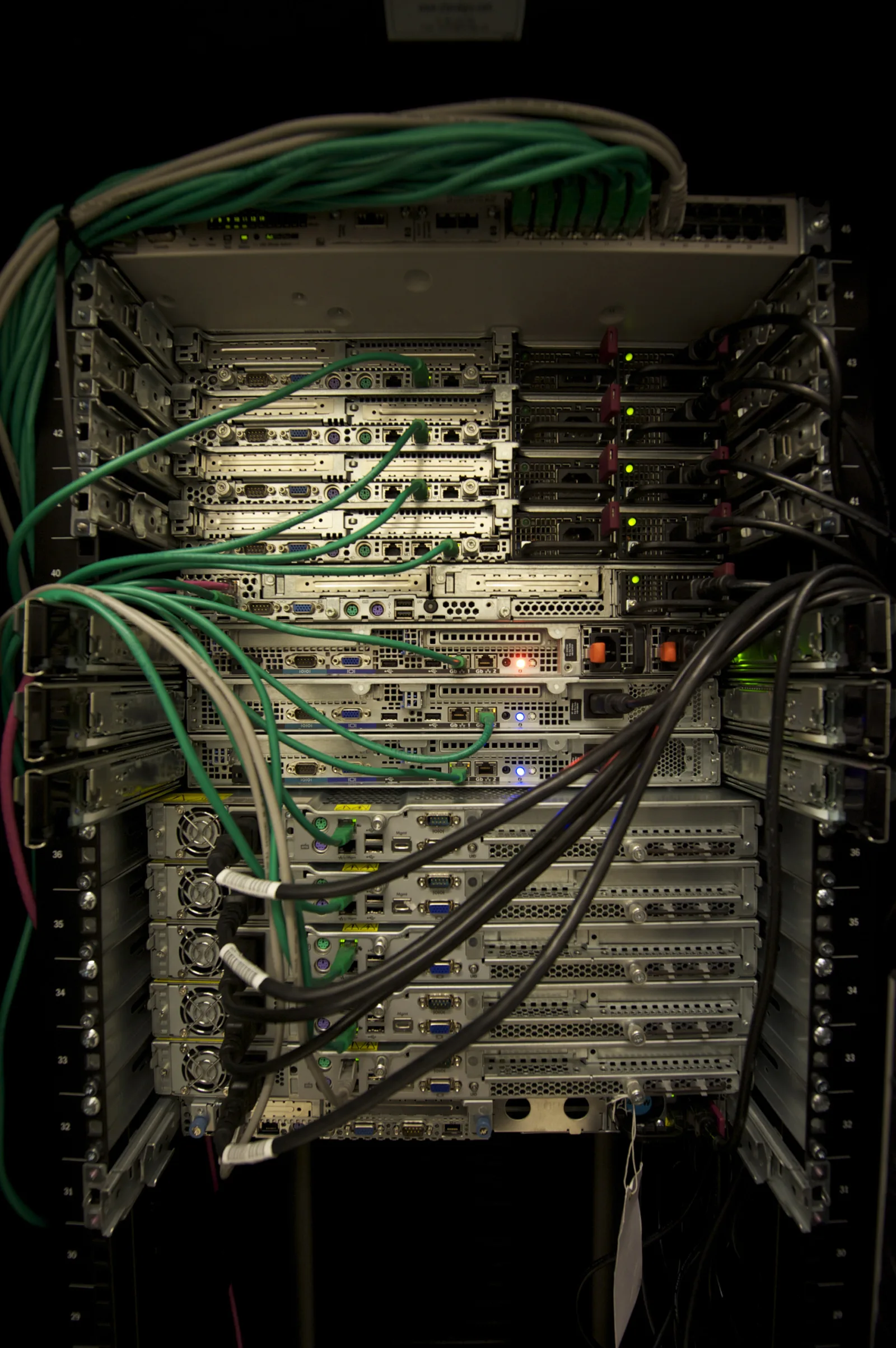
Image: Wikimedia Commons - Server Room.
What Does iDRAC Security Mean in ISO 27001 Terms?
iDRAC is not just another remote access tool. Because it can provide hardware-level visibility and control even when the operating system is offline, it operates as a privileged management surface. In ISO 27001 terms, that creates three practical implications:
- iDRAC access cannot be managed like ordinary server access
- access rights must be attributable to specific people
- logs, alarms, and review workflows must be handled independently from the operating system layer
In other words, a hardened operating system is not enough if the management plane remains loosely controlled.
Which Control Layers Should Be Separated First?
The most common mistake is to treat iDRAC security as a single settings page. In practice, at least four distinct control layers exist:
1. Network access layer
iDRAC should not be openly reachable from broad user networks. A management VLAN, jump host, or VPN-based access model is much easier to defend during audit and easier to govern operationally.
2. Authentication and authorization layer
Shared root or admin style accounts should be replaced with named accounts. If directory integration is used, privileges should be mapped to roles and privileged access should be reviewed periodically.
3. Protocol and cryptography layer
SSH, HTTPS, certificates, TLS, and supported security profiles should never be left unchallenged just because they are available by default. If a service is not needed, disable it. If it is needed, keep only the approved and stronger profile.
4. Logging and evidence layer
Lifecycle log history, syslog forwarding, failed login attempts, user changes, and firmware actions form the evidence chain. Without review and retention discipline, these controls lose much of their audit value.
What Is the Minimum iDRAC Hardening Set?
A defensible minimum iDRAC hardening baseline usually includes the following elements:
1. Move iDRAC access onto a dedicated management network
The first decision is who can access the iDRAC interface and from where. Leaving the management card exposed to a broad office network expands risk unnecessarily. Separating management traffic makes access control measurable and reviewable.
This is where Business Management Services and specifically the Cybersecurity Assessment Service fit naturally with the technical rollout. On the infrastructure side, Server Installation, Configuration and Commissioning improves deployment consistency.
2. Use named accounts and role separation
Shared admin accounts typically weaken auditability. iDRAC access should be attributable to people, tied to approval, and bounded by role. Offboarding, role changes, and recurring access reviews are core controls here.
3. Harden SSH and web management access
Dell documentation provides direct guidance around SSH management, TLS-protected syslog, and built-in platform security. In this area, the operating rules are straightforward:
- disable SSH if it is not required
- if it is required, restrict it to the management network and approved users
- avoid dependency on weak cryptography or legacy protocol choices
- keep certificate management visible and reviewable
4. Enable lifecycle logging and remote syslog
iDRAC security is not only about blocking access. It is also about proving what happened later. Lifecycle logs and TLS-based remote syslog help preserve evidence for failed logins, configuration changes, and maintenance actions.
5. Reduce unplanned changes on production systems
Security controls should not be treated as one-time settings. Production systems benefit from stronger change discipline, including clear accountability for who changed what and when.
Which Audit Evidence Should Be Retained?
During audit, screenshots alone are usually weak evidence. A stronger evidence package includes:
- iDRAC inventory and critical system list
- access matrix and named account inventory
- directory integration or local role assignment records
- written summary of certificate, SSH, and network access policies
- lifecycle log examples
- examples of events forwarded to central logging
- access review and exception records
This is what moves the organization from “the control exists” to “the control is operating.”
What Are the Most Common Mistakes?
Treating iDRAC as safe just because it is internal
Internal placement alone is not enough for a privileged management plane. Network isolation and source restriction still matter.
Keeping shared administrator accounts
If multiple people use the same account, audit trails degrade and incident analysis becomes harder.
Enabling logs but never reviewing them
Lifecycle logging and syslog forwarding have limited value without alerting, review cadence, and clear ownership.
Treating operating system hardening as a substitute for management plane security
Operating system hardening does not remove the need to secure iDRAC separately. They are different risk surfaces.
30-Day Implementation Plan
Days 1-7
- inventory all PowerEdge systems and iDRAC instances
- verify where iDRAC is reachable
- identify non-named or shared accounts
Days 8-15
- apply management network isolation and source IP restrictions
- disable unnecessary SSH exposure
- clarify role-based privilege assignments
Days 16-23
- connect lifecycle logs and remote syslog to central monitoring
- review certificates and cryptographic profiles
- define a record standard for access and change events
Days 24-30
- complete access review
- document the audit evidence set
- formalize exception handling and control deviations for critical systems
Related Articles
- How to Configure a Dell PowerEdge Server for ISO 27001? Guide
- Dell Server SSH Security for ISO 27001 Guide
- Dell PowerEdge Audit Log ISO 27001 Compliance
- Dell Server Logging Requirements for KVKK
Next Step with Leon-X
Dell iDRAC security for ISO 27001 is not a single device setting. It is a management plane security and audit evidence design problem. Leon-X combines Business Management Services, especially the Cybersecurity Assessment Service, with Server Installation, Configuration and Commissioning to align governance and technical rollout in the same project. To assess your current PowerEdge environment or request a proposal, use the Contact page.
Frequently Asked Questions
Why should iDRAC security be handled separately from operating system security?
Because iDRAC remains a privileged management surface even when the operating system is offline.
Does ISO 27001 mandate one specific iDRAC setting?
No. It does not mandate one vendor-specific toggle. It expects a defensible control model for access, logging, evidence, and risk reduction.
Should SSH always be disabled?
If there is no operational need, yes. If it is needed, it should be constrained to approved users, approved networks, and a hardened security profile.
Why is remote syslog so important?
Because local logs alone are not enough. Central collection and stronger retention make the audit trail more durable and more reviewable.