ISO 27001 Annex A server security for Dell PowerEdge is not just about enabling a few BIOS or iDRAC settings. The real goal is to connect the server asset to inventory, make privileged access traceable to named users, verify the secure boot chain, control configuration change, and produce audit evidence. The short answer is this: a defensible Annex A approach for Dell PowerEdge combines iDRAC management-plane security, Secure Boot, System Lockdown, firmware update discipline, centralized logging, and physical access controls in one risk-treatment plan.
This guide is written for:
- information security teams preparing for ISO 27001 audits
- system administrators managing Dell PowerEdge and iDRAC
- IT leaders translating Annex A controls into technical server settings
- operations teams organizing audit evidence, access matrices, and change records
Quick Summary
- ISO describes ISO/IEC 27001:2022 as the requirements standard for information security management systems, centered on risk management.
- Annex A is not a standalone “server hardening checklist”; it should be tied to risk assessment and the Statement of Applicability.
- The most important PowerEdge control surfaces are iDRAC, BIOS/UEFI, operating system access, firmware, physical access, and centralized logging.
- Dell's iDRAC10 security guide explains that Secure Boot validates UEFI components through a certificate-based chain when enabled.
- Dell's iDRAC9 System Lockdown guidance focuses on reducing unintended firmware and critical configuration changes in production.
- Strong audit evidence includes inventory, access review, log samples, change records, exception records, and periodic review outputs.
Table of Contents
- What Does Annex A Server Security Mean?
- How Should PowerEdge Controls Be Mapped?
- How Should iDRAC and Privileged Access Be Managed?
- How Do Secure Boot, Firmware, and System Lockdown Fit?
- How Should Logging and Evidence Be Prepared?
- 30-Day Implementation Plan
- Related Content
- Next Step with Leon-X
- Frequently Asked Questions
- Sources
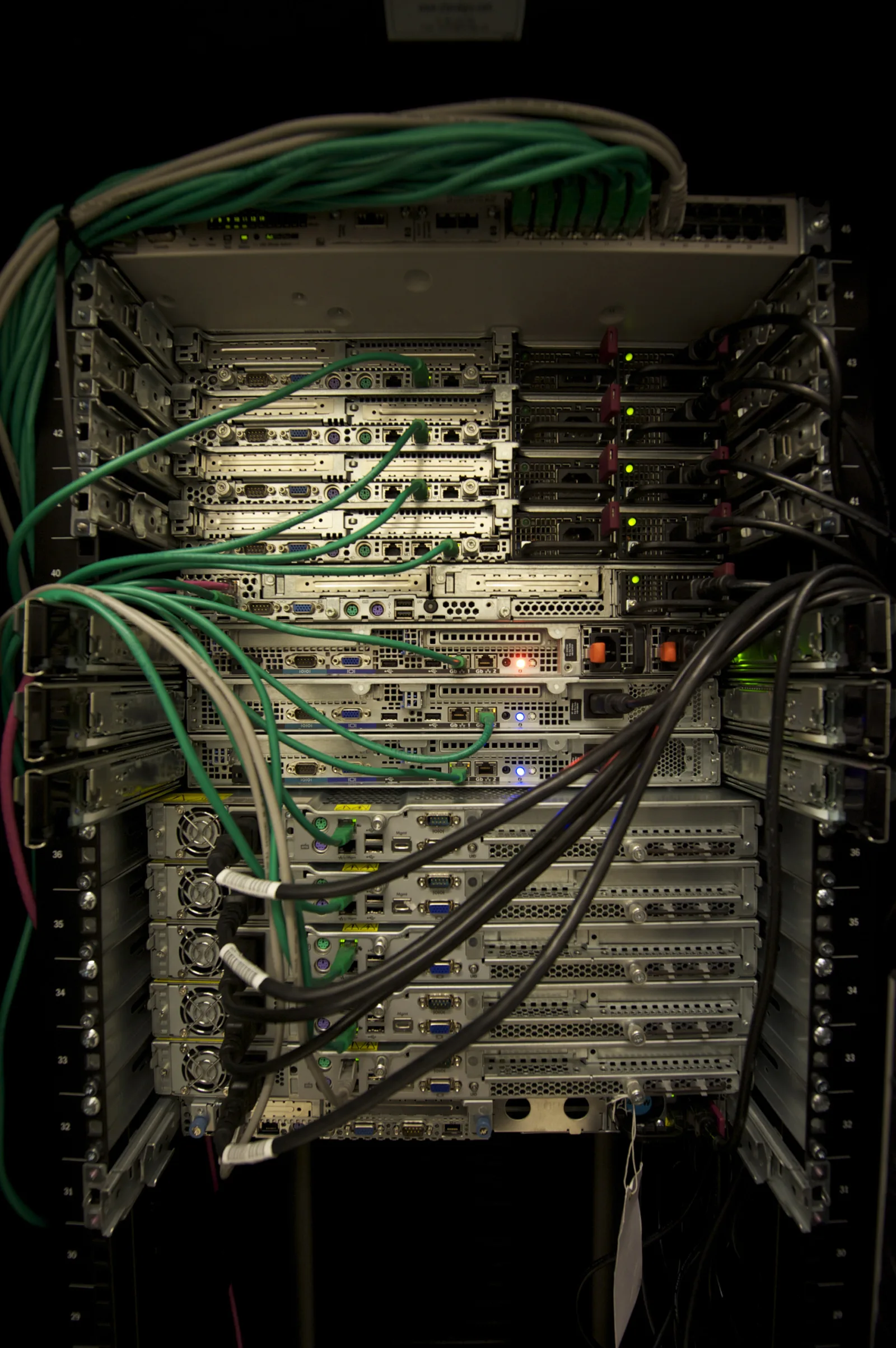
Image: Wikimedia Commons - Servers in a Rack, Abigor. Optimized as WebP.
What Does Annex A Server Security Mean?
ISO/IEC 27001 defines requirements for an information security management system. ISO explains that the standard helps organizations establish, implement, maintain, and continually improve an ISMS and manage information security risks. That means Annex A server security starts with risk treatment, not with product settings.
In a Dell PowerEdge environment, that translates into these questions:
- which critical business process does this server support?
- who can access iDRAC, and from which network?
- are Secure Boot, TPM, firmware, and BIOS profiles standardized?
- is there a control that prevents or detects unintended changes?
- are failed login attempts, firmware changes, and privilege changes logged?
- can audit evidence be produced within 1 business day?
If those questions do not have clear answers, the technical controls remain weak from an audit perspective.
How Should PowerEdge Controls Be Mapped?
Mapping PowerEdge security to Annex A is less about memorizing control names and more about connecting the control objective to a technical surface.
| Annex A focus | PowerEdge equivalent | Evidence example |
|---|---|---|
| Asset inventory | PowerEdge serial number, role, location, criticality | CMDB record and labeling standard |
| Access control | iDRAC, OS admin, jump host, VPN, MFA | Access matrix and approval records |
| Privileged access | iDRAC admin, root, local admin, hypervisor admin | Named account list and review output |
| Configuration management | BIOS/UEFI, Secure Boot, TPM, firmware baseline | Standard profile and exception list |
| Logging and monitoring | iDRAC lifecycle log, syslog, SIEM alert | Log samples and alert rule |
| Physical security | rack access and data center entry | entry logs and visitor procedure |
| Change management | firmware update, BIOS change, part replacement | change record and rollback plan |
This mapping moves the discussion from “do we have Annex A?” to “which technical control treats which risk?”
How Should iDRAC and Privileged Access Be Managed?
iDRAC is a privileged security surface because it can manage the server even when the operating system is offline. For that reason, iDRAC should not be exposed to the ordinary user network. Use a separate management VLAN, jump host, or restricted VPN path.
The minimum model should include:
- disabling the shared
adminaccount or placing it under emergency-account control - named accounts and role-based privileges
- MFA or centralized identity integration where appropriate
- source IP, VPN, or jump-host restrictions
- forwarding failed login and privilege-change logs to SIEM
- access review every 90 days
This connects to Business Management Services, especially Cybersecurity Assessment Service, for the risk and control framework. For technical rollout, Hardware and Software Solutions and Server Installation, Configuration and Commissioning are the directly related delivery areas.
How Do Secure Boot, Firmware, and System Lockdown Fit?
Dell's iDRAC10 security guide explains that when UEFI Secure Boot is enabled, boot-chain components are validated against certificates, and unsigned UEFI drivers are prevented from loading. For PowerEdge, that connects directly to configuration management and change control.
A defensible approach should include:
- standardizing Secure Boot status across critical servers
- recording exceptions when unsupported drivers or firmware require deviation
- defining firmware baselines and update windows
- keeping BIOS/UEFI changes inside the formal change process
- evaluating Dell System Lockdown for suitable production systems
Dell Technologies Info Hub positions System Lockdown as part of the Protect, Detect, and Recover model and describes its role in reducing unintended firmware and critical server configuration changes. That gives the audit team a stronger answer to “how do you prevent configuration drift?”
How Should Logging and Evidence Be Prepared?
One of the weakest audit patterns is having a setting enabled but no proof that it is operated. For PowerEdge security, logging is both a monitoring capability and an audit evidence source.
Prepare at least this evidence set:
- PowerEdge inventory and critical-system classification
- iDRAC access matrix and privileged-user list
- Secure Boot, TPM, BIOS profile, and firmware baseline exports
- System Lockdown scope and exception records, if used
- lifecycle log, remote syslog, or SIEM event samples
- firmware update change records and rollback plans
- physical access or data center entry logs
- access review records
This moves the control from “configured” to “operated and reviewed.”
30-Day Implementation Plan
Days 1-7
- build the PowerEdge inventory.
- classify critical servers by business process and data class.
- list iDRAC users, access paths, and source networks.
Days 8-15
- define the management network and jump-host model.
- detect shared accounts and move toward named accounts.
- report Secure Boot, TPM, BIOS, and firmware status.
Days 16-23
- verify centralized log flow and SIEM alerts.
- attach firmware and BIOS changes to the change process.
- define System Lockdown scope and exceptions for production.
Days 24-30
- complete access review.
- update the Annex A mapping table and evidence folder.
- report exceptions, accepted risks, and improvement actions to management.
Related Content
- How to Configure Dell PowerEdge Server for ISO 27001
- How to Configure Dell iDRAC Security for ISO 27001
- Dell Server SSH Security for ISO 27001
- Dell PowerEdge Audit Log and ISO 27001 Alignment
Next Step with Leon-X
Applying ISO 27001 Annex A controls to Dell PowerEdge server security requires technical hardening and audit evidence to live in the same plan. Leon-X builds the control mapping through Business Management Services and Cybersecurity Assessment Service, then clarifies the PowerEdge implementation standard through Hardware and Software Solutions and Server Installation, Configuration and Commissioning. To review your environment or request a proposal, continue through the Contact page.
Related pages:
- Business Management Services
- Cybersecurity Assessment Service
- Hardware and Software Solutions
- Server Installation, Configuration and Commissioning
- Contact
Frequently Asked Questions
Are all Annex A controls implemented directly on PowerEdge?
No. Annex A controls are evaluated through risk treatment. Controls with a technical PowerEdge equivalent should be implemented; controls outside scope or covered by alternate controls should be justified in the Statement of Applicability.
Does Secure Boot alone make a server ISO 27001 aligned?
No. Secure Boot is an important technical control, but ISO 27001 alignment also requires access management, logging, change management, physical security, and risk assessment.
Are iDRAC logs enough for audit evidence?
Not by themselves. iDRAC lifecycle logs are valuable, but they should be supported by centralized logging, alerting, periodic review, and access review records.
Where should a PowerEdge Annex A project start?
Start with inventory. Without knowing which PowerEdge servers are critical, who can access iDRAC, and what the current Secure Boot and firmware state is, the Annex A mapping will be incomplete.