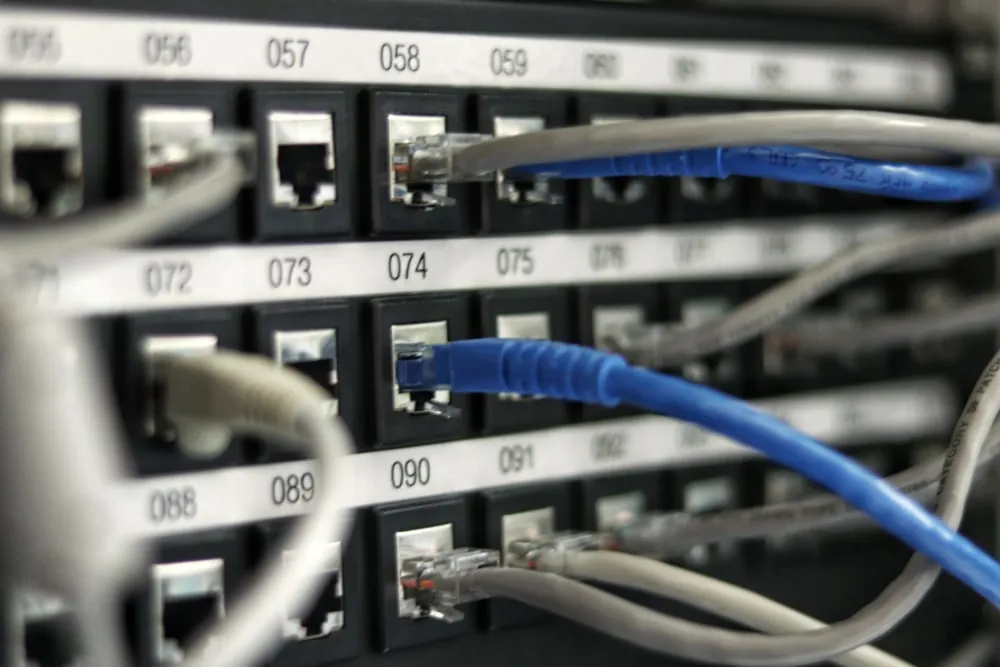
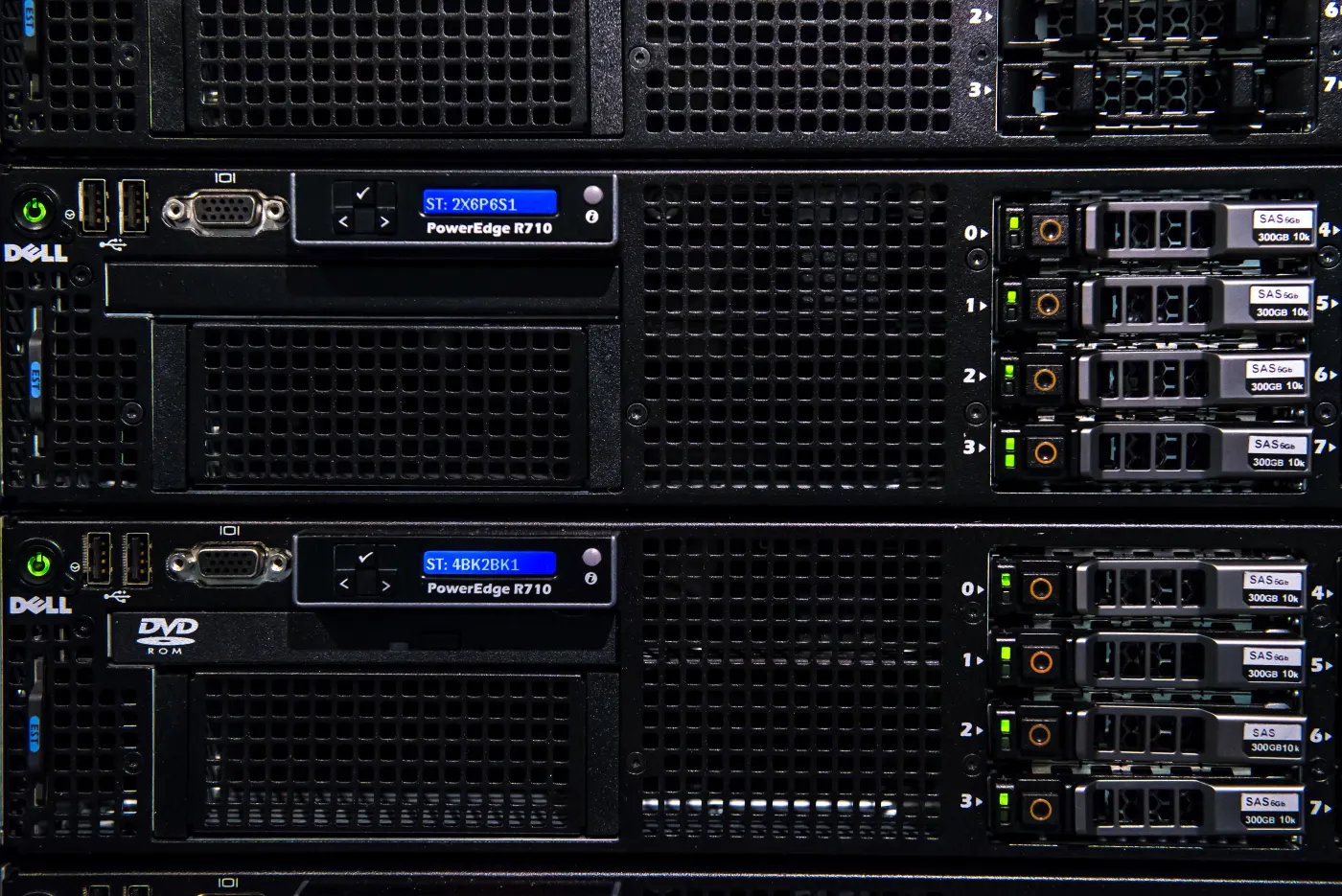
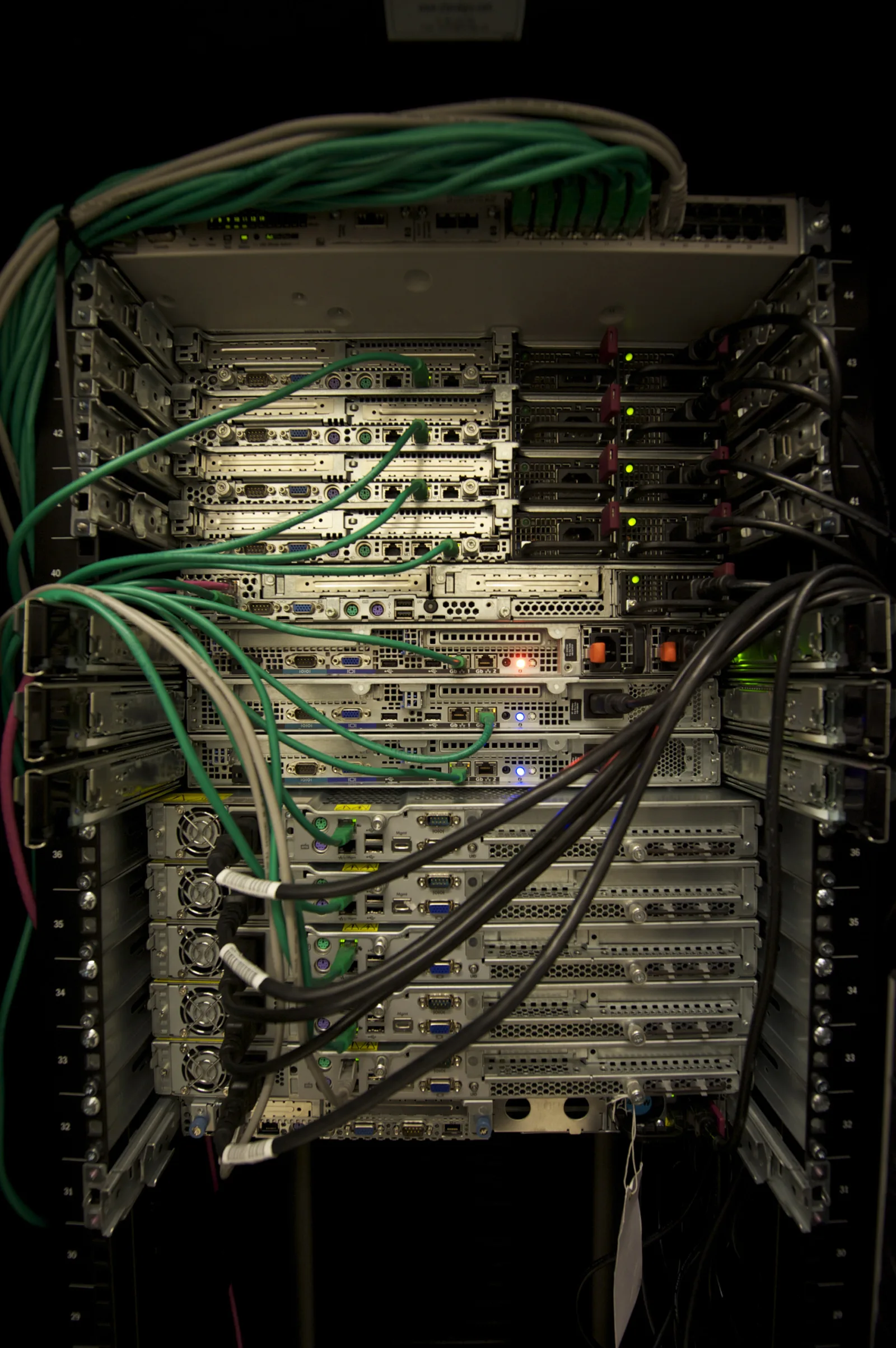
Dell server network security for ISO 27001 is much broader than plugging the server's Ethernet cable into the right switch port. A strong model separates the iDRAC management plane from production traffic, defines VLAN and management-network standards, disables unused network interfaces, evaluates IP filtering and IP blocking, enforces secure protocols, and supports every access path with audit-ready logs.
This guide is written for system, network, and information security teams preparing Dell PowerEdge servers for ISO 27001 audit readiness. The goal is not to copy a vendor checklist, but to turn Dell server network security controls into a practical model for risk, operations, and evidence.
Quick Summary
- ISO/IEC 27001 expects an ISMS approach that manages information security through information systems, processes, and management controls.
- Dell's iDRAC10 Security Configuration Guide recommends disabling unused network interfaces and using
DedicatediDRAC NIC selection as part of network security. - The same Dell guidance lists iDRAC VLAN use, disabling the USB management port, disabling pass-through state, IP blocking, and IP filtering as part of the network security configuration.
- The iDRAC management network, production LAN, backup network, storage network, and hypervisor management network should be designed as separate security zones.
- Strong ISO 27001 evidence includes a network segmentation matrix, iDRAC settings export, firewall policy, log output, vulnerability scan result, and periodic review record.
- At Leon-X, this work is directly related to Hardware and Software Solutions, Network Security, Firewall and IDS/IPS Solutions, and the Cybersecurity Assessment Service.
Table of Contents
- What Does Dell Server Network Security Cover for ISO 27001?
- How Should the iDRAC Management Network Be Separated?
- How Should VLANs, Segmentation, and Firewall Policies Be Designed?
- How Should iDRAC Network Security Settings Be Hardened?
- How Should Logging, Vulnerability Scanning, and SIEM Evidence Be Built?
- 90-Day Implementation Plan
- Related Content
- Next Step with Leon-X
- Frequently Asked Questions
- Sources
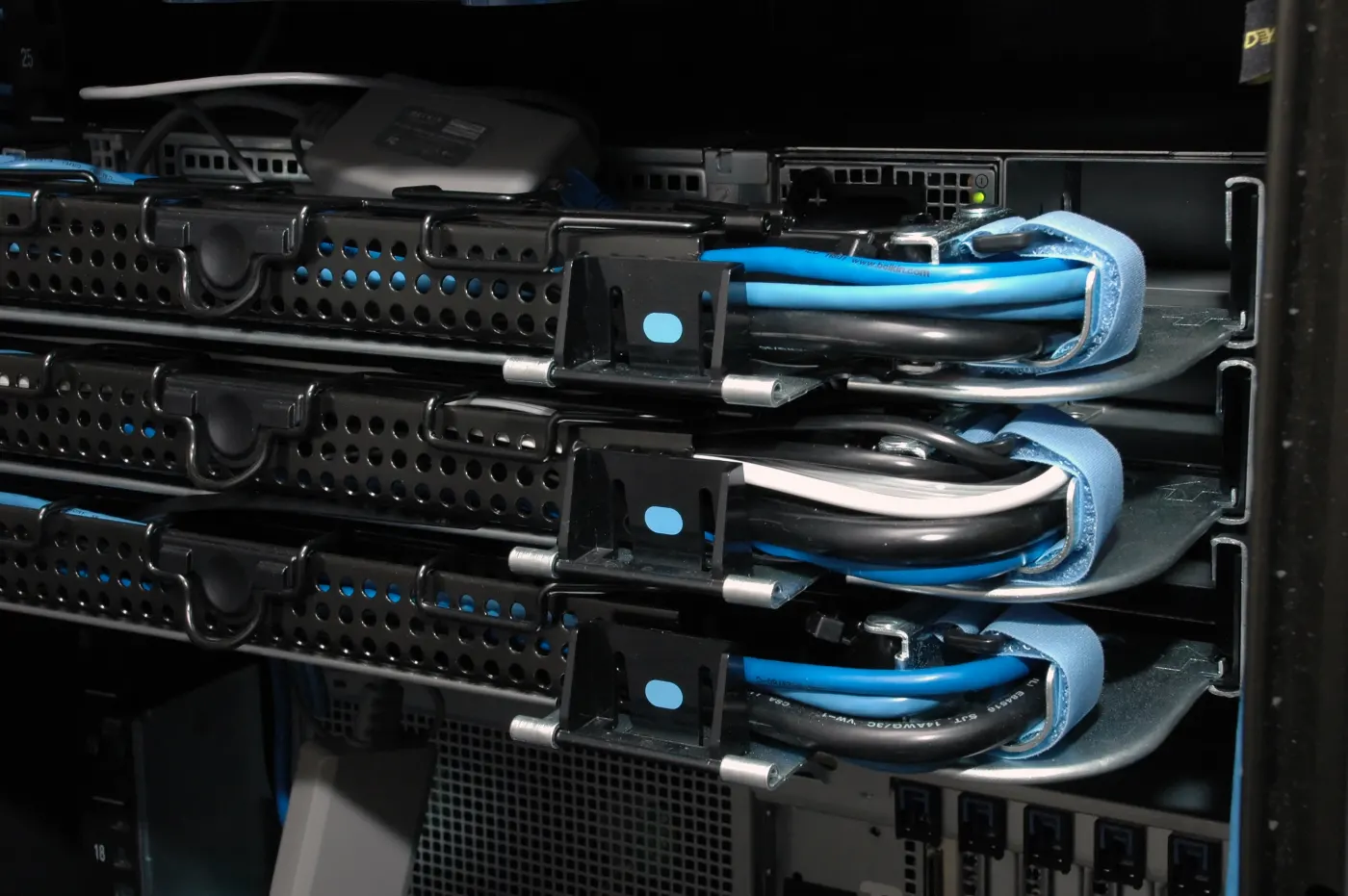
Image: Wikimedia Commons - Cable Management Dell 1950. Optimized as WebP.
What Does Dell Server Network Security Cover for ISO 27001?
Dell server network security is not limited to asking whether a server is exposed to the internet. A PowerEdge server should be assessed across at least five network surfaces:
- iDRAC and out-of-band management network
- operating system or hypervisor management network
- production application traffic
- backup and replication traffic
- storage, vMotion, cluster, or interconnect traffic
If these surfaces share the same VLAN, firewall policy, or administrator group, the attack surface grows. From an ISO 27001 perspective, each network surface should be separated according to business need and risk level. That helps prevent a compromise of the management plane from becoming direct production access, and vice versa.
Audit questions to answer:
- which VLAN or management network contains iDRAC?
- from which source IPs is iDRAC reachable?
- is there firewall policy between production and management networks?
- are IPMI, SNMP, SSH, HTTPS, and Redfish actually required?
- were unused ports, services, and pass-through features disabled?
- are network access logs visible in SIEM or a central logging platform?
How Should the iDRAC Management Network Be Separated?
Dell iDRAC is a management plane independent of the operating system. For that reason, placing iDRAC access in the same security zone as the user LAN or production application network is weak design.
Strong baseline model:
| Component | Recommended approach | Why it matters |
|---|---|---|
| iDRAC NIC | dedicated management port or separate management VLAN | gives control independent from OS traffic |
| management VLAN | reachable only from admin jump hosts and monitoring systems | reduces lateral movement risk |
| firewall policy | narrow source IP, destination IP, and port-based rule | prevents broad access |
| DNS/NTP | trusted internal services | preserves time and name-resolution consistency |
| VPN access | to bastion or jump host, not directly to iDRAC | strengthens privileged access traceability |
Dell's iDRAC10 Security Configuration Guide recommends disabling unused network interfaces as a security best practice. The same network security section also treats dedicated iDRAC NIC selection, VLAN use, and IP filtering/blocking as parts of network security configuration.
This topic should be considered with How to Configure Dell Server Authorization for ISO 27001. Even if network segmentation is correct, the control remains incomplete if iDRAC uses shared administrator accounts or unlimited roles.
How Should VLANs, Segmentation, and Firewall Policies Be Designed?
For Dell server network security, VLAN design should not be left to the convenience of attaching all server ports to the same network. Network surfaces should be separated, especially in virtualization and data center environments.
Example segmentation model:
| Network zone | Content | Security objective |
|---|---|---|
MGMT-OOB | iDRAC, out-of-band management | isolate hardware management |
MGMT-HOST | ESXi, Hyper-V, Linux, or Windows management | limit OS/hypervisor management |
PROD-APP | application traffic | govern user and application access |
BACKUP | backup agents and repository traffic | separate backup surface from production |
STORAGE | iSCSI, NFS, FC gateway, or storage network | separate data traffic from unauthorized access |
MONITORING | logs, SNMP, Redfish, health checks | keep monitoring access controlled |
Firewall policy should follow these principles:
- iDRAC access should come only from jump hosts, monitoring platforms, and authorized admin subnets
- production application networks should not directly reach iDRAC
- backup networks should use only required ports between backup repositories and servers
- storage networks should not be open to user subnets
- SNMP, Redfish, SSH, and HTTPS access should be tracked as separate services
- temporary maintenance access should include expiration date and ticket reference
Network Security, Firewall and IDS/IPS Solutions turn the firewall, IDS/IPS, and segmentation side of Dell server network security into implementation. On the governance side, Network Security Policy Management keeps rules tied to owner, risk, and review date.
How Should iDRAC Network Security Settings Be Hardened?
iDRAC network security hardening is not only about entering a VLAN ID. Dell's network security guidance emphasizes narrowing the management surface and closing unnecessary access paths.
Minimum control set:
1. Disable unused network interfaces
Unused iDRAC interfaces, USB management port, or pass-through capabilities should not remain enabled. Every unnecessary path creates additional attack surface that must be justified during audit.
2. Create a dedicated NIC and VLAN standard
Where possible, iDRAC should run through a dedicated port in a separate management VLAN. If shared LOM is used, document the technical reason, risk acceptance, and firewall restrictions separately.
3. Evaluate IP blocking and IP filtering
Dell includes IP blocking and IP filtering in iDRAC network security configuration. These controls provide additional defense for failed login attempts and unauthorized source access to the management interface.
4. Enforce secure protocols
HTTPS, TLS, SSH, Redfish, SNMP, and IPMI should each have a documented purpose. Unneeded protocols should be disabled; required protocols should use strong authentication, secure transport, and logging. Dell's iDRAC9 TLS 1.3 guidance explains why encrypted management channels are important for iDRAC administration.
5. Limit auto discovery and management convenience features
Auto discovery can speed operations, but it may create unnecessary discovery and automatic registration risk for ISO 27001. If it is used, keep it limited to a controlled DNS or management-network scenario.
How Should Logging, Vulnerability Scanning, and SIEM Evidence Be Built?
Network security control is not proven by diagrams alone. Logs, scans, and review outputs are needed.
Evidence to collect:
- iDRAC network settings export
- VLAN and switch-port mapping
- firewall policy export
- iDRAC login and failed-login logs
- IP blocking or IP filtering events
- SNMP/Redfish/SSH/HTTPS access logs
- vulnerability scan result
- remediation and exception records
- access review output for the last 90 days
Dell iDRAC10 documentation includes network vulnerability scanning as part of the iDRAC security lifecycle. For the organization, this means scan output should be connected to SIEM or ticket workflows and vulnerabilities should be remediated according to risk.
SIEM and Security Event Management Integration moves iDRAC and server management network events into central visibility and alerting. This flow should be considered with Dell PowerEdge Audit Log ISO 27001 Alignment.
90-Day Implementation Plan
Days 1-15: Inventory and role separation
- list all Dell PowerEdge servers and iDRAC IP addresses
- identify iDRAC dedicated/shared NIC status
- export VLAN, switch-port, firewall-zone, and owner information
- classify production, management, backup, storage, and monitoring networks
Days 16-35: Segmentation and access restriction
- move iDRAC access into a management VLAN
- close access from sources other than jump hosts or bastions
- narrow firewall policies by source, destination, and service
- add duration and approval records to temporary maintenance access
Days 36-60: iDRAC hardening
- disable unused interfaces and protocols
- test IP blocking and IP filtering controls
- review TLS/HTTPS certificate standards
- restrict SNMP and Redfish access to monitoring systems only
Days 61-90: Evidence and audit package
- export network security settings
- validate iDRAC and firewall logs in SIEM
- file vulnerability scan and remediation records
- add segmentation matrix and access-review report to ISO 27001 evidence
Related Content
- How to Configure Dell Server Authorization for ISO 27001
- Dell Server SSH Security for ISO 27001 Compliance
- Dell PowerEdge Audit Log ISO 27001 Alignment
- How to Configure Dell PowerEdge Server for ISO 27001 Alignment
Checklist
- iDRAC management network was separated from production network
- iDRAC dedicated NIC or separate VLAN standard was documented
- unused network interfaces and pass-through paths were disabled
- IP filtering and IP blocking controls were evaluated
- SNMP, Redfish, SSH, and HTTPS access was limited by source
- firewall policy matrix includes owner, purpose, and review date
- iDRAC and firewall logs were validated in SIEM or central logging
- vulnerability scan and remediation records were added to the audit file
Next Step with Leon-X
Dell server network security for ISO 27001 requires iDRAC settings, VLAN design, firewall policy, monitoring, and audit evidence to be managed together. Leon-X strengthens technical implementation through Hardware and Software Solutions, Network Security, Firewall and IDS/IPS Solutions, Router, Switch and Firewall Deployment Service, and SIEM and Security Event Management Integration. On the governance side, Business Management Services, Network Security Policy Management, and the Cybersecurity Assessment Service clarify the ISO 27001 evidence chain. To assess your current Dell server network architecture or request a proposal, continue through the Contact page.
Related pages:
- Hardware and Software Solutions
- Network Security, Firewall and IDS/IPS Solutions
- Business Management Services
- Network Security Policy Management
- Contact
Frequently Asked Questions
Where does Dell server network security for ISO 27001 begin?
It begins by inventorying iDRAC management, operating system management, production traffic, backup, and storage networks as separate security zones.
Can iDRAC stay in the same VLAN as production?
It may technically work, but it is risky for ISO 27001. A separate VLAN, firewall policy, and source-IP restriction for the management plane are stronger controls.
Are IP filtering and IP blocking mandatory?
They are not the same mandatory control in every environment, but they are strong additional controls for narrowing iDRAC management access and limiting unauthorized sources.
Should SNMP and Redfish be disabled?
Disable them when not used. When used, they should be reachable only from monitoring systems and protected with authentication and logging standards.
What is the strongest audit evidence?
A segmentation matrix, iDRAC network settings export, firewall policy export, SIEM log samples, vulnerability scan result, and access-review report together form the strongest evidence package.
Conclusion
Dell server network security for ISO 27001 means isolating the iDRAC management plane, segmenting server networks by function, disabling unnecessary protocols, limiting access by source, and supporting every control with logs and review evidence. This approach makes the PowerEdge environment technically stronger and produces a defensible audit control model.
Sources
- ISO - ISO/IEC 27001 Information Security Management Systems
- Dell - iDRAC10 Network Security Configuration
- Dell - iDRAC10 Network Vulnerability Scanning
- Dell Technologies Info Hub - Improved iDRAC9 Security using TLS 1.3
- Dell - PowerEdge Cyber-Resilient, Secure Servers
- Wikimedia Commons - Cable Management Dell 1950