VMware disaster recovery ISO 27001 alignment is not just having a second vSphere cluster or replicating virtual machines to another location. The real goal is to connect information security risk, business continuity expectations, recovery objectives, and audit evidence in one recovery operating model. The short answer is this: an ISO 27001-aligned VMware DR model should be governed through risk analysis, BIA, RTO/RPO targets, protected workload scope, recovery plans, test failover, logging, access control, and continual improvement.
This guide is especially useful for:
- system teams operating VMware vSphere, vCenter, and ESXi environments
- information security and compliance teams preparing for ISO 27001 audits
- IT managers building backup, replication, and disaster recovery architectures
- organizations that need DR tests to produce defensible audit evidence
Quick Summary
- ISO/IEC 27001 is an ISMS standard for managing information security risks; VMware DR should be connected to that risk model as a technical continuity layer.
- A disaster recovery plan is not only a replication product. It includes scope, RTO/RPO, recovery sequence, decision ownership, testing, and evidence.
- ISO 27001 requires more than availability. Confidentiality, integrity, access, logs, and network segregation must remain controlled during failover.
- VMware Live Recovery and Site Recovery Manager concepts provide recovery plans, test recovery, plan history, and test network mapping that support auditable operations.
- A DR plan that is never tested is weak evidence. At least
1full scenario test per year and additional smoke tests after major changes are practical minimums. - Backup, replication, and immutable copies should not be confused. They are separate but connected controls that reduce different risks.
Contents
- What Does VMware DR Mean for ISO 27001?
- How Should Scope and Risk Analysis Be Defined?
- How Do RTO, RPO, and BIA Become Evidence?
- How Should a VMware Recovery Plan Be Standardized?
- Why Is Test Failover Critical for Audits?
- How Are Access, Logging, and Network Security Preserved?
- 30-Day Alignment Plan
- Related Content
- Checklist
- Next Step with Leon-X
- FAQ
- Sources
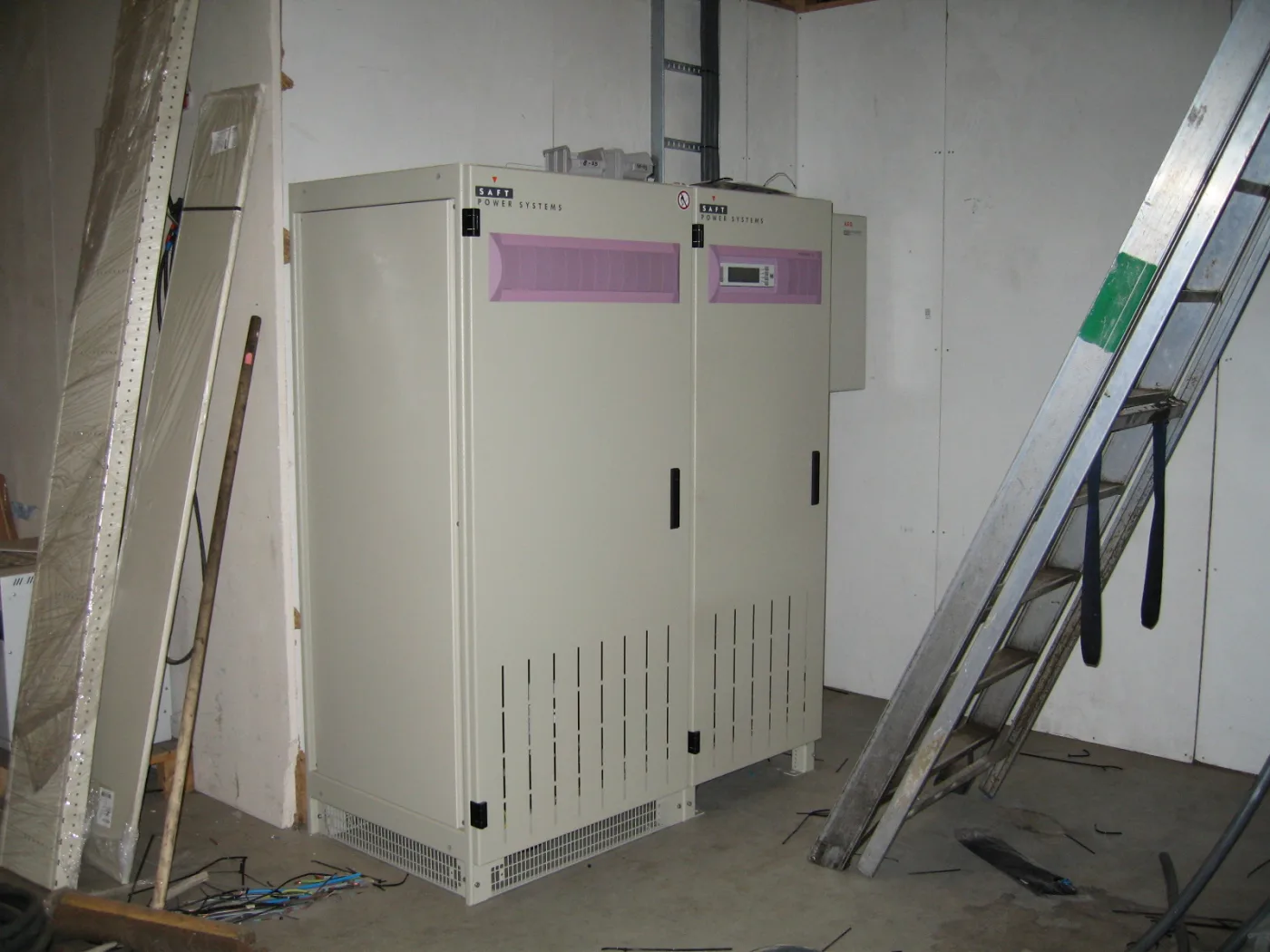
Image: Wikimedia Commons - Server room backup power generator (2) - IMG 0449, Jemimus, CC BY 2.0. Optimized to WebP.
What Does VMware DR Mean for ISO 27001?
The official ISO/IEC 27001 description frames the standard as a system for managing risks related to information owned or handled by the organization. VMware disaster recovery belongs to that risk system on the availability side, but it is not only an uptime topic. During failover, confidentiality, integrity, access rights, and activity records must remain controlled.
An ISO 27001-aligned VMware DR model should answer these questions:
- which vCenter, ESXi clusters, datastores, networks, and virtual machines are in scope
- which workload needs an RTO of
30 minutes,4 hours, or24 hours - which workload can tolerate an RPO of
15 minutes, hourly replication, or daily backup - who decides, approves, and executes failover
- how accidental production network attachment is prevented during tests
- where logs, access records, and change records are retained after recovery
- how the latest recovery plan, test report, and exceptions are shown to auditors
That is why VMware DR relates directly to Business Management Services, especially Disaster Recovery (DR) Strategy Design. On the implementation side, Hardware & Software Services, Backup, Monitoring, Reporting and Restore Management, and VMware, Hyper-V and Proxmox Deployment Service complete the technical delivery layer.
How Should Scope and Risk Analysis Be Defined?
ISO 27001-aligned DR scope should not begin with "protect every VM." It should begin with business processes, information assets, and dependencies. ERP databases, Active Directory, DNS, firewall management, log servers, and backup management servers do not carry the same business criticality, but some of them are prerequisites for recovering the others.
The scope exercise should cover these layers:
| Layer | Question | Evidence example |
|---|---|---|
| Business process | Which service creates critical business impact if unavailable? | BIA matrix |
| Application | Which VMs must recover in the same group? | application dependency map |
| Data | How much data loss is acceptable? | RPO table |
| Infrastructure | What are the vCenter, datastore, network, and identity dependencies? | asset inventory |
| Security | Which controls must remain active during failover? | access and logging checklist |
The common mistake is replicating application VMs while ignoring the management plane. As explained in ISO 27001 VMware Backup Requirements Guide, vCenter Server backup, restore testing, and management components should be handled separately. If vCenter is unavailable in a recovery scenario, applying recovery plans, validating inventory, and producing log evidence become harder.
How Do RTO, RPO, and BIA Become Evidence?
RTO and RPO values are weak evidence if they are only written as targets. For ISO 27001 alignment, they should be connected to risk analysis, business impact analysis, and test results.
A practical model:
- Assign a business owner to each workload.
- Have the business owner approve maximum downtime and data loss tolerance.
- Let IT calculate the technically achievable RTO/RPO.
- If there is a gap, record risk acceptance or an investment decision.
- Measure actual recovery duration and recovery point during a test.
- Compare the result with the target and open corrective actions.
Example: if an accounting database has a target RPO of 15 minutes and target RTO of 2 hours, replication frequency, datastore performance, recovery network mapping, application startup order, and user validation must be designed around those targets. A powered-on VM is not enough. The application owner should validate login, data integrity, and operational usability.
This connects the recovery plan model from How to Set Up VMware Disaster Recovery to an ISO 27001 evidence chain.
How Should a VMware Recovery Plan Be Standardized?
Broadcom's VMware Live Recovery and Site Recovery Manager approach places the recovery plan at the center of operations. A recovery plan can coordinate protection groups, VM startup order, test network mappings, custom steps, recovery history, and cleanup.
For ISO 27001 alignment, the recovery plan should include at minimum:
- protected VM list and business owner
- priority groups: identity, database, application, web, integration
- recovery network and test network mapping standards
- IP customization or DNS update steps
- manual approval checkpoints
- separation of test recovery and real recovery steps
- cleanup and failback procedure
- plan change history
Broadcom Site Recovery Manager documentation states that when a recovery plan is created or modified, it should be tested before planned migration or disaster recovery use. That matters for ISO 27001 because the evidence should not only prove that a plan exists; it should prove that the plan was tested.
Why Is Test Failover Critical for Audits?
Test failover is one of the strongest proofs that a DR plan is executable. Without testing, the organization trusts only configuration. DNS, network, credentials, application dependencies, firewall rules, and licensing issues remain hidden until an actual incident.
A strong test failover evidence package includes:
- test date and scope
- recovery plan name
- test network mapping used
- measured RTO and RPO values
- number of recovered VMs
- validated application functions
- failed steps and corrective actions
- cleanup result
- risk summary reported to management
Wrong network attachment during tests is a serious risk. Broadcom KB 375276 describes a case where an SRM test run mapped VMs to the recovery network instead of the isolated test network because of recovery plan test network configuration. For ISO 27001 alignment, network mapping is not a minor technical setting; it is a control point.
How Are Access, Logging, and Network Security Preserved?
During a disaster, pressure to recover quickly can lead teams to weaken controls. ISO 27001 requires the opposite: information security controls should remain visible during adverse conditions.
The VMware DR design should preserve:
- emergency privileges governed through named accounts or a break-glass process
- centralized logs for vCenter, ESXi, backup tools, and firewall changes
- recovery site network segmentation aligned with production policies
- regular validation of test network isolation
- privileged access review after recovery operations
- change records for failover and failback actions
At this layer, VMware vCenter Security for ISO 27001 Compliance Guide, VMware ESXi Audit Log and ISO 27001 Alignment, and How to Implement VMware Monitoring for ISO 27001 are directly related.
30-Day Alignment Plan
Days 1-7: Inventory and scope
- List vCenter, ESXi hosts, datastores, networks, backup, and replication components.
- Tag critical VMs with business owner, data class, RTO, and RPO.
- Collect the current DR plan, backup policy, and restore test records.
- Mark missing workloads, single points of failure, and evidence gaps.
Days 8-20: Plan and control standard
- Create recovery plan groups: identity, database, application, web, integration.
- Document the separation between test network mapping and production recovery network mapping.
- Clarify failover decision authority, communication chain, and change record flow.
- Define backup, replication, and immutable copy as separate controls.
- Connect logging and access controls to SIEM or a central log platform.
Days 21-30: Test and evidence
- Run test failover for at least
1critical workload group. - Compare actual RTO/RPO values with target values.
- Capture application owner validation.
- Test cleanup and failback or validate them through procedure review.
- Add the test report, action list, and management approval to the audit evidence folder.
This plan turns a VMware DR project from technical setup into an ISO 27001-ready control cycle.
Related Content
- ISO 27001 VMware Backup Requirements Guide
- How to Set Up VMware Disaster Recovery
- What Is VMware Replication?
- VMware Replication Setup Guide
- VMware vCenter Security for ISO 27001 Compliance Guide
- VMware ESXi Hardening Guide for ISO 27001 Compliance
Checklist
- VMware DR scope was mapped to business processes and information assets
- RTO/RPO targets for critical VMs were approved by business owners
- vCenter, backup management, and identity services were included in DR scope
- VM priority order and dependencies were written into the recovery plan
- Test network mapping was separated from the production network
- Latest test failover report and cleanup result were retained
- Access and logging controls were validated during failover
- Backup, replication, and immutable copy roles were defined separately
- DR smoke testing was added after major changes
- Audit evidence folder and responsibility matrix were prepared
Next Step with Leon-X
VMware disaster recovery ISO 27001 alignment is broader than replication deployment. Leon-X clarifies DR governance through Business Management Services, especially Disaster Recovery (DR) Strategy Design, Business Continuity Plan (BCP) Development, and Business Continuity Testing and Drills Service.
For technical implementation, Hardware & Software Services, Backup, Monitoring, Reporting and Restore Management, VMware, Hyper-V and Proxmox Deployment Service, and SIEM and Security Event Management Integration can bring recovery plans, test failover, logging, and evidence together. To assess your current vSphere environment for ISO 27001 or request a proposal, continue through the Contact page.
Related pages:
- Business Management Services
- Disaster Recovery (DR) Strategy Design
- Business Continuity Testing and Drills Service
- Hardware & Software Services
- Backup, Monitoring, Reporting and Restore Management
- Contact
FAQ
Is VMware disaster recovery mandatory for ISO 27001?
ISO 27001 does not mandate a specific VMware product. However, if risk analysis identifies availability and recovery requirements for critical systems, a VMware DR plan and test evidence become strong controls.
Does replication alone satisfy ISO 27001 alignment?
No. Replication is only a data movement layer. ISO 27001 also requires scope, risk analysis, access control, recovery planning, test failover, logging, and evidence management.
How often should test failover be performed?
For critical environments, at least 1 full scenario test per year is a practical starting point. Additional smoke tests should follow major network, storage, vCenter, backup, or application changes.
Are backup and disaster recovery the same control?
No. Backup supports long-term recovery and data protection. DR focuses on restoring critical services within target RTO/RPO values. In an ISO 27001 model, they are separate but related controls.
What evidence is usually useful in an audit?
Typical evidence includes BIA, RTO/RPO tables, recovery plans, test failover reports, backup and replication reports, access logs, change records, exception approvals, and action tracking.
Sources
- ISO/IEC 27001:2022 - Information security management systems
- ISO 27001:2022 Annex A 8.13 - Information Backup
- Broadcom - VMware Live Recovery
- Broadcom TechDocs - VMware Site Recovery Manager 8.8 Administration PDF
- VMware Live Site Recovery API - Recovery APIs
- Broadcom KB 375276 - SRM test run of recovery plan not mapping VMs to isolated test networks
- Broadcom KB 417721 - SRM Recovery Plan Planned Migration Workflow
- Wikimedia Commons - Server room backup power generator (2) - IMG 0449