FortiGate site-to-site VPN setup is not only about bringing up a tunnel between two locations. A stable deployment requires the public peer, IKE version, proposal sets, Phase 2 selectors, routing, firewall policies, NAT behavior, and log validation to align in the same design. The short answer is this: FortiGate site-to-site VPN works reliably when IPsec tunnel parameters and firewall traffic handling are designed together.
This guide is written for:
- network teams deploying FortiGate IPsec VPN between headquarters and branches
- security teams managing FortiGate-to-FortiGate or FortiGate-to-third-party tunnels
- IT managers planning migration, branch rollout, or backup WAN projects
- operations teams troubleshooting cases where the VPN tunnel is up but traffic does not pass
Quick Summary
- Fortinet documentation describes site-to-site VPN as a secure connection over the internet between offices in fixed locations.
- Fortinet’s FortiOS
8.0.0example shows a basic FortiGate-to-FortiGate site-to-site VPN using IKEv2 and a pre-shared key. - For the tunnel to establish, critical Phase 1 and Phase 2 settings must match across both peers.
- In route-based IPsec designs, creating the tunnel is not enough; the remote subnet route and firewall policies must also be configured.
- Fortinet’s overlapping subnet example positions a blackhole route for the remote subnet as a best practice for route-based IPsec tunnels.
- For validation, use Network Monitor > VPN in the GUI and commands such as
diagnose vpn ike gateway listanddiagnose vpn tunnel listin the CLI.
Table of Contents
- What Is FortiGate Site-to-Site VPN?
- What Should Be Prepared Before Setup?
- How Do You Configure Site-to-Site VPN on FortiGate?
- How Should Routing, Policy, and NAT Be Planned?
- How Should the Tunnel Be Tested and Monitored?
- Common Mistakes
- Implementation Checklist
- Related Content
- Next Step with Leon-X
- Frequently Asked Questions
- Sources
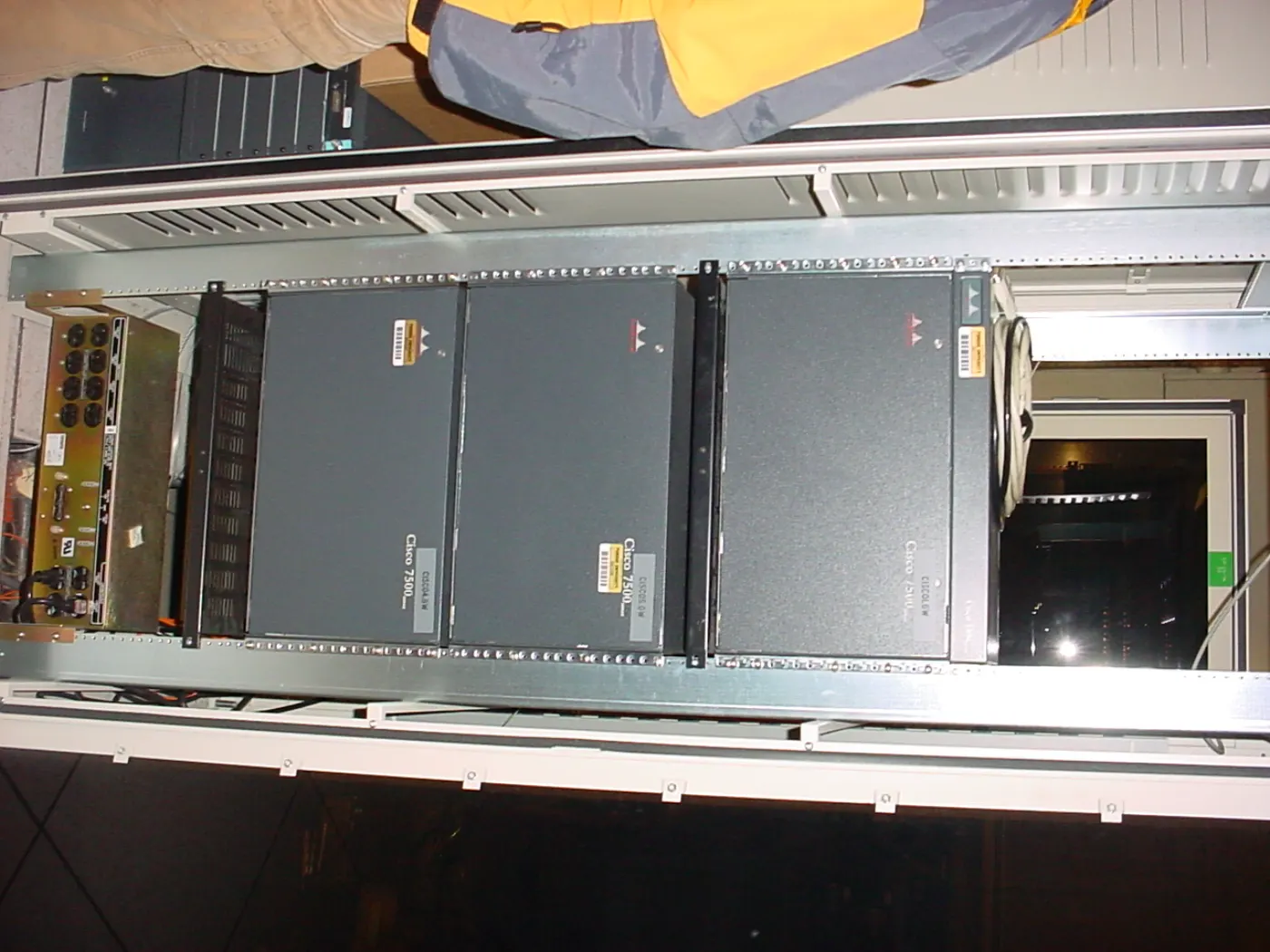
Image: Wikimedia Commons - Network core.
What Is FortiGate Site-to-Site VPN?
FortiGate site-to-site VPN is an IPsec-based encrypted connection between two or more fixed locations over the internet. The most common scenario connects a headquarters office and a branch, but the same model can also connect a data center, cloud virtual network gateway, or third-party firewall.
Fortinet’s site-to-site VPN documentation separates two main categories:
- FortiGate-to-FortiGate
- FortiGate-to-third-party
This distinction matters. When both peers are FortiGate devices, the wizard and recommended defaults are easier to control. When the other side is Cisco ASA, Azure VPN Gateway, AWS VPN Gateway, or another IPsec device, every parameter must be confirmed on both sides.
In enterprise deployments, this work usually belongs under Hardware & Software Services. To handle the device, WAN, routing, and firewall policy layers together, the Router, Switch and Firewall Deployment Service is directly relevant.
What Should Be Prepared Before Setup?
Before entering the VPN screen, prepare a one-page design sheet for both peers. At minimum, define:
| Field | Headquarters example | Branch example |
|---|---|---|
| Public peer IP | 203.0.113.10 | 198.51.100.20 |
| WAN interface | wan1 | wan1 |
| Local subnet | 10.10.0.0/16 | 10.20.0.0/16 |
| Remote subnet | 10.20.0.0/16 | 10.10.0.0/16 |
| IKE version | IKEv2 | IKEv2 |
| Authentication | pre-shared key or certificate | same method |
| Phase 1 proposal | AES/SHA/DH group | exact match |
| Phase 2 selector | local/remote subnet | reverse match |
| NAT | usually disabled for LAN-to-LAN | usually disabled for LAN-to-LAN |
When this information is not clarified before setup, failures most often appear in Phase 2 selectors, routes, or NAT behavior. Especially with a third-party peer, names may differ, but the logic stays the same: IKE, IPsec proposals, subnet selectors, and routing decisions must complement each other.
How Do You Configure Site-to-Site VPN on FortiGate?
Fortinet’s FortiOS 8.0.0 basic site-to-site VPN example shows a setup between two FortiGates using IKEv2 and a pre-shared key. In the GUI, the practical flow is:
- Go to
VPN > VPN Wizard - Select the site-to-site VPN template
- Standardize the tunnel name, for example
VPN-HQ-BR01 - Choose the correct remote site device type
- Define the remote peer public IP address and outgoing interface
- Select PSK or certificate authentication
- Match IKE version and proposal sets with the peer
- Enter the local subnet and remote subnet selector values correctly
- Verify whether the wizard created the route and policy as expected
PSK or certificate?
A pre-shared key is fast and common for initial deployments. Fortinet’s basic example also points to digital certificate authentication for stronger security. A practical decision model is:
- small two-site environment: strong PSK, restricted access, and periodic rotation
- many-site environment: certificate-based authentication and centralized lifecycle
- third-party integration: shared minimum secure set based on peer capabilities
If PSK is used, key rotation, access records, and change procedures should be documented. Otherwise, the VPN may work technically while operational security remains weak.
How should Phase 1 and Phase 2 matching be checked?
Phase 1 defines how the two devices authenticate each other and establish the IKE SA. Phase 2 defines which traffic is protected by the IPsec tunnel. The most important matches are:
- IKE version
- authentication method
- encryption and authentication proposal
- DH group
- lifetime values
- local and remote subnet selectors
- NAT-T requirement
- DPD behavior
If the tunnel does not come up at all, the issue is often in Phase 1: peer address, PSK, IKE version, or proposal mismatch. If the tunnel comes up but traffic does not pass, inspect Phase 2 selectors, routes, policies, or NAT.
How Should Routing, Policy, and NAT Be Planned?
Route-based IPsec design
In modern FortiGate deployments, route-based IPsec is usually more manageable for enterprise environments. In this model, the IPsec tunnel behaves like an interface, and the remote subnet is routed through that tunnel interface.
The basic logic is:
- at headquarters, route the branch subnet to the VPN tunnel interface
- at the branch, route the headquarters subnet to the VPN tunnel interface
- create LAN-to-VPN and VPN-to-LAN firewall policies in both directions
- keep NAT disabled for most LAN-to-LAN traffic
Fortinet’s overlapping subnet example explains that adding a blackhole route for the remote subnet is a best practice for route-based IPsec tunnels. The purpose is to prevent traffic for the remote subnet from being sent through the default route if the IPsec tunnel goes down. In practice, adding a higher-distance blackhole route reduces that risk.
Firewall policy directions
After the tunnel is created on FortiGate, traffic still requires explicit policy. Most designs need two primary policies:
LAN -> VPN: access from local users or servers to the remote siteVPN -> LAN: return traffic or access initiated from the remote site
Source, destination, and service fields should not be left overly broad. Instead of allowing all services from every subnet, define only the required DNS, RDP, HTTPS, SQL, or application ports. This governance layer directly relates to Business Management Services and the Network Security Policy Management service.
NAT exception
In LAN-to-LAN VPN scenarios, NAT is usually not desired. Preserving real internal IP addresses makes routing and log correlation cleaner. If subnets overlap, the situation changes. Fortinet’s overlapping subnet example shows that when both sides use the same subnet, source and destination NAT with new virtual subnet ranges can allow communication.
Make the NAT decision this way:
- subnets do not overlap: NAT disabled, route and policy enabled
- subnets overlap: NAT design, virtual subnet, and shared documentation
- third-party peer: align with the peer’s selector and NAT expectations
How Should the Tunnel Be Tested and Monitored?
Fortinet’s basic site-to-site VPN documentation shows Dashboard > Network Monitor > VPN in the GUI and diagnose vpn ike gateway list name <tunnel> in the CLI for tunnel validation. IPsec diagnose documentation also helps inspect Phase 1 and Phase 2 separately.
Use this practical validation sequence:
- Check tunnel status in VPN Monitor
- Review IKE SA status with
diagnose vpn ike gateway list name <tunnel> - Review IPsec SA and selectors with
diagnose vpn tunnel list name <phase2-name> - Test ping or the required application port in both directions
- Confirm the correct policy ID in firewall policy logs
- Verify route lookup for the remote subnet through the tunnel interface
- Check for unexpected NAT or security profile handling
Fortinet’s IKE and IPsec monitoring documentation highlights several useful troubleshooting commands:
diagnose vpn ike statusdiagnose vpn ike gateway listdiagnose vpn tunnel listdiagnose vpn ipsec statusdiagnose sniffer packet any 'udp port 500' 4diagnose sniffer packet any 'esp' 4diagnose debug application ike -1
Use these commands carefully. In production, verbose debug output should be controlled to avoid performance and readability issues.
Common Mistakes
Phase 2 selectors are reversed or incomplete
The subnet that is local at headquarters must be remote at the branch. If that relationship is wrong, the tunnel may establish while traffic does not match.
Route creation is assumed
The wizard may create routes or policies in some scenarios, but production standards require manual verification.
NAT is left enabled
Unnecessary NAT in LAN-to-LAN VPN creates unexpected source IPs on the peer side and makes log analysis harder.
Firewall policies are too broad
Opening all services across all internal networks may feel quick, but it weakens the security model. A site-to-site VPN should not become a shortcut around segmentation.
Blackhole route is forgotten
If the tunnel goes down, remote-subnet traffic falling back to the default route can create both security and troubleshooting problems.
Monitoring is skipped
A VPN should not be ignored after it works once. Tunnel status, rekey failures, packet loss, and policy deny logs should be monitored regularly.
Implementation Checklist
- public peer IP, WAN interface, and local/remote subnet information were validated for both peers
- IKE version, proposal, DH group, and lifetime values were matched
- a strong PSK was selected or certificate-based authentication was planned
- Phase 2 selector values were entered in reverse and compatible form on both peers
- the remote subnet route was pointed to the tunnel interface
- a higher-distance blackhole route was added where appropriate
- LAN-to-VPN and VPN-to-LAN firewall policies were written with narrow scope
- unnecessary NAT was disabled, or overlapping subnet NAT was documented
- status was validated with
diagnose vpn ike gateway listanddiagnose vpn tunnel list - VPN and policy logs were connected to the monitoring workflow
Related Content
- How Fortinet Firewall Works: FortiGate Packet Flow Guide
- How to Configure FortiGate VLANs
- What Is FortiGate SSL Inspection and How Should It Be Planned?
- How to Build Zero Trust Network Architecture with Fortinet
Next Step with Leon-X
FortiGate site-to-site VPN setup is much more than opening a tunnel on the device screen. WAN design, IPsec parameters, routing, firewall policy, NAT exceptions, and monitoring should be handled together in the same project. Leon-X supports VPN deployment through Hardware & Software Services, especially the Router, Switch and Firewall Deployment Service. For rulebase governance and auditability, Business Management Services and Network Security Policy Management help keep the design controlled after rollout. To review your current FortiGate environment or request a proposal, continue through the Contact page.
Relevant pages:
- Hardware & Software Services
- Router, Switch and Firewall Deployment Service
- Business Management Services
- Network Security Policy Management
- Contact
Frequently Asked Questions
Should FortiGate site-to-site VPN use IKEv1 or IKEv2?
For new deployments, use IKEv2 when the peer supports it. The final choice should still consider both devices, firmware, security standards, and third-party compatibility.
Why does traffic fail when the tunnel is up?
The most common causes are wrong Phase 2 selectors, missing routes, incorrect firewall policy direction, unnecessary NAT, or missing routes on the peer side.
Should NAT be disabled for site-to-site VPN?
If subnets do not overlap, NAT is usually disabled for LAN-to-LAN traffic. If subnets overlap, NAT and virtual subnet design should be planned separately.
Why use a blackhole route?
It prevents traffic for the remote subnet from being sent through the default route when the tunnel goes down. Fortinet’s overlapping subnet example describes this as a best practice for route-based IPsec tunnels.
Which commands should be checked first for FortiGate VPN troubleshooting?
Start with diagnose vpn ike gateway list, then use diagnose vpn tunnel list to inspect Phase 1 and Phase 2 state. Use IKE debug and packet sniffer carefully when deeper troubleshooting is needed.
Sources
- Fortinet Document Library - Site-to-site VPN
- Fortinet Document Library - Basic site-to-site VPN with pre-shared key
- Fortinet Document Library - Site-to-site VPN with overlapping subnets
- Fortinet Document Library - Dynamic IPsec route control
- Fortinet Document Library - IPsec related diagnose commands
- Fortinet Document Library - IKE and IPsec monitoring
- Wikimedia Commons - Network core