FortiGate NAT issues usually do not come from a single checkbox. They appear when route, policy, source NAT, destination NAT, IP pool, and session behavior are not read together. The short answer is this: to fix FortiGate NAT problems, first confirm whether traffic matches the expected policy, then determine whether FortiGate applies SNAT or DNAT, and finally verify the translation in the session table.
This guide is written for:
- network teams managing internet access, port forwarding, or VIP objects on FortiGate
- security teams troubleshooting cases where the policy looks correct but traffic fails
- operations teams migrating from Palo Alto, Cisco ASA, or another firewall platform to FortiGate
- IT managers who need to prove NAT behavior through logs and session table evidence
Quick Summary
- Fortinet’s firewall policy documentation explains that policy match evaluates source interface, protocol, source address, destination address, source port, and destination port together.
- Fortinet’s session table documentation shows why
nsrc,nport, policy ID, and protocol state matter during NAT troubleshooting. - If Central SNAT is enabled, the NAT option in IPv4 policies is skipped and SNAT is managed through
central-snat-map. - When IP pools are used for Dynamic SNAT, FortiGate can select the session source address from a defined pool instead of the outgoing interface address.
- A static VIP is destination NAT: a public IP or port is mapped to an internal private IP or port.
- A NAT issue cannot be closed by one signal such as "tunnel is up", "policy has hits", or "VIP counter increases"; route, policy, NAT, and return traffic must be validated together.
Table of Contents
- What Does a FortiGate NAT Issue Mean?
- First Diagnosis: SNAT or DNAT?
- How Should Policy, Route, and Central NAT Be Checked?
- How Do IP Pool and VIP Mistakes Appear?
- How Can NAT Be Proven with Session Table and Logs?
- Common Mistakes
- Implementation Checklist
- Related Content
- Next Step with Leon-X
- Frequently Asked Questions
- Sources
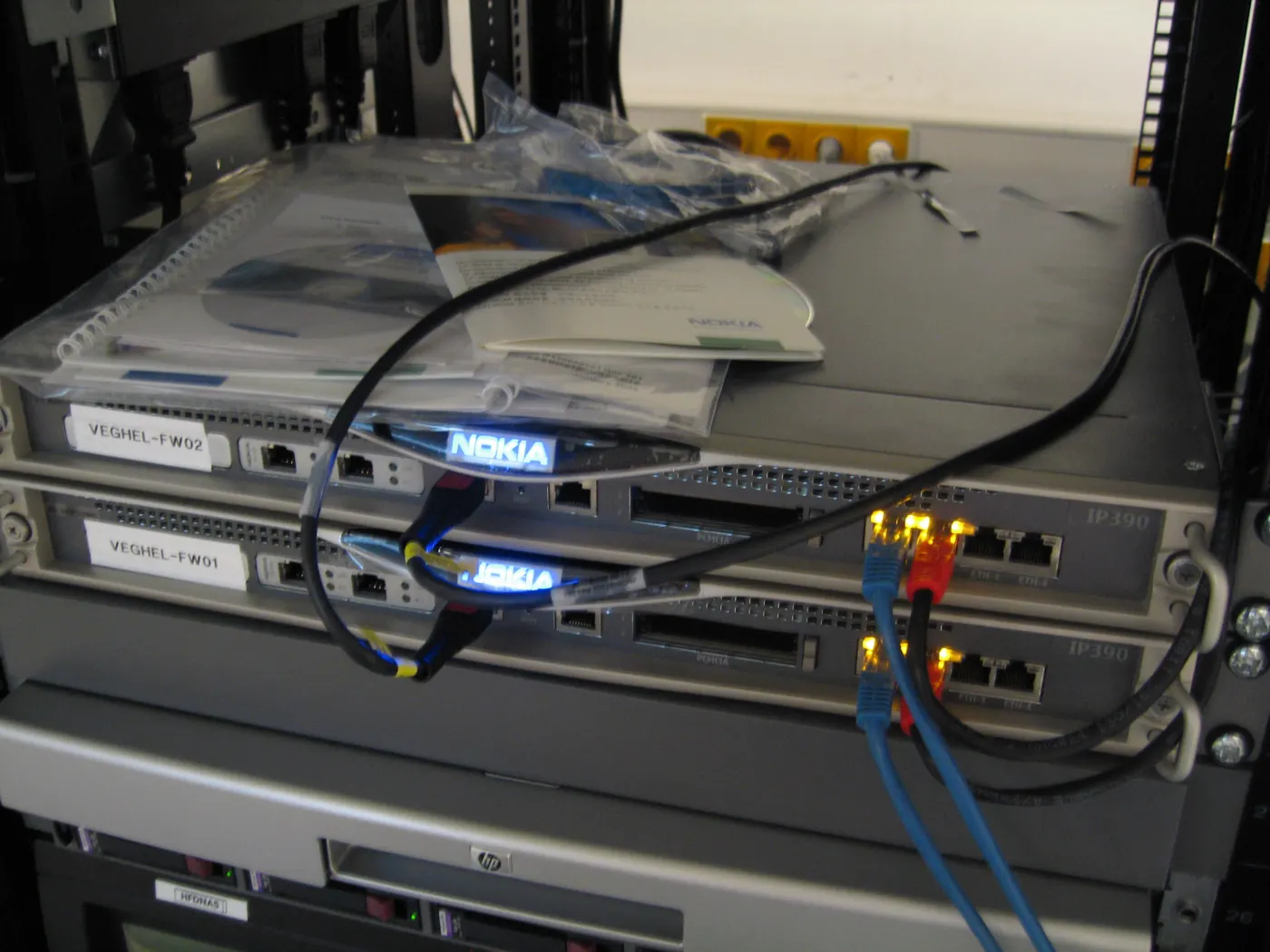
Image: Wikimedia Commons - Firewall cluster.
What Does a FortiGate NAT Issue Mean?
A FortiGate NAT issue means FortiGate is not translating traffic to the expected source or destination IP/port, or the translated traffic does not return to the same session path. It can appear through several symptoms:
- internal users cannot reach the internet
- internet access works but the wrong public IP is visible
- an externally published service is unreachable
- VIP hit count increases but traffic does not reach the server
- a VPN tunnel is up but translated traffic does not reach the expected peer address
- logs show policy hits but sessions do not establish or drop immediately
That makes NAT more than address translation. It is a packet-flow topic involving route, policy, session, and security-profile behavior. For the broader FortiGate packet-flow model, use How Does a Fortinet Firewall Work? FortiGate Packet Flow Guide.
In enterprise environments, NAT troubleshooting directly relates to firewall deployment and support under Hardware & Software Services. The Router, Switch and Firewall Deployment Service is especially relevant because NAT design should be handled together with WAN, routing, and policy standards.
First Diagnosis: SNAT or DNAT?
Before changing NAT settings, separate the type of NAT problem.
| NAT type | FortiGate object | Typical scenario | Common symptom |
|---|---|---|---|
| SNAT | policy NAT, central SNAT, IP pool | outbound internet access | wrong public IP, no internet |
| DNAT | VIP, virtual server, central DNAT | inbound access to an internal server | port forwarding fails |
| Hairpin NAT | VIP plus internal access | internal clients use public FQDN for internal server | internal users cannot access public name |
| VPN NAT | IP pool, policy NAT, overlapping subnet | overlapping subnet or third-party VPN | tunnel is up but traffic fails |
Without this distinction, troubleshooting often gets worse. Changing SNAT rules will not fix a DNAT/VIP issue. Looking for VIP hit count will not explain an outbound internet SNAT problem.
How Should Policy, Route, and Central NAT Be Checked?
Confirm firewall policy matching
Fortinet’s firewall policy documentation makes clear that FortiGate does not match policy only by source and destination IP. The decision uses:
- source interface
- protocol
- source address
- destination address
- source port
- destination port
The first question is whether the traffic really matches the expected policy. If the ingress interface is wrong, the service object does not match, or a route is missing, NAT can be correct while the traffic still fails.
Policy is not enough without route
Even if FortiGate accepts traffic with a policy, the session will not complete without the correct return path. Check:
- does the internal subnet really return to FortiGate as its gateway?
- is the public IP pool routed to FortiGate by the upstream device?
- does the public IP used by a VIP actually arrive at FortiGate?
- is SD-WAN or policy routing sending the traffic through an unexpected WAN?
- does the VPN peer know the translated subnet?
The routing and blackhole route discipline in FortiGate Site-to-Site VPN Setup also applies to NAT-heavy VPN designs.
Is Central SNAT enabled?
Fortinet’s Central SNAT documentation makes an important distinction: when Central NAT is enabled, the NAT option under IPv4 policies is skipped and SNAT is handled through central-snat-map. This is one of the most common migration surprises.
Use this workflow:
- Check whether Central SNAT is enabled under
System > Settings - If enabled, inspect
Policy & Objects > Central SNAT - Remember that central SNAT rules match from top to bottom
- Review source, destination, interface, protocol, and port together with the policy
- If central SNAT is disabled, check NAT and IP pool settings in the firewall policy
This model can be cleaner in multi-WAN, multi-public-IP, or source-group-specific egress designs. But wrong ordering can easily produce the wrong public source IP.
How Do IP Pool and VIP Mistakes Appear?
Dynamic SNAT and IP pools
Fortinet’s Dynamic SNAT documentation explains that an IP pool defines a single address or address range used as the source address for a session. The same documentation describes IPv4 IP pool types including overload, one-to-one, fixed port range, and port block allocation.
Practical implications:
- overload IP pools can place many internal IPs behind a smaller set of public IPs
- one-to-one IP pools are meaningful when the number of public IPs matches the intended internal mappings
- fixed port range and port block allocation provide more controlled port distribution
- if the public IP pool is not routed to FortiGate, traffic may disappear upstream
- when a single IP pool is used, port consumption and destination concentration should be monitored
Fortinet’s Dynamic SNAT documentation explains an overload example with approximately 60,416 available ports per IP. Treat that as a capacity-planning input for concurrent sessions and traffic concentration, not as a standalone guarantee.
Static VIP and port forwarding
Fortinet’s Static Virtual IPs documentation defines VIP as destination NAT: an external IP address is mapped to an internal IP address. Port forwarding VIPs map specific public ports or port ranges to specific internal ports.
Common mistakes include:
- the VIP external IP is not routed to FortiGate
- the VIP is correct but the firewall policy destination references the wrong object
- Central NAT is enabled and the DNAT screen or policy reference is misread
- external port and mapped port are confused
- the internal server’s default gateway is not FortiGate
- a security profile or local-in behavior blocks traffic at another layer
Fortinet’s port forwarding example shows one public IP mapping ports such as 8080, 8081, and 8082 to different internal web servers. When this design is used, services and logs should be interpreted per port.
How Can NAT Be Proven with Session Table and Logs?
The strongest answer to whether NAT works comes from the session table and logs. Fortinet’s session table documentation shows that session records expose policy, NAT, and protocol-state information.
Use this validation flow:
- limit test traffic to one source and one destination
- confirm the correct policy ID in policy logs
- inspect
nsrc,nport,ndst, or destination NAT details in the session table - compare pre-NAT and post-NAT addresses with packet sniffer on ingress and egress interfaces
- verify the server’s expected source IP and return gateway
- confirm that the upstream device routes the translated public IP to FortiGate
Typical commands include:
diagnose sys session filter clear
diagnose sys session filter src 10.10.10.25
diagnose sys session list
diagnose sniffer packet any 'host 10.10.10.25' 4
diagnose debug flow filter addr 10.10.10.25
diagnose debug flow show function-name enable
diagnose debug flow trace start 20
Use debug commands carefully in production. Broad filters reduce readability and can create unnecessary load on busy devices.
If NAT logs must be reviewed centrally, SIEM and Security Event Management Integration is a natural supporting service.
Common Mistakes
Expecting policy NAT while Central NAT is enabled
If Central SNAT is enabled, the NAT checkbox in the firewall policy is not the right source of truth. The SNAT table must be reviewed separately.
Treating VIP hit count as final proof
VIP counters can show that traffic matched the VIP, but they do not prove that the internal server received traffic or that the return route is correct.
Forgetting the IP pool route
It is not enough for FortiGate to use a public IP pool. The upstream router or ISP path must route that public range to FortiGate.
Confusing external and mapped ports
External service port and mapped internal port can be different. Logs and service objects should be read with that distinction in mind.
Solving VPN NAT and internet SNAT with the same rule
VPN NAT, overlapping subnet translation, and internet egress SNAT are different design problems. Forcing them into one rule set makes troubleshooting harder.
Changing rules without reading the session table
Interpreting NAT without a session is weak diagnosis. The session table shows which policy and NAT behavior actually occurred.
Implementation Checklist
- the issue was classified as SNAT, DNAT, hairpin NAT, or VPN NAT
- ingress and egress interfaces were validated
- firewall policy match was checked together with source, destination, service, and route
- Central SNAT enabled/disabled state was confirmed
- IP pool type and public IP routing were validated
- VIP external IP, mapped IP, external port, and mapped port were checked
- post-NAT return gateway and peer-side routes were reviewed
- policy ID and NAT fields were verified in the session table
- pre-NAT and post-NAT addresses were compared with packet sniffer
- NAT logs were connected to monitoring or SIEM workflows
Related Content
- How Does a Fortinet Firewall Work? FortiGate Packet Flow Guide
- FortiGate Site-to-Site VPN Setup: Practical Guide
- How to Configure FortiGate VLANs
- What Is FortiGate SSL Inspection and How Should It Be Planned?
Next Step with Leon-X
FortiGate NAT issues are not solved by checking the NAT checkbox alone. A correct diagnosis requires WAN design, routes, firewall policies, Central SNAT, VIPs, IP pools, session table evidence, and log analysis to be reviewed together. Leon-X supports technical remediation through Hardware & Software Services, especially the Router, Switch and Firewall Deployment Service. For rule standardization and change control, Business Management Services and Network Security Policy Management help keep the design maintainable. To review your environment or request a proposal, continue through the Contact page.
Relevant pages:
- Hardware & Software Services
- Router, Switch and Firewall Deployment Service
- Business Management Services
- Network Security Policy Management
- SIEM and Security Event Management Integration
- Contact
Frequently Asked Questions
Where should FortiGate NAT troubleshooting start?
First separate whether the issue is SNAT or DNAT. Then check route, policy, central NAT state, IP pool or VIP objects, and session table evidence together.
If the FortiGate policy is correct, should NAT always work?
No. NAT can still fail because of central SNAT ordering, missing IP pool routing, wrong VIP references, or broken return routes.
Why should I check whether Central NAT is enabled?
Because when Central SNAT is enabled, the NAT option inside IPv4 firewall policies is skipped. Source NAT behavior is then controlled by the central SNAT table.
Does VIP hit count prove that DNAT works?
Not by itself. VIP hit count can show that traffic matched the VIP, but it does not prove that the internal server received the packet, replied correctly, or had the right route.
Why can internet access fail after using an IP pool?
The public IP pool may not be routed to FortiGate, the wrong IP pool type may be selected, or port consumption and route behavior may differ from expectations.
Sources
- Fortinet Document Library - Central SNAT
- Fortinet Document Library - Dynamic SNAT
- Fortinet Document Library - Static virtual IPs
- Fortinet Document Library - Virtual IPs with port forwarding
- Fortinet Document Library - Firewall policy
- Fortinet Document Library - Using a session table
- Wikimedia Commons - Firewall cluster