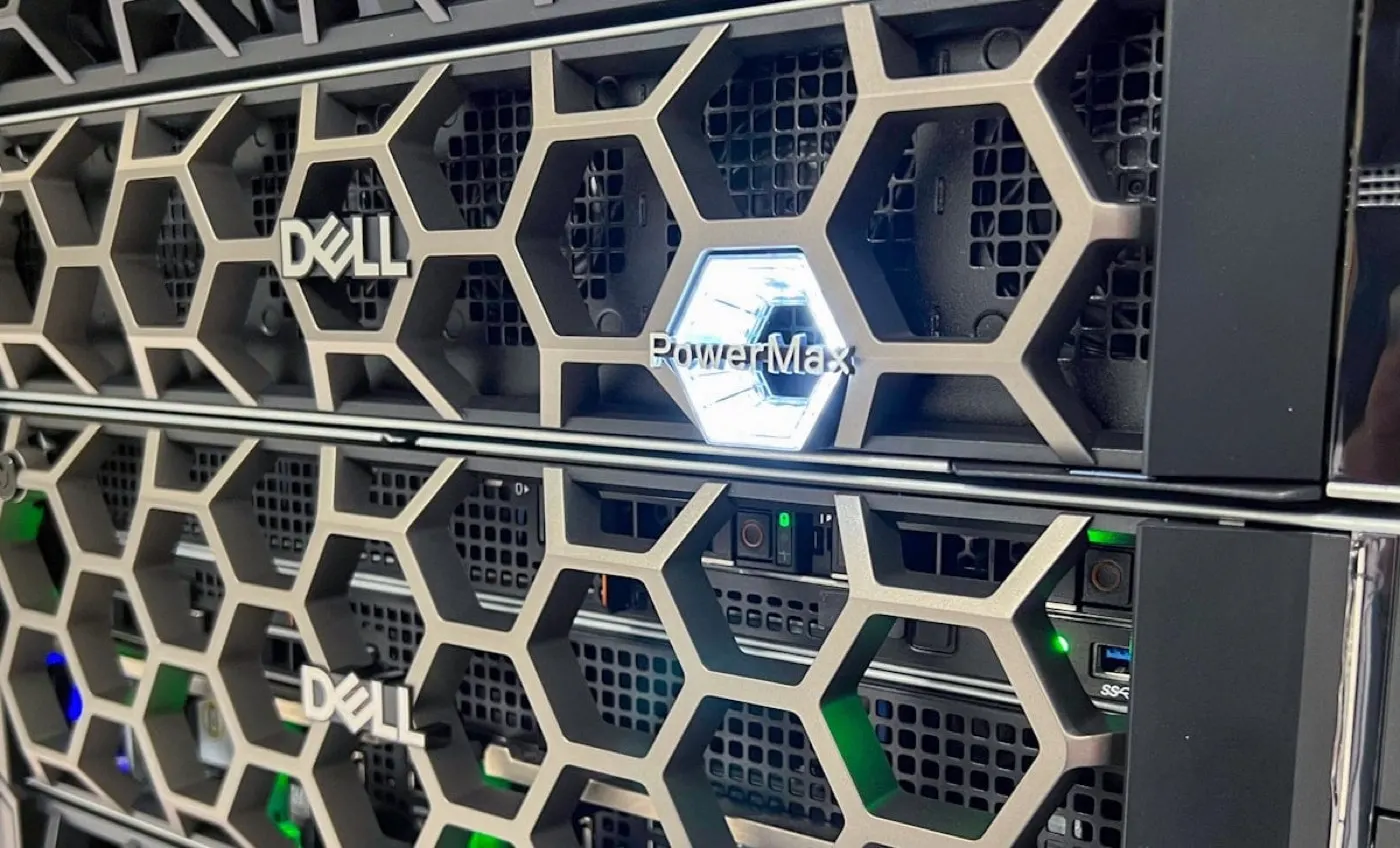
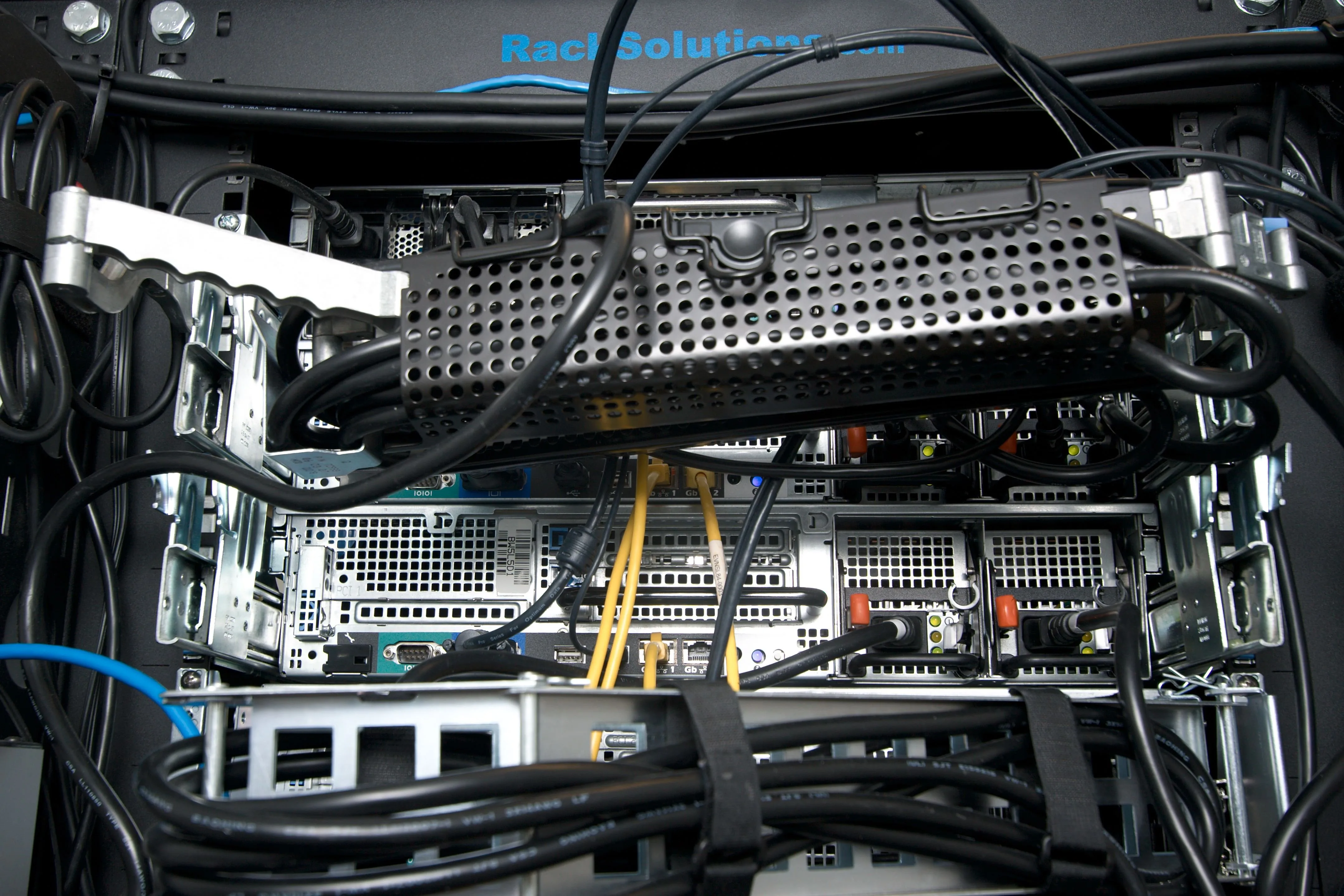
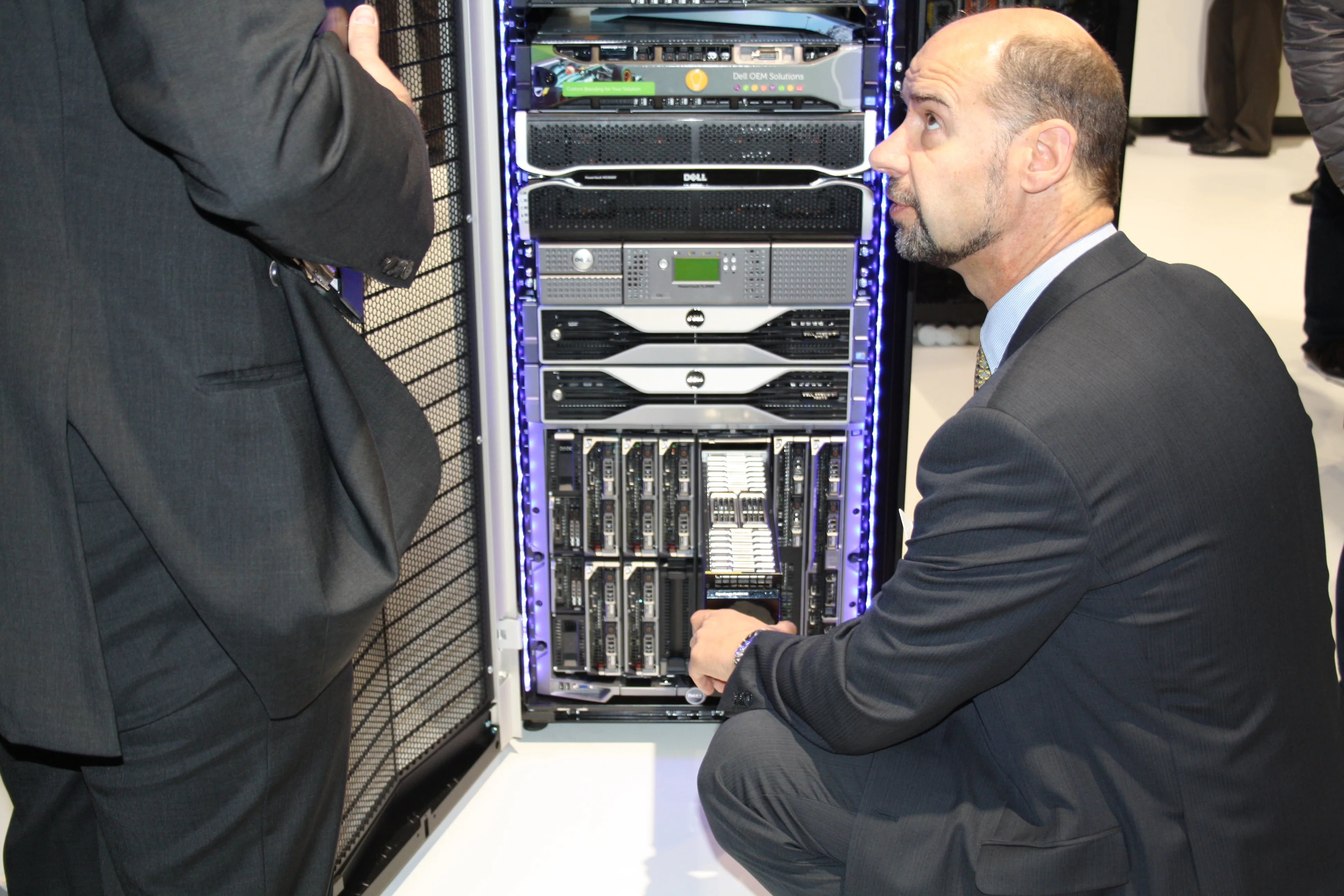
Dell Server Enterprise Topology Design is not just about choosing which PowerEdge model to buy. A good topology connects compute node placement, management networking, production VLANs, storage paths, cluster behavior, security boundaries, and centralized lifecycle management into one architectural decision. The short answer is this: enterprise server topology defines where workloads run, how they grow, how they behave during failures, and how they are managed.
This guide is written for:
- systems and network teams designing Dell PowerEdge infrastructure
- organizations running virtualization, database, backup, and log workloads on the same platform
- IT leaders planning a new data center or a second location
- decision makers who need to connect model selection with architecture design
Quick Summary
- Enterprise servers such as Dell PowerEdge R760 affect topology decisions through 2U/2-socket design, high memory density, PCIe expansion, and OCP NIC options.
- Enterprise topology should be designed across at least 6 layers: compute, management, production networking, storage, HA/DR, and operational monitoring.
- The iDRAC out-of-band management network should be separated from production and storage networks.
- OpenManage Enterprise centralizes visibility for Dell servers, chassis, storage, and network switches; it should be positioned in the topology from the start.
- Strong topology covers not only today's node count, but also 12-36 month growth, maintenance windows, cluster quorum, backup traffic, and firmware lifecycle.
Table of Contents
- What Does Enterprise Topology Design Cover?
- How Should the Compute Layer Be Placed?
- How Should Management, Production, and Storage Networks Be Separated?
- How Should HA, Quorum, and Maintenance Behavior Be Designed?
- Where Should OpenManage and Lifecycle Management Fit?
- Example Topology Decision Matrix
- Related Content
- Next Step with Leon-X
- Frequently Asked Questions
- Sources
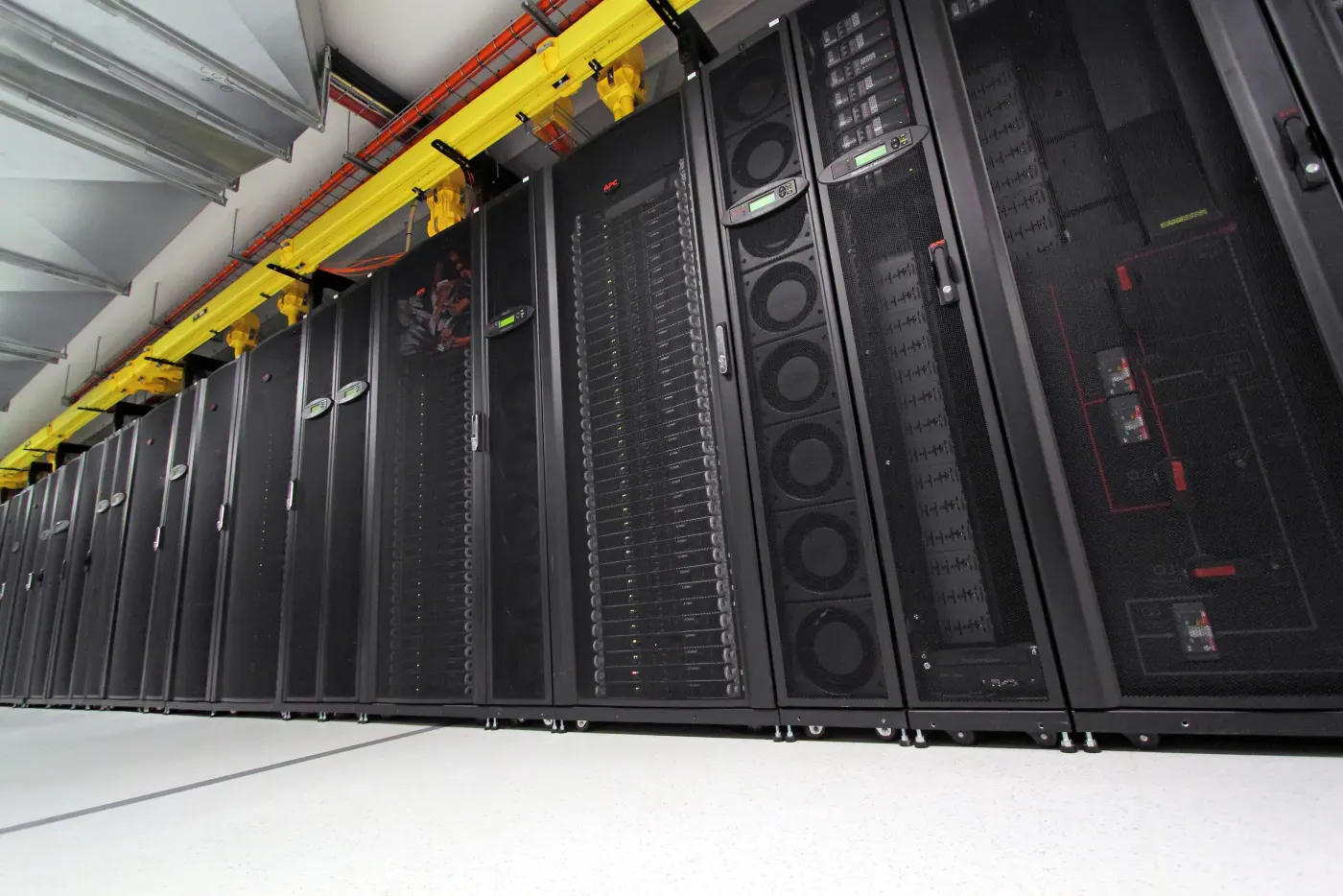
Image: Wikimedia Commons - CSIRO ScienceImage 2042 A row of computer servers in a server rack. Optimized as WebP.
What Does Enterprise Topology Design Cover?
Enterprise topology design means modeling service behavior before servers are installed in racks. A PowerEdge purchase can be technically correct at the model level, but if the topology is weak, the same infrastructure may fail to deliver during maintenance, growth, or failures.
A strong Dell server topology design should answer these questions:
- which workloads will run inside the same cluster?
- which physical or logical paths carry management, production, backup, and storage traffic?
- which switch pair does each server connect to, at which speed, and with which redundancy model?
- how will firmware, BIOS, iDRAC, and driver lifecycles be centrally managed?
- where will services run when a host is placed into maintenance?
- if another node or NIC is needed in 12 months, are rack space, ports, and licensing already planned?
Without those answers, the project becomes a hardware list. Enterprise topology turns that hardware list into an operating architecture.
How Should the Compute Layer Be Placed?
Dell PowerEdge R760 specifications show a 2U/2-socket rack server with high core density, DDR5 memory capacity, GPU options, and PCIe expansion. That flexibility is valuable, but if every workload is packed into the same node profile, future resource imbalance becomes likely.
Plan the compute layer by workload class:
| Workload type | Topology impact | Design note |
|---|---|---|
| Virtualization cluster | CPU/RAM density, vMotion network, shared storage | keep node profiles as symmetrical as practical |
| Database | low latency, high memory, NVMe or SAN need | account for NUMA and storage path behavior early |
| Backup and log processing | heavy network and disk-write traffic | separate backup traffic from production networks |
| GPU/AI workload | PCIe slots, power, cooling, rack density | validate power and thermal capacity, not only U space |
| Edge or branch workload | limited field access, remote management | iDRAC and centralized monitoring become critical |
The point is not to choose one "most powerful server." The better approach is to map workload classes to standard node profiles and separate growth plans accordingly.
How Should Management, Production, and Storage Networks Be Separated?
A frequent enterprise topology mistake is treating all traffic as if it belongs on the same physical switch or VLAN model. In Dell PowerEdge architecture, iDRAC management, operating system production traffic, and storage or backup paths have different risk profiles.
Use this minimum separation:
- a dedicated management segment for iDRAC and OpenManage access
- production VLANs for user and application traffic
- separate storage or backup segments for iSCSI, NFS, vSAN, or backup traffic
- controlled low-latency paths for cluster heartbeat or migration traffic
- SIEM/syslog access for security monitoring and log forwarding
This separation helps security, performance, and maintenance. Backup windows slowing applications, storage traffic mixing with user VLANs, or iDRAC access depending on production firewall policy are topology problems that should be solved early.
For this layer, Hardware and Software Solutions, Server Installation, Configuration and Commissioning, and Router, Switch and Firewall Installation Service should be evaluated together.
How Should HA, Quorum, and Maintenance Behavior Be Designed?
High availability is not just buying two servers. Cluster topology must include node count, quorum or witness placement, storage paths, network redundancy, and maintenance procedures.
Ask these practical design questions:
- when one host enters maintenance, where will critical VMs or services run?
- if one switch fails, do storage paths continue to work?
- is quorum or witness placed inside the same failure domain?
- will backup or replication traffic saturate production links during failover?
- is the rolling firmware update and rollback procedure documented?
At this point, High Availability Server Infrastructure Solutions should be understood as service behavior design, not just hardware redundancy. For deeper background, see Dell Server High Availability Design Guide.
Where Should OpenManage and Lifecycle Management Fit?
Dell OpenManage Enterprise is positioned as a web application that centralizes management and monitoring visibility for Dell servers, chassis, storage, and network switches. In topology design, OpenManage should not be treated as a later tool; it is the lifecycle management layer.
OpenManage or an equivalent management layer should standardize:
- inventory and health visibility
- iDRAC access standards
- firmware and driver baseline tracking
- pre-maintenance readiness checks
- hardware alerts and event flow
- centralized reporting and evidence
Without this layer, enterprise topology gradually drifts. The port, firmware, or BIOS profile that was correct at launch may diverge after the third expansion cycle. Lifecycle management keeps that drift visible.
Example Topology Decision Matrix
| Decision area | Minimum approach | Enterprise approach | Evidence or output |
|---|---|---|---|
| Node profile | same server model | standard node profiles by workload class | capacity and growth plan |
| Management network | shared access VLAN | isolated segment for iDRAC/OpenManage | IP plan and firewall rules |
| Production network | single uplink | redundant switches, VLAN standard, LACP or failover policy | network topology diagram |
| Storage network | shared with production | separate VLAN or physical path and multipath standard | path test output |
| HA model | manual intervention | cluster, quorum, maintenance procedure | failover test record |
| Lifecycle | device-by-device updates | OpenManage baseline and maintenance calendar | firmware compliance report |
30-Day Implementation Plan
Days 1-7: Discovery
- inventory existing PowerEdge servers, switches, storage, and hypervisors.
- classify workloads as critical, operational, or supporting services.
- document current management, production, storage, and backup flows.
Days 8-15: Target Topology
- define node profiles and growth scenarios.
- separate the iDRAC/OpenManage management segment from production.
- clarify capacity and redundancy decisions for storage and backup traffic.
Days 16-23: HA and Operations
- document quorum, witness, and maintenance behavior.
- create rolling firmware update and rollback procedures.
- define OpenManage baselines and alert flows.
Days 24-30: Validation
- test single-link, single-switch, and single-host maintenance scenarios.
- update the topology diagram and port/IP matrix.
- close gaps through risk records, actions, or acceptance decisions.
Related Content
- What Is Dell PowerEdge Server? Architecture Guide
- Dell Server Datacenter Design Guide
- Dell Server High Availability Design Guide
- Dell PowerEdge NVMe Drive Installation and Benefits
Next Step with Leon-X
Dell Server Enterprise Topology Design turns a purchasing list into an operating architecture. Leon-X designs compute, network, storage, and management layers together through Hardware and Software Solutions, Server Installation, Configuration and Commissioning, High Availability Server Infrastructure Solutions, and Router, Switch and Firewall Installation Service. To review your current Dell PowerEdge topology or request a proposal, continue through the Contact page.
Related pages:
- Hardware and Software Solutions
- Server Installation, Configuration and Commissioning
- High Availability Server Infrastructure Solutions
- Router, Switch and Firewall Installation Service
- Contact
Frequently Asked Questions
Is Dell server topology design the same as datacenter design?
No. Datacenter design focuses more on racks, power, cooling, and physical placement. Enterprise topology design combines compute, network, storage, management, HA, and operations.
Should the iDRAC management network be separate from production?
In a strong enterprise design, yes. iDRAC is an out-of-band management plane. Separating it from production improves security, maintenance access, and operational continuity.
Is one switch pair enough for all traffic?
It can work in small environments, but enterprise design should evaluate production, storage, backup, and management traffic separately for capacity, security, and failure behavior.
Why should OpenManage Enterprise be considered early?
Because inventory, firmware baselines, hardware health, and lifecycle management determine whether the topology remains sustainable. Adding it later often means cleaning up missing standards.