FortiGate SSL VPN setup is not just about opening a tunnel from a remote user to the internal network. A healthy setup combines FortiOS version support, the web mode versus tunnel mode decision, user groups, portal profiles, split tunneling behavior, firewall policy direction, MFA enforcement, and log validation in one design. The short answer is this: FortiGate SSL VPN provides secure remote access when it is deployed with the right version, authentication model, and access policy; if designed poorly, it can give users more network access than they actually need.
This guide is written for:
- network and security teams deploying remote user VPN on FortiGate
- IT teams designing FortiClient tunnel mode access
- managers deciding between web portal, split tunnel, and full tunnel models
- organizations that want SSL VPN to be auditable through MFA, logging, and access review
Quick Summary
- Fortinet documentation shows that SSL VPN menus can be hidden in the GUI in some versions and may need to be enabled through
System > Feature Visibility. - SSL VPN web mode provides clientless browser access; tunnel mode provides IP-level access through FortiClient.
- Fortinet split tunneling documentation describes options for sending all traffic through VPN or only traffic matching policy destinations.
- Fortinet security guidance highlights stronger authentication and MFA options such as FortiToken for SSL VPN access models.
- FortiOS version and platform support must be checked first; in some newer FortiOS flows, IPsec or ZTNA migration may be the better plan than SSL VPN tunnel mode.
- Strong audit evidence includes user groups, portal profiles, firewall policies, MFA status, VPN logs, and 90-day access review outputs.
Table of Contents
- What Is FortiGate SSL VPN?
- Which Decisions Should Be Made Before Setup?
- How to Configure FortiGate SSL VPN
- How to Choose Split Tunnel, Full Tunnel, and Web Mode
- How to Strengthen MFA, Policy, and Logging
- Testing and Troubleshooting Steps
- Related Content
- Checklist
- Next Step with Leon-X
- Frequently Asked Questions
- Sources
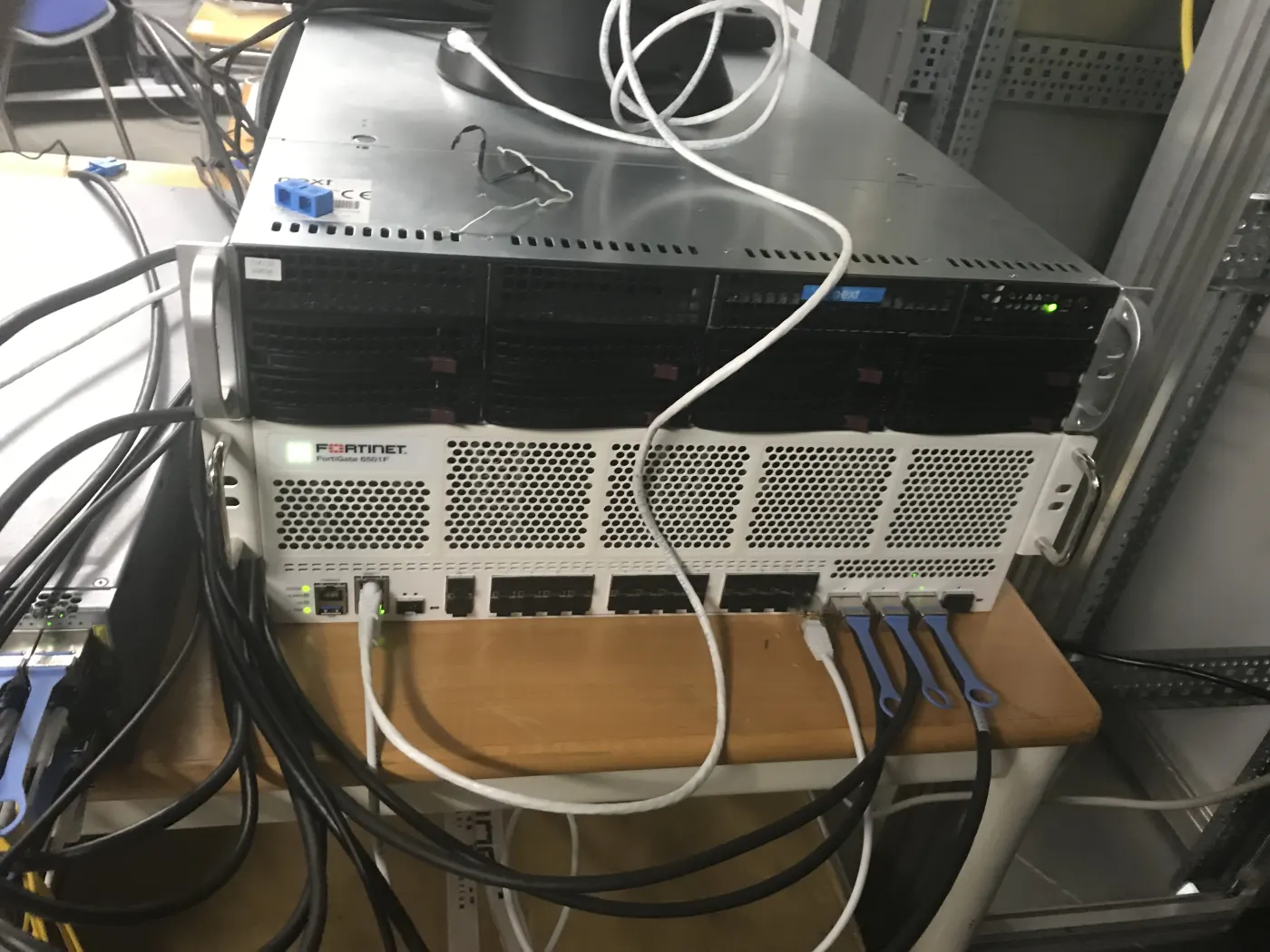
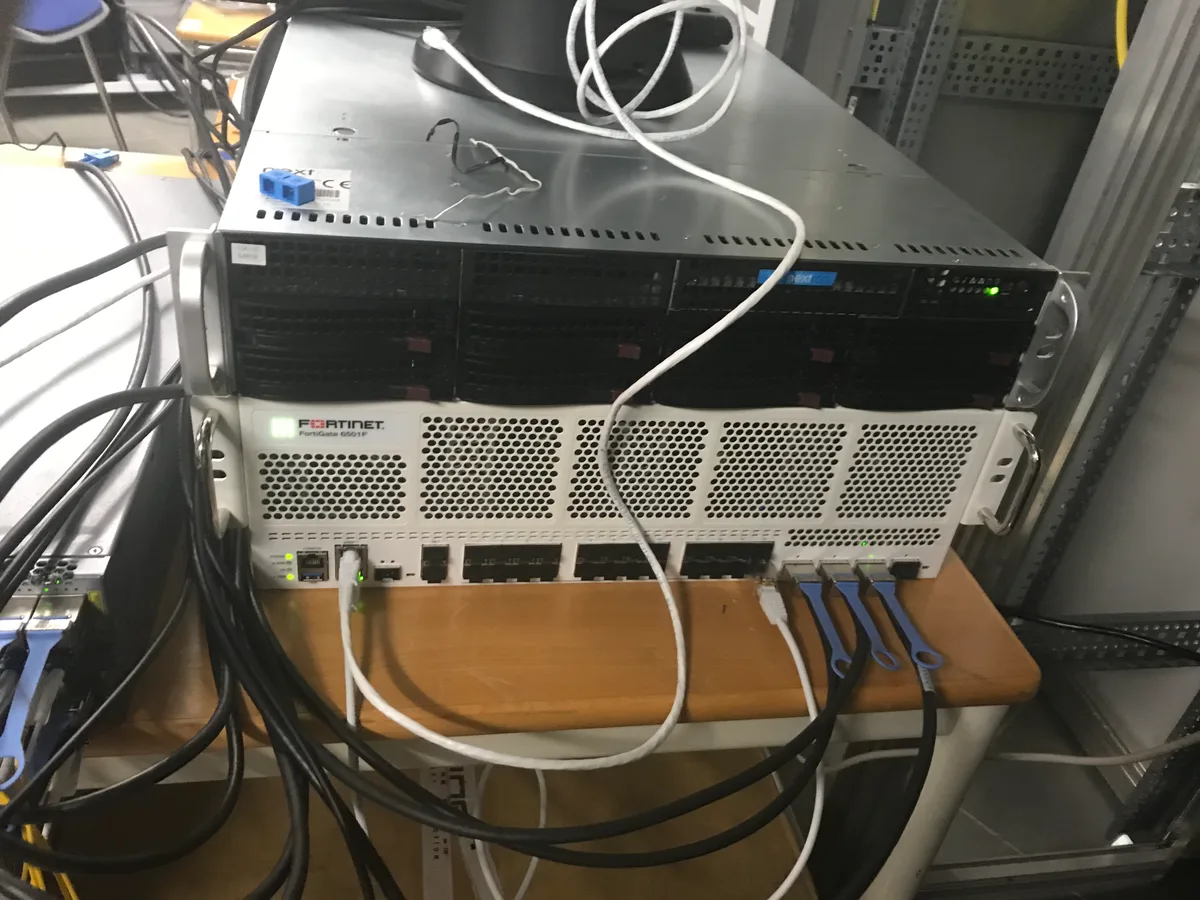
Image: Wikimedia Commons - The Gathering 2019 - Server and firewall.
What Is FortiGate SSL VPN?
FortiGate SSL VPN is a FortiOS remote access feature that allows remote users to reach corporate resources over a secure HTTPS-based session. It is usually split into two access models:
- web mode: the user accesses selected resources through a browser portal
- tunnel mode: the user creates IP-level connectivity through FortiClient
Web mode is useful when clientless access is preferred and access should stay limited to bookmarks or selected web resources. Tunnel mode is more suitable when users need file shares, RDP, application ports, or broader corporate network access. Because tunnel mode opens a wider path from the user endpoint into the organization, it needs stronger authentication, endpoint control, and firewall policy.
This topic should be read together with How to Design Zero Trust Network Architecture with Fortinet. SSL VPN provides traditional remote access; ZTNA focuses on narrower application access based on user and device posture.
Which Decisions Should Be Made Before Setup?
Before creating an SSL VPN portal on FortiGate, the design decisions should be clear.
| Decision | Recommended approach | Why it matters |
|---|---|---|
| FortiOS version | check target version and model support | SSL VPN behavior and support can differ by release |
| Access type | web mode, split tunnel, or full tunnel | defines the user access surface |
| User source | local, LDAP, RADIUS, or SAML | affects identity management and offboarding |
| MFA | FortiToken, RADIUS MFA, or SAML MFA | reduces password compromise risk |
| IP pool | dedicated SSL VPN client subnet | improves logging and policy design |
| Firewall policy | based on user group and destination | prevents unnecessary internal access |
| Logging | VPN events and policy logs | supports incident review and audit evidence |
FortiOS version support deserves a separate check. Fortinet’s SSL VPN tunnel mode to IPsec VPN migration documentation covers scenarios where SSL VPN tunnel mode behavior changes in newer FortiOS paths and where IPsec VPN migration is needed. New deployments should therefore review target firmware, device model, FortiClient version, and alternatives such as IPsec or ZTNA before simply enabling SSL VPN.
How to Configure FortiGate SSL VPN
1. Enable SSL VPN visibility
Fortinet documentation shows that SSL VPN menus can be hidden by default in some versions. In the GUI, enable SSL-VPN under System > Feature Visibility. In the CLI, the approach is:
config system settings
    set gui-sslvpn enable
end
Web mode can also be disabled separately. If the web portal is required, the global web mode setting should be checked as documented by Fortinet.
2. Create the user and group model
Putting every remote user into one group is a weak design. At minimum, separate:
SSLVPN-IT-AdminsSSLVPN-FinanceSSLVPN-HRSSLVPN-External-SupportSSLVPN-ReadOnly-Portal
These groups should be used as source groups inside firewall policies. That way, each user receives access only to the relevant applications, servers, or ports.
3. Define the portal profile
The portal profile controls the access model:
- is web mode enabled?
- is tunnel mode enabled?
- is split tunneling enabled?
- will routing address override be used?
- are DNS and split DNS required?
- what are the idle timeout and session timeout values?
Fortinet split tunneling documentation describes tunnel mode options such as Disabled, Enabled Based on Policy Destination, and Enabled for Trusted Destinations. In many organizations, sending only traffic that matches policy destinations through VPN is the more controlled starting point.
4. Configure SSL VPN settings and IP pool
Core settings:
- listening interface: usually a WAN interface
- listening port: organization standard, for example
443or10443 - server certificate: trusted certificate
- source address restriction: country/IP restrictions or upstream protection where possible
- client address range: dedicated SSL VPN subnet
- authentication rule: user group to portal mapping
The SSL VPN client IP pool should not overlap with internal LAN subnets. It should also be kept separate for firewall policy and log correlation.
5. Write firewall policies
Firewall policy is the critical step in SSL VPN setup. Even if the SSL VPN tunnel is established, traffic should not pass without policy. A clean policy model uses:
- incoming interface:
ssl.rootor the relevant SSL VPN interface - source: SSL VPN client address object and user group
- destination: only required servers or subnets
- service: only required ports
- NAT: usually disabled for internal resource access
- log allowed traffic: enabled
- security profiles: applied according to need
This directly relates to Business Management Services, especially Network Security Policy Management. For technical deployment, Hardware & Software Services and Router, Switch and Firewall Deployment Service are the primary service matches.
How to Choose Split Tunnel, Full Tunnel, and Web Mode
Split tunnel
Split tunnel sends only corporate destination traffic into the VPN. Benefits:
- user internet traffic does not consume FortiGate bandwidth
- bandwidth usage is lower
- SaaS and video traffic usually has less delay
Risks:
- local internet traffic may bypass corporate controls
- endpoint security becomes more important
- DNS and route mistakes can create access problems
Full tunnel
Full tunnel sends all client traffic through FortiGate. Benefits:
- internet traffic can pass through corporate security profiles
- central logging and control increase
- it is stricter for higher-risk user groups
Risks:
- more bandwidth and firewall capacity are required
- remote user experience can be affected
- incorrect sizing can create FortiGate bottlenecks
Web mode
Web mode provides clientless portal access. Fortinet documentation states that users authenticate with valid credentials and any configured MFA components before reaching the portal. It is suitable for limited resource access, but tunnel mode or ZTNA may be better for complex applications.
How to Strengthen MFA, Policy, and Logging
MFA should be mandatory
SSL VPN is an internet-facing authentication surface. Password-only access should not be treated as sufficient. Fortinet SSL VPN security guidance points to FortiToken and other two-factor options. In practice:
- all SSL VPN users should be covered by MFA
- external support users should be activated temporarily
- failed login attempts should create alerts
- old or inactive accounts should be cleaned in short cycles such as 30 days
Policies should stay narrow
SSL VPN users should not receive access to the entire LAN. Example policy separation:
- IT admin: jump host, management subnet, selected admin ports
- finance: ERP and file share
- HR: HR application and selected data share
- external support: only the relevant server and time-bound access
This approach should be combined with the packet flow and policy matching logic explained in How Fortinet Firewall Works.
Logs should be centrally monitored
SSL VPN logs should not stay only on FortiGate. Monitor:
- successful and failed logins
- MFA failures
- user group and portal mapping
- VPN client IP assignment
- policy accept and deny logs
- high-volume or unusual access
- country/IP anomalies
SIEM and Security Event Management Integration connects VPN events to central alerting and correlation workflows.
Testing and Troubleshooting Steps
Validation should not end with a "connected" screen. Use this sequence:
- can the user authenticate with MFA?
- is the correct portal profile assigned?
- does the client receive an address from the correct SSL VPN IP pool?
- does the split tunnel route list contain expected networks?
- does DNS resolution work?
- are target application ports reachable?
- do FortiGate policy logs show the correct rule ID?
- do deny logs show expected blocking?
- do events reach SIEM or the central log platform?
Common CLI checks:
get vpn ssl monitor
diagnose vpn ssl list
diagnose debug application sslvpn -1
diagnose debug enable
Debug commands should be used briefly and carefully in production. Output can be noisy; debug should be disabled after testing.
Related Content
- FortiGate Site-to-Site VPN Setup
- How to Design Zero Trust Network Architecture with Fortinet
- How Fortinet Firewall Works
- How to Configure FortiGate VLANs
- FortiAnalyzer Setup Guide
Checklist
- FortiOS version, device model, and SSL VPN support were checked
- web mode, tunnel mode, split tunnel, or full tunnel decision was documented
- SSL VPN user groups were separated by role
- MFA was made mandatory for all remote access users
- SSL VPN IP pool was created without overlap with internal subnets
- portal profile and authentication rule mapping were tested
- firewall policies were limited by source, destination, and service
- allowed and denied traffic logging was enabled
- VPN events were validated in SIEM or central logging
- 90-day access review and inactive account cleanup were planned
Next Step with Leon-X
FortiGate SSL VPN setup is not only about connecting remote users. Version support, MFA, portal profiles, policy standards, logging, and user lifecycle should be managed in the same project. Leon-X deploys FortiGate SSL VPN through Hardware & Software Services, especially the Router, Switch and Firewall Deployment Service. Through Business Management Services, Network Security Policy Management, and the Cybersecurity Assessment Service, access rules become more auditable. To review your FortiGate environment or request a proposal, continue through the Contact page.
Relevant pages:
- Hardware & Software Services
- Router, Switch and Firewall Deployment Service
- SIEM and Security Event Management Integration
- Business Management Services
- Network Security Policy Management
- Cybersecurity Assessment Service
- Contact
Frequently Asked Questions
Should FortiGate SSL VPN use web mode or tunnel mode?
Use web mode for limited clientless access. Use tunnel mode when IP-level access to corporate resources is required. The final choice depends on application needs, security policy, and FortiOS support.
Is split tunnel secure?
It can be used with proper endpoint security, MFA, narrow firewall policy, and logging. If all internet traffic must pass through corporate controls, full tunnel is better.
Should MFA be mandatory for SSL VPN?
Yes. SSL VPN is an internet-facing authentication surface, so password-only access is not sufficient.
Does FortiOS version affect the SSL VPN decision?
Yes. Fortinet documentation shows that SSL VPN, IPsec, and ZTNA migration scenarios can change by version. Check the target FortiOS release and device model before deployment.
SSL VPN connects but resources are unreachable. What should be checked first?
Check portal profile assignment, split tunnel route list, DNS, firewall policy direction, user group matching, and policy logs first.
Sources
- Fortinet Document Library - SSL VPN web mode
- Fortinet Document Library - SSL VPN tunnel mode
- Fortinet Document Library - Split tunneling settings
- Fortinet Document Library - SSL VPN security best practices
- Fortinet Document Library - SSL VPN tunnel mode to IPsec VPN migration
- Fortinet Video Library - Setup SSL VPN: Tunnel & Web Modes
- Wikimedia Commons - The Gathering 2019 - Server and firewall