Implementing Dell Server encryption for ISO 27001 is not only about encrypting disks or enabling BitLocker. A strong model identifies which data resides on which server, selects the right disk and controller controls, strengthens the trust chain with TPM and Secure Boot, keeps the iDRAC management plane encrypted and restricted, documents key ownership, and produces evidence that can stand up during audit. The short answer is this: Dell server encryption is broader than a technical encryption setting. Under ISO 27001, it is a risk and evidence management control.
This guide is written for:
- information security and IT teams preparing for ISO 27001 audits
- system teams managing Dell PowerEdge, iDRAC, and PERC-based infrastructure
- organizations building data-protection standards for database, virtualization, or critical application servers
- managers who need to defend encryption controls with procedures and logs, not screenshots alone
Quick Summary
- ISO/IEC 27001 expects an ISMS approach for managing information security risks, not one product setting.
- In Dell servers, encryption should be designed across disk/controller, TPM/Secure Boot, operating system, iDRAC, and log evidence layers.
- Dell PERC documentation explains that access to self-encrypting drives is locked and unlocked through a security key; key ownership is therefore central to the control.
- Dell PowerEdge system security documentation treats TPM and Secure Boot as distinct parts of the server security model.
- Dell iDRAC documentation recommends
256-bitor higher encryption strength as a secure configuration standard. - The strongest audit evidence combines asset inventory, encryption matrix, key governance, access reviews, log samples, and tested recovery outputs.
Table of Contents
- What Does Dell Server Encryption Mean Under ISO 27001?
- Which Encryption Layers Should Be Designed Together?
- How Should Technical Controls Be Built on Dell PowerEdge?
- How Should Key Management and Access Control Be Documented?
- How Should Audit Evidence Be Prepared?
- Common Mistakes
- Implementation Checklist
- Related Content
- Next Step with Leon-X
- Frequently Asked Questions
- Sources
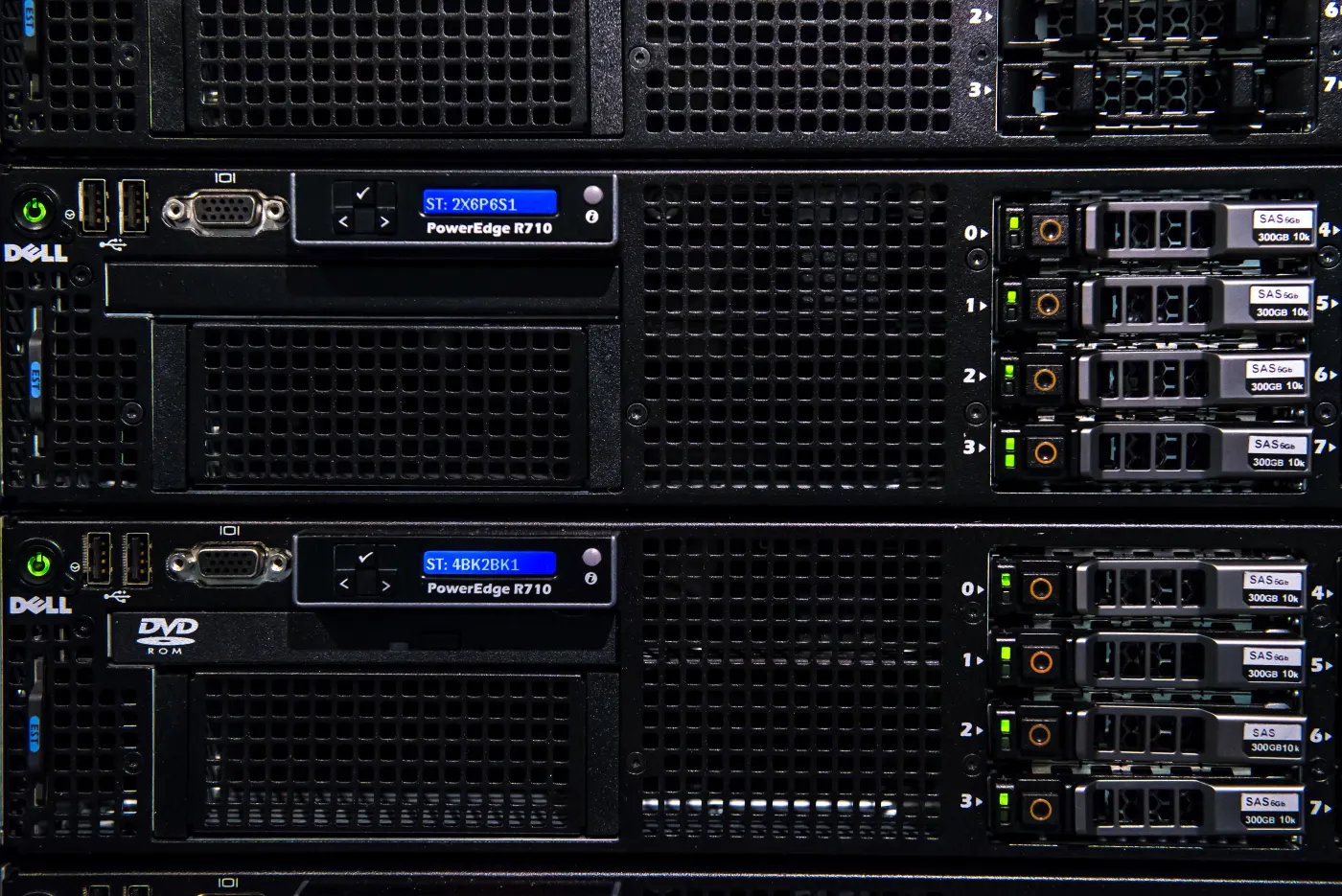
Image: Wikimedia Commons - Dell PowerEdge R710 servers.
What Does Dell Server Encryption Mean Under ISO 27001?
ISO’s official description of ISO/IEC 27001 defines it as an information security management system standard for managing information security risks. That means Dell server encryption should not be reduced to the question of whether the disk is encrypted. The real questions are:
- which information asset resides on this Dell server?
- which threat scenario does encryption reduce?
- who owns, approves, and changes the key?
- is the server boot chain trustworthy?
- is the management interface exposed through weak protocols or shared accounts?
- are encryption and key changes logged?
- was recovery tested?
That is why this topic relates directly to Business Management Services, especially the Cybersecurity Assessment Service. Under ISO 27001, encryption is first a risk, scope, and evidence decision, then a technical setting.
Which Encryption Layers Should Be Designed Together?
A single encryption layer is usually not enough in Dell PowerEdge environments. The minimum model should cover five layers.
| Layer | Purpose | Typical evidence |
|---|---|---|
| Disk and controller | data-at-rest protection | SED/PERC security key status |
| TPM and Secure Boot | trusted boot chain | BIOS/UEFI security output |
| Operating system | workload and file-system protection | BitLocker, LUKS, or equivalent record |
| iDRAC management plane | secure remote administration | encryption strength, certificate, access matrix |
| Logs and review | proof that the control is operated | SIEM logs and access-review records |
When these layers are not handled together, the statement that encryption is enabled remains weak during audit. For example, if disks are encrypted but iDRAC remains available through shared accounts, weak protocols, or broad network access, the risk is still high.
How Should Technical Controls Be Built on Dell PowerEdge?
SED and PERC security key
Dell PERC documentation explains that access to self-encrypting drives is locked and unlocked through a security key. This shows that encryption is not only a disk feature. It is a key lifecycle control.
Practical implementation:
- define which server classes require SED-capable drives
- document PERC security key creation and storage
- define disk replacement, controller replacement, and RMA scenarios
- restrict security-key access through named accounts and approval records
- connect key changes and recovery operations to logs and tickets
This technical implementation maps directly to Hardware & Software Services, especially Server Installation, Configuration, and Commissioning.
TPM and Secure Boot
Dell PowerEdge system security documentation treats TPM, Secure Boot, and UEFI security settings as parts of the server security model. Under ISO 27001, their value is that they strengthen the trust chain around encryption keys and operating-system boot.
The minimum control should include:
- TPM enabled and at the expected version
- Secure Boot standardized by server class
- BIOS/UEFI security profiles not left to individual team preference
- production changes tied to approved maintenance windows
- post-change control output retained as evidence
Operating system and application layer
Hardware encryption does not automatically close operating-system or application-layer risks. BitLocker on Windows, LUKS on Linux, database TDE, and field-level or column-level encryption should be evaluated separately.
A practical decision model is:
- physical disk loss or RMA risk: SED/PERC layer
- boot and system integrity risk: TPM and Secure Boot
- virtual machine or file-system risk: OS-level encryption
- highly sensitive data set: database or application-level encryption
- management access risk: iDRAC and privileged access control
How Should Key Management and Access Control Be Documented?
Under ISO 27001, the encryption key is the most sensitive point in the control. If keys live in personal notes, shared password vault entries, or unclear procedures, technical encryption may look strong while governance remains weak.
Documentation should cover:
- the role or team that owns the key
- key creation and change procedure
- secure location for recovery keys
- who can access the key
- access approval workflow
- deprovisioning timeline for departing staff
- emergency and break-glass access process
- where key-change logs are retained
This model should be read together with the named-account and privileged-access logic in Dell Server SSH Security for ISO 27001 Compliance.
How Should Audit Evidence Be Prepared?
A screenshot saying encryption is enabled is not enough. Stronger evidence includes:
- Dell PowerEdge server inventory and critical data classification
- matrix showing which encryption layer protects which server
- SED/PERC security key procedure
- TPM, Secure Boot, and BIOS/UEFI security outputs
- iDRAC encryption strength and certificate management records
- key access matrix and latest access-review output
- disk replacement, RMA, and controller replacement procedure
- log samples, alert workflow, and SIEM correlation output
- recovery test and key-restore validation record
If logging is missing, the control does not look operated. That is why SIEM and Security Event Management Integration strengthens the audit-trail side of server encryption.
Common Mistakes
Defining encryption scope by device instead of data
Not every server carries the same data risk. Encryption decisions should be based on data classification and business criticality, not only brand or model.
Leaving key governance undocumented
If it is unclear who creates, stores, or changes keys, the encryption control becomes weak during audit.
Skipping TPM and Secure Boot
Using disk encryption while leaving the boot trust chain weak creates incomplete protection, especially on critical servers and virtualization hosts.
Treating iDRAC security as separate
If iDRAC is weak, strong disk encryption reduces only part of the operational risk. The management plane is part of the encryption model.
Not testing recovery
If key backup exists but recovery was never tested, ISO 27001 availability risk remains.
Implementation Checklist
- Dell PowerEdge inventory and critical data classification were completed
- SED, PERC, OS-level, and application-level encryption scope was separated
- PERC security key creation, storage, and change procedure was written
- TPM and Secure Boot were validated on critical systems
- iDRAC encryption strength and certificate security were reviewed
- key access matrix was documented with named-account logic
- disk replacement, RMA, and controller-failure procedures were updated for encryption
- logs were connected to monitoring or SIEM workflows
- key restore and recovery testing were performed
- ISO 27001 audit evidence folder was prepared
Related Content
- How to Configure Dell PowerEdge Server for ISO 27001 Compliance
- How to Implement Dell Server Encryption for KVKK
- Dell Server SSH Security for ISO 27001 Compliance Guide
- Dell PowerEdge Audit Log for ISO 27001 Compliance Guide
Next Step with Leon-X
Dell server encryption for ISO 27001 does not end with enabling a disk encryption feature. SED/PERC keys, TPM, Secure Boot, iDRAC management security, OS-level encryption, log visibility, and recovery testing should converge in one control model. Leon-X identifies risk and evidence gaps through Business Management Services, especially the Cybersecurity Assessment Service. On the implementation side, Hardware & Software Services and Server Installation, Configuration, and Commissioning help standardize the technical rollout. To review your current PowerEdge environment or request a proposal, continue through the Contact page.
Relevant pages:
- Business Management Services
- Cybersecurity Assessment Service
- Hardware & Software Services
- Server Installation, Configuration, and Commissioning
- SIEM and Security Event Management Integration
- Contact
Frequently Asked Questions
Where should Dell server encryption for ISO 27001 start?
Start with data classification and server scope. Then design SED/PERC, TPM, Secure Boot, iDRAC, and OS-level encryption layers according to risk.
Are SED drives enough for ISO 27001?
No. SED is a strong technical control, but without key governance, access review, iDRAC security, log visibility, and recovery testing, it is not enough evidence by itself.
Why are TPM and Secure Boot related to encryption?
Because encryption is not only about the disk. It also depends on trust around keys and the operating-system boot chain.
Why should iDRAC encryption strength be checked?
iDRAC is a separate management plane. Dell documentation recommends 256-bit or higher encryption strength as a secure configuration standard, so it should be included in audit review.
Which evidence is strongest during audit?
Inventory, encryption matrix, key procedure, access review, log samples, iDRAC security outputs, and recovery test records together make the control defensible.
Sources
- ISO - ISO/IEC 27001 Information Security Management
- Dell - PERC 11: Creating security key and managing encrypted drives
- Dell - iDRAC9: Configuring Encryption Strength
- Dell - PowerEdge R760 System Security
- Dell - Secured Component Verification on Dell PowerEdge Servers
- Wikimedia Commons - Dell PowerEdge R710 servers