Managing VMware audit logs for KVKK is not only about generating logs on vCenter or ESXi. A stronger approach connects authentication, authorization changes, management actions, host events, log integrity, and review ownership into one evidence chain. The short answer is this: a defensible VMware audit log model for KVKK collects records that may contain personal data in a controlled way, monitors unauthorized access and changes, restricts access to logs, and produces review evidence that can be shown during audit.
This guide is written for:
- VMware vSphere, vCenter, and ESXi administrators
- IT and information security teams responsible for KVKK compliance
- SIEM, SOC, and centralized log management teams
- organizations that need access trails and event evidence during audits
Quick Summary
- The KVKK Personal Data Security Guide treats log records as part of technical and administrative measures, so audit logs are not only operational error records.
- vCenter session events, task history, authorization changes, and ESXi audit records should be evaluated together.
- Broadcom KB
318939shows that ESXi logs require persistent disk or remote syslog targets and that remote retention is handled by the receiving syslog/SIEM platform. - Broadcom KB
408693documents/scratch/auditLogas the local audit logging default and explains the required sequence when changing audit directories. - Audit logs may include usernames, IP addresses, VM names, or action descriptions; access to logs should therefore be governed as a separate control.
- A stronger model combines 12 months of defensible evidence, 90-day review, SIEM alerts, time synchronization, and tamper-resistant archive discipline.
Table of Contents
- What Do VMware Audit Logs Prove Under KVKK?
- Which VMware Records Should Be Included?
- How Should Log Integrity and Retention Be Designed?
- How Should Access to Audit Logs Be Restricted?
- How Should the Audit Evidence Set Be Prepared?
- Related Content
- Checklist
- Next Step with Leon-X
- Frequently Asked Questions
- Sources
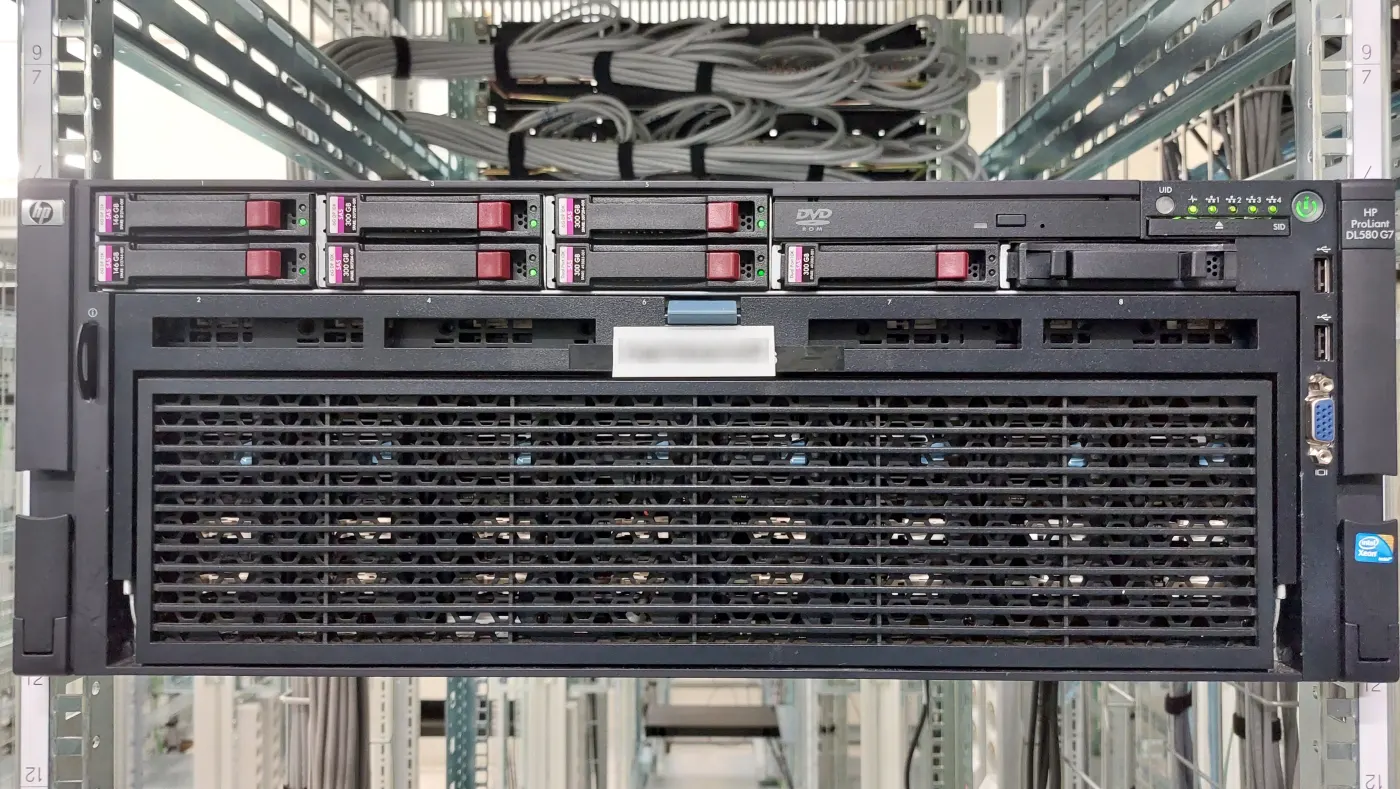
Image: Wikimedia Commons - HP ProLiant DL580 G7 in 2023.
What Do VMware Audit Logs Prove Under KVKK?
Under KVKK, audit log value is not created by saying "we have logs." The purpose of records, whether authorized people review them, who can access them, how long they are retained, and how their integrity is protected should be assessed together. In VMware environments, audit logs should answer:
- who logged in to vCenter?
- which management action was performed by which account?
- did any role or privilege change occur?
- was there a snapshot, power action, clone, migration, or datastore operation on a critical VM?
- are ESXi host logs persistent?
- do logs reach the central SIEM or syslog platform?
- who can access the logs?
- how often are logs reviewed?
That makes VMware audit logging the evidence-focused layer under the broader architecture explained in How to Configure VMware Logging for KVKK. General logging provides visibility; the audit log model makes access, change, review, and accountability defensible.
Which VMware Records Should Be Included?
Audit scope should not be limited to ESXi host files. These layers should be designed together.
| Layer | Audit value | KVKK risk |
|---|---|---|
| vCenter SSO events | login, logout, failed login | unauthorized access trace may be lost |
| vCenter tasks/events | VM, datastore, cluster actions | changes on systems processing personal data may lack evidence |
| ESXi audit records | host-level audit records | host events may not become central evidence |
| ESXi syslog | hostd, vpxa, vmkernel, and service logs | incident investigation chain may break |
| SIEM correlation | multi-source relationship | events may be detected late or interpreted incompletely |
| Log access records | who viewed or exported logs | excessive access to personal data inside logs may occur |
vCenter session and action records
On vCenter, login, failed login, logout, role change, privilege change, VM power action, snapshot, clone, migration, and datastore operations are audit priorities. These events matter especially for unauthorized access, misconfiguration, and activity tracking on systems that process personal data.
ESXi audit records
Broadcom KB 408693 shows that local audit logging uses /scratch/auditLog by default and that changing the audit directory requires a specific disable-change-enable sequence. This gives two practical lessons for audit log design:
- local audit record status should be verified, not assumed
- the target directory should be rechecked after upgrades or scratch changes
Remote syslog and SIEM
Broadcom KB 318939 explains that ESXi logs can reside on a local scratch volume or ramdisk, and that persistent models require an alternate log location or a remote syslog target. The same source documents settings such as Syslog.global.logHost and states that remote retention is controlled by the syslog/SIEM receiver. Therefore, "ESXi sends logs" is not enough; retention, access, and alerting policies must also be defined on the receiving platform.
How Should Log Integrity and Retention Be Designed?
For audit logs to carry KVKK value, three properties must work together:
- records should be generated on time
- records should not be easily altered later
- records should be retrievable when needed
A practical retention model can include:
- time synchronization for ESXi and vCenter
- local audit record and persistent logging validation
- SIEM or centralized syslog target
- alert and ticket workflow for critical events
- log viewing restricted to authorized people
- monthly or 90-day review evidence
- at least 12 months of audit-ready evidence archive
Under KVKK, retention period is not automatically the same for every organization. Data minimization, legal obligation, incident investigation needs, and contractual requirements should be evaluated together. For that reason, audit log retention should be decided with information security, legal, and business stakeholders, not only by the technical team.
How Should Access to Audit Logs Be Restricted?
Log files often include usernames, IP addresses, device names, VM names, application names, and timestamps. These can become personal data or records associated with personal data under KVKK. Access to audit logs is therefore a separate control.
A healthy access model includes:
- separating log viewing rights from operations admin rights
- restricting log export permissions more tightly
- defining read-only audit roles in SIEM
- requiring privileged approval for log deletion or retention changes
- recording critical export actions with tickets and reasons
- reviewing break-glass access after use
This is directly related to VMware Access Control for ISO 27001 and VMware KVKK Technical Measures Guide. An access model that does not protect logs weakens evidence reliability even if logs are generated.
How Should the Audit Evidence Set Be Prepared?
A strong VMware audit log evidence set for KVKK or internal audit should be more than a screenshot. These artifacts are stronger together:
- vCenter SSO login and failed login samples
- critical task/event review outputs from the last 90 days
esxcli system auditrecords getoutputesxcli system syslog config getoutput- proof that VMware events appear in SIEM
- proof that a syslog test message was recorded on the receiving platform
- log access role matrix
- retention and deletion procedure
- incident investigation or ticket records
This model complements VMware ESXi Audit Logging for ISO 27001 Compliance with KVKK’s personal data security perspective. For the broader technical measures frame, use VMware KVKK Technical Measures Guide.
Related Content
- How to Configure VMware Logging for KVKK
- VMware KVKK Technical Measures Guide
- VMware ESXi Audit Logging for ISO 27001 Compliance
- What Is the Difference Between 5651 and KVKK?
Checklist
- vCenter SSO login, logout, and failed login events are monitored
- critical tasks/events categories are included in review
- ESXi audit record status is verified on all relevant hosts
-
Syslog.global.logHostand remote syslog targets are standardized - SIEM alerting and correlation rules exist for VMware sources
- log access is restricted by role
- log export and deletion permissions require privileged approval
- retention period is aligned with KVKK data minimization and investigation needs
- review evidence from the last 90 days is archived
- a 12-month audit-ready evidence set can be produced
Next Step with Leon-X
Managing VMware audit logs for KVKK requires managing log reliability, access, and review discipline, not only collection. Leon-X connects VMware audit log flow to central correlation through Hardware & Software Services and SIEM and Security Event Management Integration. It also supports vSphere standardization through Enterprise Virtualization Platforms Sales and Licensing. For control gap review, Business Management Services and the Cybersecurity Assessment Service complete the work. To review your environment or request a proposal, continue through the Contact page.
Relevant pages:
- Hardware & Software Services
- SIEM and Security Event Management Integration
- Enterprise Virtualization Platforms Sales and Licensing
- Business Management Services
- Cybersecurity Assessment Service
- Contact
Frequently Asked Questions
Are VMware audit logs and general logging the same under KVKK?
No. General logging provides visibility; audit logs manage access, change, review, and evidence chains.
Can VMware audit logs contain personal data?
Yes. Usernames, IP addresses, device names, timestamps, and VM names can be personal data or associated with personal data.
Are ESXi audit records alone enough?
No. vCenter SSO, tasks/events, ESXi syslog, SIEM correlation, and log access records should be evaluated together.
Who should access logs?
Access should follow least privilege. Viewing, export, and deletion rights should be separate roles.
Which evidence is strongest during audit?
SSO login records, task/event review outputs, ESXi audit record status, syslog test evidence, SIEM alert samples, and the log access matrix are strongest together.
Sources
- KVKK - Personal Data Security Guide
- KVKK Guide PDF - Log Records section
- Broadcom KB 318939 - Configuring syslog on ESXi
- Broadcom KB 408693 - Configuring Local Audit Logging ESXi hosts fails with the error: "Internal error"
- Broadcom KB 302451 - Determining whether an ESXi host has persistent logging
- Broadcom KB 434015 - Syslog facilities used for ESXi log transfer
- Broadcom KB 430785 - Where are the kernel auditd logs for vCenter
- Wikimedia Commons - HP ProLiant DL580 G7 in 2023