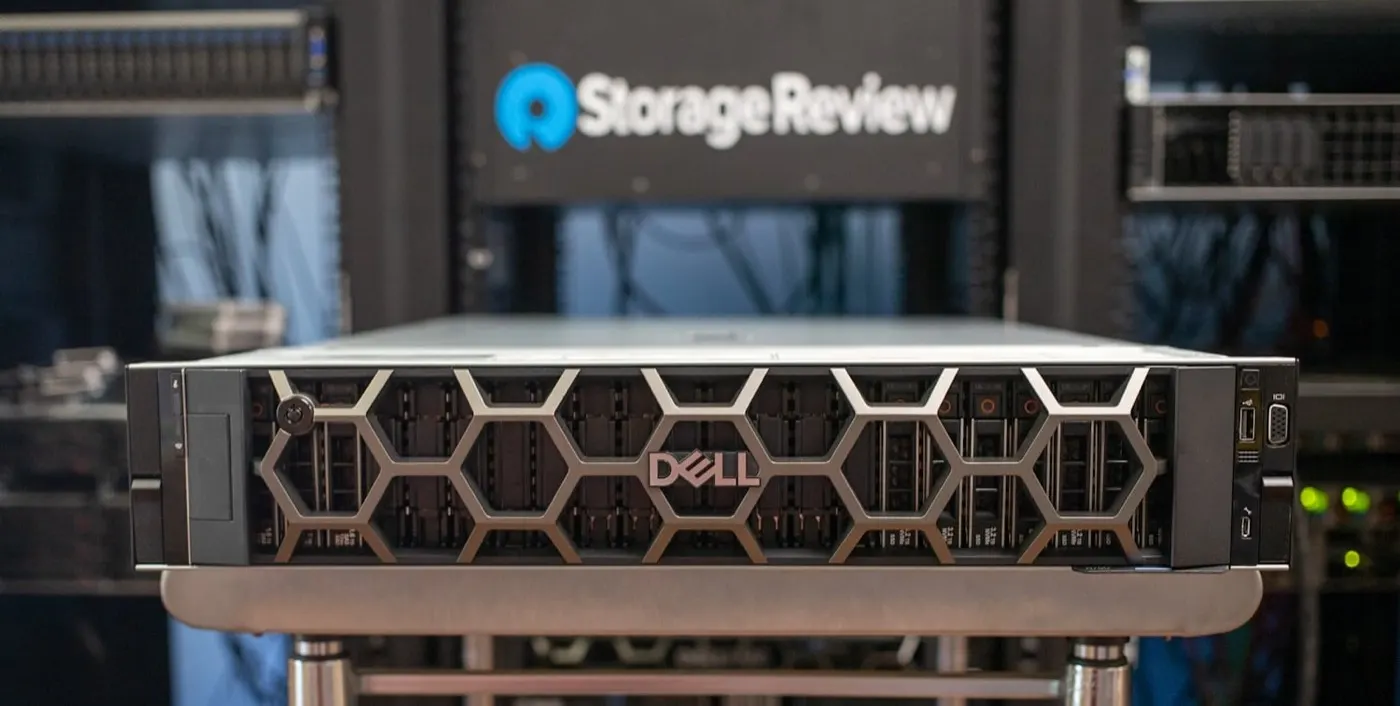
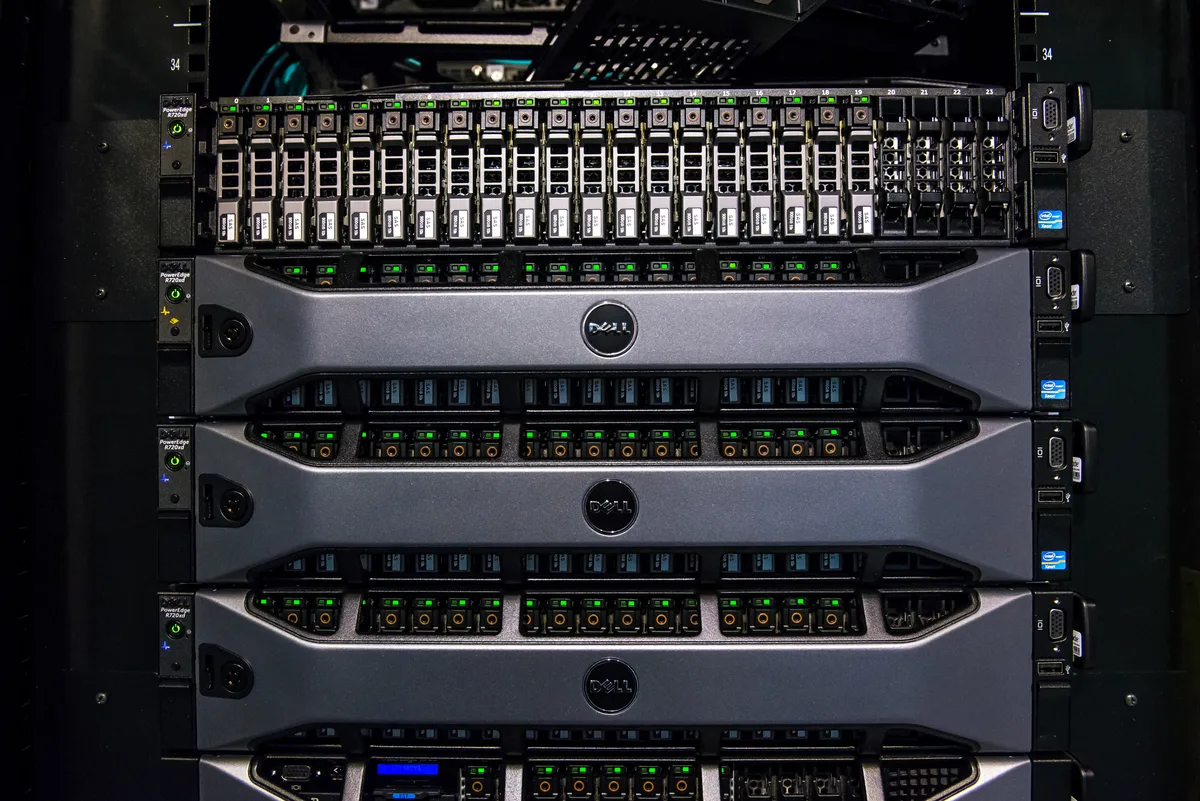
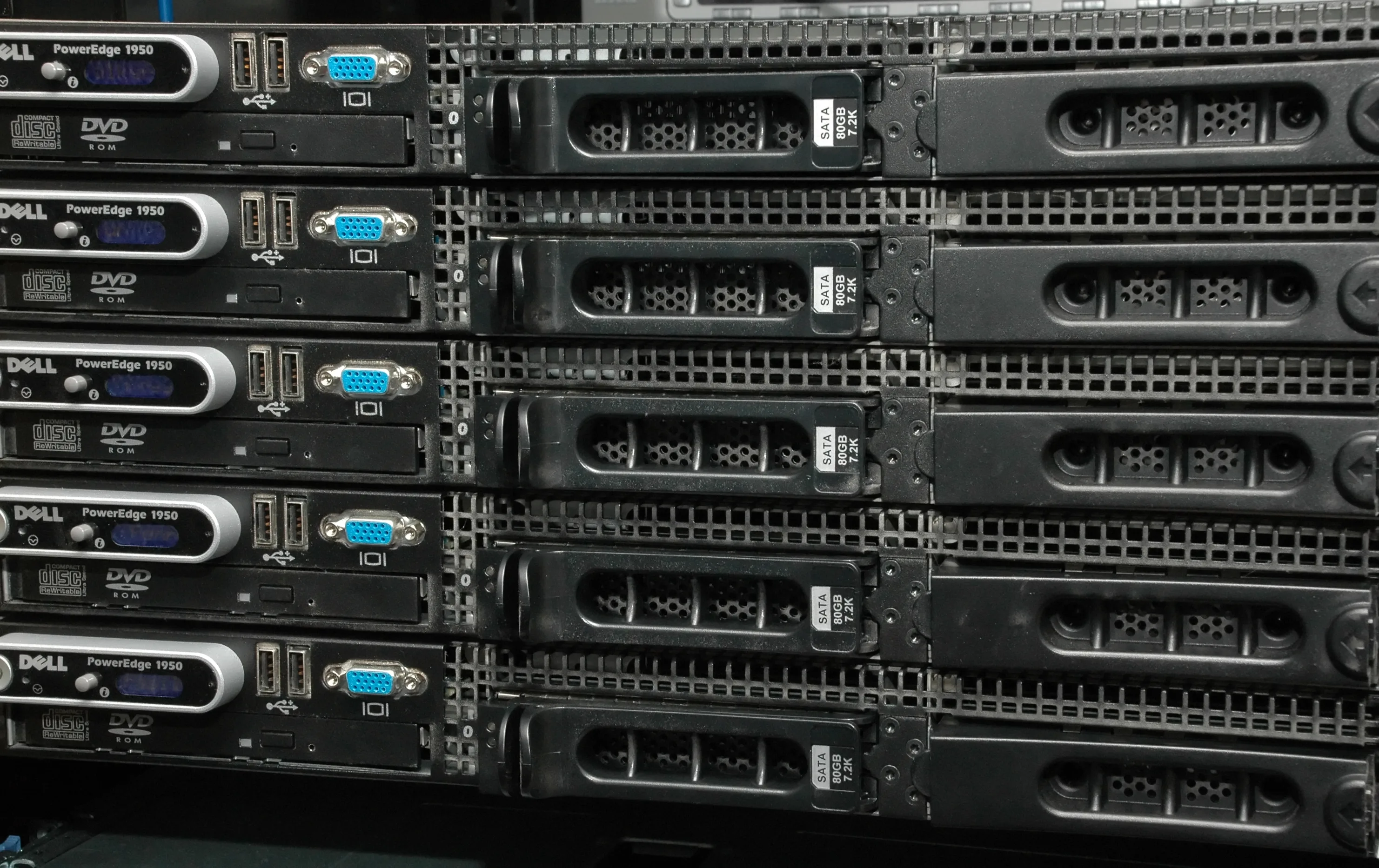
A BIOS boot loop on Dell PowerEdge servers means the system repeatedly restarts before or immediately after POST, never reaching the operating system. The server takes power, fans spin, video may flash briefly, then it reboots again—often for minutes at a time. The short answer is: BIOS boot loops are usually caused by corrupted CMOS/NVRAM settings, a bad boot entry, an interrupted BIOS/firmware update, a faulty DIMM or PCIe card, or a version mismatch between iDRAC and BIOS. Resolve it in order with a flea power drain, NVRAM_CLR jumper CMOS clear, minimum-to-POST hardware isolation, and if needed a return to a known-good BIOS via Lifecycle Controller.
This guide is written for:
- Systems administrators managing Dell PowerEdge rack and tower servers
- Infrastructure teams facing startup issues after firmware updates
- Operations engineers isolating continuous reboot cycles in the datacenter
- IT specialists who manage BIOS, iDRAC, and Lifecycle Controller together
Quick Summary
- A BIOS boot loop is continuous restarting before the OS loads; it differs from "Stuck at Initializing Firmware" or a one-time Boot Failure.
- First step: flea power drain—unplug PSUs and hold the power button for
30 secondsto discharge residual static. - For persistent loops, clear CMOS/BIOS defaults with the
NVRAM_CLRjumper on the system board. - Min-to-POST (one CPU, one DIMM, one PSU, PCIe cards removed) isolates bad memory or expansion cards.
- After a partial BIOS update, restore a known-good image via Lifecycle Controller or USB recovery.
Table of Contents
- What Is a BIOS Boot Loop?
- First 10 Minutes of Emergency Response
- NVRAM / CMOS Clear
- Hardware Isolation with Min-to-POST
- Firmware and Boot Entry Recovery
- Most Common Mistakes
- Related Articles
- Troubleshooting Checklist
- Next Step with Leon-X
- Frequently Asked Questions
- Sources
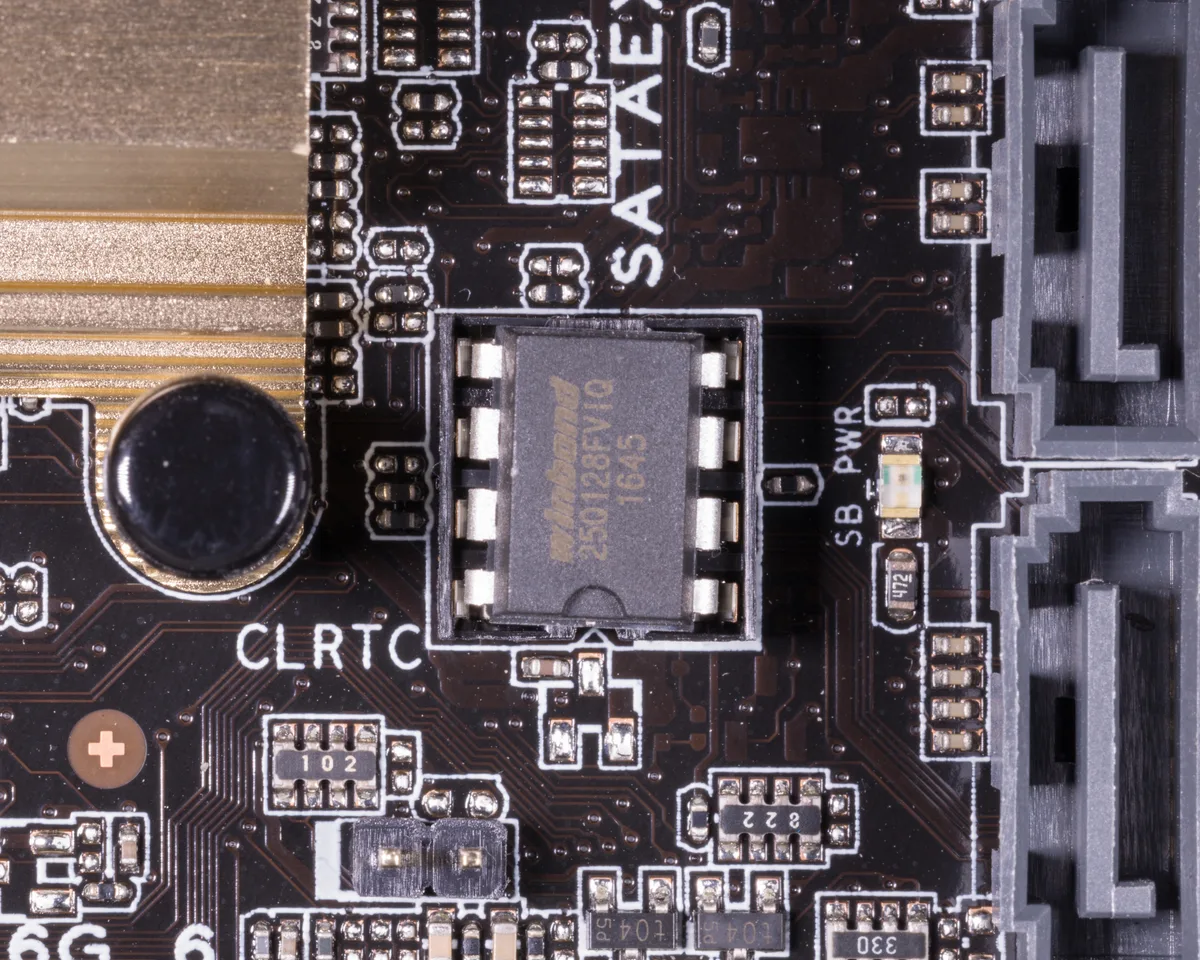
Image: Wikimedia Commons - DIP-8 BIOS chip.
What Is a BIOS Boot Loop?
A BIOS boot loop is when a Dell PowerEdge repeatedly restarts during startup due to a fault or protective mechanism. Typical observations:
- A brief Dell logo / POST message appears, then a black screen and reboot
- The cycle repeats every
30-90 seconds - iDRAC may stay reachable or lock up at the same time
- The operating system never loads
Common root causes:
| Root cause | Typical trigger | First fix |
|---|---|---|
| Corrupted NVRAM/CMOS | Sudden power loss, BIOS reset | NVRAM_CLR jumper |
| Partial BIOS update | Power loss during flash | Recovery / known-good version |
| Failed DIMM | Memory ECC/uncorrectable error | Min-to-POST, DIMM isolation |
| Bad PCIe card | PERC/NIC firmware conflict | Remove cards and retest |
| Broken boot mode/entry | UEFI-Legacy mismatch | Fix Boot Settings |
First 10 Minutes of Emergency Response
- Observe the loop. Note the reboot interval and the last on-screen message.
- Check the iDRAC Lifecycle Log. If reachable, capture BIOS, memory, PSU, and PCIe events from the last
24 hours. - Perform a flea power drain. Power off, unplug all PSU cords, hold the power button for
30 seconds, wait2 minutes, then power on. - Try an iDRAC soft reset. Hold the front-panel blue
ibutton for15-20 seconds. - Attempt One-Time Boot (
F11). If the loop is slow enough, a recovery medium may boot once.
Pro Tip: If iDRAC is up, record the Virtual Console. The last line before reboot often reveals whether the fault is memory or a boot entry.
NVRAM / CMOS Clear
Corrupted BIOS settings are the most common boot-loop cause. Hardware clear steps:
- Power down the server and disconnect all power cords.
- Locate the
NVRAM_CLR(or equivalent) jumper on the system board. - Move the jumper from the default position (usually pins
1-2) to the clear position (pins2-3). - Connect power and turn the server on; expect an "NVRAM cleared" style message.
- Power off again and return the jumper to its original position.
- On the next boot, open System Setup (
F2) and reconfigure boot mode and boot order.
Leaving the jumper in the clear position wipes settings on every boot—always restore it.
Hardware Isolation with Min-to-POST
If NVRAM clear is not enough, strip the server to minimum components:
- CPU 1 + a single DIMM in slot A1
- One PSU
- All PCIe cards removed (including PERC if needed)
- Non-essential drives removed
If the loop stops in this state, add components one by one to find the culprit. Start with memory channels, then PERC/NIC cards, then extra CPUs/DIMMs. Uncorrectable memory errors are especially likely to drive boot loops.
Firmware and Boot Entry Recovery
After a partial BIOS update:
- Use Lifecycle Controller Platform Restore or apply a known-good BIOS package.
- Follow Dell’s Service Tag-specific BIOS recovery USB procedure.
- Keep BIOS, iDRAC, and Lifecycle Controller versions close; large gaps cause handshake failures.
For boot-entry-driven loops:
- Keep Boot Mode matched to the OS install (UEFI or Legacy).
- Remove bad USB/PXE entries from the boot order.
- Temporarily disable Secure Boot for testing.
Most Common Mistakes
- Leaving the jumper in the clear position: NVRAM is wiped on every boot.
- Replacing all DIMMs at once: You lose isolation; test one channel at a time.
- Skipping firmware version steps: BIOS/iDRAC mismatch can worsen the loop.
- Treating Boot Failure as the same as Boot Loop: A loop continuously reboots; a failure usually stops.
- Clearing CMOS without resetting OS boot settings afterward: Boot mode and order must be set again.
Related Articles
- How to Fix Dell PowerEdge Server Boot Failure
- How to Fix Dell Server Stuck at Initializing Firmware
- How to Fix Dell Server UEFI Boot Issues
- How to Fix Dell Server No Boot Device Found
Troubleshooting Checklist
- Applied flea power drain (
30-secondpower-button hold). - Captured recent BIOS/memory/PCIe events from the iDRAC Lifecycle Log.
- Cleared CMOS with
NVRAM_CLRand returned the jumper to default. - Isolated DIMMs and PCIe cards with Min-to-POST.
- Aligned Boot Mode and Boot Sequence with the OS installation.
- Restored a known-good BIOS via Lifecycle Controller / recovery USB if needed.
Next Step with Leon-X
Dell PowerEdge BIOS boot loops stop business services completely, and a wrong jumper or unplanned firmware action can make the outage worse. Leon-X diagnoses startup and firmware issues end to end under Hardware & Software Solutions. Through Server Installation, Configuration and Commissioning, we standardize BIOS, boot, and Lifecycle Controller layers correctly. For emergency boot-loop response or on-site support, request a proposal on the Contact page.
Frequently Asked Questions
Are BIOS boot loop and Stuck at Initializing Firmware the same?
No. With Initializing Firmware the server usually freezes on one screen. With a boot loop it continuously restarts. Diagnostics start similarly but the behavior differs.
Does clearing NVRAM erase RAID data?
No. NVRAM/CMOS clear restores BIOS defaults. RAID metadata stays on the disks, so Virtual Disk layout is not wiped—but boot mode and boot order must be reconfigured.
It boots with one DIMM but loops when all memory is installed. What next?
A faulty or incompatible DIMM is likely. Add channels one by one to find the bad module. Uncorrectable ECC errors often appear in the iDRAC log.
Power failed during a BIOS update and the server is looping. What should I do?
Follow Dell’s model-specific BIOS recovery procedure. Usually USB recovery or Lifecycle Controller restore returns a known-good image. Do not retry until power is stable.