A Dell server boot problem is not one error; you must first separate which stage fails. Short answer: classify power, video, POST, and OS boot in order; record the LCD/iDRAC code; if POST completes, try F11 Boot Manager; verify boot mode (UEFI/Legacy) and Virtual Disk state. This article is the triage playbook; for specific scenarios use Boot Failure, No Boot Device Found, UEFI Boot, and BIOS Boot Loop.
This playbook is written for:
- Systems admins standardizing the first 15 minutes on a PowerEdge that will not start
- NOC teams classifying “server won’t boot” tickets to the right code
- Infrastructure teams with ESXi / Windows / Linux host outages
- Operations teams reducing risky BIOS resets or formats
Quick Summary
- Dell classes: No Power · No Video · No POST · No Boot.
- No Boot: POST finishes, OS does not start (
No Boot Device/ Boot Failure). - First keys:
F11Boot Manager,F2System Setup,Ctrl+RPERC (by model). - A UEFI-installed OS will not boot in Legacy mode (and the reverse).
- Offline / Foreign Virtual Disk looks like “no boot device.”
- Do not clear NVRAM or format at random.
- Pick the right deep guide (decision tree below).
Table of Contents
- Separate the Stage First
- First 15 Minutes
- Symptom → Guide Decision Tree
- No Boot: F11 and Boot Mode
- RAID / BOSS Check
- Common Mistakes
- Checklist
- Frequently Asked Questions
- Sources
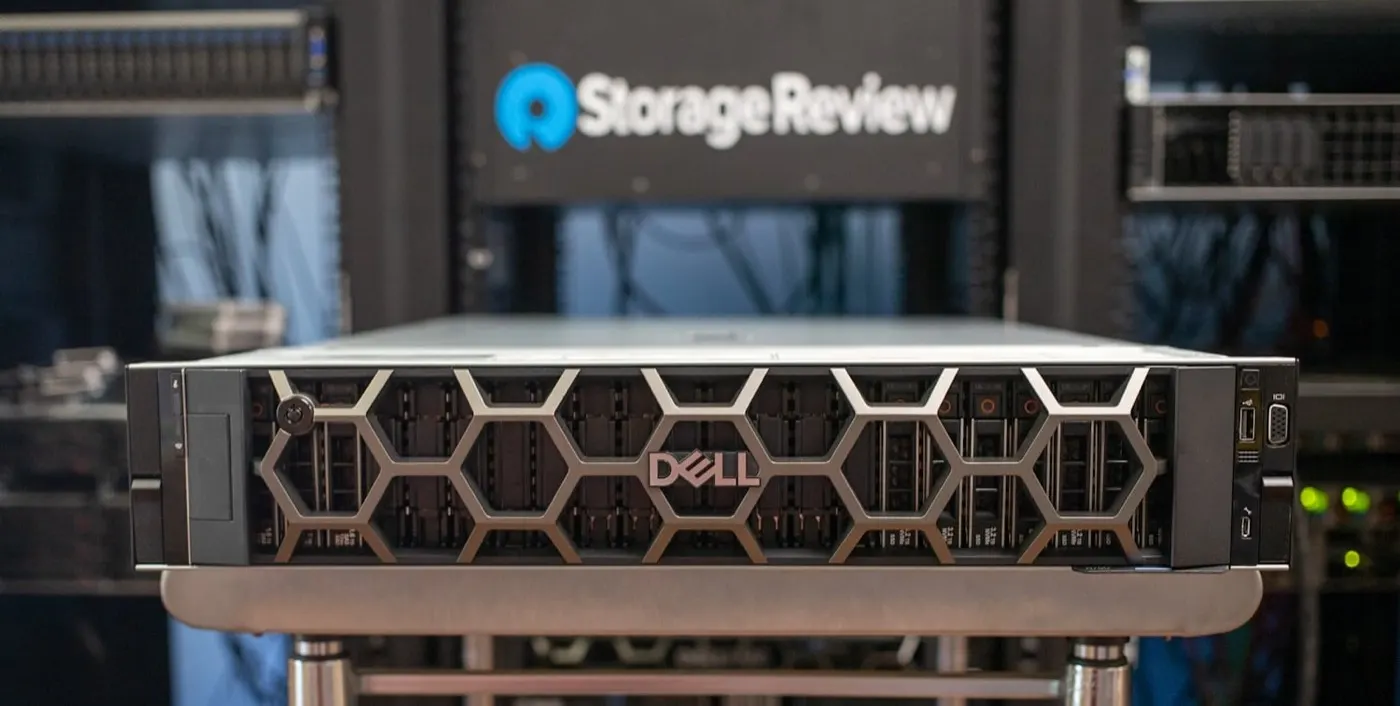
Image: StorageReview - Dell PowerEdge R760 Review (PowerEdge front panel / bezel).
Separate the Stage First
Dell’s “server that does not start” guide uses four main classes:
| Class | What you see | First focus |
|---|---|---|
| No Power | No LEDs, no fans | PDU, PSU, cables |
| No Video | Power on, no display | iDRAC Virtual Console, VGA/iDRAC video |
| No POST | Video present, POST incomplete | HWC codes, memory/CPU/PCIe |
| No Boot | POST done, OS missing | Boot Manager, mode, RAID VD |
Short definition: A boot problem means the server has power but cannot reach the operating system (or cannot finish POST); the fix path depends on the class.
PSU path: PSU Failure. iDRAC console: What Is iDRAC?.
First 15 Minutes
- Record LCD / amber message. Error code + text on the bezel LCD if present.
- iDRAC Lifecycle Log (last 24–48 hours): disk, memory, PSU, boot.
- Open Virtual Console: which screen is it stuck on?
- Last change: firmware, disk swap, BIOS reset, hypervisor upgrade?
- If POST completes, try
F11→ Boot Manager and select the device. - Export SupportAssist / TSR if needed.
- Screenshot + log export before changing settings.
Pro Tip: If
F11boots the OS, hardware is largely fine; the lasting fix isF2Boot Sequence / Boot Mode.
Symptom → Guide Decision Tree
| Symptom | Go to |
|---|---|
| Boot Failure / boot loader error after POST | Boot Failure Error |
No Boot Device Found / No Boot Device Available | No Boot Device Found |
| Missing UEFI entry, Secure Boot, mode mix-up | UEFI Boot Issue |
| Continuous reboot / BIOS loop | BIOS Boot Loop |
| Will not start after disk Failed / Degraded | Disk Failure Playbook |
| No boot after Foreign Config | Foreign State |
| Breakage after firmware | Firmware Update |
No Boot: F11 and Boot Mode
Dell’s No Boot flow (POST complete):
- Restart the system.
- During POST press
F11→ Boot Manager. - Select the VD / UEFI entry / BOSS that holds the OS.
- If it boots: permanently fix Boot Sequence under
F2→ Boot Settings. - If it does not: check Boot Mode — a UEFI OS will not boot in Legacy.
In System Setup:
- Boot Mode: match the install mode (UEFI or BIOS/Legacy)
- Boot Sequence: OS disk / correct UEFI entry first
- Use one-time
F11for USB/ISO; do not break the permanent order
RAID / BOSS Check
No Boot is often a storage-layer issue:
Ctrl+Ror UEFI Device Settings → PERC- Physical Disk: Offline / Missing?
- Virtual Disk: Optimal / Degraded / Offline / Foreign?
- With multiple VDs, confirm the boot VD is selected under CTRL Mgmt
- Do not confuse BOSS-N1 / M.2 boot with data RAID
RAID design: RAID Best Practices. Disk failure: Disk Failure Error.
Common Mistakes
- BIOS Defaults / NVRAM clear without evidence
- Random UEFI ↔ Legacy switches
- OS recovery while the VD is Offline
- Marking the wrong VD as boot
- Foreign import/clear without a written plan
- Skipping boot-entry checks after firmware
Checklist
- No Power / No Video / No POST / No Boot classified.
- LCD or Lifecycle Log code written down.
- Virtual Console screenshot captured.
- Last change noted.
-
F11Boot Manager tried. - Boot Mode matches the install.
- Boot Sequence points at the right target.
- PERC VD / BOSS is Optimal or a known Degraded state.
- Correct deep guide selected.
- SupportAssist archived when required.
Next Step with Leon-X
Leon-X plans diagnosis, RAID/boot repair, and firmware baseline for boot outages through Server Maintenance, Warranty and Technical Support and Server Installation, Configuration and Commissioning. For discovery, contact us.
Frequently Asked Questions
Is a boot problem the same as No Boot Device?
No. No Boot Device is a common No Boot message. Boot Failure is a broader post-POST boot-loader issue. Separate the class, then the message.
What if F11 boots the OS?
Hardware is likely fine. Permanently fix Boot Sequence in F2 Boot Settings; align Boot Mode with the install if needed.
Will switching UEFI to Legacy fix boot?
Usually it breaks it. Keep the mode the OS was installed with; otherwise the entry disappears.
Does recovery media help while the Virtual Disk is Offline?
Bring the VD Online/Optimal first. Boot-loader repair on an Offline disk usually fails.
When should I call Dell Support?
No POST with HWC codes, board suspicion, multi-disk loss, or Foreign/Offline VD with data risk — open SupportAssist; do not swap parts at random.