Implementing VMware access control for KVKK is not only about granting administrator rights to a few users in vCenter or narrowing an access list. A strong model makes it provable who can reach personal-data processing VMs, vCenter objects, ESXi management surfaces, service accounts, and log records, and why that access exists. The short answer is this: KVKK-aligned VMware access control combines authorization matrices, least privilege, segregation of duties, access logs, and periodic reviews with the vSphere role model.
This guide is written for:
- system teams managing VMware vSphere, vCenter, and ESXi environments
- IT and information security teams responsible for KVKK technical measures
- operations teams managing Active Directory group membership, service accounts, and privileged access
- organizations that need auditable access control for virtual machines processing personal data
Quick Summary
- KVKK's data security approach treats authorization matrices, permission control, user account management, access logs, and network security as connected technical and administrative measures.
- VMware access control is not only who can log in to vCenter; it is who can act on which object, with which role, which privilege set, which approval, and which log trail.
- Broadcom KB
316596shows that LDAPS can be used for securing the authentication channel for the vCenter SSO identity source. - Broadcom KB
380445explains that permission propagation and direct permissions on child objects can change the expected access result. - Broadcom KB
405145shows that conflicting Active Directory group memberships can affect effective permission behavior. - Strong KVKK evidence includes a role matrix, AD group review output, service account inventory, access logs, permission change records, and periodic access reviews.
Table of Contents
- What Does VMware Access Control Cover Under KVKK?
- How Should an Authorization Matrix Map to VMware Objects?
- How Should vCenter Roles, Permissions, and Inheritance Be Designed?
- How Should Privileged Access and Service Accounts Be Managed?
- How Should Access Logs and Audit Evidence Be Prepared?
- 90-Day Implementation Plan
- Related Content
- Checklist
- Next Step with Leon-X
- Frequently Asked Questions
- Sources
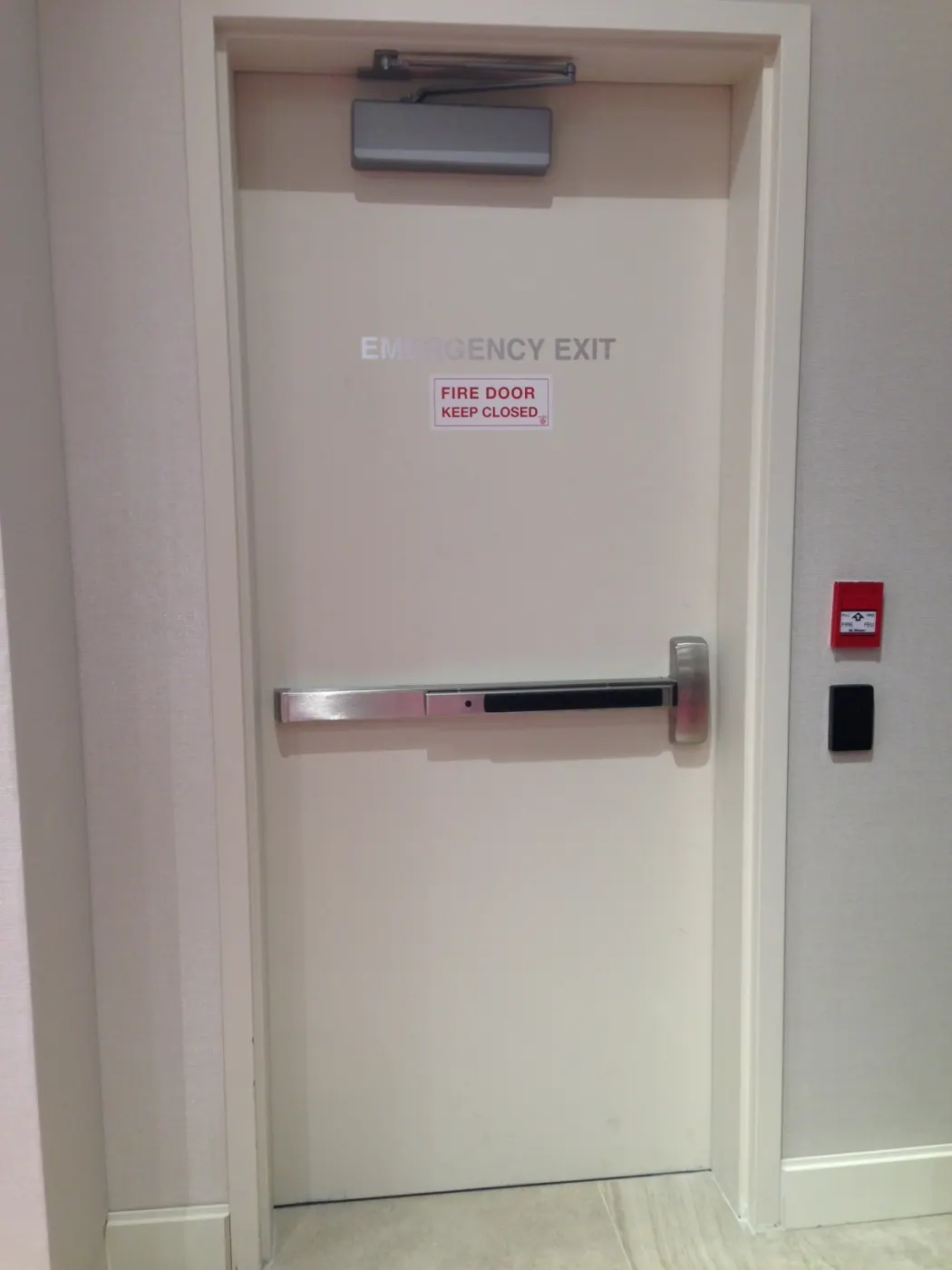
Image: Wikimedia Commons - Door Access Control, Artechvideo, CC BY-SA 4.0. Optimized as WebP.
What Does VMware Access Control Cover Under KVKK?
Under KVKK, access control answers the question "who can access what, why, and for how long?" across the technical layers that can reach personal data. In VMware environments, this is not limited to guest operating systems or application users. A user with permissions on vCenter and ESXi can open VM consoles, take snapshots, copy disks, change networks, inspect datastore content, or reach personal-data copies through backup integrations.
That is why VMware access control should cover these areas together:
- vCenter and ESXi administrator accounts
- Active Directory or other identity source connections
- vCenter roles and privilege sets
- permission assignments on datacenter, cluster, host, datastore, network, and VM folder objects
- access boundaries for VM groups processing personal data
- backup, monitoring, SIEM, and automation service accounts
- break-glass and temporary privileged access
- login, logout, permission, and role change logs
This frame deepens the access-governance side of VMware KVKK Technical Measures Guide, which covers access control, logging, encryption, backup, and network isolation together.
How Should an Authorization Matrix Map to VMware Objects?
The authorization matrix logic in KVKK guidance should be mapped directly to the vCenter inventory hierarchy. Otherwise, documents may state that permission control exists while old project groups, overly broad admin roles, or forgotten service accounts continue to create the same risk inside vCenter.
A practical starting matrix can look like this:
| VMware access area | Who should access it? | KVKK risk | Evidence |
|---|---|---|---|
| vCenter global admin | limited platform team, break-glass owners | full effect on all VMs and infrastructure | approval record, MFA, session log |
| VM folder processing personal data | application operations owner | console, disk, snapshot, and power action risk | role matrix, review output |
| datastore | storage and platform team | VM disk copy and data leakage risk | datastore permission list |
| network port group | network/platform team | segment bypass or wrong access path | change record, firewall review |
| backup integration | backup service account | backup data access and restore risk | service account inventory |
| monitoring/SIEM | security and monitoring teams | log visibility and event tracking | read-only role, log target |
This work aligns with Business Management Services, especially the Cybersecurity Assessment Service. On the technical account lifecycle side, User, Group and Authorization Management and Active Directory and Identity Management Automation are relevant supporting services.
How Should vCenter Roles, Permissions, and Inheritance Be Designed?
The first mistake in VMware access control design is creating person-specific roles or placing everyone in the built-in Administrator role. A more defensible model creates a task-based role catalog.
Example role catalog:
KVKK-VM-Operator: power action and console access inside a defined VM folderKVKK-Security-ReadOnly: read access for security and audit teamsKVKK-Backup-Service: limited privilege set required by backup softwareKVKK-Network-Change: only required port group and network changesKVKK-BreakGlass-Admin: time-bound and monitored privileged access for emergencies
Broadcom KB 380445 explains that vCenter permission propagation is managed per permission assignment and that direct permissions on child objects can affect inherited permissions from parent objects. Therefore, access control review should inspect not only role names but also where each role starts and how it propagates to child objects.
Review should ask:
- is the permission assigned at datacenter, cluster, folder, datastore, or network level?
- is propagation enabled or disabled?
- are there direct permissions on child objects?
- does the same user receive different roles through multiple AD groups?
- can a representative test user perform only the expected actions?
For a similar ISO 27001 control language, How to Implement VMware Access Control for ISO 27001 adds an enterprise ISMS perspective to this KVKK model.
How Should Privileged Access and Service Accounts Be Managed?
Privileged access is critical for KVKK for two reasons: it can provide direct or indirect access to personal data, and if the action trail is unclear after an event, the data security defense becomes weak. The Administrator role should therefore not be used as a daily work account.
A solid privileged access model should include:
- use named accounts and avoid shared admin accounts for normal operations
- tie privileged role assignment to requests and approvals
- remove temporary permissions after the approved duration or review
- test break-glass accounts regularly, but review every use as an event
- require MFA or strong authentication
- forward critical activity logs to SIEM or a central log platform
Service accounts should be managed separately. Accounts used for backup, monitoring, automation, replication, and SIEM integrations should not be added to human-user groups. They need separate roles, ownership records, and secret rotation plans.
Broadcom KB 316596 explains LDAPS configuration steps for vCenter Single Sign-On identity sources. This source shows why the authentication channel matters in an AD-based access model. Broadcom KB 405145 shows that conflicting Active Directory group memberships can create unexpected permission results in vCenter operations. Together, these points show that "we assigned an AD group" is not enough for KVKK.
How Should Access Logs and Audit Evidence Be Prepared?
Access control for KVKK remains incomplete without log evidence. The permission matrix may be correct, but if access changes, failed logins, role updates, or service account usage are not observed, the organization cannot prove that the control is operating.
Core events to monitor:
- vCenter login success and login failure
- logout and session closure records
- permission added, updated, and removed events
- role added, updated, and removed events
- access changes caused by user or group membership
- critical VM power action, console, snapshot, clone, and migration actions
- automation and backup actions performed by service accounts
Broadcom KB 423205 shows that vCenter login records can be tracked with LoginSuccess, LoginFailure, and Logout events. Broadcom KB 432327 lists permission and role events among the security and audit log categories that should be forwarded to SIEM. That makes SIEM and Security Event Management Integration an important technical layer for the VMware access control evidence chain.
The audit file should include:
- vCenter identity source and LDAPS configuration standard
- role catalog and privilege matrix
- access matrix for VM groups processing personal data
- AD group membership review output
- service account inventory and secret rotation record
- permission inheritance test results
- access request, approval, and removal records
- SIEM search outputs for login and permission events
- access review report for the last 90 days or the period defined by policy
This topic becomes stronger when read together with How to Manage VMware Audit Logs for KVKK and How to Configure VMware Logging for KVKK.
90-Day Implementation Plan
Days 1-30: Inventory and risk visibility
- export vCenter roles, permissions, identity sources, and AD group mappings
- mark VM folders, datastores, backup targets, and network objects that process personal data
- list users, groups, and service accounts assigned to the
Administratorrole - check current visibility for login, permission, and role events
Days 31-60: Role standard and cleanup
- create a task-based role catalog
- remove old project groups, unnecessary admin memberships, and conflicting group assignments
- separate service accounts from personal users and add ownership records
- test permission inheritance behavior on critical VM folder and datastore objects
Days 61-90: Evidence and continuous review
- standardize access request, approval, and removal records
- prepare SIEM searches for login failure, permission change, and role change events
- create a 90-day access review report
- test break-glass accounts and update the usage procedure
This plan moves VMware access control beyond one-time permission cleanup and turns it into a continuously operated technical measure for KVKK.
Related Content
- VMware KVKK Technical Measures Guide
- How to Manage VMware Audit Logs for KVKK
- How to Configure VMware Logging for KVKK
- How to Design VMware Network Isolation for KVKK
- How to Implement VMware Access Control for ISO 27001
- VMware vCenter Security for ISO 27001 Compliance Guide
Checklist
- vCenter identity source and LDAPS configuration were validated
- VM folder and datastore objects processing personal data were marked
- role catalog was designed by task, not by individual user
- the
Administratorrole was removed from daily operations - AD group memberships and conflicting roles were reviewed
- permission inheritance was tested on critical objects
- service accounts have ownership, role, and secret rotation plans
- break-glass accounts are managed through a usage procedure
- login, permission, and role events are included in centralized logging
- access review evidence for the last 90 days is being prepared
Next Step with Leon-X
VMware access control for KVKK is not just creating a few roles inside vCenter. It is the joint operation of identity, permission, approval, logging, and review processes in infrastructure that can process personal data. Leon-X makes access risks visible through Business Management Services, especially the Cybersecurity Assessment Service and Network Security Policy Management.
On the technical implementation side, User, Group and Authorization Management, Active Directory and Identity Management Automation, Enterprise Virtualization Platforms Sales and Licensing, and SIEM and Security Event Management Integration complete the auditable access architecture. To assess your current vSphere environment for KVKK technical measures or request a proposal, continue through the Contact page.
Relevant pages:
- Business Management Services
- Cybersecurity Assessment Service
- Network Security Policy Management
- User, Group and Authorization Management
- Active Directory and Identity Management Automation
- Enterprise Virtualization Platforms Sales and Licensing
- SIEM and Security Event Management Integration
- Contact
Frequently Asked Questions
Why should VMware access control be handled separately for KVKK?
Because permissions on vCenter and ESXi can provide access to VM consoles, disks, snapshots, datastores, backups, and networks that can affect the personal-data processing chain.
Is reducing the Administrator role enough?
No. Reducing Administrator usage matters, but AD group conflicts, service accounts, permission inheritance, temporary access, and access logs must be managed within the same control model.
Why are VMware service accounts risky?
Service accounts often have broad permissions for backup, monitoring, and automation. If ownership, privilege sets, and secret rotation are undocumented, they create personal-data access risk.
Which VMware access control evidence helps during KVKK review?
Role matrices, AD group review outputs, permission exports, service account inventories, access request and approval records, login logs, permission events, and periodic review reports create stronger evidence together.
How often should access reviews be performed?
The period should follow the organization's policy. For critical VMware environments, a 90-day or quarterly review is a strong practical starting point.
Sources
- KVKK - Obligations Regarding Data Security
- KVKK - Personal Data Security Guide
- Broadcom KB 316596 - Configuring a vCenter Single Sign-On Identity Source using LDAPS
- Broadcom KB 380445 - vCenter hierarchical inheritance of permissions
- Broadcom KB 405145 - Some vCenter operations not available for users in AD groups
- Broadcom KB 423205 - How to find vCenter Server login record
- Broadcom KB 432327 - Identifying audit and security logs to forward to SIEM
- Wikimedia Commons - Door Access Control