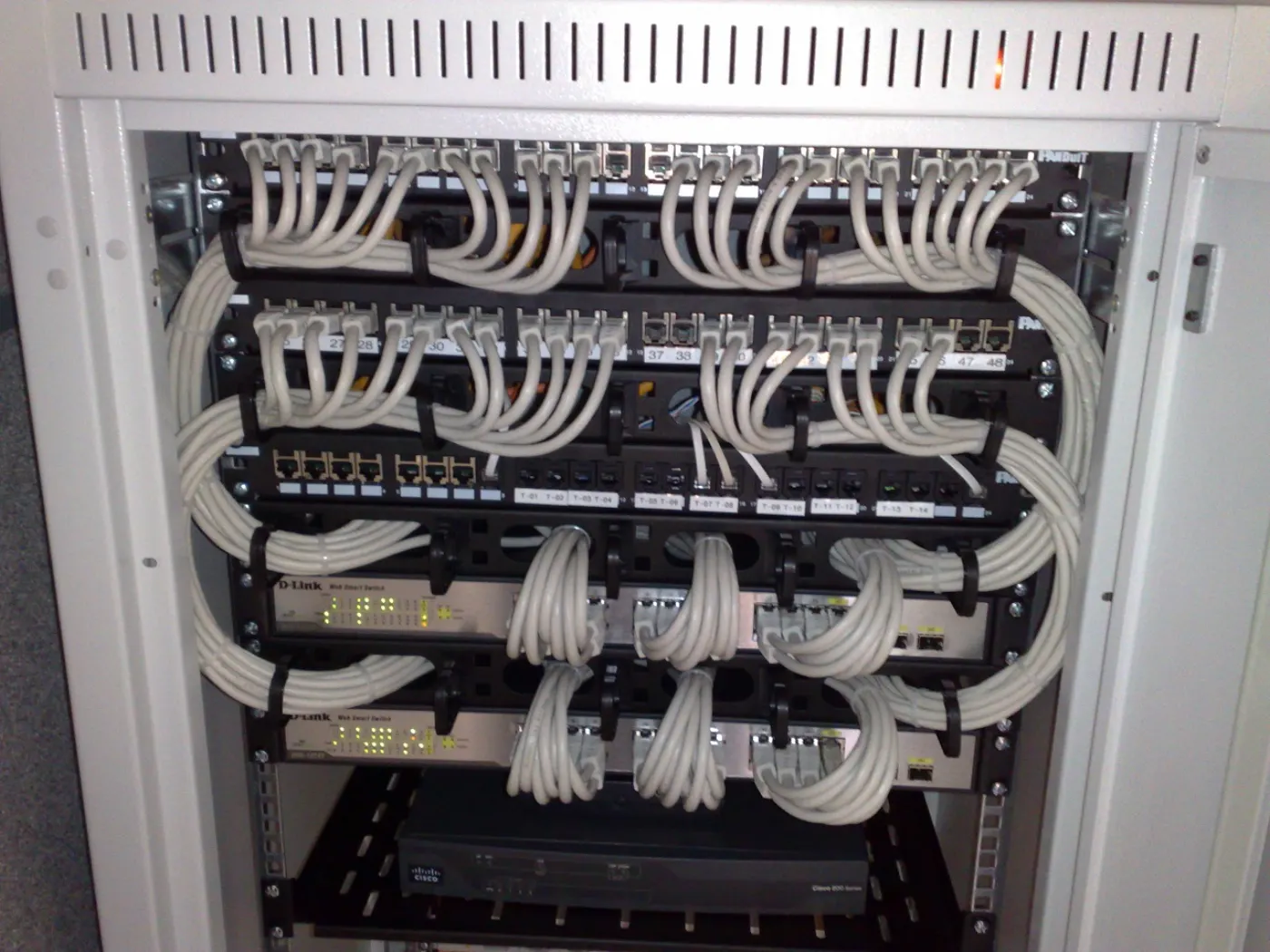
Designing VMware network isolation for KVKK is not only about assigning a separate VLAN to every application. A stronger model separates vCenter and ESXi management traffic, VM segments that process personal data, backup and replication networks, storage traffic, DMZ access, and log/SIEM visibility inside the same security architecture. The short answer is this: a defensible VMware network isolation model for KVKK limits network paths to systems that can access personal data according to least access, observability, and auditable evidence.
This guide is written for:
- system teams managing VMware vSphere, vCenter, and ESXi
- IT and information security teams responsible for KVKK technical measures
- network teams designing VLANs, firewall zones, and virtualization networks
- organizations that need to separate VM groups that process personal data
Quick Summary
- The KVKK Personal Data Security Guide treats authorization matrices, access control, log records, and network security as connected technical and administrative measures.
- VMware network isolation should classify vCenter management, ESXi VMkernel, VM port group, backup, replication, storage, and DMZ segments as separate risk classes.
- Broadcom vSphere documentation and KB articles show that VLANs, VMkernel adapters, port group security, and dedicated traffic separation are important design points.
- VLANs are not enough by themselves; firewall policy, port group standards, distributed switch consistency, logging, and access review must work together.
- For VMs that process personal data, use at least 5 segment classes: management, application, database, backup/replication, and monitoring/logging.
- Strong audit evidence includes a segment matrix, firewall rule list, vSwitch/vDS port group outputs, log records, and 90-day review evidence.
Table of Contents
- What Does VMware Network Isolation Cover Under KVKK?
- Which Network Segments Should Be Separated?
- How Should VLANs, Port Groups, and Distributed Switches Be Designed?
- How Should Firewall Zones and Access Policies Work?
- How Should Logging and Audit Evidence Be Prepared?
- Related Content
- Checklist
- Next Step with Leon-X
- Frequently Asked Questions
- Sources
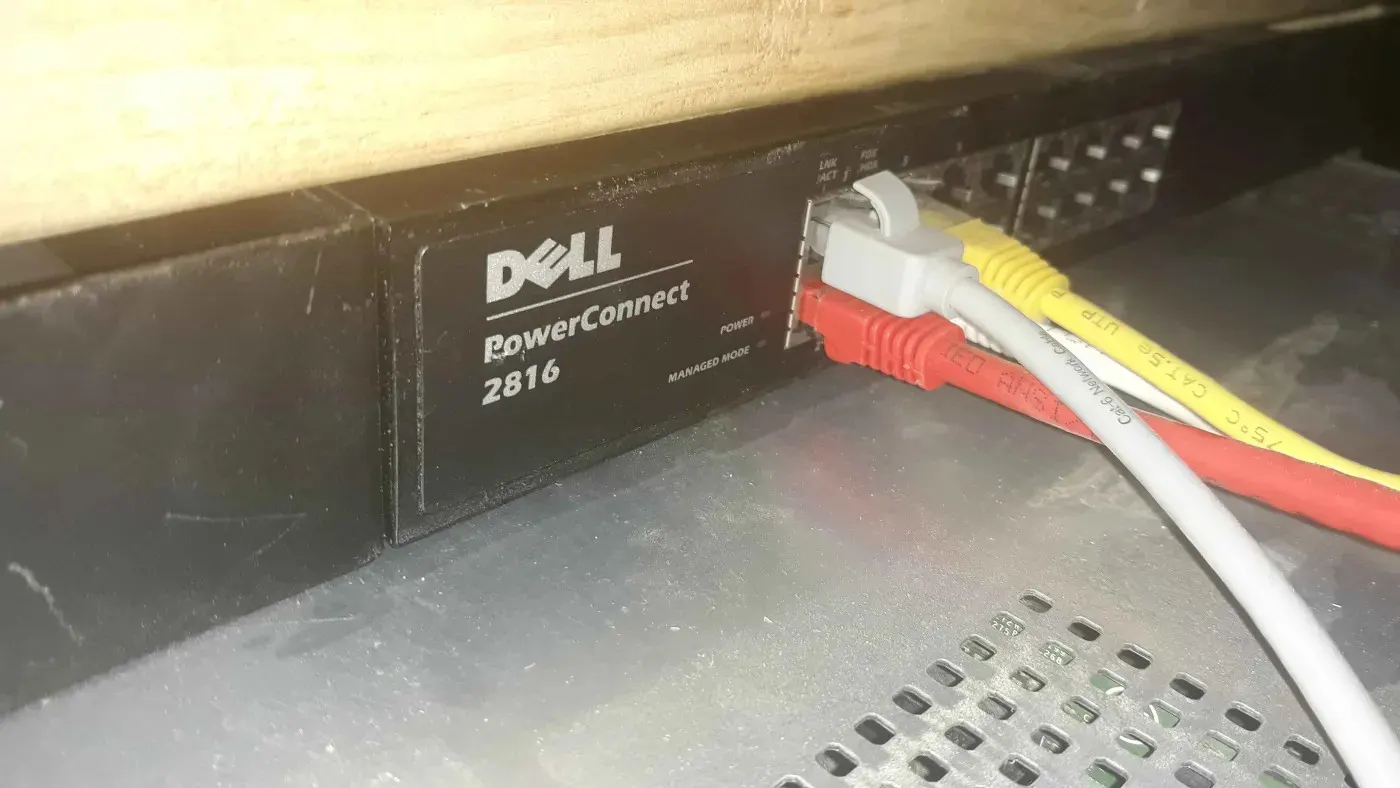
Image: Wikimedia Commons - Dell Powerconnect 2816.
What Does VMware Network Isolation Cover Under KVKK?
Under KVKK, network isolation means not placing systems that can access personal data next to everything else on the network. The goal is not only performance or smaller broadcast domains. It is to separate applications, databases, management interfaces, and backup targets that process personal data from unnecessary access paths.
In a VMware environment, network isolation should answer:
- is the vCenter and ESXi management network separate from user networks?
- are VMs that process personal data separated from other application VMs?
- can only required application segments reach database segments?
- does backup or replication traffic mix with user or DMZ networks?
- are vMotion, storage, and management VMkernel traffic separated?
- are inter-segment paths monitored through firewall or gateway policy?
- are port group and VLAN standards consistent across hosts?
For that reason, the access control, logging, and backup sections in VMware KVKK Technical Measures Guide should be read together with network isolation.
Which Network Segments Should Be Separated?
In a minimum design, each VLAN or port group should have a clear business purpose. The table below gives a practical starting point.
| Segment | Purpose | KVKK control value |
|---|---|---|
| Management | vCenter, ESXi management, admin access | separates the management surface from user traffic |
| Application | application VMs that process personal data | limits access surface by business function |
| Database | database VMs | blocks direct user access |
| Backup/Replication | backup proxy, repository, replication traffic | prevents backup data from crossing unnecessary networks |
| Monitoring/Logging | SIEM, syslog, monitoring collector | centralizes event visibility |
| DMZ | internet-facing or externally exposed services | limits direct paths to internal data segments |
Without this separation, one weak application server can create an unnecessary path toward a more critical database or management service in the same L2/L3 area. Under KVKK, that creates the risk that technical measures exist only on paper.
How Should VLANs, Port Groups, and Distributed Switches Be Designed?
Broadcom vSphere networking documentation shows that VLAN, port group, and VMkernel adapter separation are core parts of VMware network design. In practice, define these standards:
- every port group should have a clear business purpose
- port group names should carry VLAN ID, environment, and function
- management, vMotion, storage, and VM traffic should use separated VMkernel or port group designs
- standard switch environments should be checked for port group drift
- distributed switch environments should have central policy and rollback plans
- VLAN trunk behavior should be verified with the physical network team
Port group security settings
Broadcom KB 324520 explains that a port group promiscuous mode setting can override the virtual switch setting. Broadcom KB 427110 states that forged transmits and MAC address changes protect traffic at Layer 2. For segments that process personal data, manage these settings deliberately:
- Promiscuous Mode: reject by default
- MAC Address Changes: reject unless required
- Forged Transmits: reject unless required
- special NLB, IDS, or virtual appliance exceptions: open only with ticket and risk approval
These settings do not create KVKK compliance alone, but they reduce traffic acceptance behavior that can weaken segmentation.
How Should Firewall Zones and Access Policies Work?
VLANs provide L2/L3 separation; they do not decide access on their own. In a strong KVKK model, VLAN or port group design is completed with firewall zones and access rules.
Recommended policy logic:
- user networks should not directly access database segments
- application segments should reach only required database ports
- management segments should be reachable only through jump host, VPN, or PAM-controlled access
- backup segments should communicate only with the relevant hypervisors, repositories, and management services
- monitoring/logging segments should receive one-way or controlled log flow
- DMZ segments should have no default access to internal data segments
This architecture directly relates to Business Management Services, especially Network Traffic Monitoring and Isolation and VLAN Design and Configuration Service. On the technical virtualization side, Hardware & Software Services and Enterprise Virtualization Platforms Sales and Licensing complete the vSphere design.
How Should Logging and Audit Evidence Be Prepared?
Network isolation cannot be defended during audit with a diagram alone. Monitoring and evidence are required. The audit log model in How to Manage VMware Audit Logs for KVKK complements this point.
The evidence set should include:
- VLAN and port group matrix
- vDS or vSS port group export outputs
- firewall zone and rule list
- management, vMotion, storage, and backup VMkernel separation
- SIEM records for critical allowed or denied inter-segment traffic
- change tickets and approval history
- segment review outputs from the last 90 days
- time-bound approval and closure record for high-risk exceptions
To move this flow into central visibility, SIEM and Security Event Management Integration is a supporting service.
Related Content
- How to Manage VMware Audit Logs for KVKK
- How to Configure VMware Logging for KVKK
- VMware KVKK Technical Measures Guide
- How VMware Network Architecture Works
- How to Configure VMware VLANs
Checklist
- vCenter and ESXi management network is separated from user networks
- VMs that process personal data are moved into separate application/database segments
- backup, replication, storage, and monitoring traffic are classified separately
- port group naming and VLAN ID standard is documented
- promiscuous mode, MAC address changes, and forged transmits are reviewed
- firewall zone rules follow least access
- high-risk inter-segment exceptions require time-bound approval
- critical segment paths are monitored in SIEM
- segment review evidence from the last 90 days is ready
- changes are managed with rollback plans and tickets
Next Step with Leon-X
VMware network isolation for KVKK is not only VLAN creation. It connects management, application, database, backup, logging, and DMZ flows for systems that process personal data into a controlled access model. Leon-X makes segmentation gaps visible through Business Management Services, Network Traffic Monitoring and Isolation, VLAN Design and Configuration Service, and the Cybersecurity Assessment Service. On the VMware implementation side, Hardware & Software Services and Enterprise Virtualization Platforms Sales and Licensing help turn the design into an operating standard. To review your environment or request a proposal, continue through the Contact page.
Relevant pages:
- Business Management Services
- Network Traffic Monitoring and Isolation
- VLAN Design and Configuration Service
- Cybersecurity Assessment Service
- Hardware & Software Services
- Enterprise Virtualization Platforms Sales and Licensing
- SIEM and Security Event Management Integration
- Contact
Frequently Asked Questions
Why is VMware network isolation important for KVKK?
It reduces unnecessary contact between VMs that process personal data and user, DMZ, backup, or management networks. That lowers unauthorized access and lateral movement risk.
Is VLAN separation enough?
No. VLANs are a useful separation layer, but they must be supported by firewall policy, port group standards, logging, and access review.
Should the management network be separate?
In a strong design, yes. vCenter and ESXi management traffic should not stay in the same segment as user or application traffic.
Why separate backup and replication traffic?
Backup data can contain personal data. Mixing this traffic with user or DMZ networks increases data leakage and operational impact risk.
Which evidence is useful during audit?
Segment matrices, port group export outputs, firewall rule lists, SIEM records, change tickets, and 90-day review outputs create stronger evidence together.
Sources
- KVKK - Personal Data Security Guide
- KVKK - Obligations Regarding Data Security
- Broadcom KB 304952 - vMotion interface: Creating a VMkernel port
- Broadcom KB 324520 - Configuring promiscuous mode on a virtual switch or port group
- Broadcom KB 427110 - Forged transmits and MAC address changes
- Broadcom KB 312753 - Isolating the network traffic of vSphere Replication
- Broadcom KB 311145 - Understanding network rollback and recovery
- Wikimedia Commons - Dell Powerconnect 2816